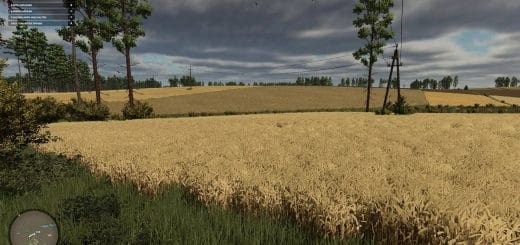
Improved Soybean Plants is a visual foliage replacement mod for Farming Simulator 25. Version 1.0.0.1 now works on mod maps as well as base-game maps; the replacement and restore system was updated for mod maps.
Features
- Replaces soybean foliage visuals with refreshed texture, model, XML, crop shape, and distance foliage files while active.
- Uses the same runtime replacement method as FS25_ImprovedCornPlants, but targets the base-game soybean foliage folder instead of maize.
- Copies the included soybean foliage files into the Farming Simulator installation while the mod is enabled.
- Installs a refreshed soybean foliage set while the mod is active.
- Applies updated growth-stage textures, distance foliage, XML data, and model data.
- Creates backups of the original base-game soybean foliage files before installing the custom set.
- Restores the base-game soybean visuals after the mission or game closes.
- Changes only soybean visuals, not yield, prices, growth calendar, harvesting behavior, contracts, recipes, equipment, or economy balance.
- Improves the visual appearance of soybean fields while leaving the normal farm economy unchanged.
Compatibility
- Works on base-game maps and mod maps.
- Multiplayer status: Supported.
- The active gameplay logic is written in Lua.
- Lua is loaded through modDesc.xml.
- Should be tested with crop growth, tramline, field destruction, precision, and ground-interaction mods.
- Compatibility testing should include the map, any mods that touch the same gameplay area, and a save-and-reload check.
Testing Notes
- Test the mod through the relevant field state or crop stage, then drive, harvest, or reload to confirm the normal FS25 workflow still behaves as expected.
- Change only one thing at a time while testing and record the map name, game version, mod version, and other active scripts that affect field & crop gameplay.
- After the first test, save the game, exit to the menu, reload the save, and repeat the same action once more.
- The second test pass can reveal restore problems, missing XML paths, delayed script errors, and visual changes that appear only after reload.
- If crop visuals or field states do not match expectations, remove other crop, tramline, texture, precision, or destruction mods and check the same field again.
- Use a backup save for testing before adding the mod to a serious or long-running farm.
Changelog
v1.0.0.1: The replacement and restore system now works on mod maps as well as base-game maps.