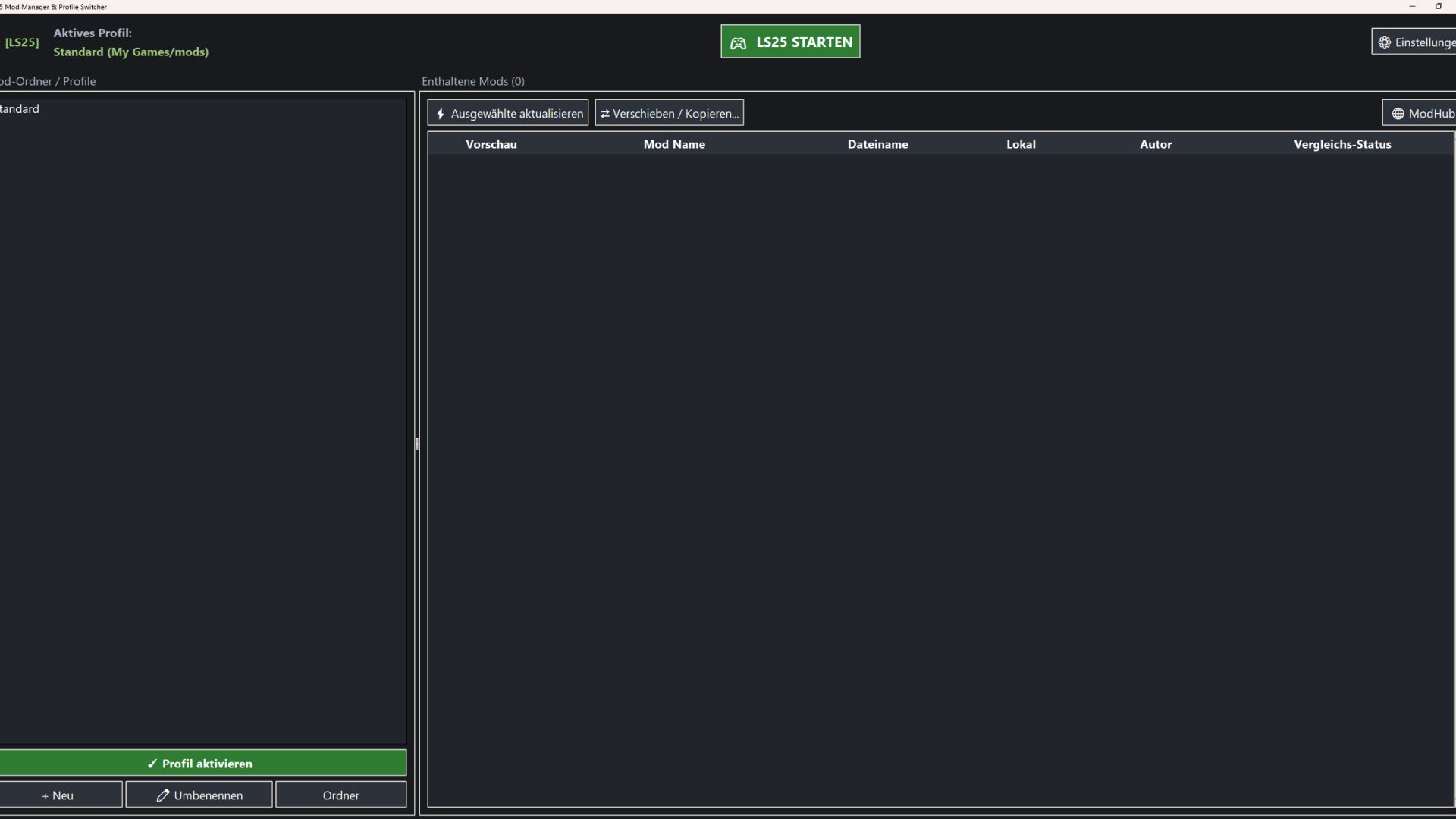
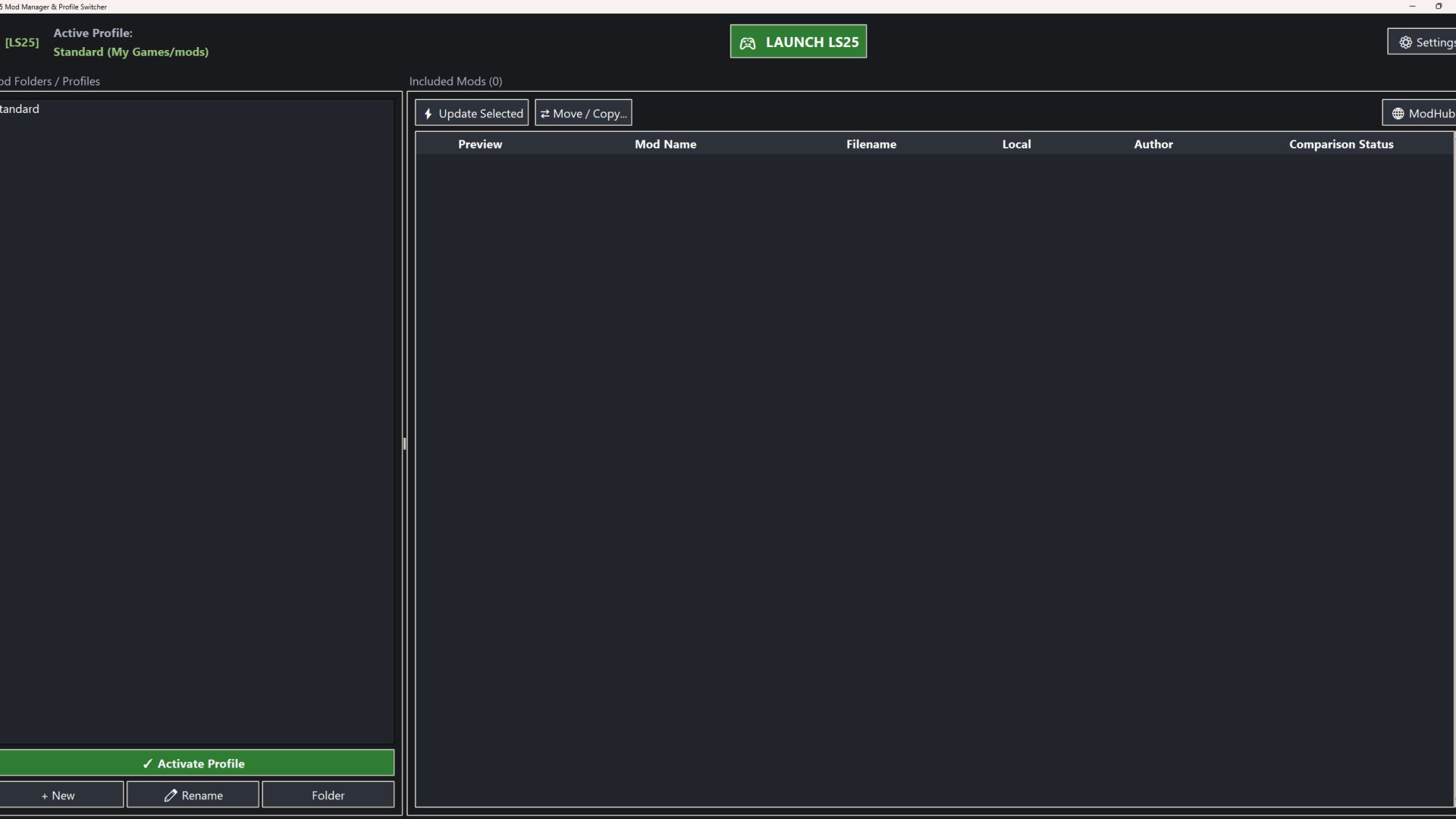
This is a tool to make managing your mod folders in FS25 easier. At first start, the tool will create a new folder “ModProfiles” in your game folder “C:UsersusernameDocumentsMy GamesFarmingSimulator2025”.
In this folder, you can create subfolders with different names for your different profiles/savegames/maps. This allows you to have different mod sets for different savegames/maps without always moving or copying all the mod files from one folder to another. You simply choose the profile/savegame and activate it. The “Launch LS25” button starts the game with your chosen mod set.
The tool also compares the versions of mods in the different folders. If a mod has a newer version in another folder, it will notify you, and you can update it to the newer version with one click. You can also move/copy mods between folders.
I hope I could make your FS25 life a bit easier.