Changelog
– Multiplayer sync fixed: Replaced local settings with proper network events. The server now processes toggle requests and broadcasts the state to all clients, fixing functionality on dedicated servers.
– Stopped vehicles included: Removed the 1 km/h minimum speed requirement. Collision is now disabled for all traffic vehicles regardless of whether they are moving or stopped.
– Scan performance improved (~97% fewer physics checks): The 90m physics query now uses collision-flag constants to scan only for vehicle/traffic shapes, completely eliminating redundant checks against terrain, buildings, and scenery.
– Toggle label fixed: Renamed the setting to “Disable AI Traffic Collision” across all languages so the “On/Off” states logically match the behavior.
– Here’s the description from ModHub
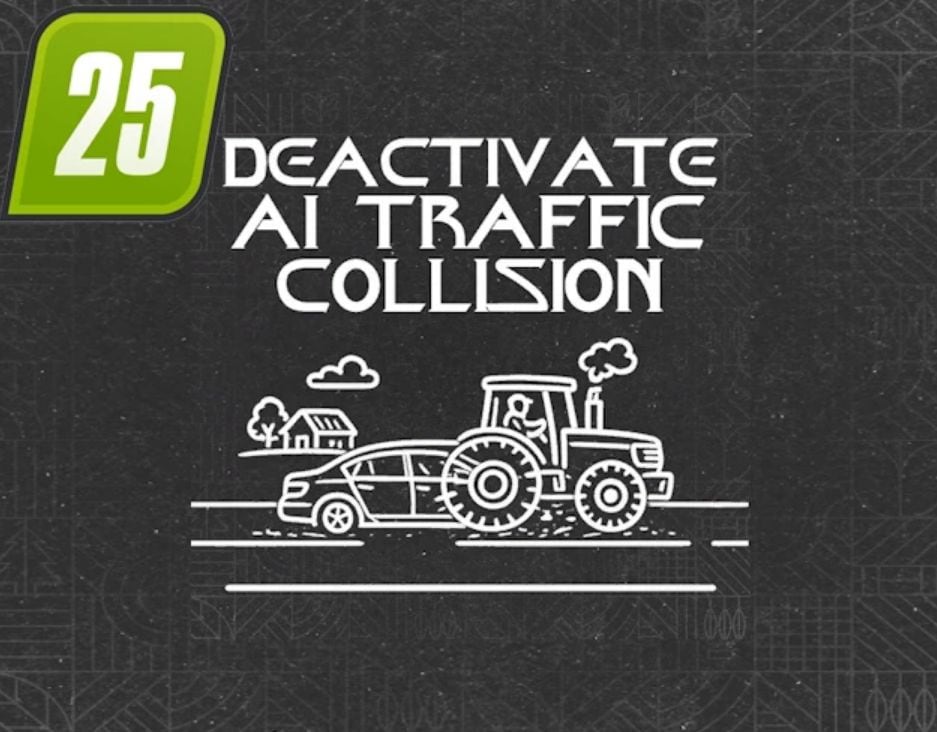
– Adds an in-game on/off toggle to disable object collisions for moving AI traffic vehicles. This lets you drive through traffic without obstruction. The traffic vehicles themselves will still detect you and stop in front of you or try to overtake you. Helpers driving via the helper system or with AutoDrive also no longer get stuck in AI traffic.
However, AI traffic vehicles do not detect each other. Therefore, in rare cases, vehicles may try to drive through other vehicles.