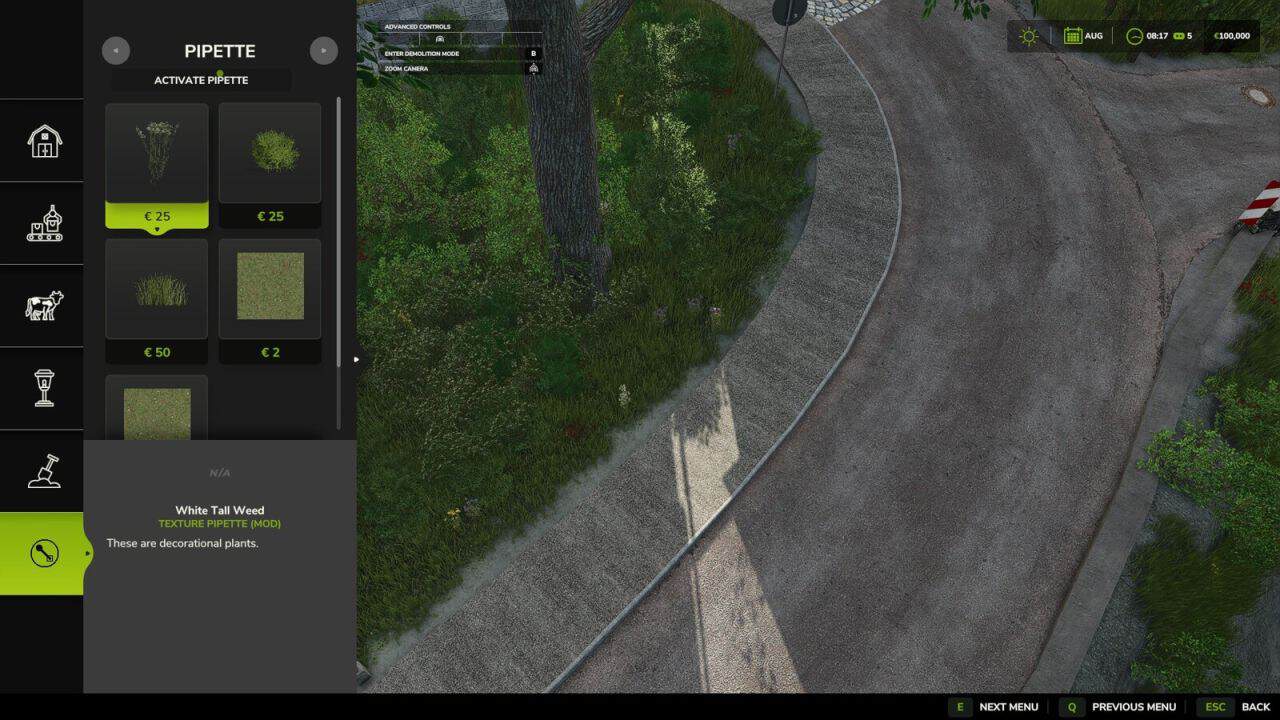
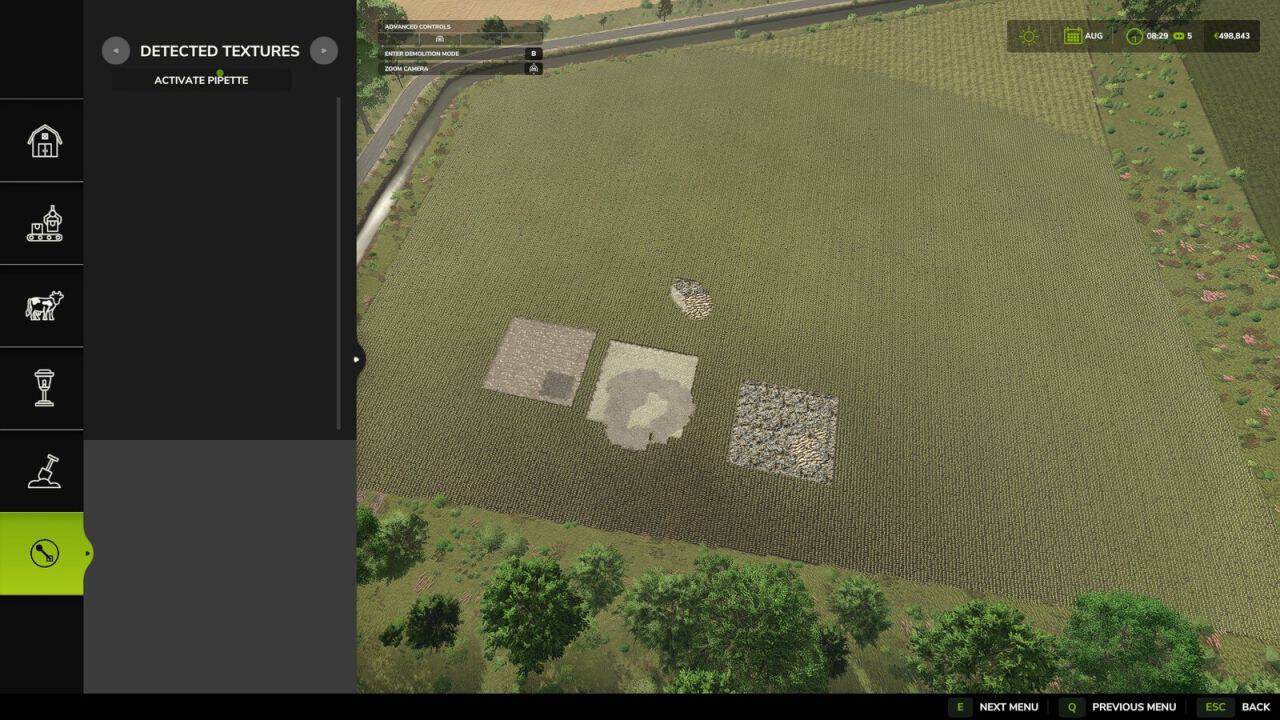
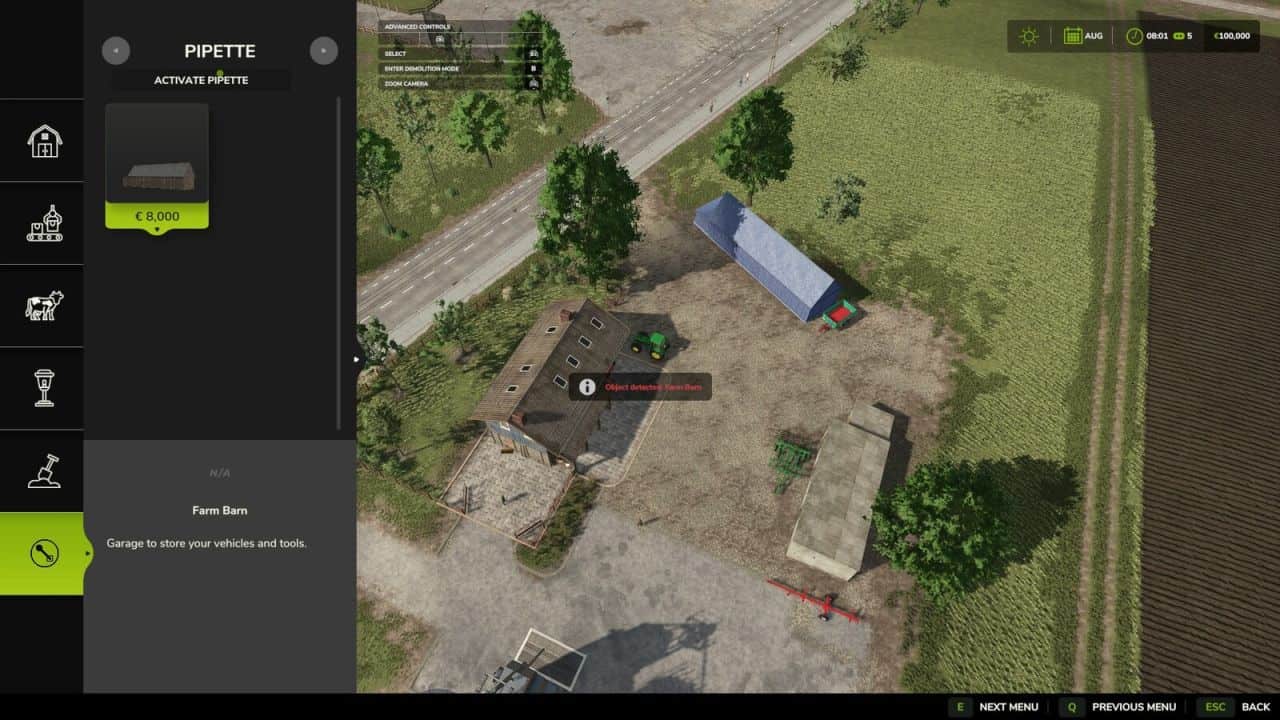
Texture Pipette adds a pipette function for ground textures, placeable objects and suitable map foliage to the construction menu.
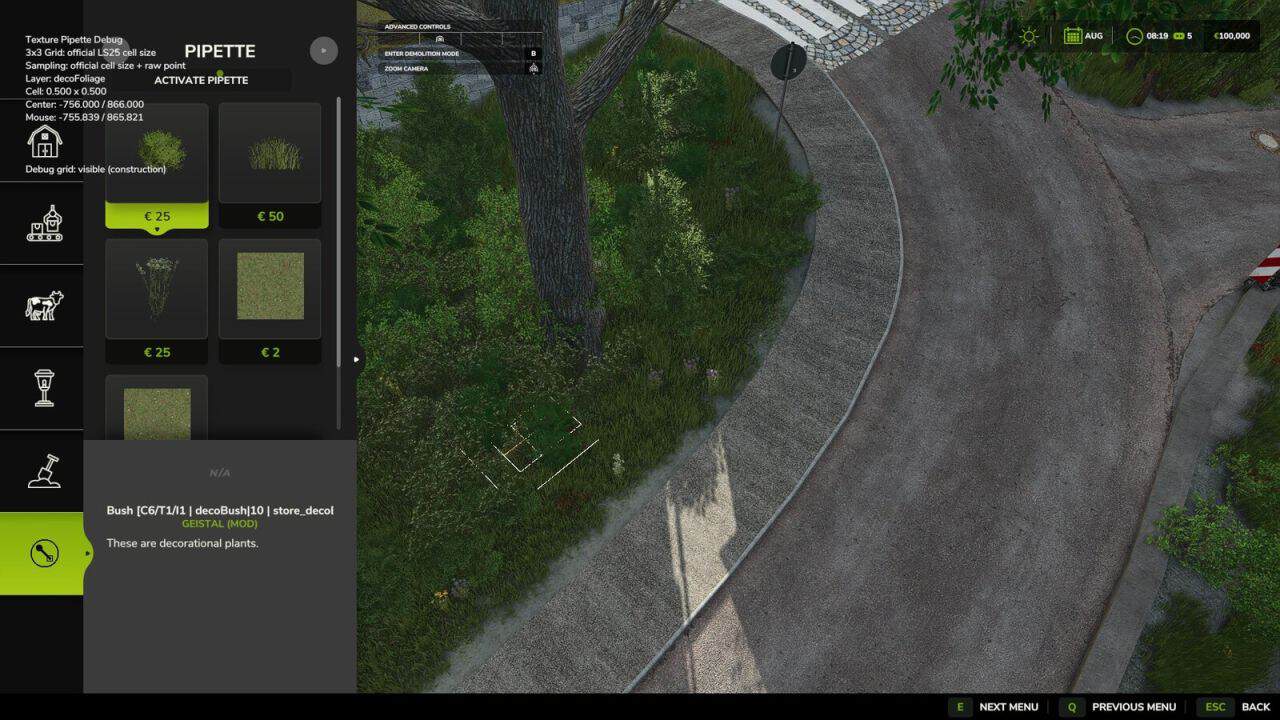
It allows previously used paint textures, visible foliage such as grass, flowers and bushes, and supported placeable objects to be picked directly from the map and found again more quickly in the construction menu. The mod prioritizes suitable results and can show several possible candidates in mixed areas.
How to use:
1. Open the “Pipette” tab in the construction menu.
2. Press the “Activate pipette” button.
3. Click a ground texture, foliage or supported placeable object.
4. Confirm the desired result in the construction menu.
5. Paint or build as usual.
If needed, the pipette can be activated again at any time. The active brush is reset before picking.
The mod also considers available ground textures and suitable foliage of the current map. Map foliage is added as paintable construction-menu entries where possible.
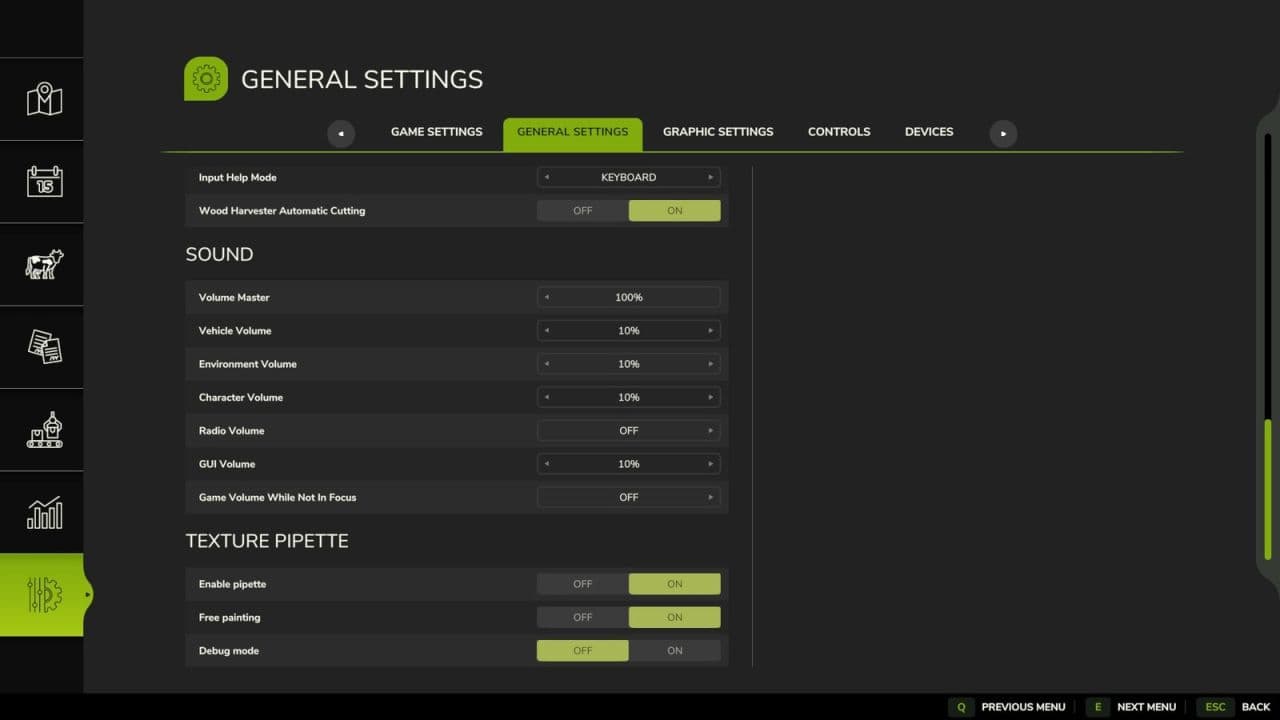
Debug mode is optional and disabled by default. It is only intended for troubleshooting.
V1.2.0.0
– Added detection support for foliage such as grass, flowers and bushes.
– Map foliage is added as paintable construction-menu entries where possible.
– Added a combined result list for foliage and ground textures.
– Added debug mode as optional troubleshooting aid.