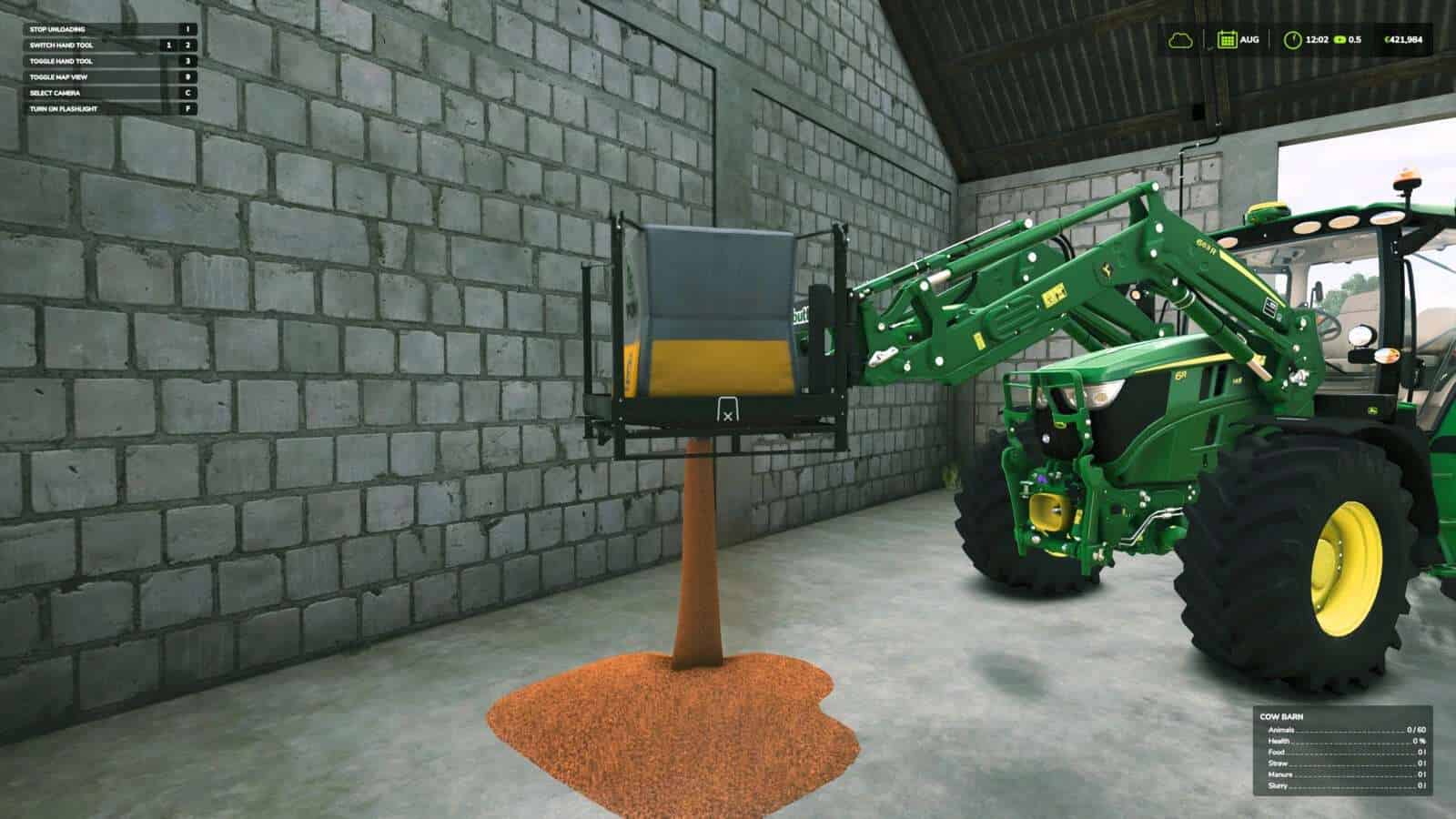
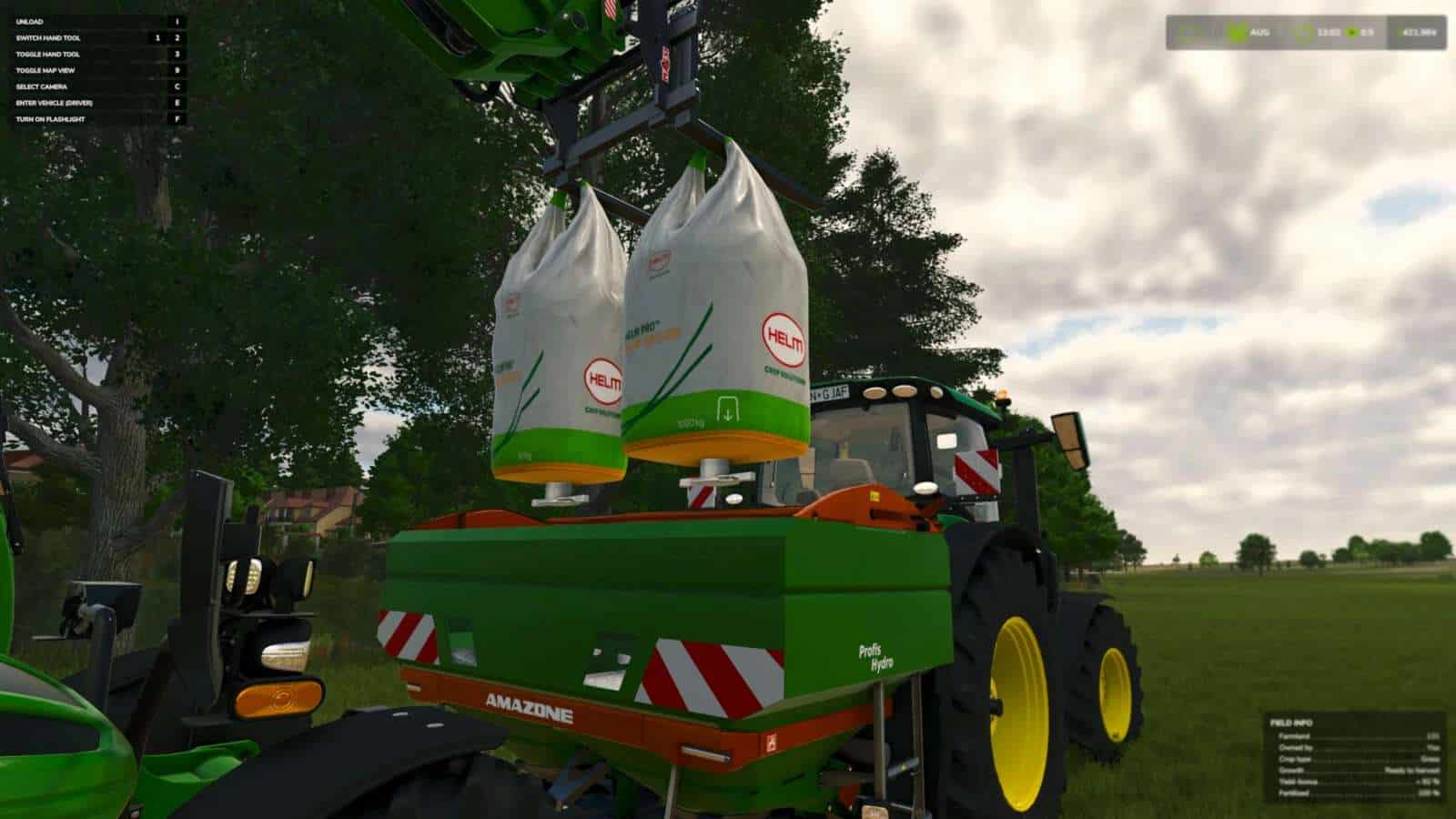
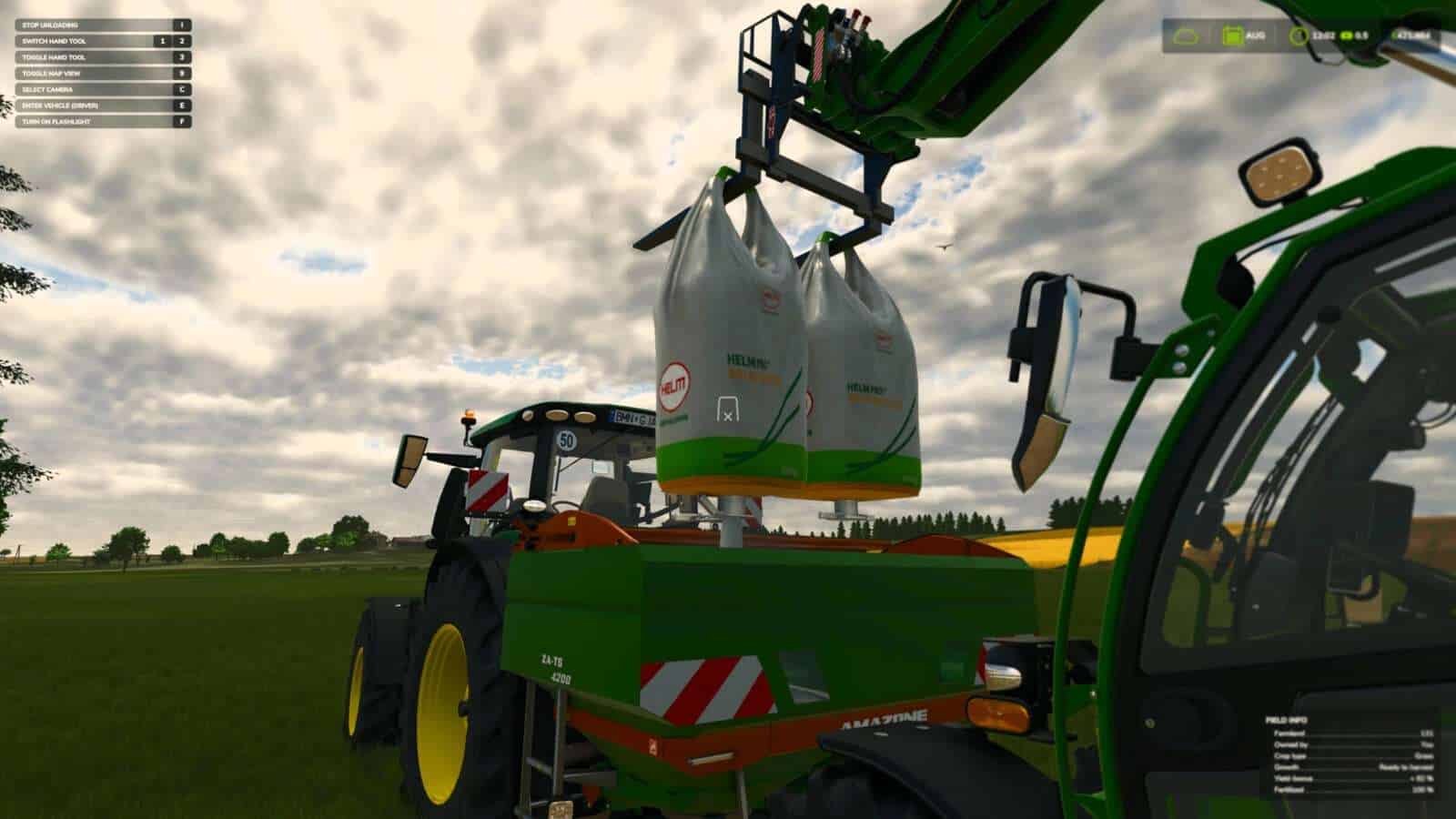
Add a touch of realism to your game by manually opening the discharge spout of Big Bags.
What’s Changed V1.1
– fix: reduce per-frame overhead in unload target detection by @aaw3k in #2
– refactor: rewrite discharge action with proper validation, warnings and API usage by @aaw3k in #3
– refactor: prefix funcs to avoid specialization collisions by @aaw3k in #4
– fix: prevent big bag ground discharge on vehicles by @aaw3k in #5
– refactor: convert xml tags to new e/k/v format by @aaw3k in #6
– fix: align unload input labels with base game by @aaw3k in #7
– feat: add unload height warning message by @aaw3k in #8
Instead of your bags automatically emptying the moment they are positioned over a container, you now need to hop out of your vehicle, walk up to the suspended Big Bag, and start the unloading process yourself.
Features:
– Manual discharge control works with all standard and modded Big Bags.
– Works perfectly when you have bags suspended on loaders, excavators, or telehandlers.
– Simple and natural interaction using standard controls.
Hotkeys:
– Press ‘I’ to manually open the spout and begin unloading (you need to be on foot near the Big Bag).