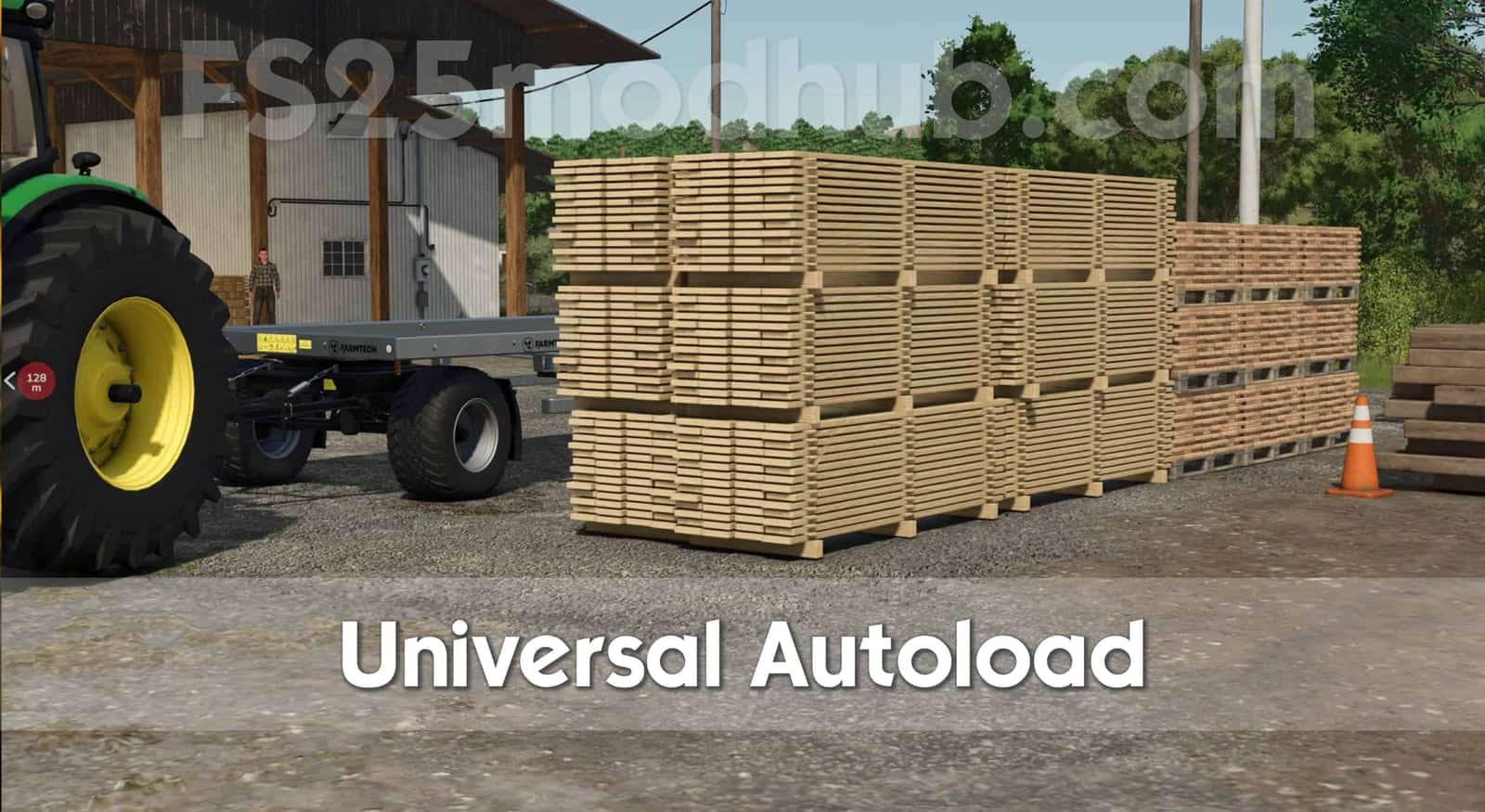

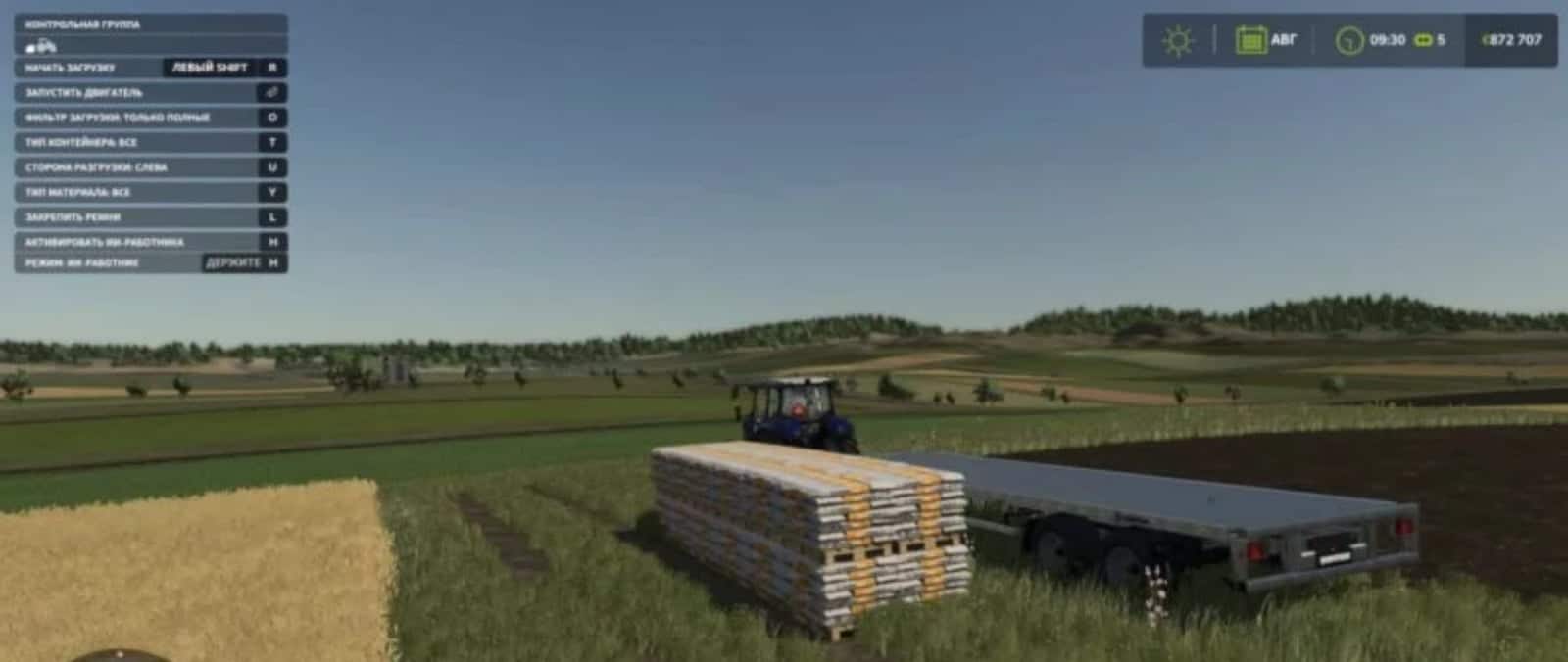
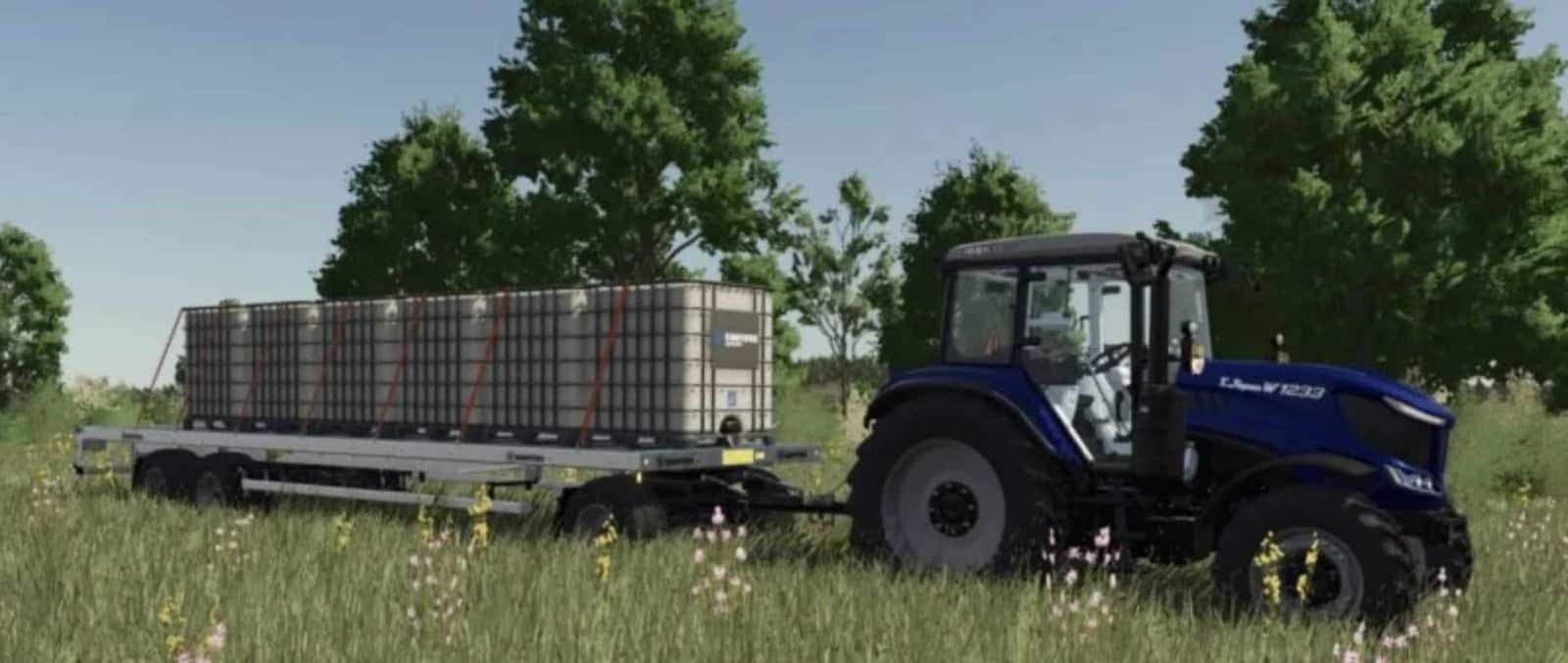
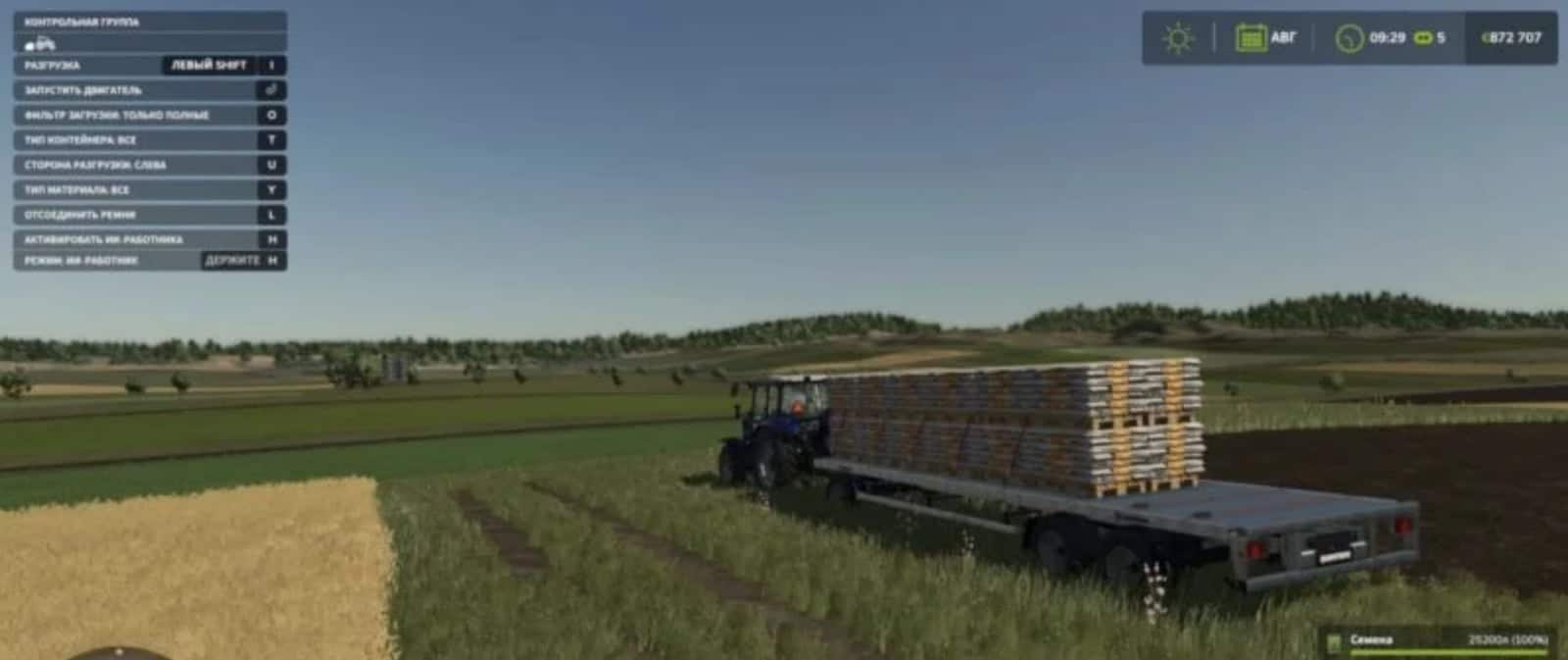
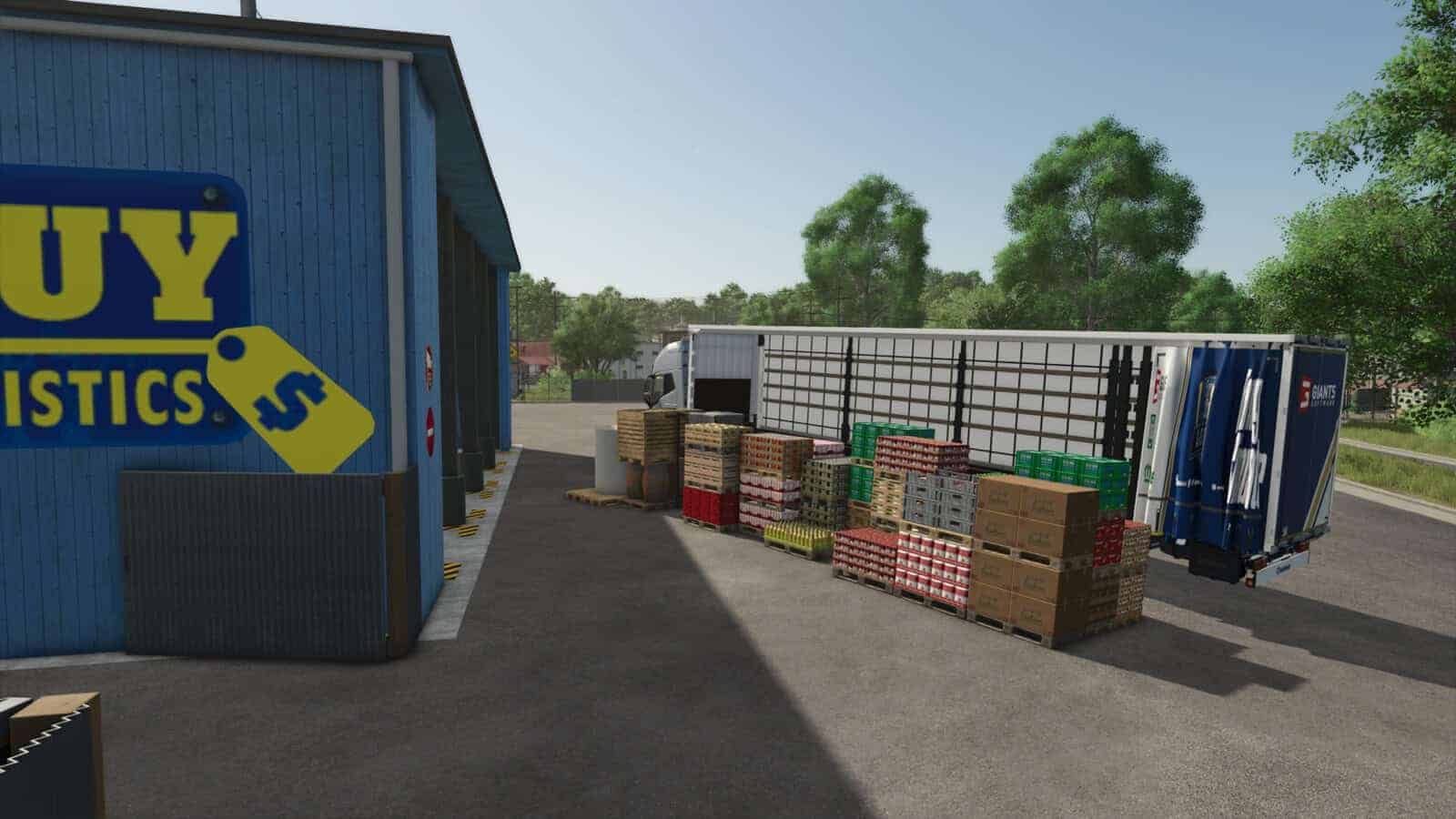
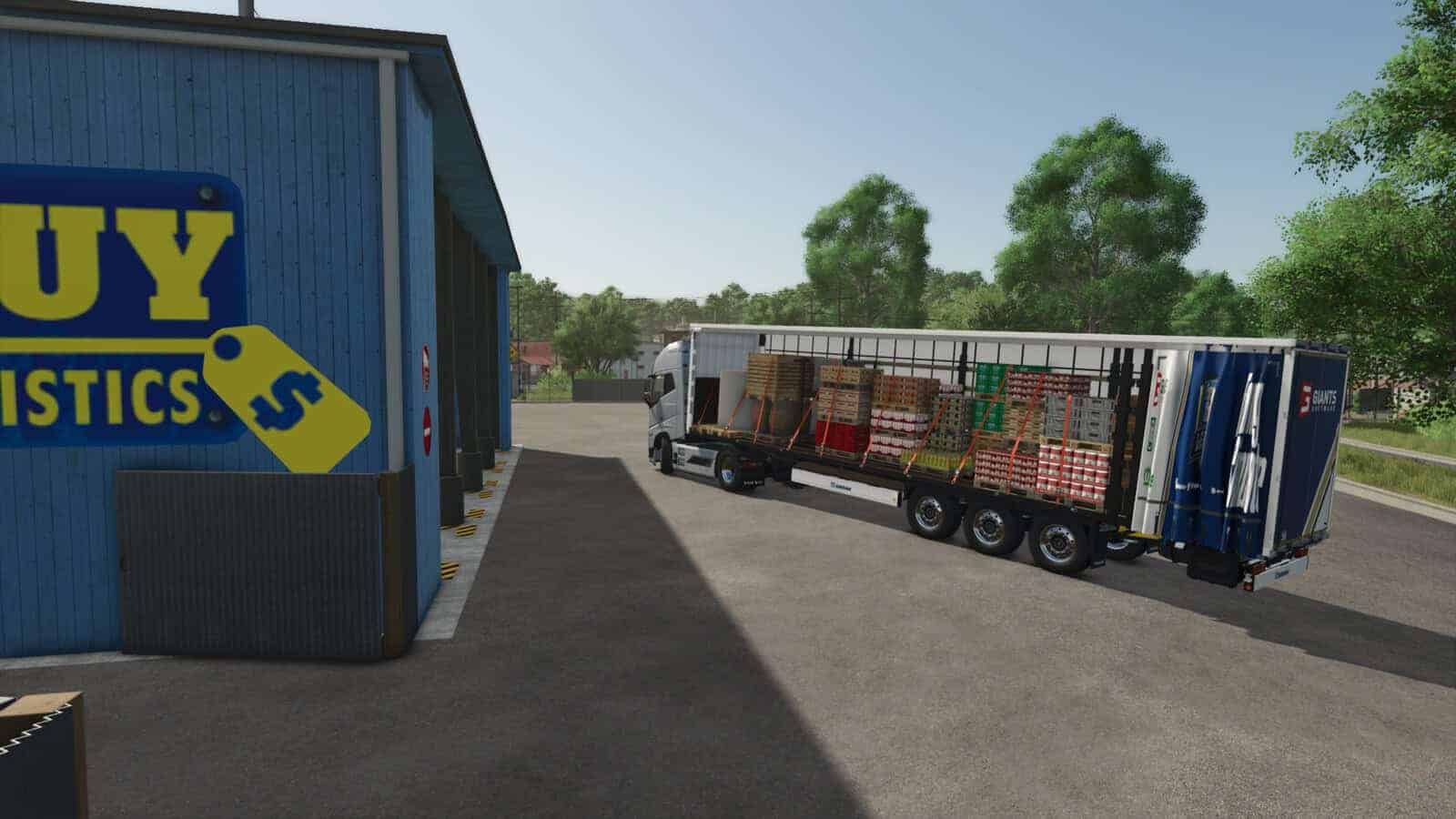
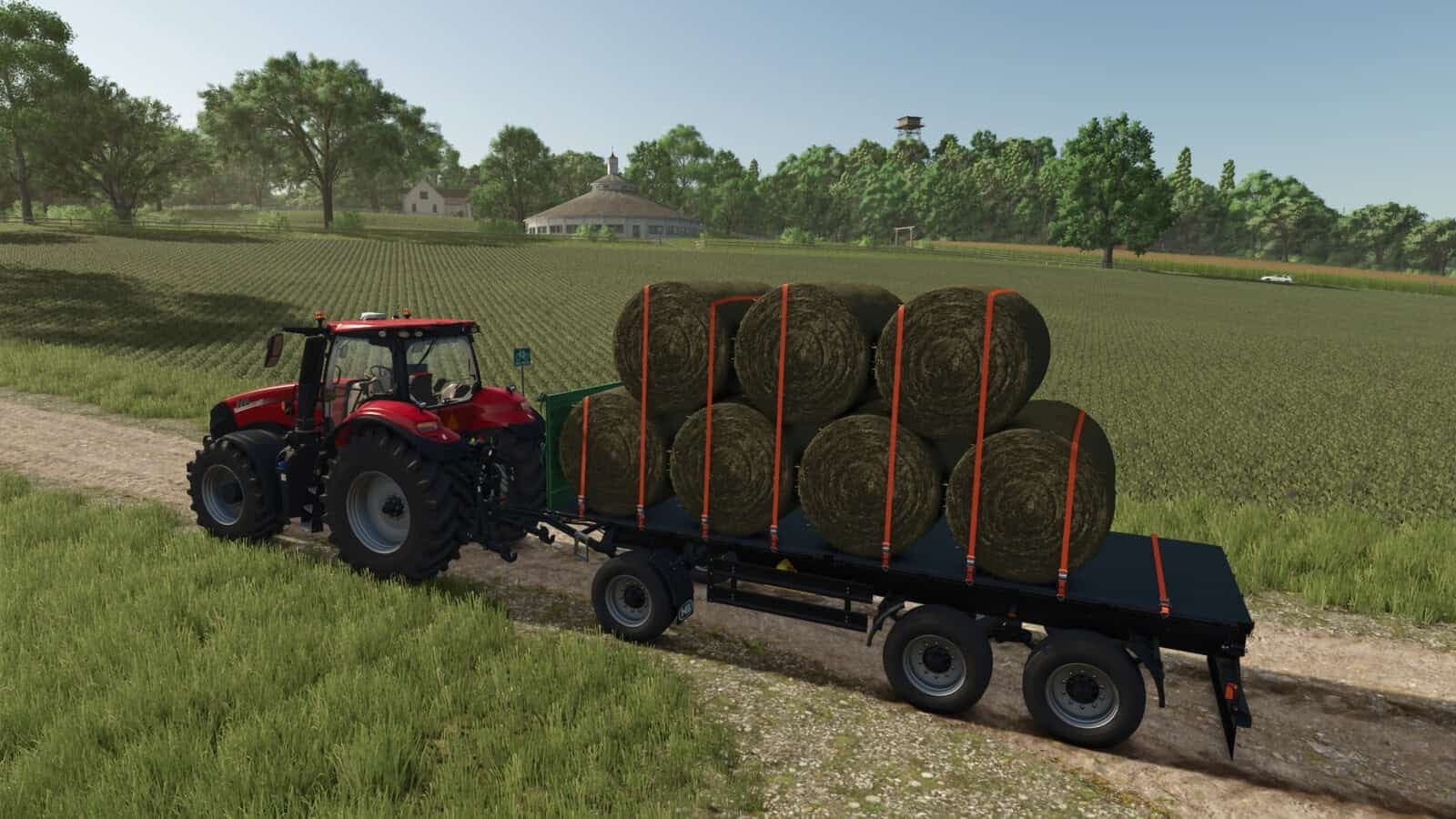
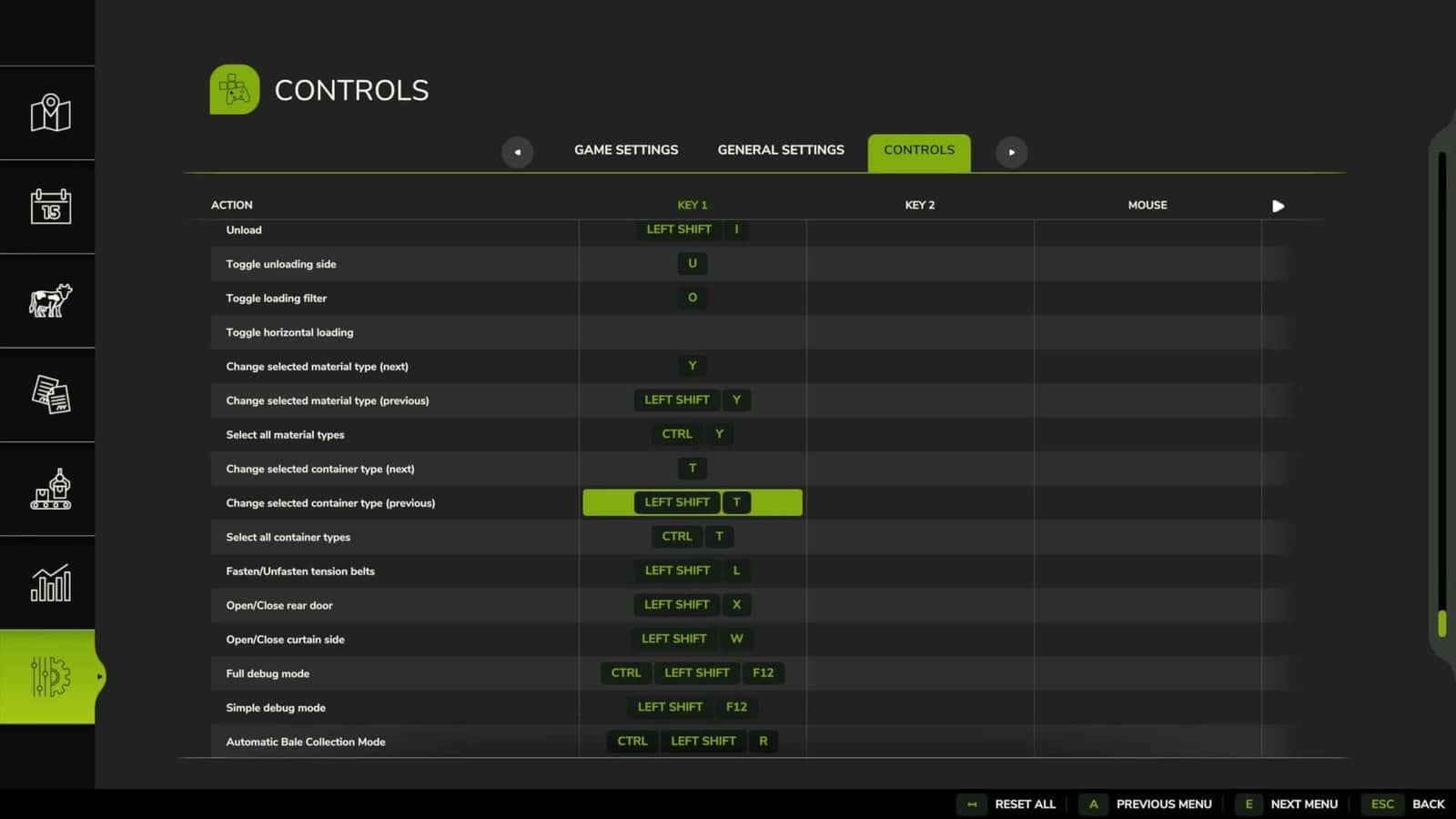
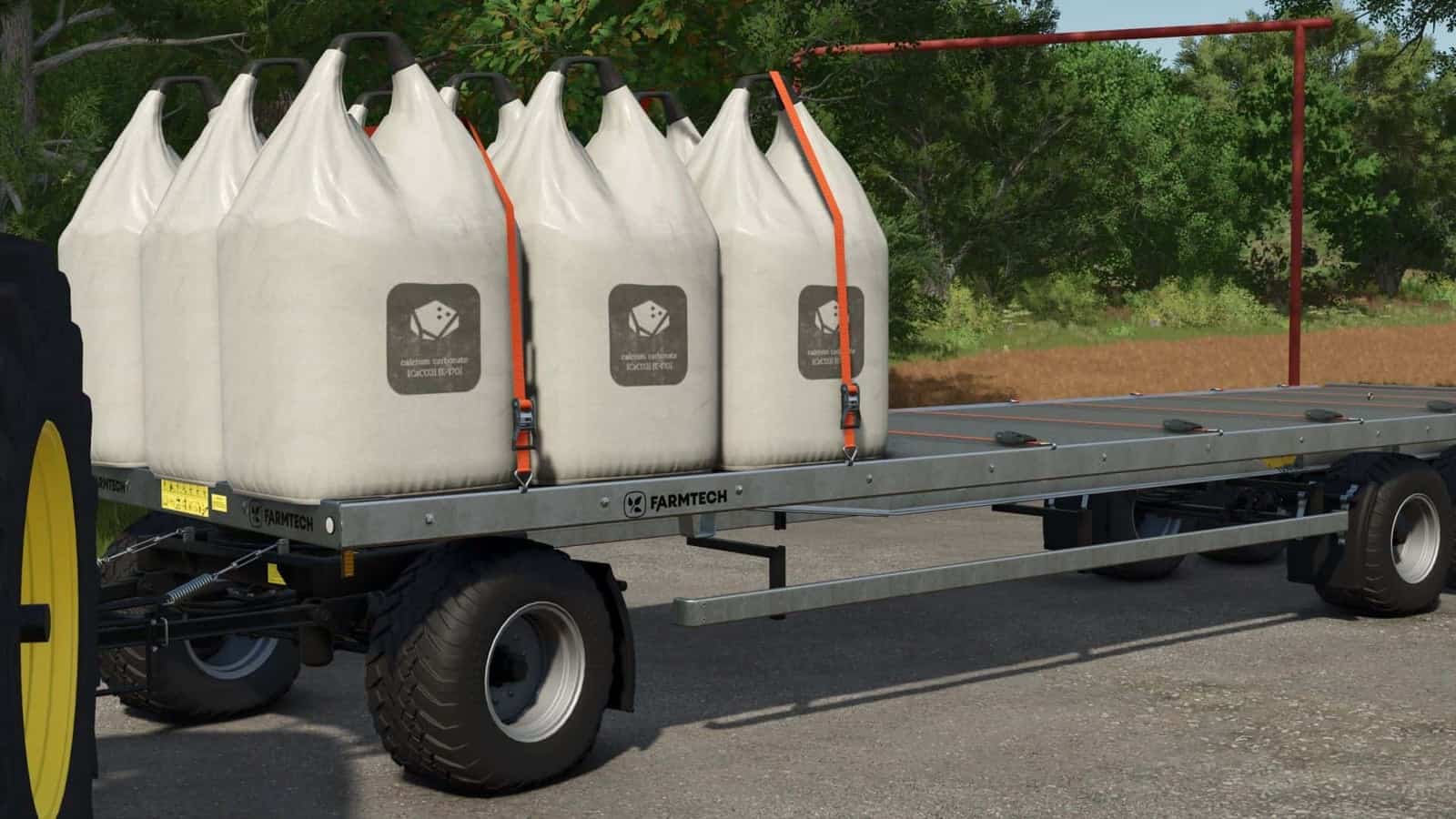
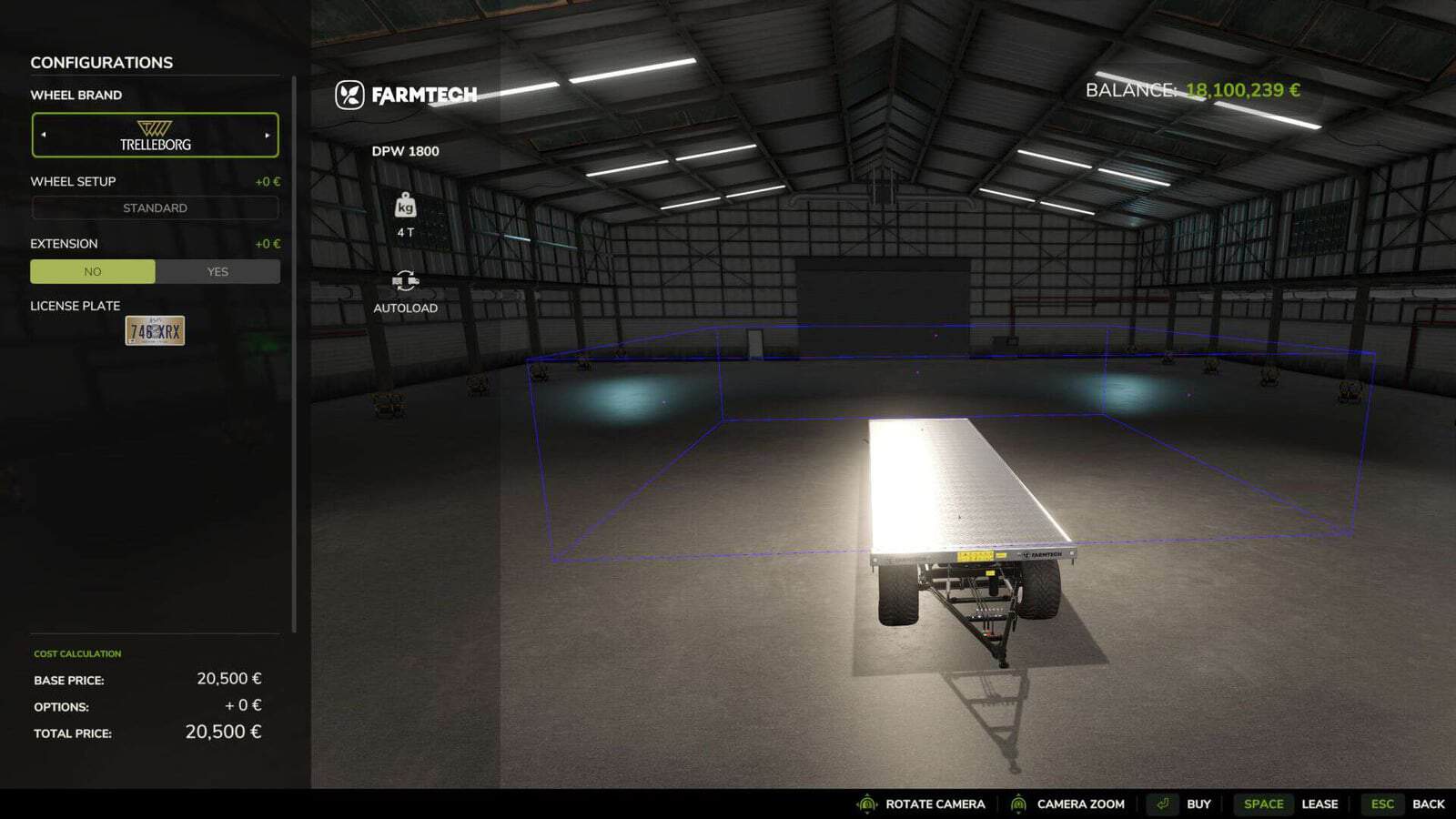
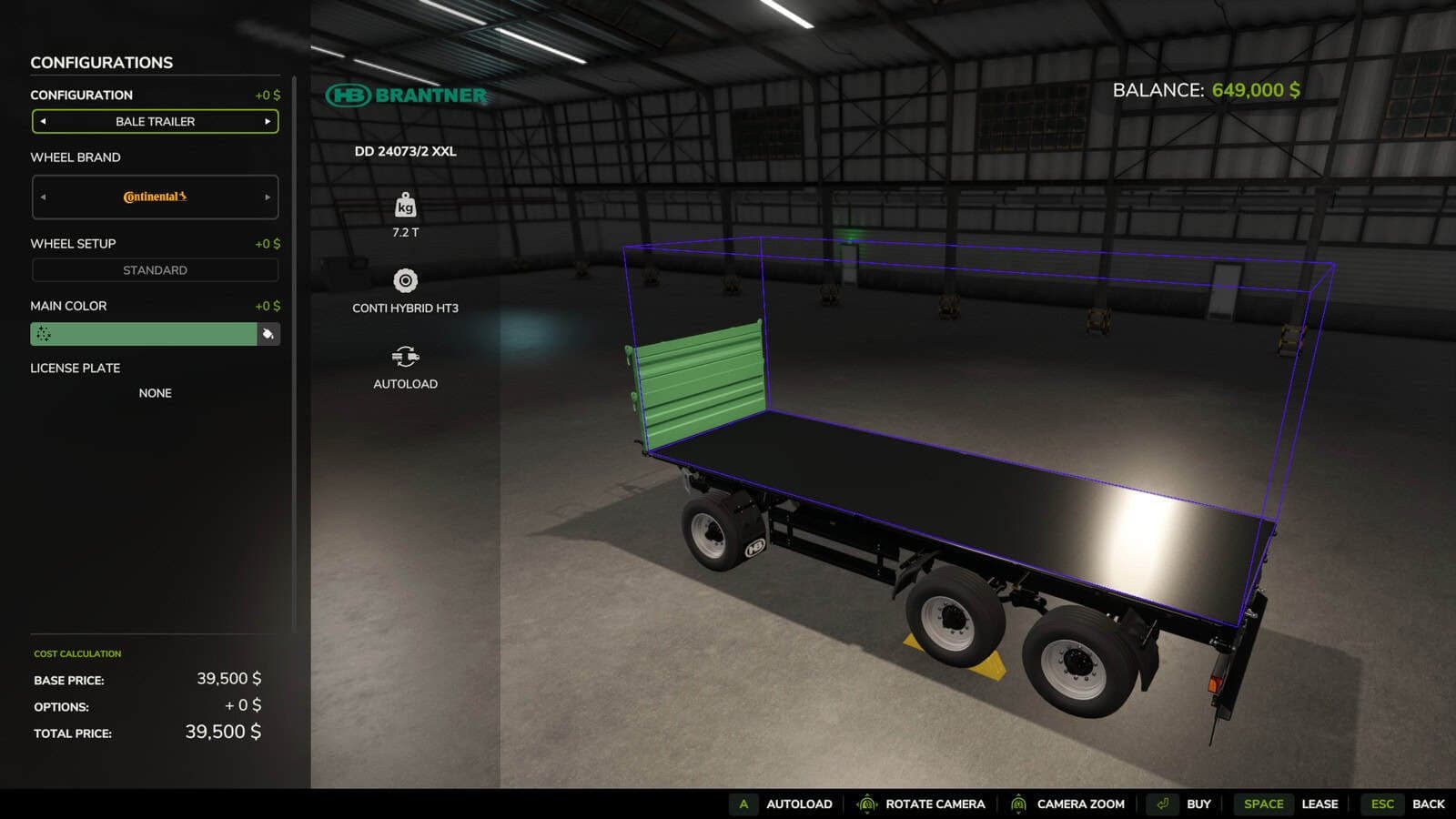
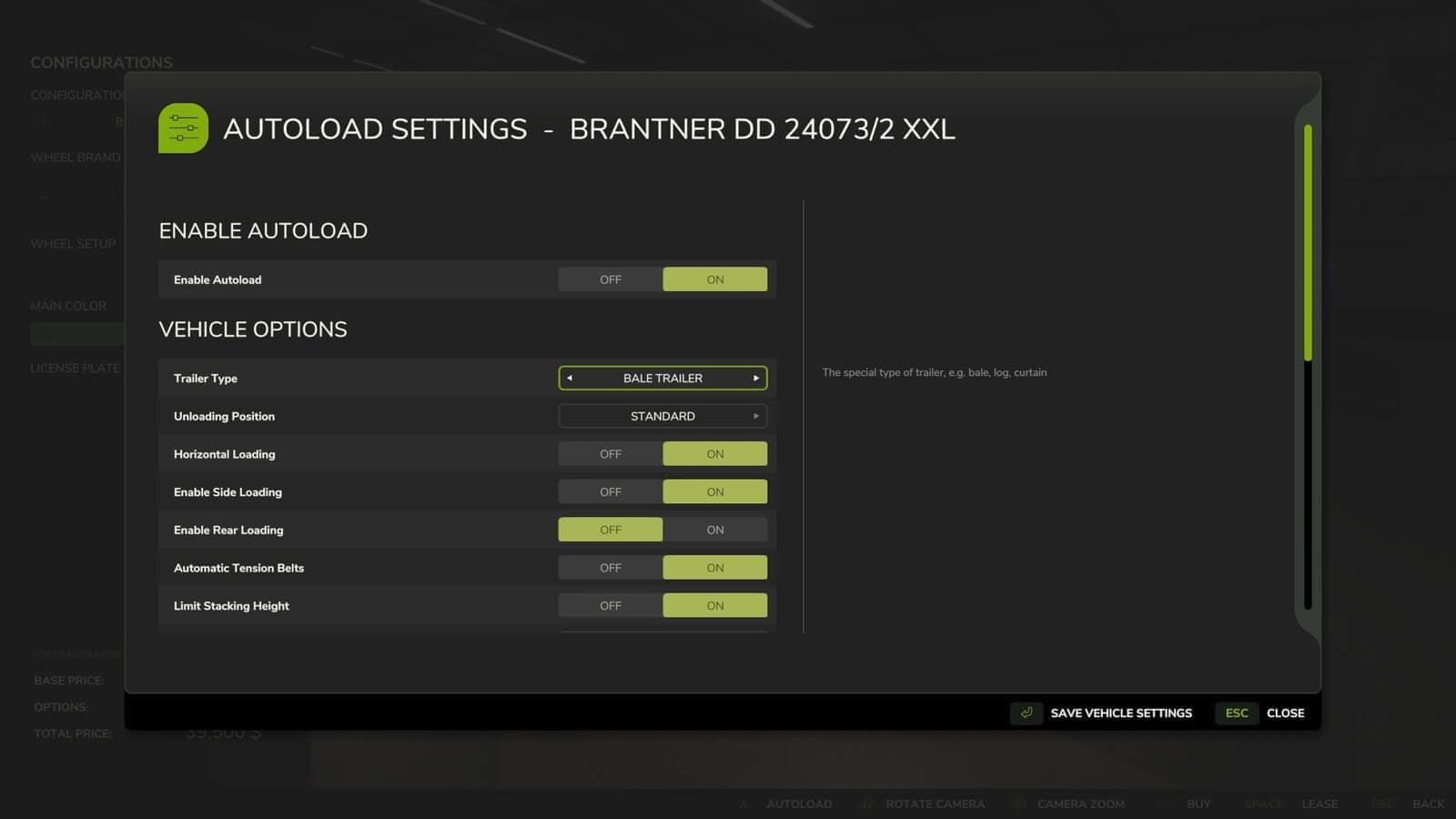
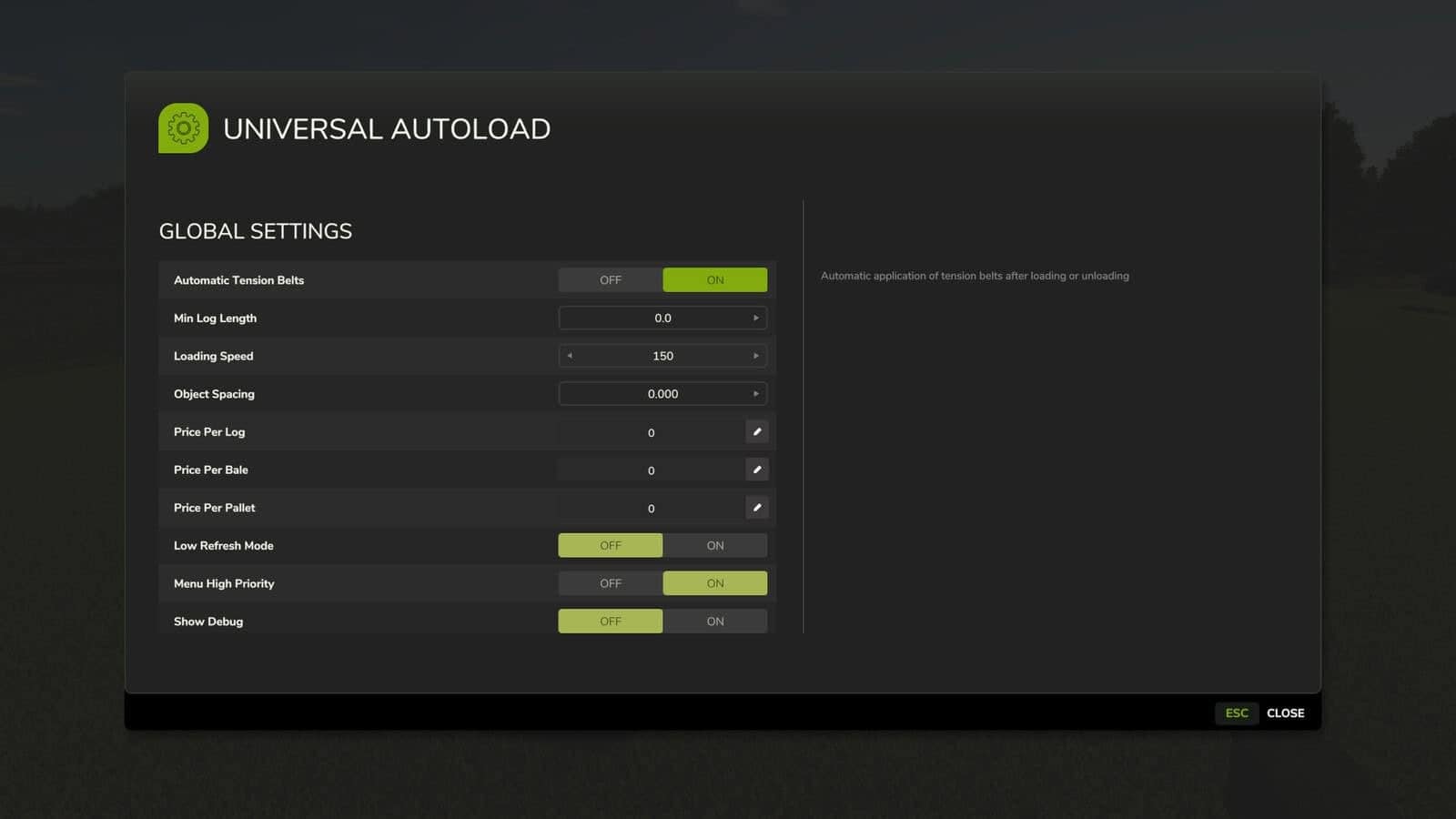
This feature automatically updates the default base game trailers and applies the changes to all new or existing trailers on your farm. Refer to the included read-me file for detailed instructions on customizing your own mod trailers or pallets.
Features
- Automatically updates the default base game trailers.
- Applies changes to all new or existing trailers on your farm.
v1.1.1.0
- Fixed a bug where multiple pallets could be created in the shop.
v1.0.1.0
- Prevented some runtime errors.
- Improved loading of shipping containers.
v1.0.0.0
Since release on ModHub, only v1.0.0.0 and above will work with the game. Apparently GIANTS can do this dynamically now!
v0.4.7.2
- Can now save and load global settings between save games.
- Should work for SP and player hosted MP, not tested in MP.
- Still need to edit the mod settings file directly for dedi servers.
v0.4.6.0
Sorry I was away the last week, obviously that is when GIANTS pushed the patch!
Some other small changes too:
- Calculate log length for the currently selected zone.
- Remember existing settings in the shop.
- Check for
MESH_SPLIT_SHAPEwhen identifying spawned logs. - Width-ways loaded trigger margin increased again, 3.33 -> 3.50.
- Use config name
designfor dpw1800 in defaults. - Update
l10n_cs.xml.
v0.4.5.8
- Width-ways loaded trigger margin increased by ~10%.
- Prevented a possible error in the debugging display when the container type is unknown.
- Cleaned up some debugging texts, ATTEMPT RELOAD was printed when AD or CP was active.
v0.4.5.6
Fixed an issue where loading zones could only be adjusted in one direction.
The mistake was introduced in v0.4.5.4 to prevent divide by zero errors.
v0.4.5.2
Simplified configuration selection.
- Only one
useConfigNameis allowed per vehicle, and will be locked in the shop menu once selected. - Removed hard coded
useConfigName, for exampleenterablePassengerfor International CV Series. - Removed
replaceConfigId, previously used as a workaround for missing configs.
Also added missing strings to language files.
v0.4.4.6
Now checks every time we open the menu in case the shop GUI has been recreated by another mod.
v0.4.4.4
Wait until the GUI is closed before updating the F1 menu.
v0.4.4.2
Fixed an error when loading wood that was introduced in v0.4.4.1.
v0.4.4.1
- Reduced the chances of pallets loading in positions where they can fall over in layer mode.
- BigBags should not stack anymore in layer mode.
0.4.4.0
The change of moving to the next available position when a space was partially blocked caused too many issues, so it now goes back to searching vertically for the next available place. I will have to look at other solutions for #241.
NOTE: I have tried to make it a bit more efficient by starting at the current layer height instead of searching the whole available height, so that does mean it probably will not stack very well when you load items with mixed heights in layer mode.
0.4.3.6
I think that the CONFIG array was initialized on the client but not the server. This was working on my test setup because both installations share the same config directory.
v0.4.3.5
It seems that something to do with patch 1.5 means that sometimes self.rootNode is nil. I did not think that could be possible, but here we are. This version should protect against this case producing any game breaking errors.
Also a fix related to #239 if the config group is completely missing.
v0.4.3.0
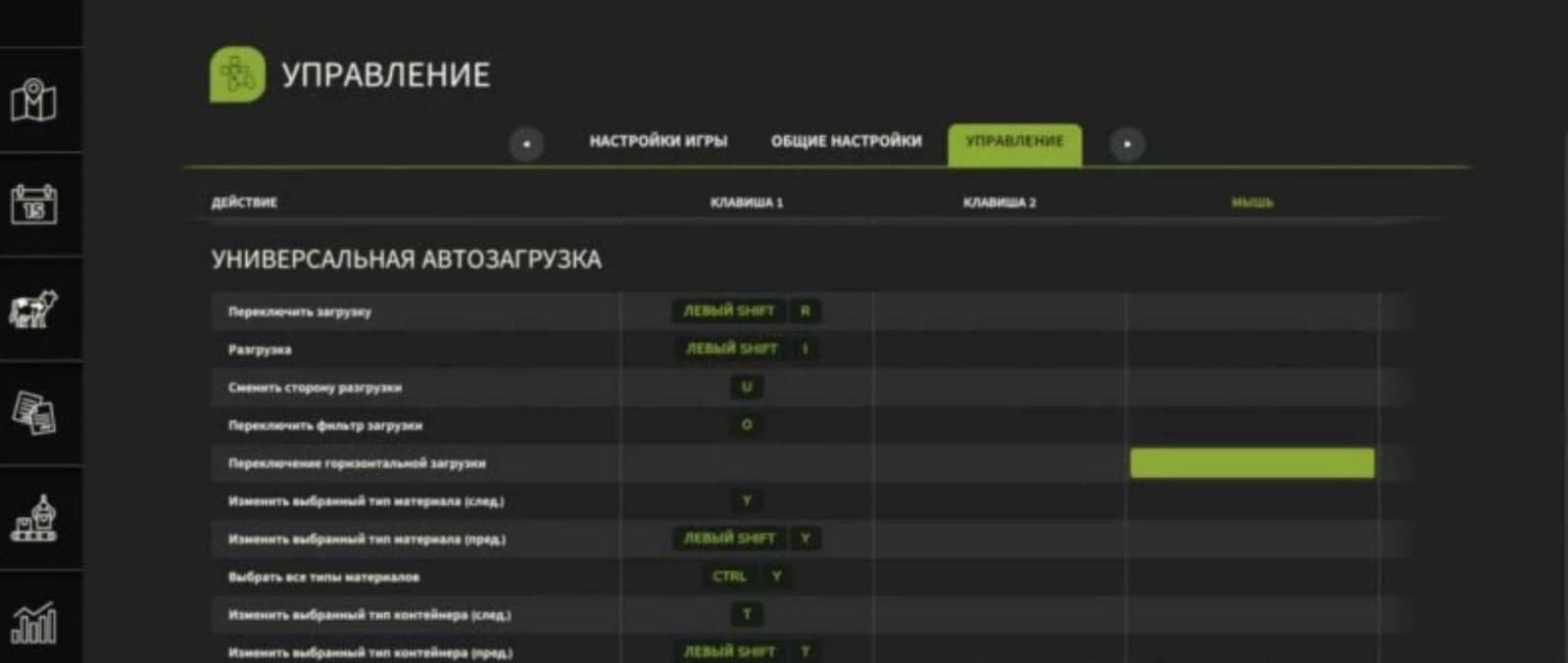
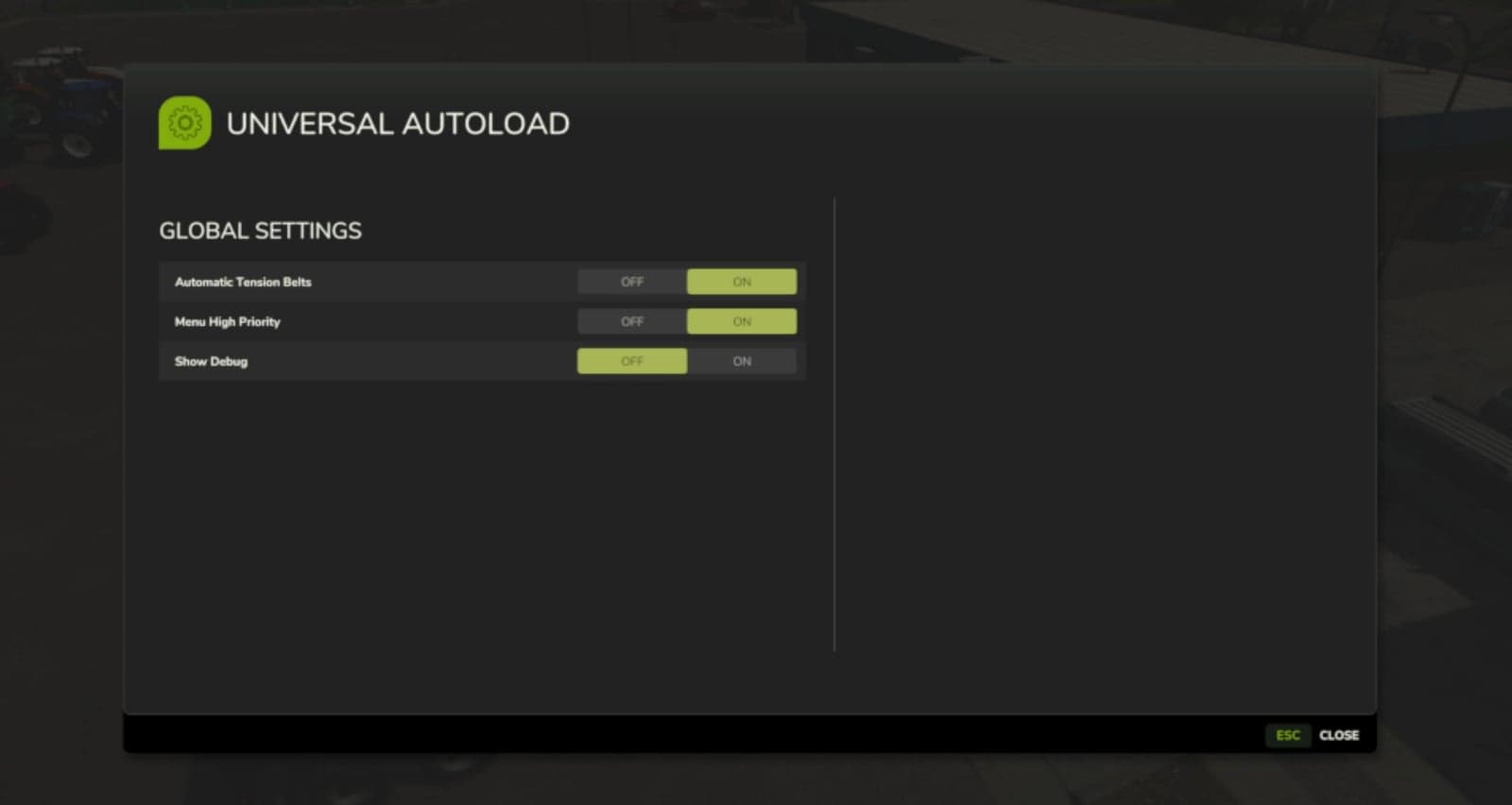
- Added a global settings menu, with more items to follow.
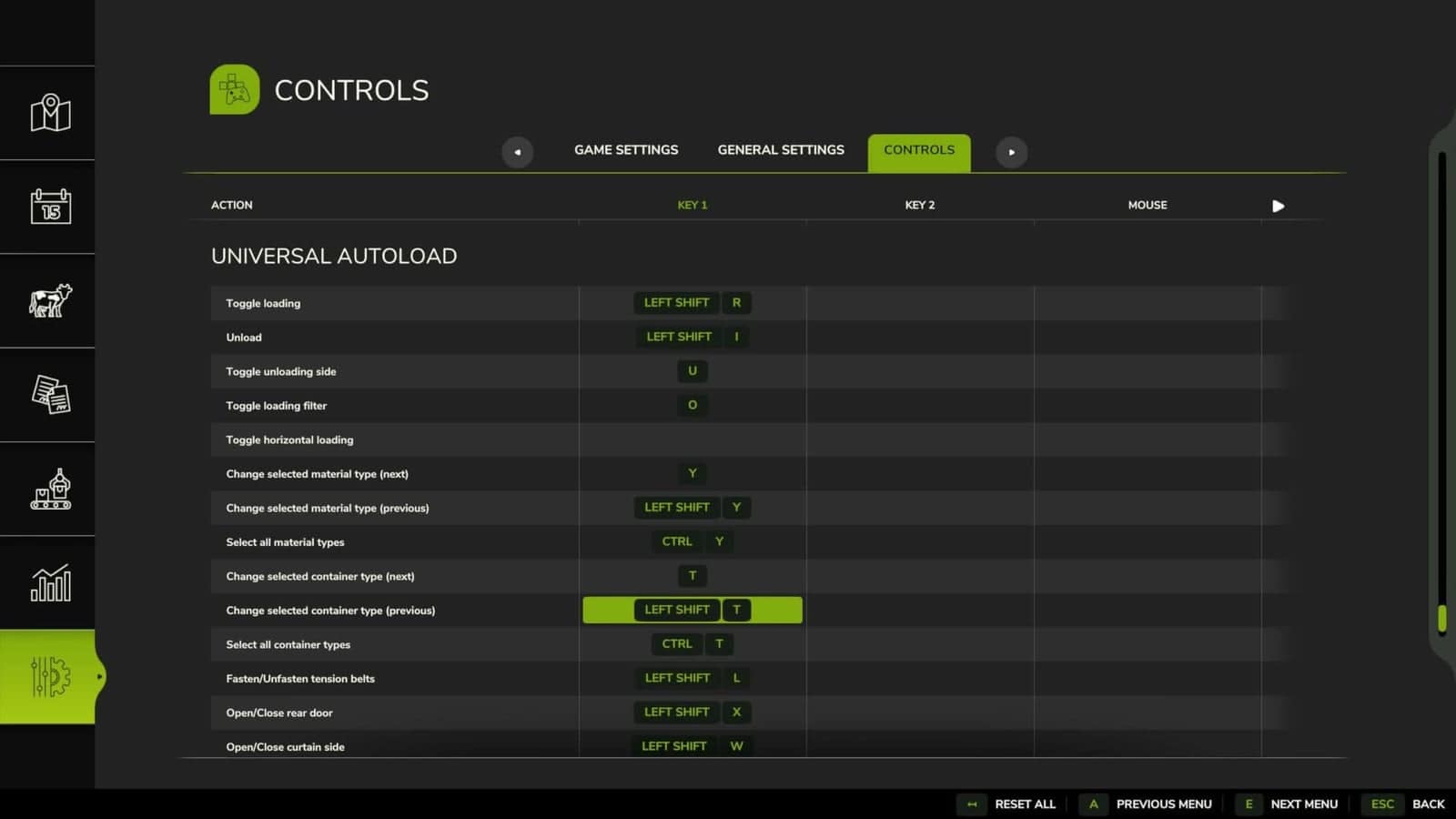
- Open with a key binding from the vehicle, default: SHIFT-CTRL-A.
- I will try to move to the actual settings menu, but happy just to get it working for now.
- Fixed an issue where
autoloadDisabledwas not restored from settings.
v0.4.2.7
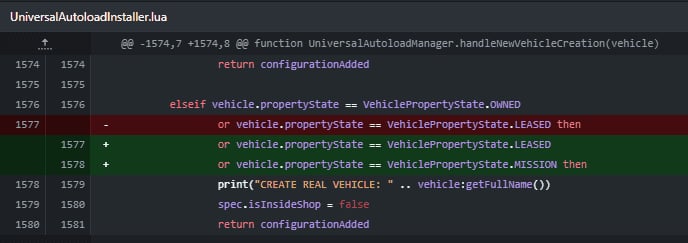
I did not spot that VehiclePropertyState.MISSION was a thing!
v0.4.2.5
This will make PREFABWALLS load for now, but needs fixing properly later.
Also added a whole load of language PRs, which took me about 90 minutes.
v0.4.2.4
- Static collection mode working again in MP.
- Stupid mistake. Did not use find replace in all files.
v0.4.2.0
EXPERIMENTAL NEW FEATURE – STATIC PALLET LOADING MODE
- Similar to Bale Collection Mode, collection mode can now be enabled and will load pallets without pressing “R”.
- Automatic tension belt behaviour should be improved, only restrapping if not already strapped.
- Increased the number of items in the F1 menu, see #200. Let me know if it helps or causes new issues.
- Changed the implementation of the fix for #43, which should improve loading of pallets when sizes do not match perfectly.
NOTES FOR PALLET LOADING MODE:
- Pallet collection mode only works when not moving, as with loading pallets before.
- The same keybinding, SHIFT-CRTL-R, is used to enable both bale mode and pallet mode.
- Whichever item, BALE or PALLET, is detected first will determine which mode becomes active.
v0.4.1.3
- Fixed an issue in the shop when loading vehicles with cranes.
- Added a delta value when calculating if a new pallet is longer than the previous one, to improve packing.
v0.4.1.1
- Fixed an issue where log trailers would stop loading before full.
- Changed some default configurations to prevent overlap with the trailer.
v0.4.1.0
- Moved the main UAL calculations to onUpdateTick instead of onUpdate.
- Reduced the loading delay per object from 200ms to 150ms.
v0.4.0.0
I have finally got the collision detection to work again, so now we have:
- Restored pallet and bale loading functions from FS22, filling in missing gaps.
- Restored log loading function from FS22, dropping from above.
- Added visual feedback of load area collision when editing size or position in the shop, red = collision, blue = empty.
NOTES:
As per usual with major version increases, there is an increased chance of new bugs. I have reverted some of the changes I made to compensate for not using the collision detection, overlapBox, so it is quite likely that I missed some changes. While I have a few test scenarios in different savegames that all passed, I cannot test every possibility myself.
If you reset the area in the shop, shift-ctrl-middle click, then the default zone should now be lifted up until it does not collide with the base. I will work on using these kinds of tricks to do better at the default detection algorithm, especially for log trailers, in future releases.
v0.3.3.0
- Handle partially full pallets.
- Improve handling of dynamically mounted items.
- Do not force enable the workshop button anymore.
Note: There is no longer any need to enable the workshop button without changes, since there is now a dedicated button to save configs directly. We can still update a vehicle from the workshop by changing some item, for example the numberplate.
v0.3.2.8
I had a thought that it is probably better to call the original function, just in case it does something other than process commands. I am not sure it would ever matter, since this only handles the UAL open menu action.
v0.3.2.6
This was a test for adding a global “Mod Settings” menu, and I thought I had commented it out before release.
v0.3.2.5
This only prevents the error, but still does not actually detect the loading area because the tension belts are in a vertical plane.
There is also something really weird going on with a delay when switching to this platform for the first time.
I have added some timestamps to help debug, but it seems to happen between onLoad and doUpdate.
v0.3.2.3
- Changed the default for
loadingFilterfrom true to false. - Should make this setting save properly now.
v0.3.2.2
Added a button to save the autoload configuration without purchase.