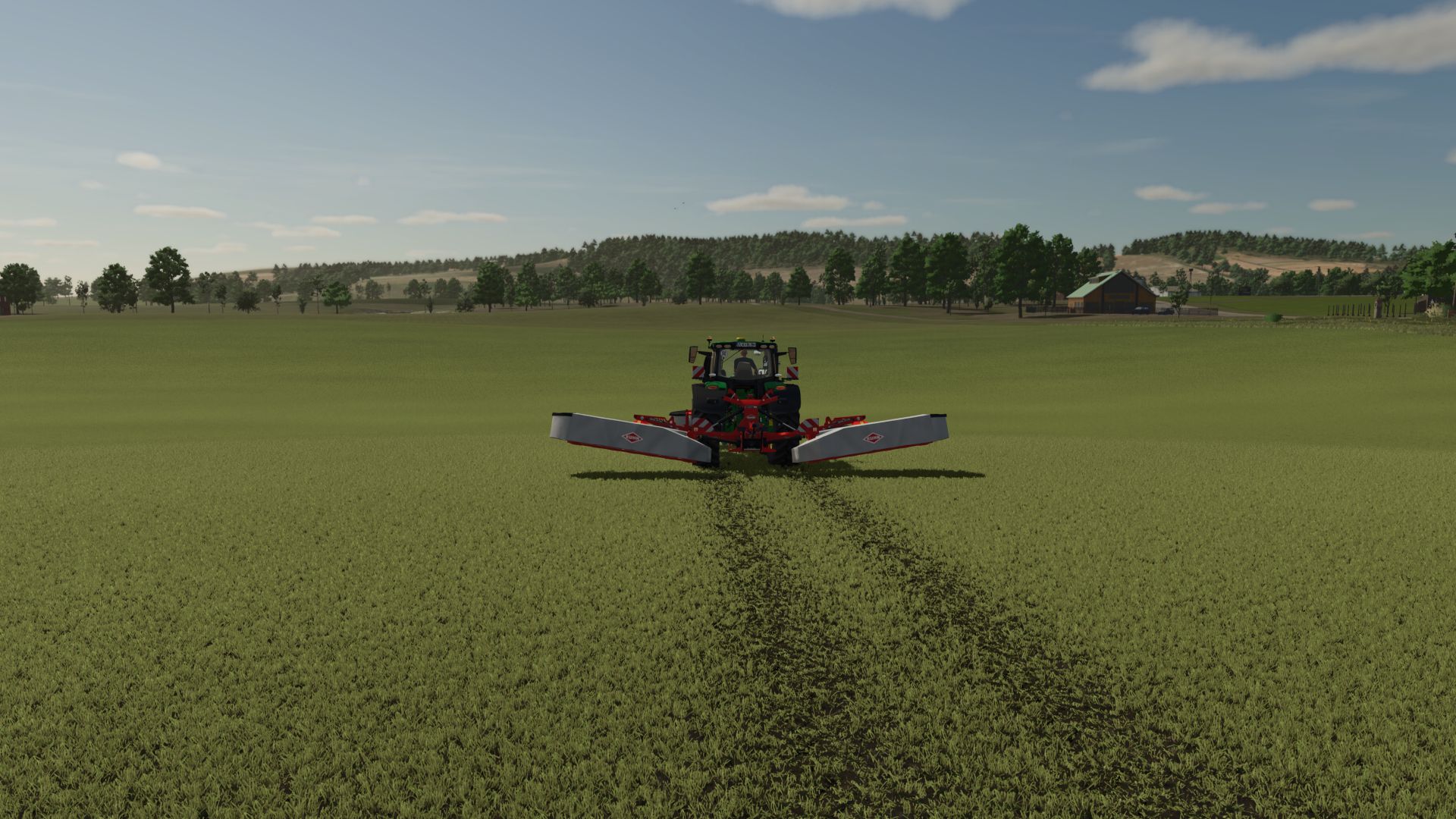
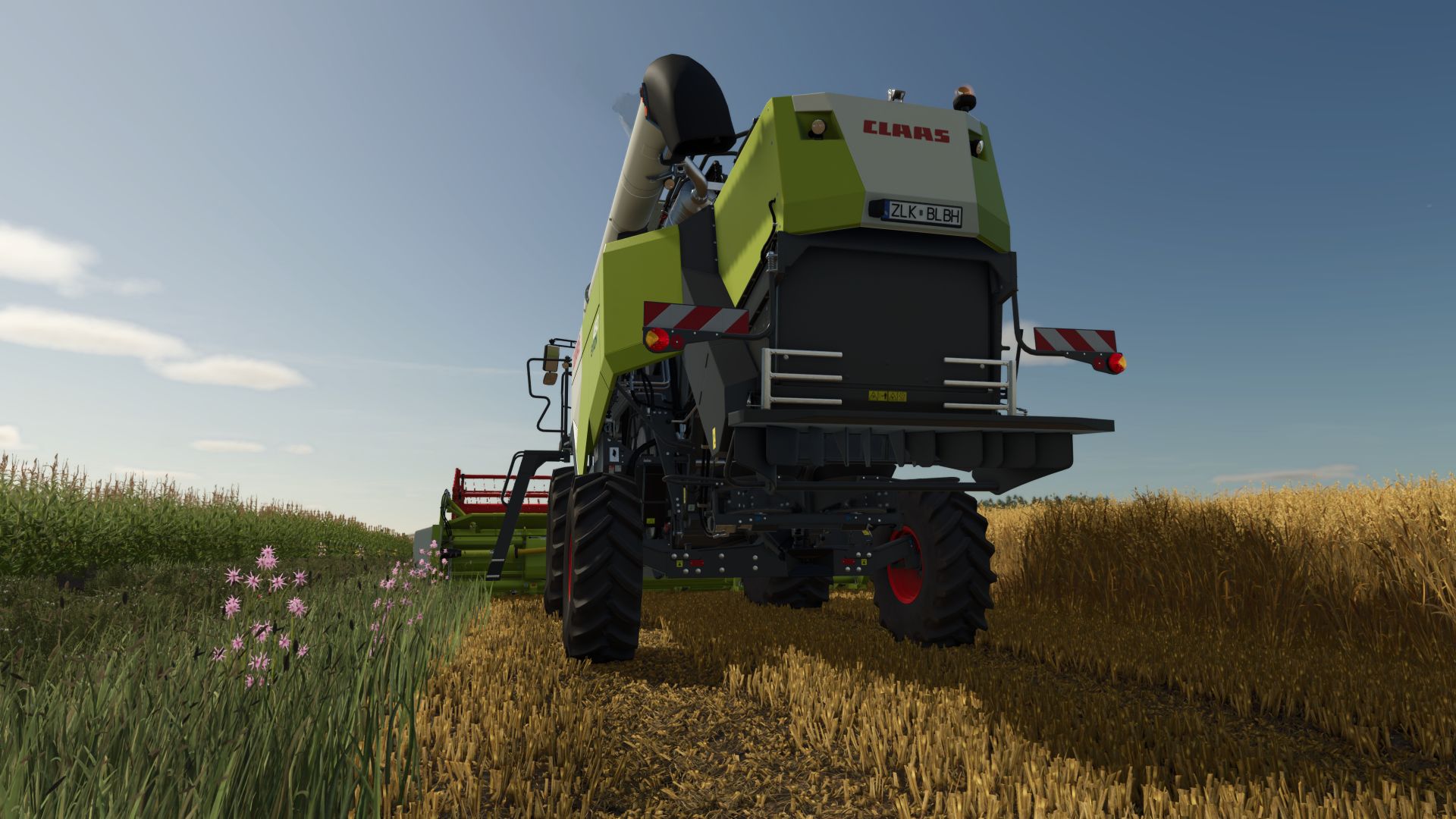
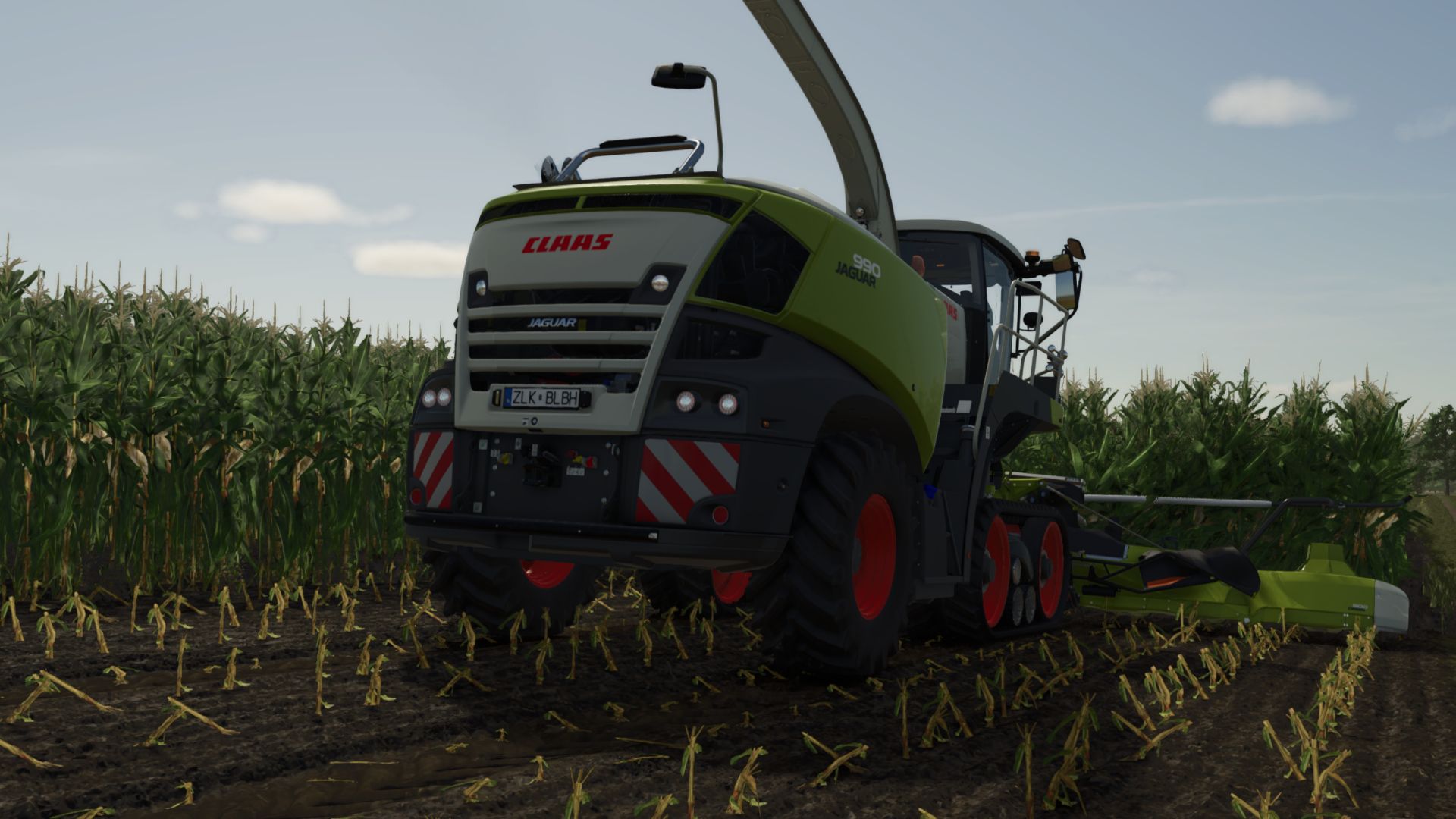
Stubble destruction v2.0
Hello everyone,
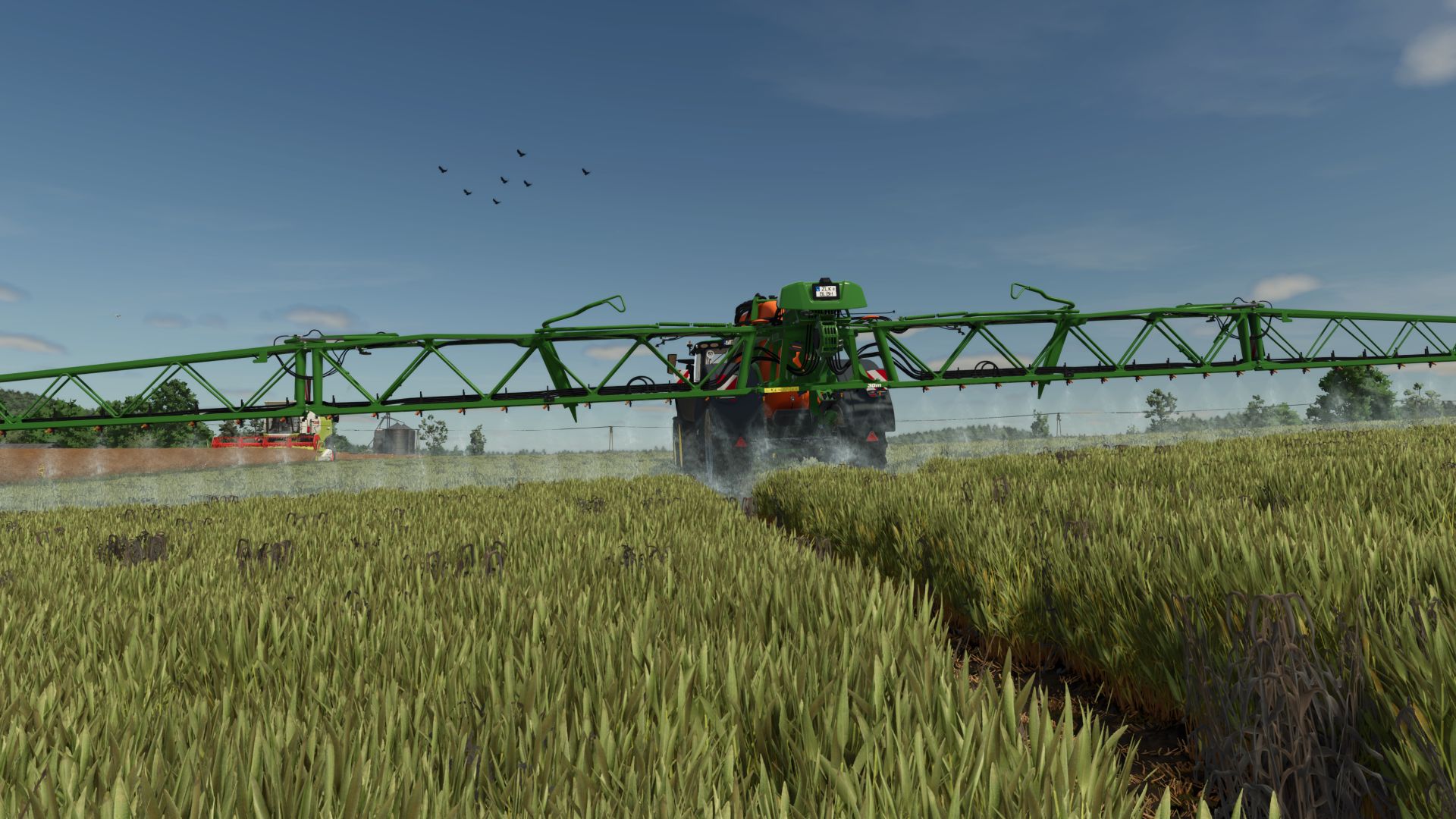
Here is the stubble destruction – for all crop types included in the files:
– Corn
– Sunflowers
– Grass
– Wheat
– Barley
– Oats
– soybeans
– Rapeseed
– Millet
– Sugar beets
– potatoes
– Peas
– Parsnips
– Spinach
– Carrots
– Beetroot
– Green beans
– Onions
Important (multiplayer): To ensure that everything looks the same for everyone, all players must have installed the files – alternatively, the change must be built directly into the map.
Installation/installation
1. Unpack the file.
2. Find game folder:
– If you’re playing via Steam: Steam Library → Farming Simulator 25 → Gear → Manage → Browse/Open Local Files
– If not via Steam: Open the folder where you installed the game.
3. Then go to this path:
datafoliage
4. Copy and replace the extracted XML files into the respective Foliage folders
(Tip: make a quick backup of the original XMLs beforehand.)
V2.0.0.0
– All new fruits are now included