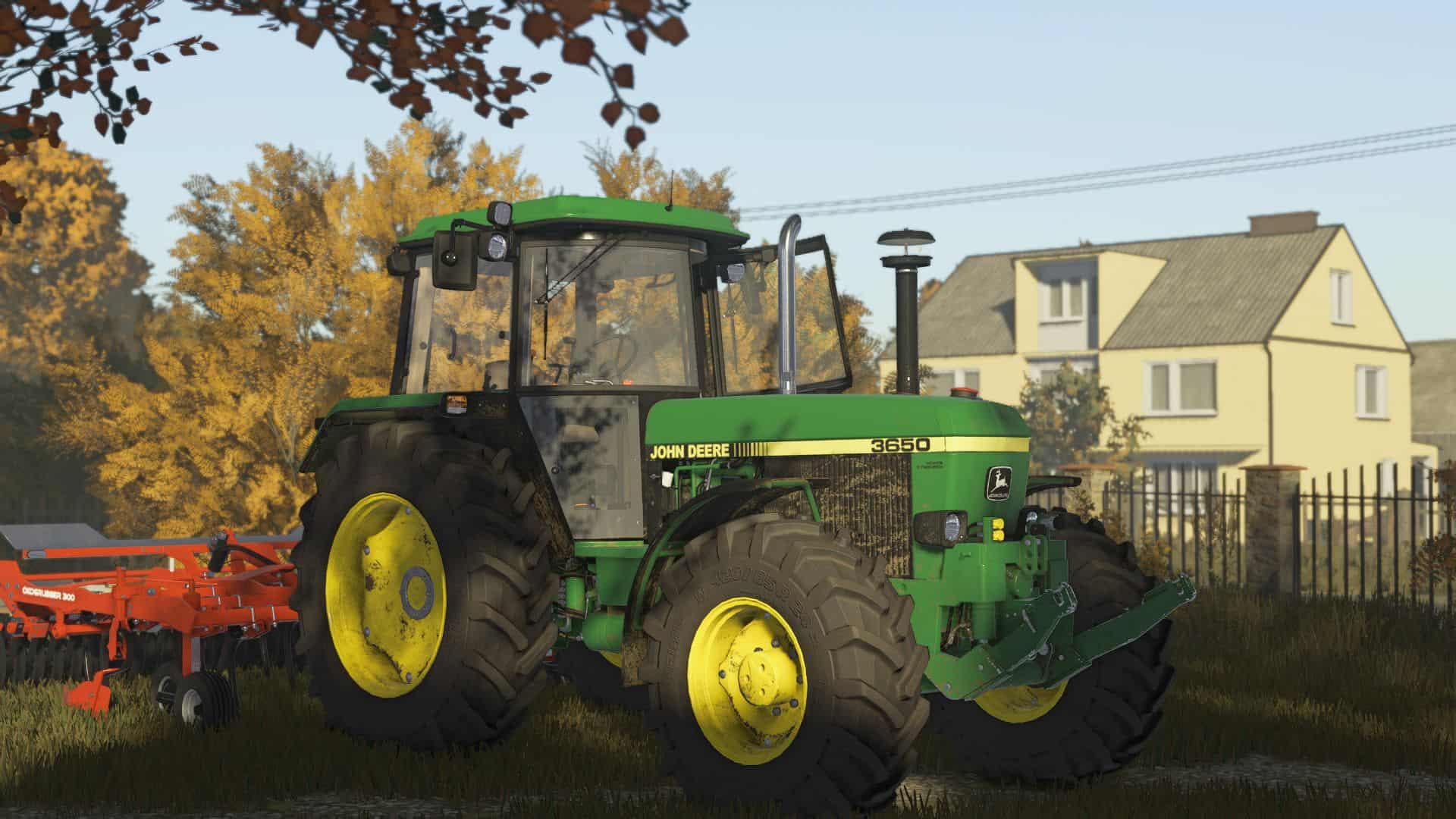
Shader v1.0
Some nice shaders by me for you, I hope you like them. Enjoy! (i play on very high graphic settings)
– Install Reshade 6.3.3 VERSION
– *Pick Giants Engine 9.0.0.0 and DirectX10,11,12
– *Pick install preset, that is in x64 folder and install effects (Or you can install all effects and its more simple.)
– Go in Program Files (x86)SteamsteamappscommonFarming Simulator 25 and put there x64 folder with file MIKI SHADER.ini
– Launch game and press “Home” button and select “MIKI SHADER.ini”
– When u have it selected go in “Addons” tab and pick your resolution
Required:
– https://www.fs25modhub.com/additional-game-settings-v1-0-0-5/