
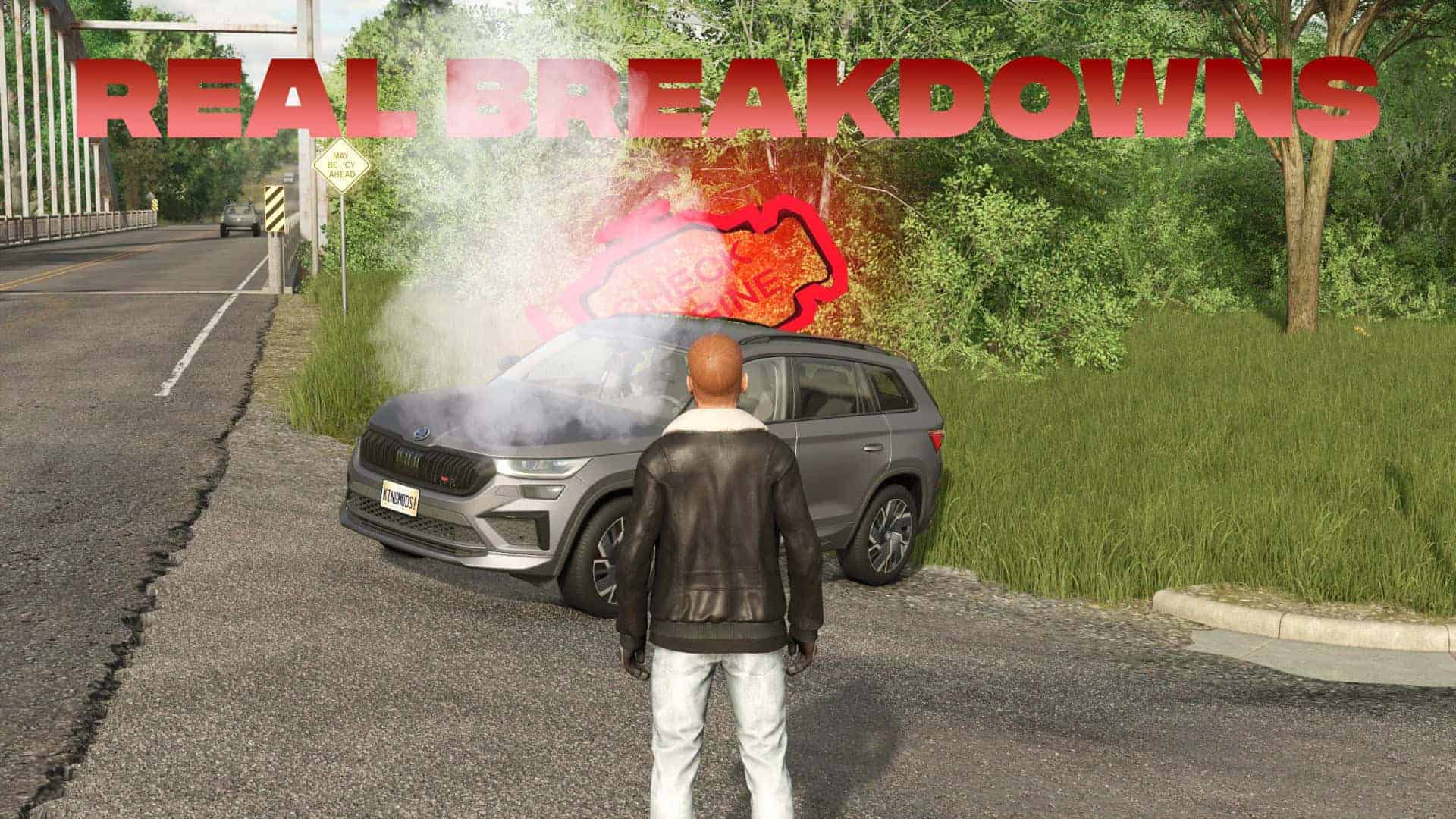
Real Vehicle Breakdowns v0.9.6.2
The mod is still in beta. The way the RVB menu opens has changed slightly compared to the FS22 version: Now it can only be accessible if you sit in a vehicle. Vehicles can only be repaired on the basic vehicle workshop -Trigger. This was implemented because many players had difficulty using the mod in FS22. The generator of the vehicle only loads the battery if the engine runs at the idle speed. The battery can also be charged at electrical charging stations. If the battery level drops to 10% or less, it can be charged in the vehicle workshop. This version is only used for test purposes and errors can occur.
Wind Turbines Charging Station mod (i.e., FS25_electricChargeStation) – by HoT online Team JCB E-tech Powerpack (i.e., FS25_JCB_Powerpack)
Mod Conflict
If you are using the Real Vehicle Breakdowns (RVB) mod, do not use the: – FS25_DisableTurnOffMotor – it will prevent the engine temperature from rising
If you experience excessively fast component wear on a server, it is recommended to shut down the vehicles’ engines before time acceleration or sleeping. If the issue persists after this, please report it.
BETA 16
– github issues#145 Thanks to Squallqt for testing, feedback, and suggestions.
– RVBresetVehicle bug – fixed
– MP Bug – fixed
– Code optimization
– Improved debugger system: errors/warnings are always shown, info messages remain menu-toggleable. Function names are now included in log output for easier traceability.
– Moved battery-related functions into a dedicated BatteryManager module.
Changelog 0.9.6.2:
– Conflict with FS25_EnhancedVehicle mod, TEMP and RMP displays are disabled.
– MP Bug – fixed
– Code optimization (plus 2-5 FPS)
– RVB ExactFillRootNode warning – fixed