
Mod Manager v6.2
Description
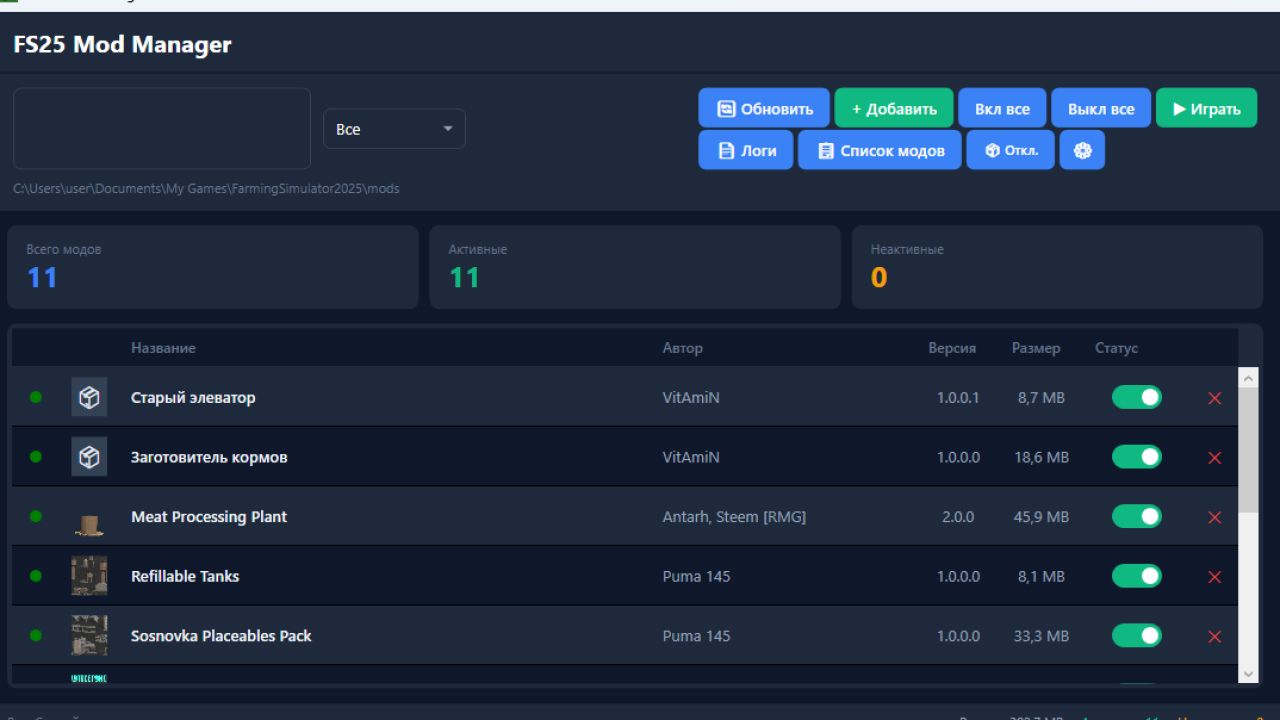
FS25 Mod Manager is a convenient application for managing mods for the game Farming Simulator 25. Allows you to easily add, enable/disable and remove mods without having to manually rename files.
Opportunities
Adding Mods – Download mod ZIP files with one click
Enable/disable – convenient switch for each mod
Folder management – active mods are stored in the game folder, disabled ones are moved to a separate folder disabled_mods
View information – name, author, version, size and icon of each mod
Search and filtering – quick search by title/author, filter by status
Bulk control – “On all” / “Off all” buttons
Launch game – button to launch Farming Simulator 25 directly from the program
Log analysis – built-in log file viewer with identification of problematic mods
Export a list of mods – saving to a TXT file, divided into active and disabled
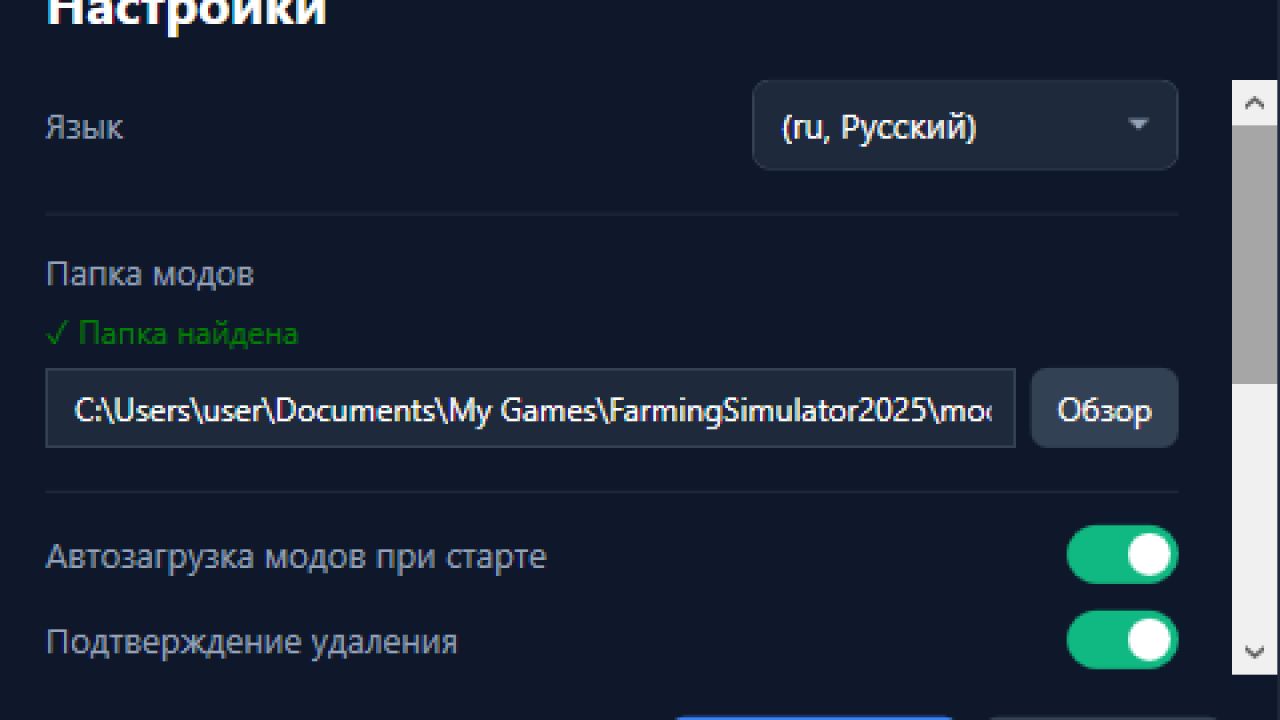
Multilingual – support for Russian, English, German and Polish languages
Settings – select the path to the mods folder, font size, compact mode
How it works
When a mod is disabled, the .zip file is moved from the mods folder to the disabled_mods folder (in the program directory). When turned on, it comes back. The game only sees mods that are in the mods folder.
Installation
Run FS25ModManager_Setup_v6.2-beta.exe
Follow the installer’s instructions
The disabled_mods folder is created automatically
Launch the program and add mods through the “+ Add” button