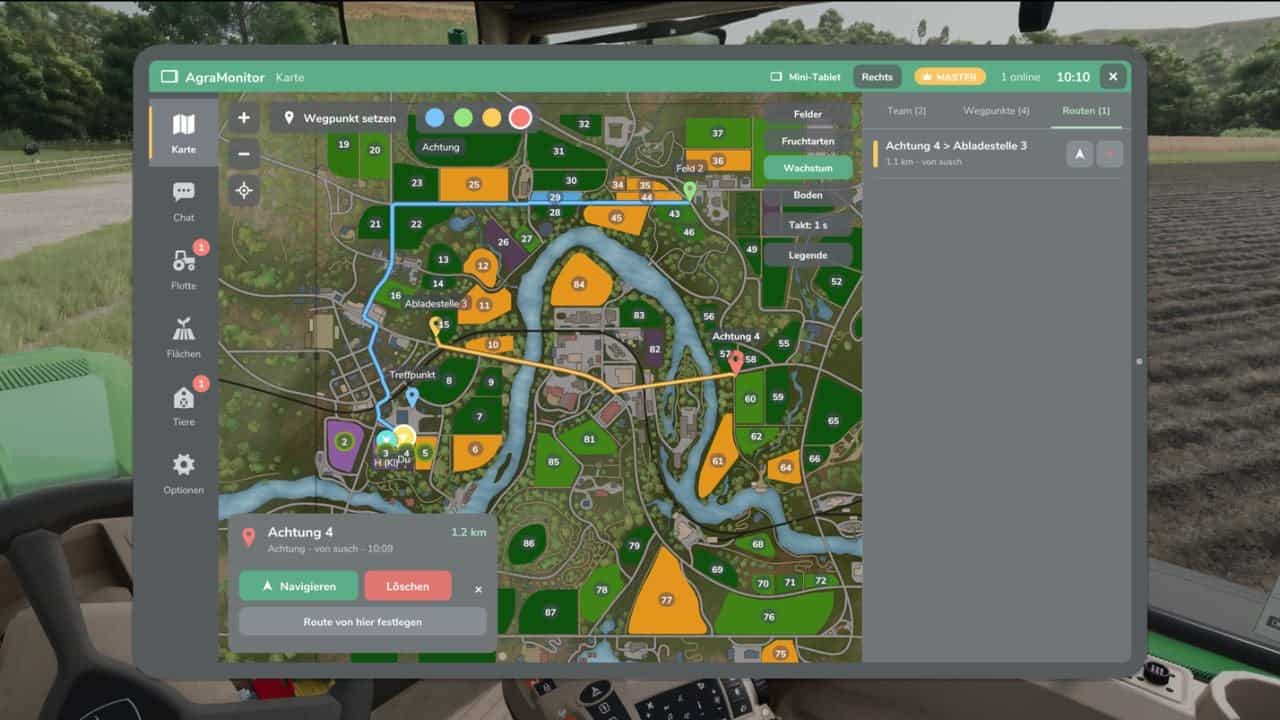
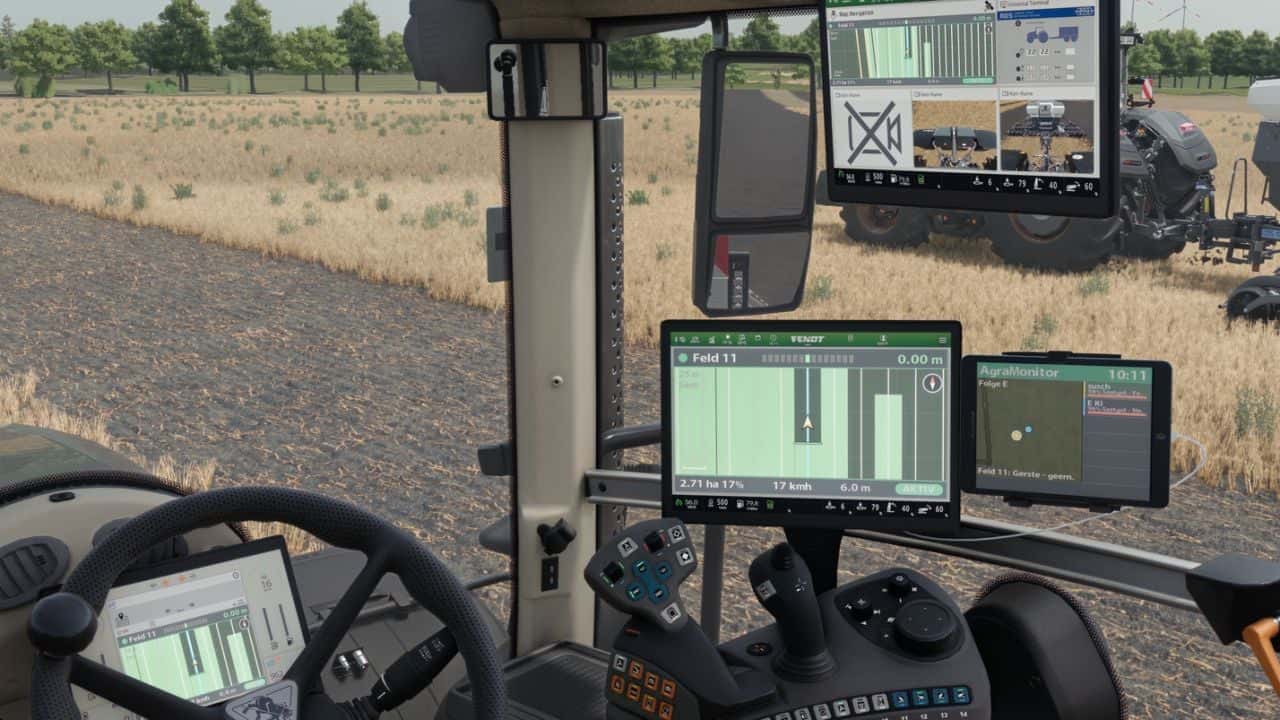
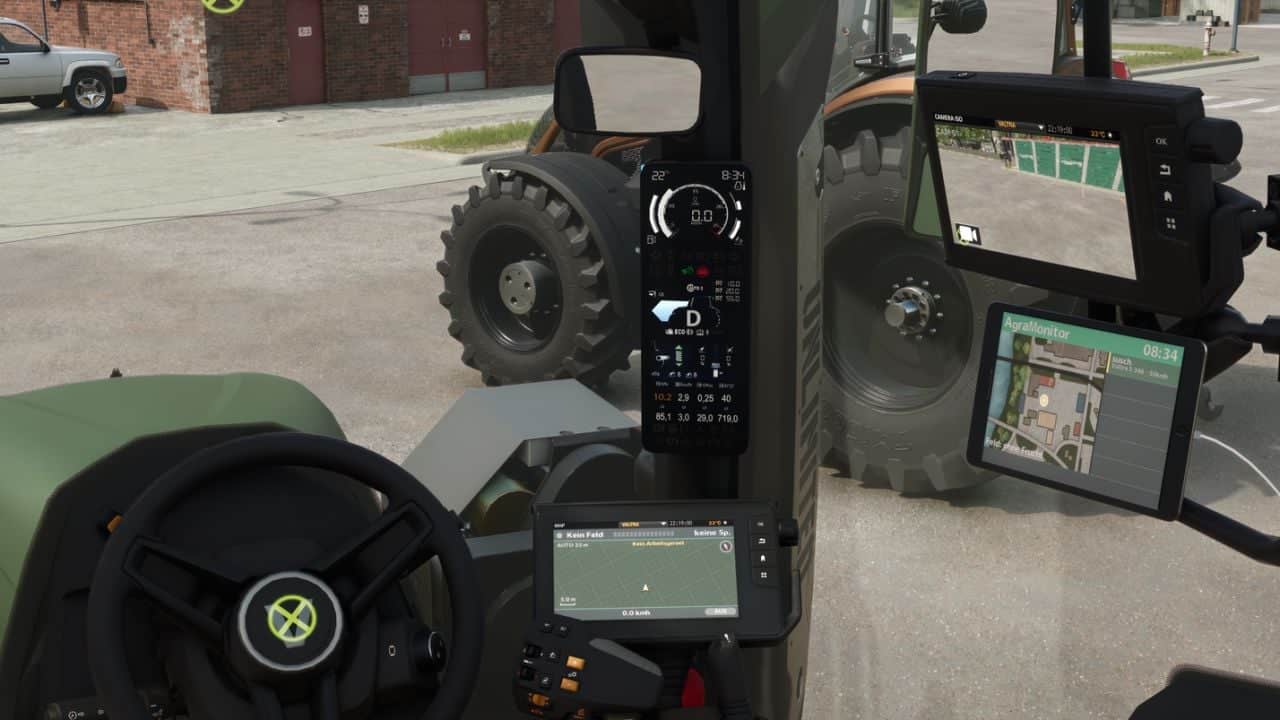
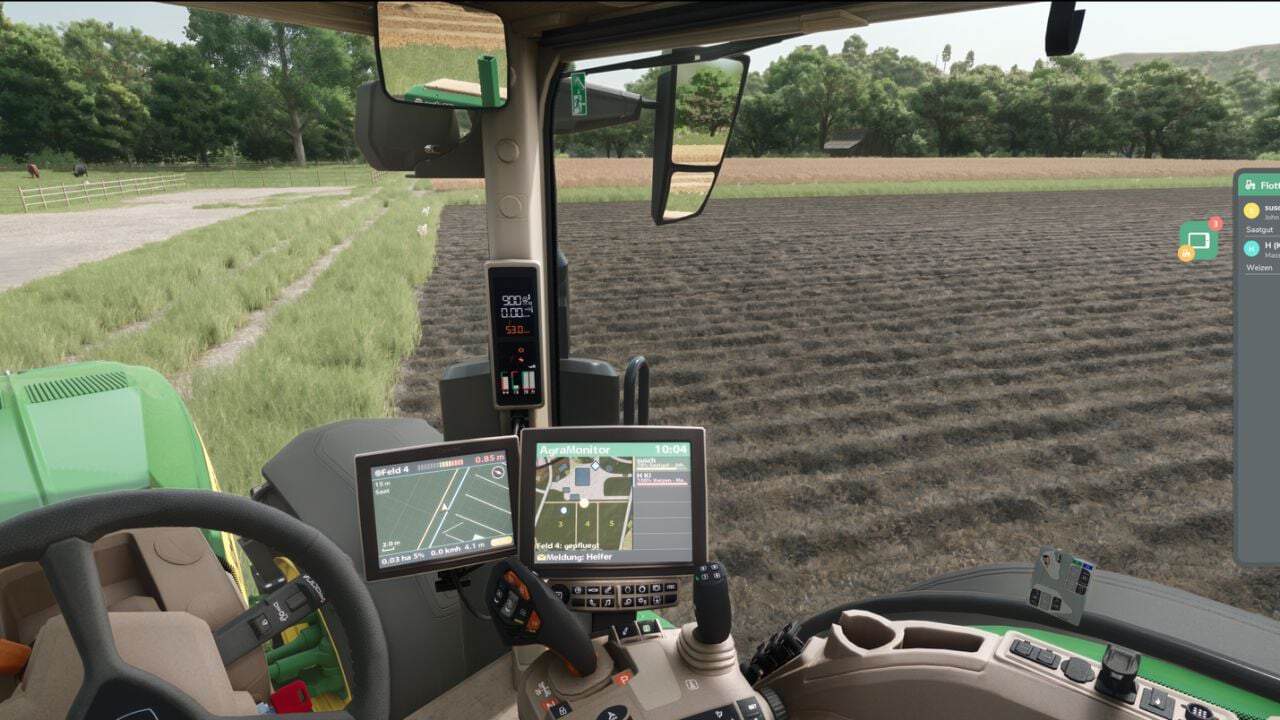
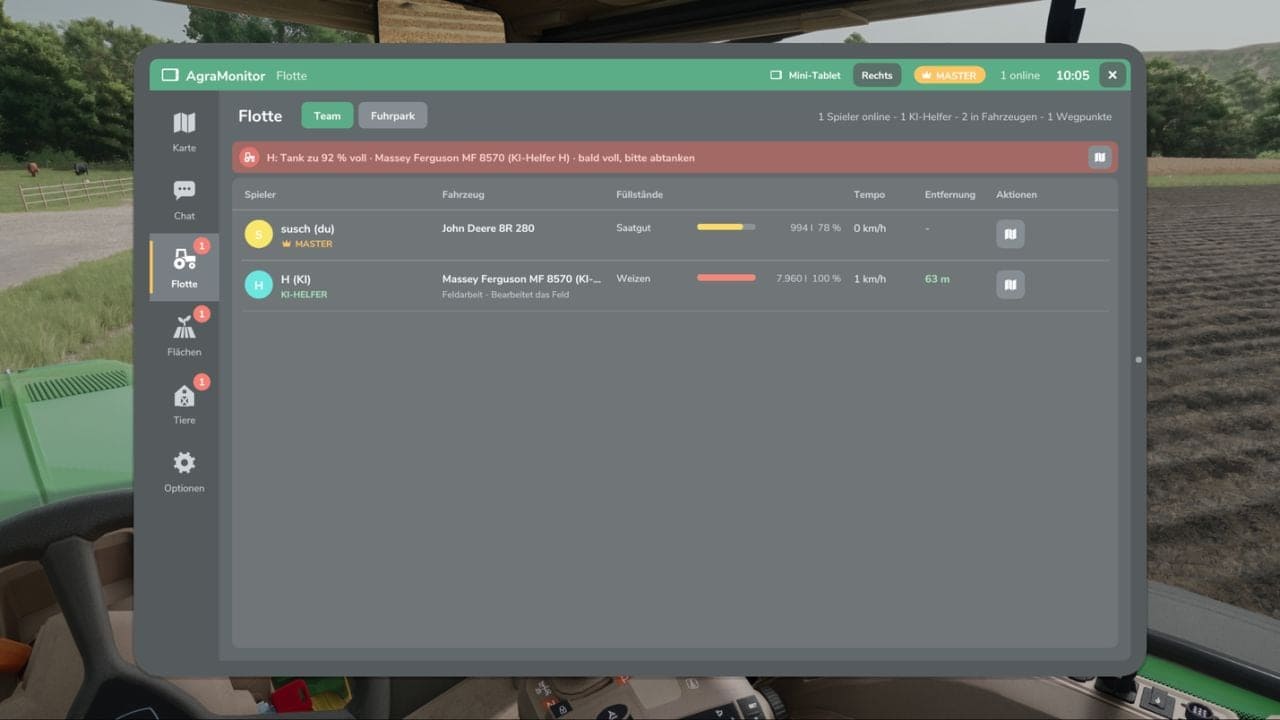
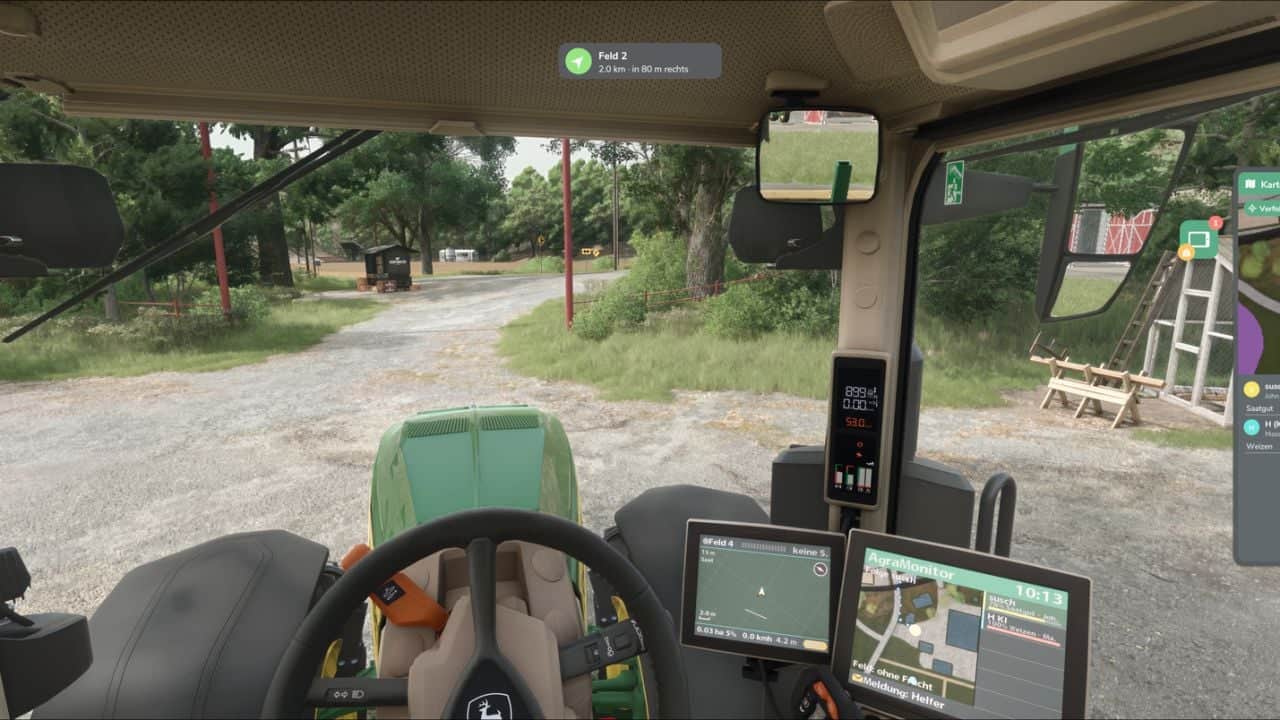
This mod allows you to manage various modules on your farm, such as animals, fields, AI helpers, and multiplayer players. An optional display can be installed in vehicles.
Fleet tool for multiplayer and singleplayer games.
Features
- Live map showing all players, AI helpers, vehicles, fuel levels, and brief information.
- Waypoints with navigation across the map’s roads, using the AutoDrive network or AI roads.
- Team chat and direct messages.
- Fleet overview and vehicle inventory with damage, operating hours, age, fuel level, and more.
- “Mini-tablet” function at the edge of the HUD.
- Field management: fields with crop, growth, and soil condition.
- Animals: stables with animals and their parameters, plus notifications with adjustable thresholds.
- Notifications for AI helpers, animals, fields, and messages.
- Display for prepared vehicles with map, player or AI helper information, and brief messages.
- Tablet:
Left Alt + A
Mini-tablet:Left Alt + S
These controls can be changed in the control menu.
Changelog
- V1.3.0.0
- New: Cockpit Display
- The map portion of the display can now be adjusted for each display in the AgraMonitor tablet menu: List only, 40%, 60% (default), 80%, or Map only. The XML entry is no longer required.
- When the display is set to “List only”, there are two columns with 6 players each, 12 in total.
- Multiple displays can be configured separately.
- The display settings are linked to and saved for each player (MP) and vehicle model.
- If more than 6 players or AI helpers are active, the list advances every 3 seconds. You are always shown first, followed by vehicles with fill volumes, then the rest.
- Fertilizer and lime view added to the cockpit display, the tablet map, and the mini-tablet.
- PF view added to the cockpit display, the tablet map, and the mini-tablet.
- Demand view added for the cockpit display.
- Chat
- Farm chat added. Everyone belonging to the same farm can see the messages there.
- Fix
- The “g” in the heading is now aligned with the rest of the letters. Separate coordinate calculation is used for the letters “g, j, p, q and f” because they are very special :P.
- Fixed incorrect coordinate calculation for “Notification”, which was positioned above the info envelope at certain screen sizes.
- New coordinate and size calculation for text, for example, for portrait-oriented screens.
- Performance Fix
- Manual code adjustments.
- Frame checks significantly reduced.
- Multiple displays now calculate the field view together.
- Code cleaned up and functions removed or consolidated.
- The XML entries
mapWidth,rows,needsPower,flipText, andtextLayerare no longer required. - “Unnecessary” debug lines removed from the final version.
- New: Cockpit Display
- V1.2.0.0
- New: Integrated support for Precision Farming.
- DEBUG feedback on 1.1.5.0: Since I have not received any complaints regarding performance with the field view active on the cockpit display, I assume it is working as intended.
- V1.1.0.0
- New
- Field view on the cockpit display.
- Field view can be switched on and off in the field view section of the app.
- Field view added to the app.
- The field view controls the map on the tablet, mini-tablet, and cockpit display.
- Changes
- The control of the field view in the Map area has been removed.
- DEBUG
- Feedback needed, as the field view on the cockpit display is still in testing.
- Please report FPS drops, stuttering, or lag with the field view active on the cockpit display.
- Helpful: Compare field view ON/OFF and indicate what hardware you are using (CPU/GPU).
- Feedback is welcome via the comments, even if it is working well.
- The reason for this is that I am not entirely satisfied with the resolution, but my skills limit me from improving it. If it is satisfactory as is, I will leave it. If not, I need help from someone with shader experience.
- New