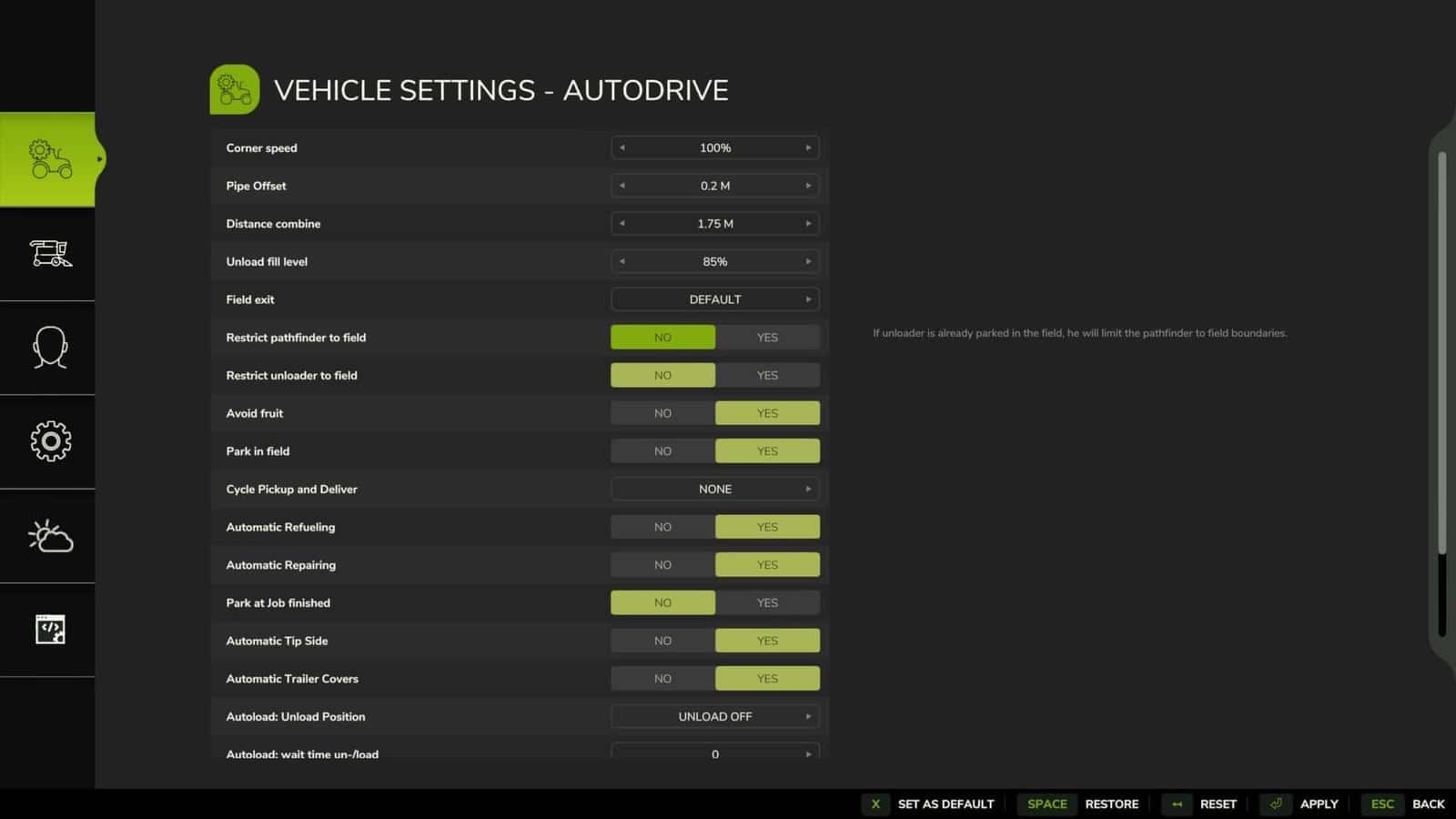
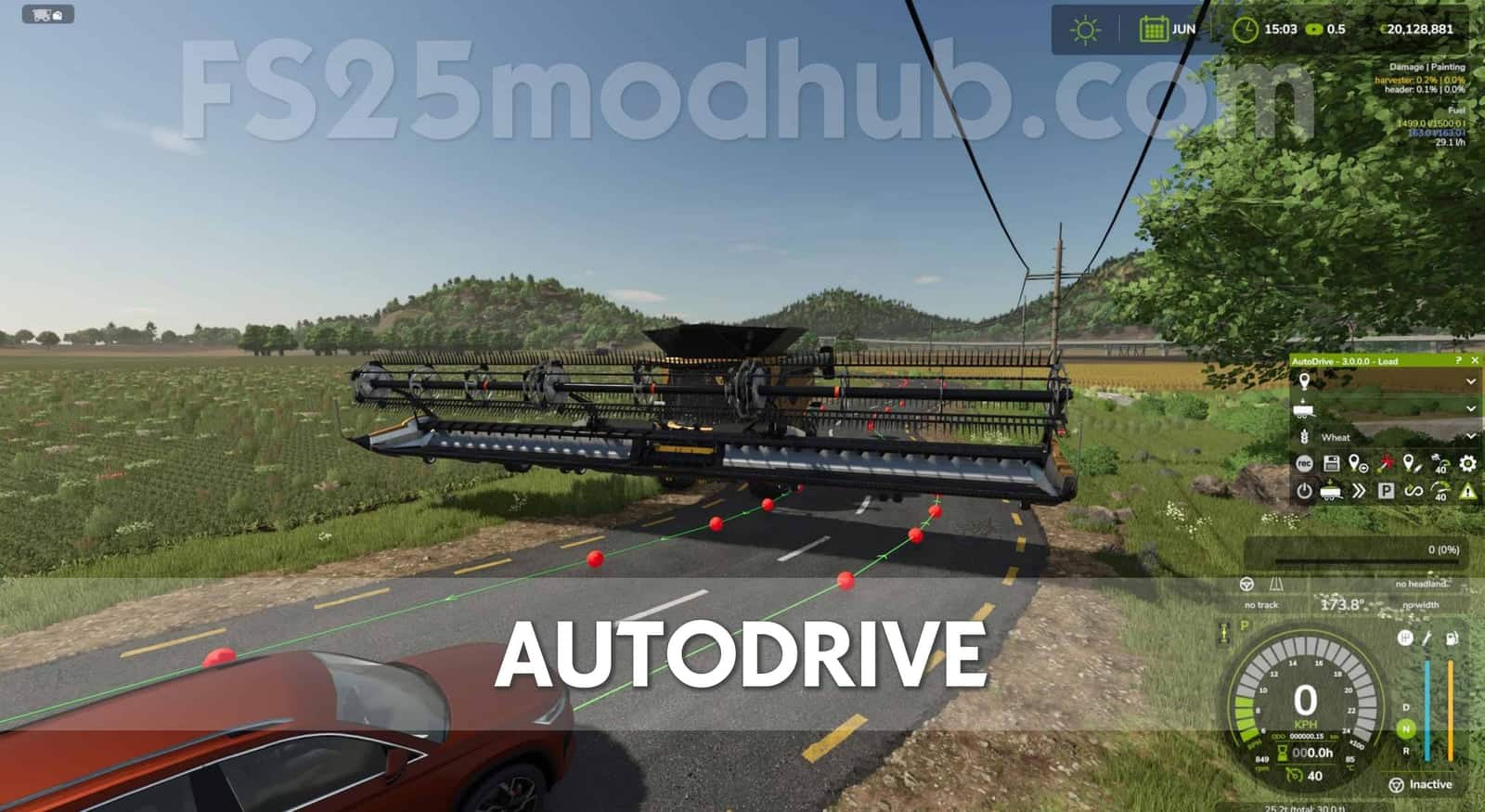
The FS25 version of Autodrive lets you create your own races and manage the movement of your workers on your maps.
Features
- Added field point creation in editor mode (catch line).
- To create field points, park the vehicle on a field that belongs to an agricultural area. The field must be visible on the map and selectable by number.
- Added Fieldpoint Offset under Global Settings to control the distance between waypoints and the field boundary.
- Added Field point max. distance under Global Settings to control the maximum distance between waypoints.
- Default shortcut for creating field points: LCTRL + LSHIFT + F.
- Field points can be generated repeatedly with different settings. Only points within the selected field are deleted and recreated.
- During the same game session, you can switch between fields and reset each field separately.
- After restarting the game or loading a save, existing field points must be deleted manually before they can be recreated.
- Added Copy & Paste for vehicle AD settings.
- LSHIFT + C: Copies all of the vehicle’s AD settings required for the task to the clipboard.
- LSHIFT + V: Pastes the copied settings into another vehicle.
- All keyboard shortcuts can be reassigned.
Changelog
v3.0.1.4
Bug Fixes and Improvements
- Fixed trains breaking when driven below the water plane.
- Fixed an issue that prevented broken trains from being reset in-game. Previously, resetting required removing
isBroken="true"fromvehicles.xml. - Improved train physics to prevent drifting out of loading and unloading positions.
- Adjusted unloader stopping behaviour at row ends to prevent harvesters from being blocked while turning (#524).
- Fixed AD failing to drive under inactive conveyor belts (#535).
- Fixed AD refuelling attached tanks instead of the vehicle itself (#560).
- Removed the “If silo empty” setting. Vehicles now wait only when rotary loading is disabled and the configured fill level has not been reached at the destination.
- When the fill level is set to 0%, the vehicle continues driving regardless of whether any cargo has been loaded or how much.
- Added support for loading big bags and similar items using Multiselect, including seeders with a fertiliser unit.
- Universal Autoload behaviour remains unchanged. See the Wiki page for details.
- Improved bunker silo detection and the calculation of internal dimensions.
- Increased the detection range for connected silos to 1 metre.
- Increased the activation delay after a handoff from the helper, CP, or UAL to AD to 2 seconds.
- Fixed vehicles swerving on roads (#486).
- Improved field pathfinding with adaptive obstacle detection and an increased number of A-Star steps.
- Objects secured to vehicles or attachments with straps are now treated as part of the vehicle, like attachments, rather than as separate collision objects.
- Fixed the GIANTS helper returning to the previous field to continue working instead of starting a new job on the new field.
- Fixed AD failing to cross the hose bridge from the PnH DLC (#570).
- Added checks for minor errors, including nil checks.
Release 3.0.1.2 (March 27, 2026)
- Fixed an issue with active unloading of harvesters.
- Fixed an issue with loading seeds and fertiliser into seeders.
- Fixed an issue with loading multiple trailers.
- Improved detection of harvested and withered crops, especially root crops.
- The mouse cursor now appears automatically when opening the AD HUD and hides when closing it.
- Light and rotating beacon settings are vehicle-specific again.
- When “If silo empty” is set to “Drive on”, the vehicle still makes a few loading attempts before continuing.