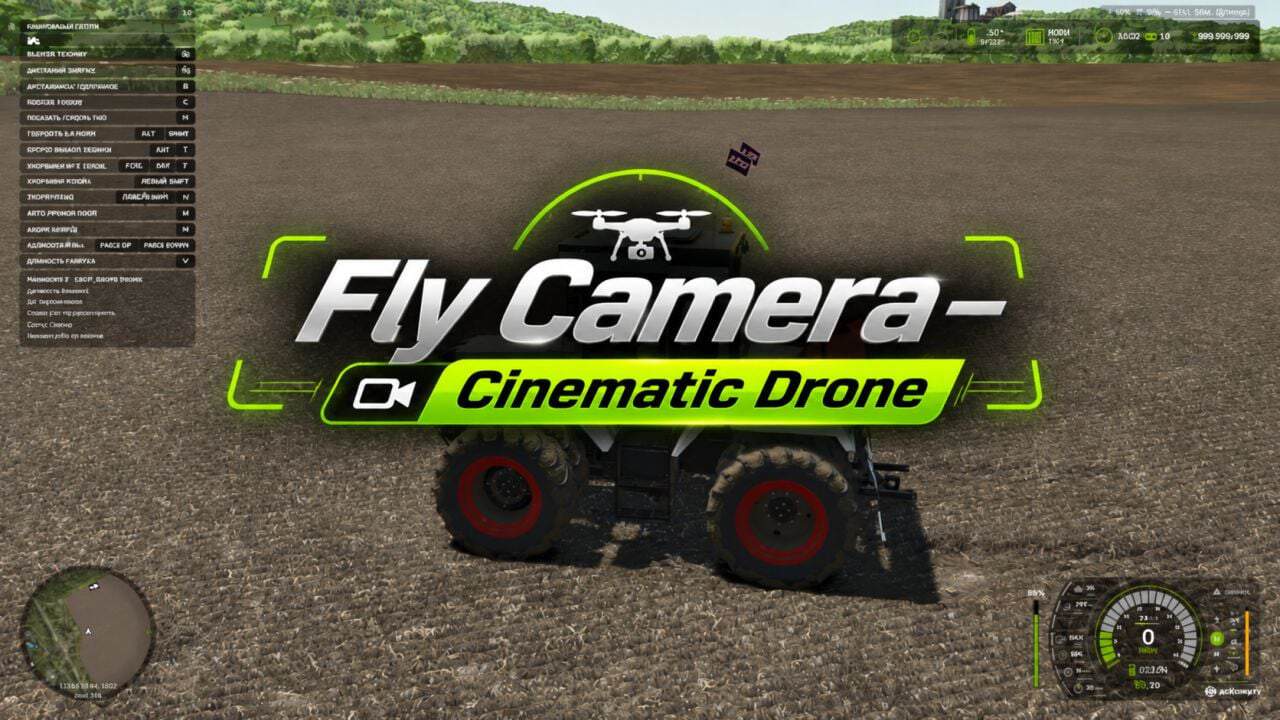
Fly Camera is an advanced cinematic camera for Farming Simulator 25 that simulates drone flight with intelligent control. It supports automatic filming, vehicle and player following, and free flight with manual drone control.
Features
- Automatic cinematic filming of vehicles.
- Follows the character and their vehicle.
- Free flight with manual drone control.
- 18 diverse cinematic angles.
- Automatic switching and holding of the selected angle.
- Three filming distance groups: near, medium and far.
- Intelligent obstacle avoidance system.
- Camera adaptation to the surrounding terrain.
- Select vehicles directly with the mouse cursor.
- Quickly switch between active hired workers.
- Adjustable flight speed.
- Informative HUD displaying the mode, status, distance and viewing angle.
- Option to hide the interface for filming.
- Integration of the autopilot camera into the standard vehicle camera switching cycle.
- Multiplayer support. (Not tested for extended periods)
Controls
Left Ctrl + Left Alt + F – enable/disable observation mode.
Left Alt + T – activate the vehicle selection cursor.
LMB – select a vehicle.
Page Up / Page Down – switch between hired workers.
Left Alt + Home – return to following the player.
M – automatic/manual flight mode.
B – automatic angle switching/angle hold.
N / Shift + N – switch angles.
V – change the distance group.
H – show/hide the HUD.
WASD – flight controls.
Q / E – descend/climb.
Shift – accelerate.
Mouse – control the camera direction.
Mouse wheel – change the flight speed.
The additional cinematic vehicle camera can be activated in the game’s general settings.