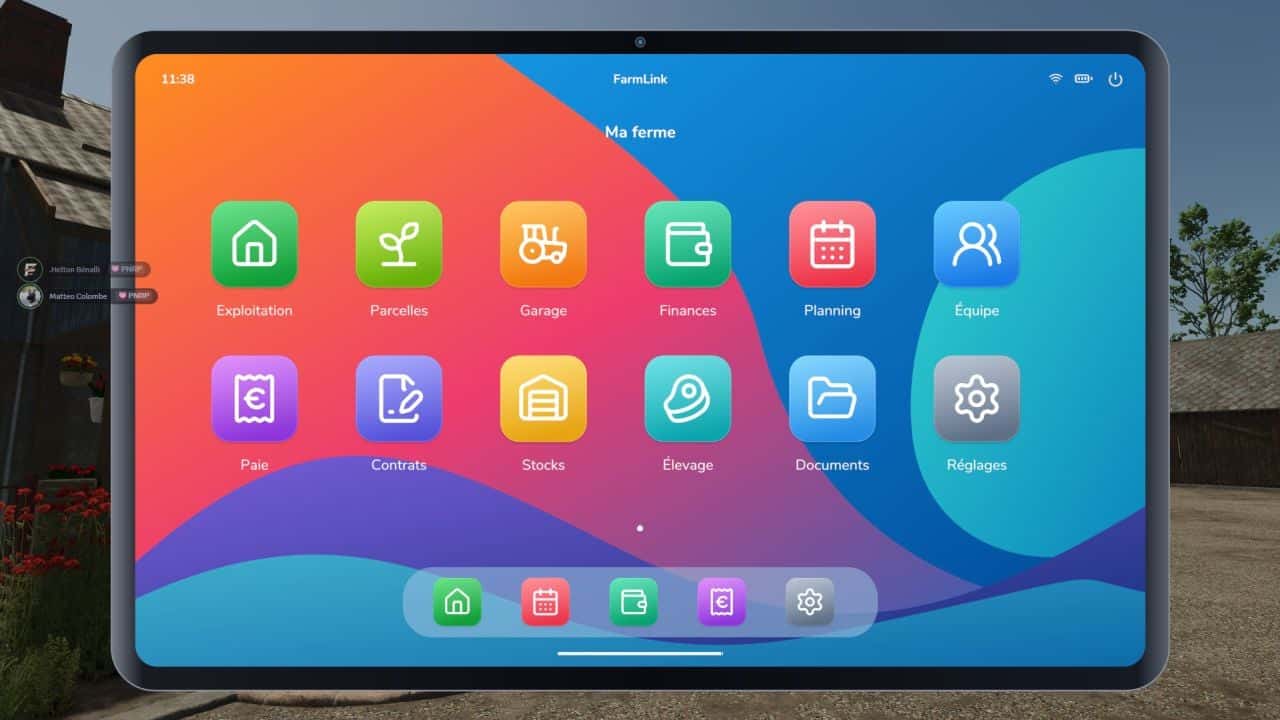
FarmLink adds a farm management tablet to Farming Simulator 25, with a customizable home screen and twelve dedicated applications for managing your farm.
Organize field operations, track equipment, manage your team, and configure employee compensation through an interface available in French.
Features
- Farm: An overview of your operation and upcoming tasks.
- Fields: Land area, in-game crop tracking, and task creation.
- Garage: Equipment inventory, engine hours, wear and tear, and maintenance scheduling.
- Finances: Farm balance, FarmLink activity log, and transaction records.
- Planning: Task creation, employee assignments, and progress tracking.
- Team: Staff registration, clocking in and out, job roles, and management access.
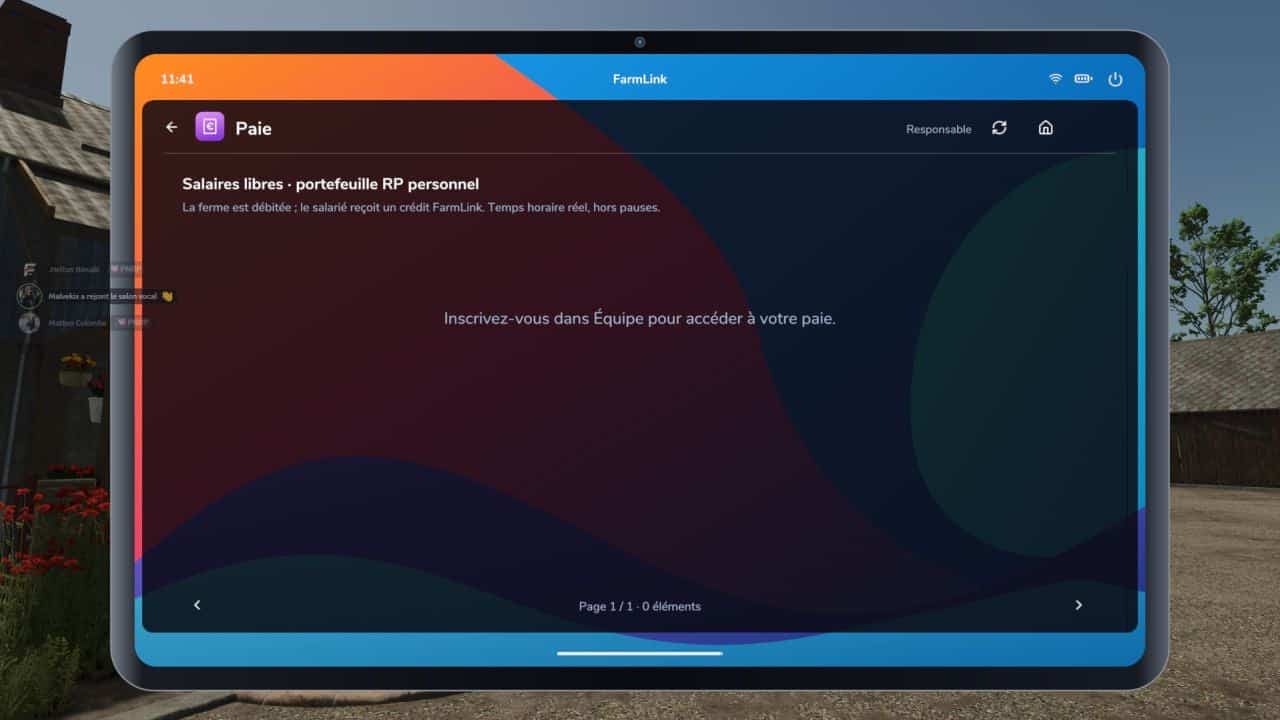
- Payroll: Customizable wages, bonuses, cash advances, and roleplay (RP) pay slips.
- Contracts: Quotes, services, inter-farm invoicing, and local roleplay agreements.
- Inventory: Stock levels in silos and custom alert thresholds.
- Livestock: Animal counts and details for your farm buildings.
- Documents: Notes, instructions, and shared files.
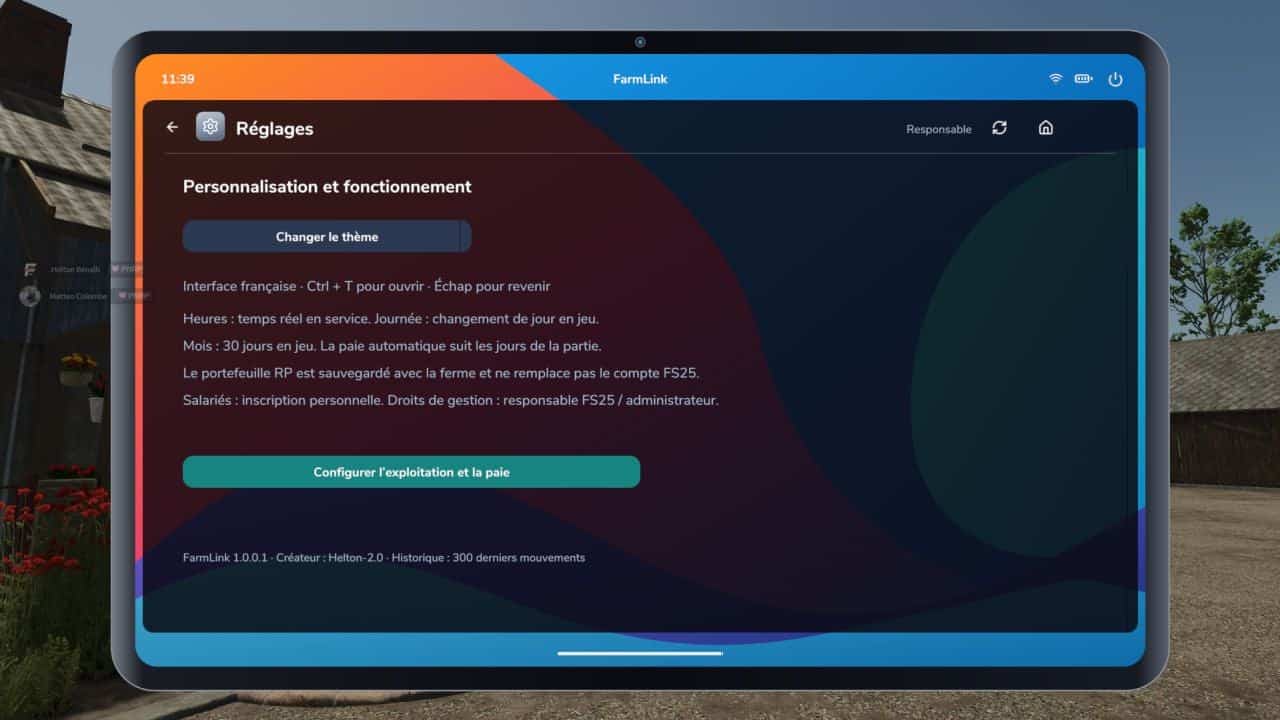
- Settings: Farm name and payroll configuration.
Payroll tailored to your roleplay
Set wages on an individual basis: hourly, daily, monthly, based on a 30-in-game-day cycle, or per task. Hourly pay is calculated based on actual in-game time spent on duty. You can add bonuses, issue cash advances, and choose between manual approval or automatic payouts every 1, 7, or 30 in-game days.
Wages are deducted from your farm’s FS25 account and credited to a personal FarmLink roleplay wallet for each employee. This wallet functions solely as a mod-internal ledger and cannot be used to purchase equipment from the in-game FS25 shop.
Quotes and invoices
The inter-farm workflow consists of sending a quote, receiving acceptance, completing the service, and finally processing payment. Inter-farm invoices are designed to transfer funds between the FS25 accounts of the two farms. Local roleplay (RP) contracts only record a declared payment, with no actual bank transaction taking place.
Controls and installation
- Open menu: Left Ctrl + T or F10, customizable via FS25 control settings.
- Navigation: Use your mouse; return to the home screen using the Esc key.
- Copy the
FS25_FarmLink.zipfile, do not extract it, into yourmodsfolder, then enable FarmLink when starting your game session. - In multiplayer, the same ZIP file must be installed on both the server and all client machines.
Information
- Game: Farming Simulator 25.
- Supported platforms: PC/Mac, requires Lua script support; not available for PlayStation/Xbox.
- Interface language: French.
- No additional mods required.
- Data is stored within your FS25 save file; ensure you save your game to keep any changes.