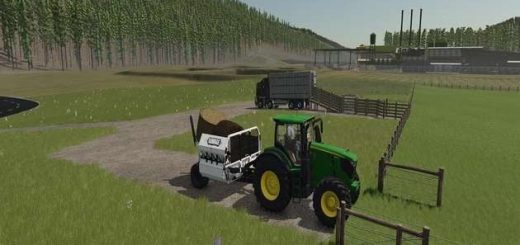
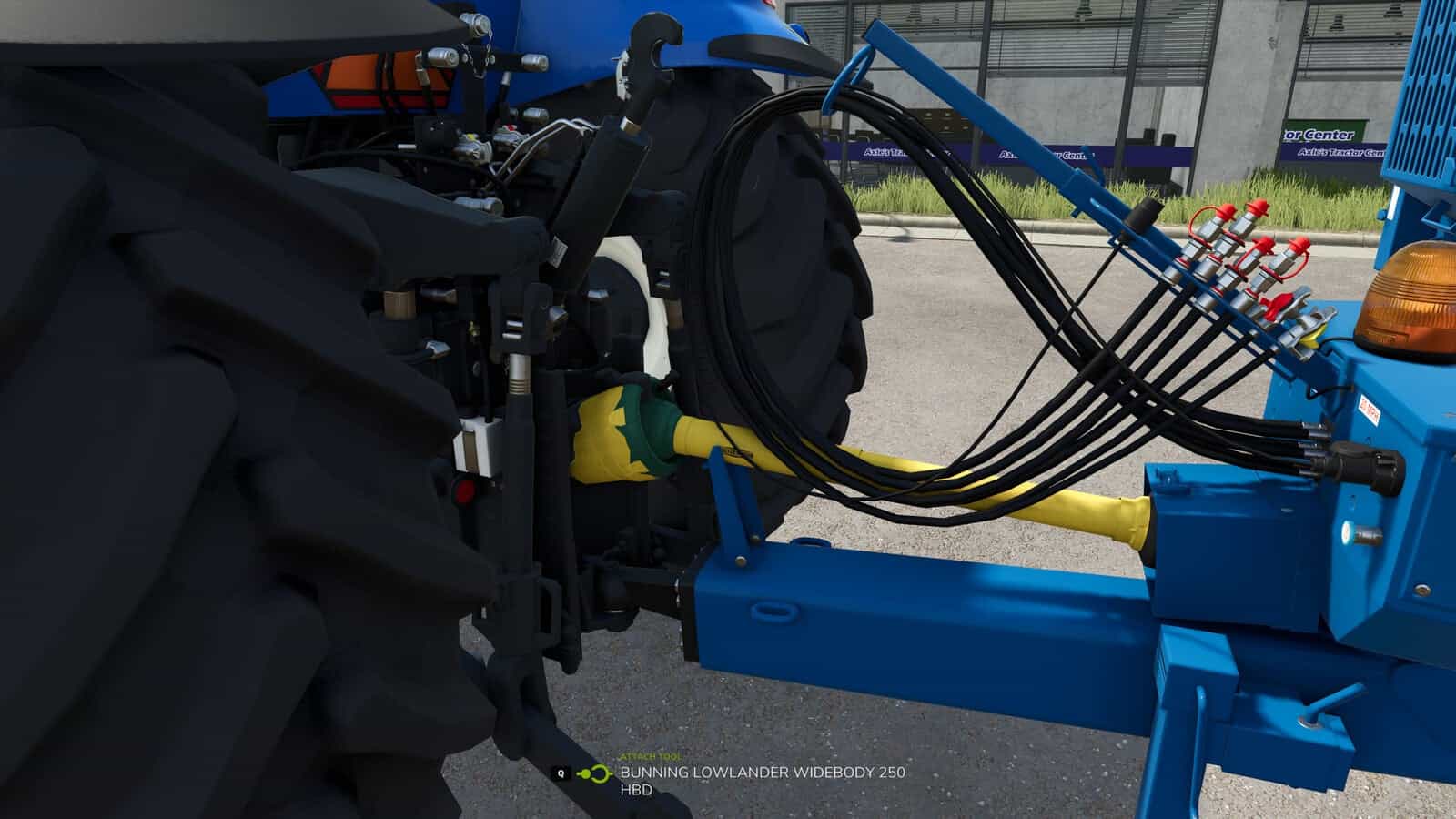
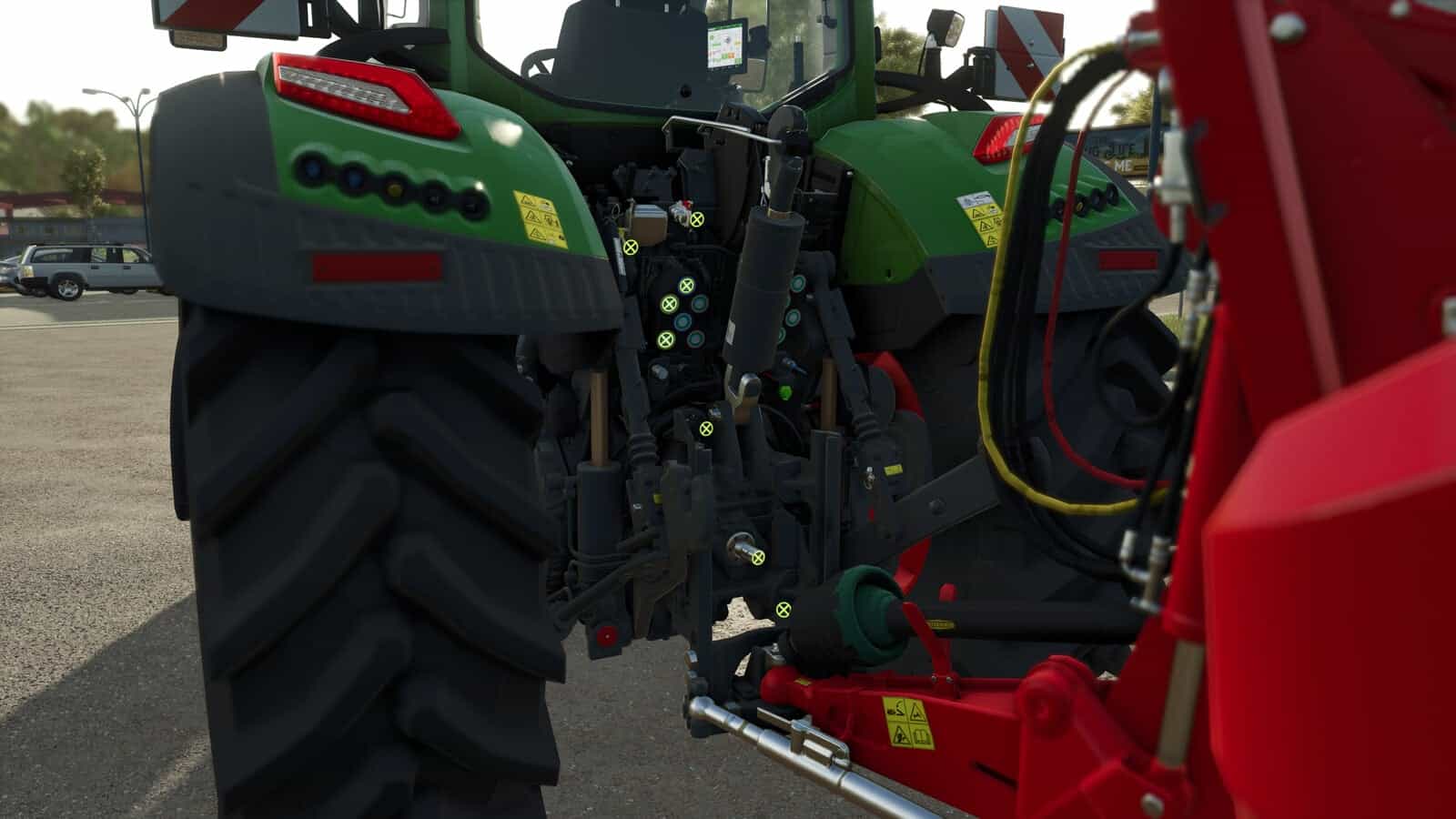
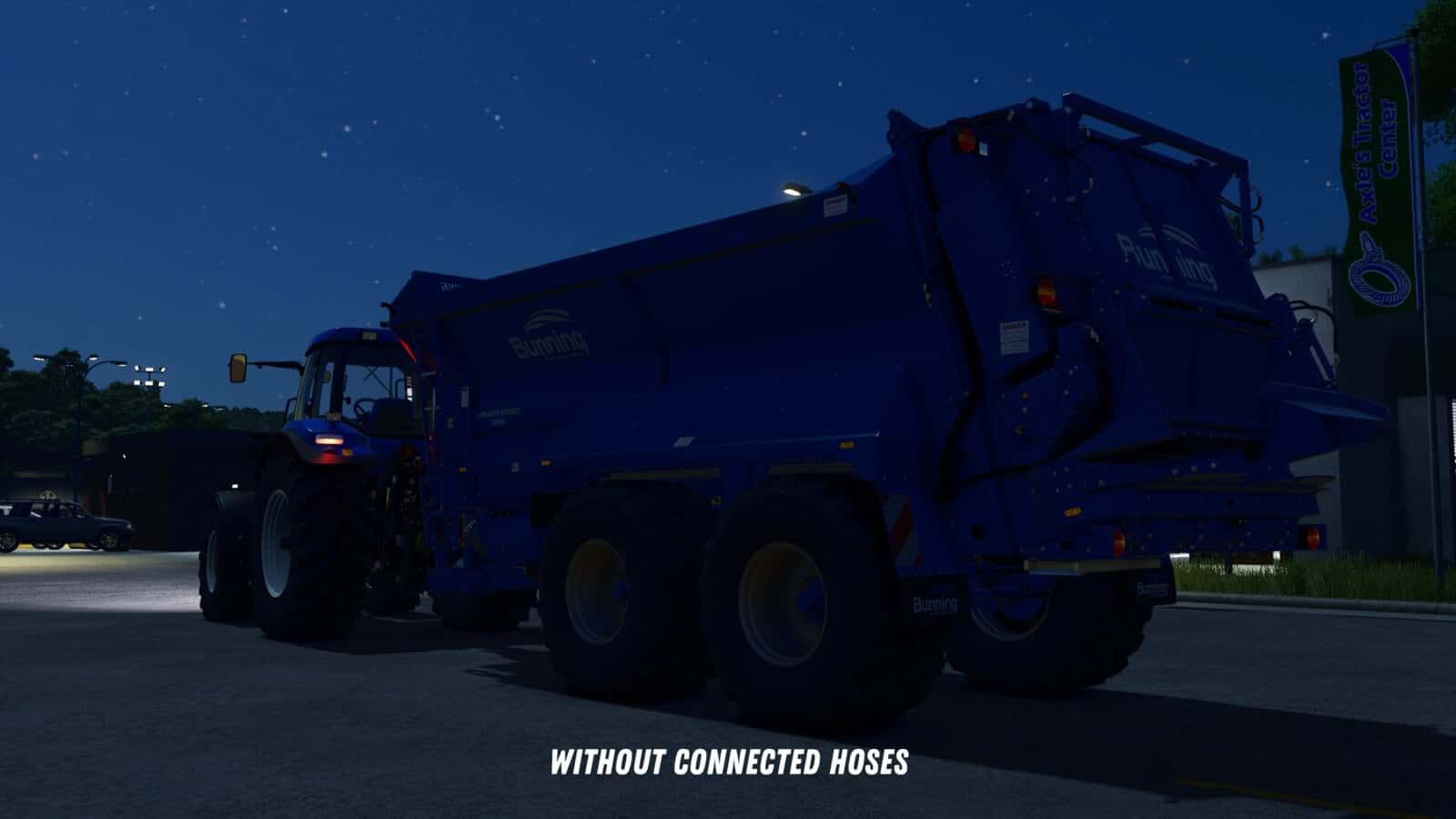
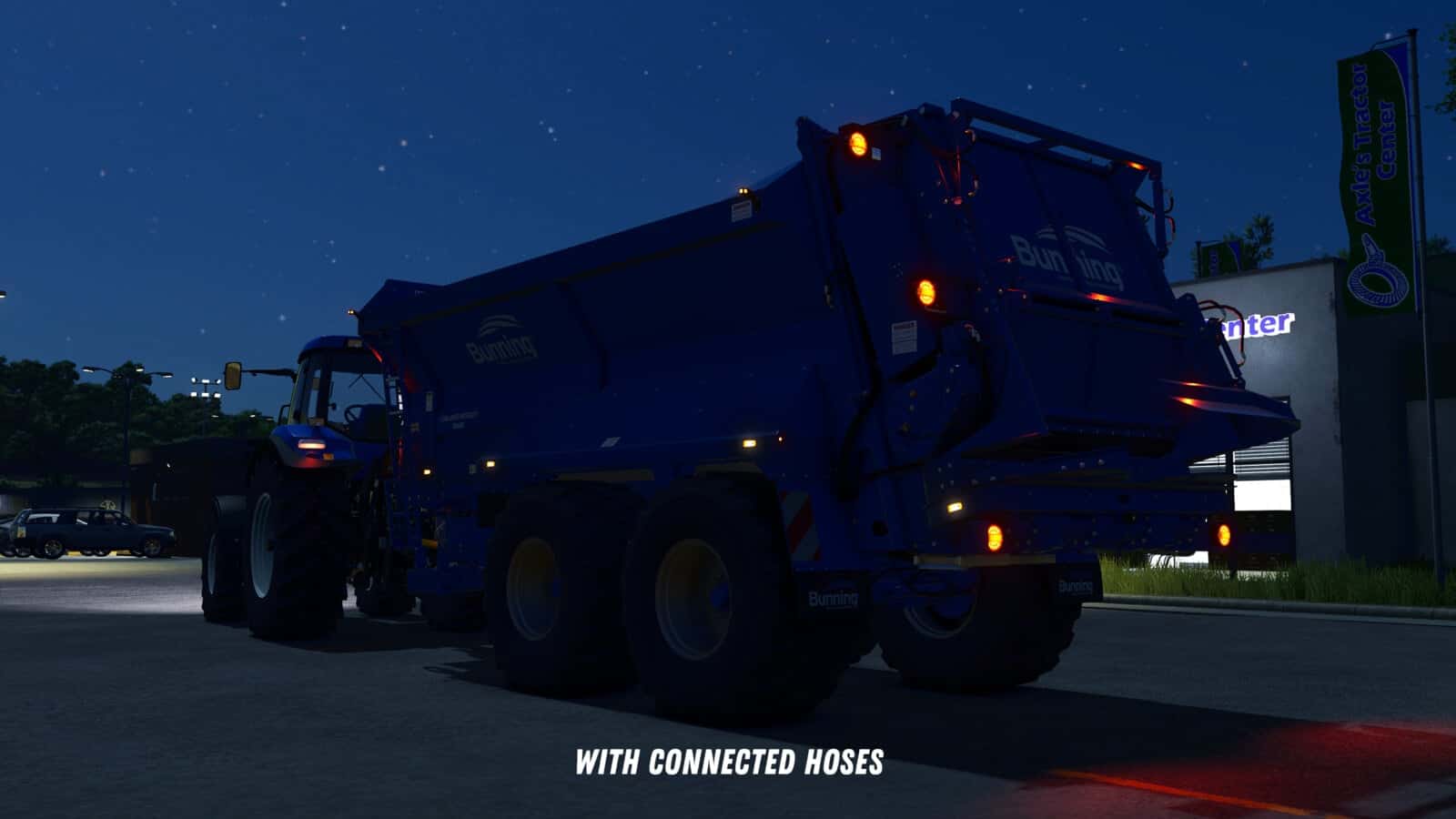
This mod allows you to manually attach implements to your tractor. In the general settings, you can choose whether attachments should be connected automatically or manually.
Features
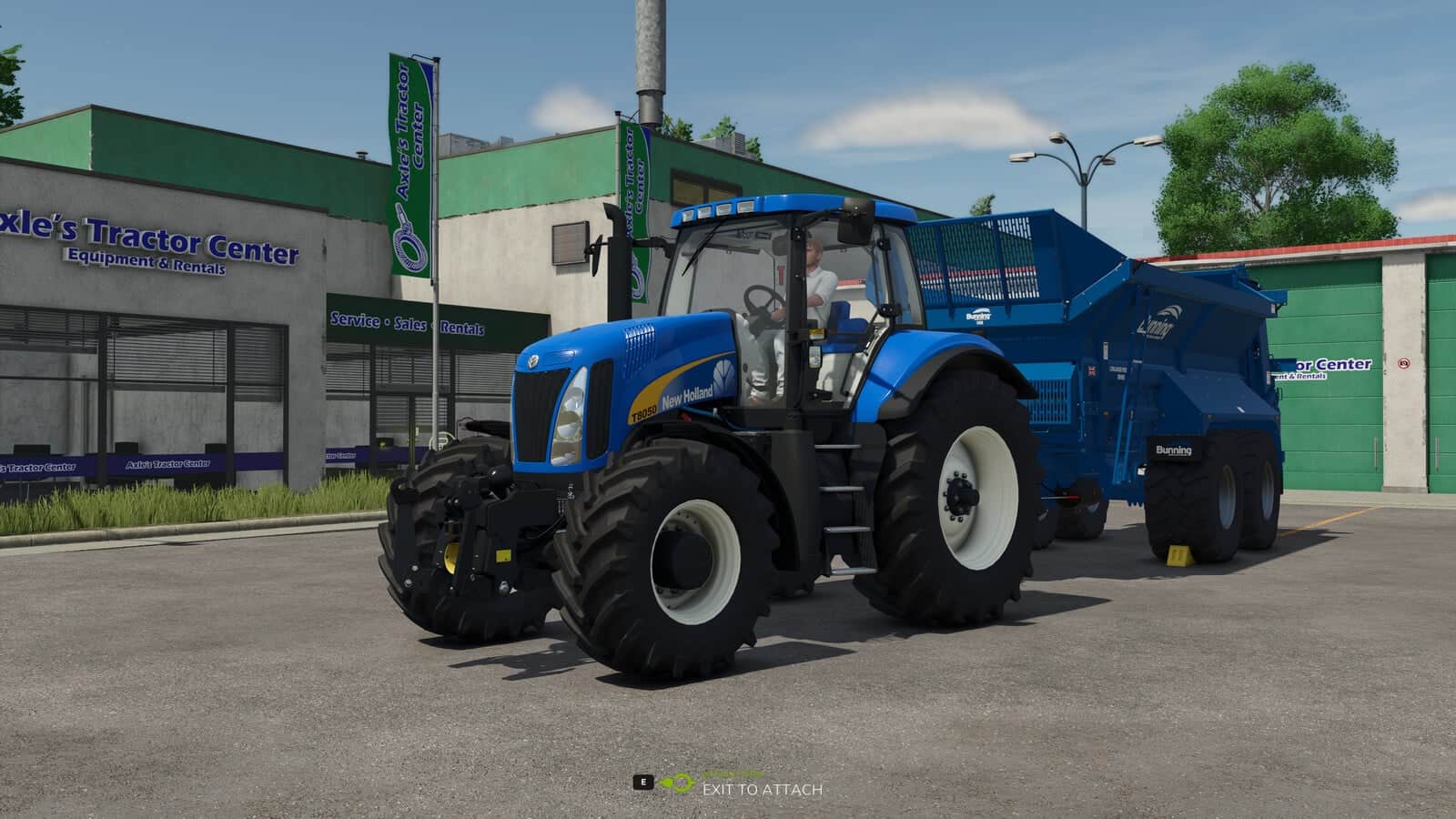
- When manual attachment is selected, the message “Exit vehicle to attach” appears when approaching an implement.
- After exiting the vehicle and walking to the hitch, attach the implement by pressing Q.
- Connect the hydraulic hoses, air lines, and electric cables by pressing Y.
- Connect the PTO shaft separately using the Z key.
- Trailers and implements with a drawbar hitch and Semitrailer attacher automatically attach when the drawbar is precisely aligned with the implement’s hitch.
When purchasing front loaders, you can choose between different coupler types:
- Manual: The front loader implement and hydraulic hoses must be attached manually.
- Auto Locking: The front loader automatically locks when approaching, if enabled in settings, or by pressing Q from the cab. The hydraulic hoses must be connected manually.
- Quick Coupler: The front loader automatically locks when approaching, if enabled in settings, or by pressing Q from the cab. The hydraulic hoses are also connected automatically.
If manual attachment is enabled in the settings, you need to manually connect the hoses after the implement is hitched. If it is disabled, all connections are made automatically once the implement is attached.
The following default keys are set for coupling hoses and the top link individually. All keys can be rebound in the settings:
- Top link (attach / detach): O
- Handbrake (apply / release): Alt + H
- Wheel chocks (place / remove): K
- Hydraulic in (attach / detach): H
- Hydraulic out (attach / detach): lShift + H
- Electrics (attach / detach): E
- ISOBUS (attach / detach): I
- Air brake red (attach / detach): L
- Air brake yellow (attach / detach): lShift + L
- Tool hose /
ToolConnectorHose(attach / detach): T - Custom hose (attach / detach): lShift + C
Coupling implements, hoses, and top links through clickable IC points requires the InteractiveControl mod by VertexDezign.
When buying a trailer, you can pick one of three brake types:
- No brake: The trailer has no parking brake at all.
- Handbrake: Applied and released right at the trailer with Alt + H.
- Spring brake: With manual brake operation enabled, apply it before disconnecting the red air line. It may then be released with Alt + H using the remaining reservoir pressure and applies automatically below 5 bar. With manual operation disabled, it applies automatically before the red line is disconnected.
The air brake works realistically: the yellow line controls the service brake, while the red line releases the spring brake and fills the reservoir. Whether an uncoupled trailer without a set brake can roll away on a slope is decided by a savegame-wide / server-wide setting. Operating the handbrake by hand can be turned on or off per player in the general settings.
On trailers that carry them, wheel chocks can be placed and removed with K, independently of the handbrake. A trailer with chocks in place will not roll away. To drive off, the chocks must be removed and the handbrake released.
All key bindings can be customized freely in the settings. The default key for the “Attach” action uses the standard game assignment.
The SDK folder within the mod contains a guide on how to adapt mod vehicles for the mod. This is not strictly necessary but offers extended functions for coupling configurations and trigger adjustments.
Changelog
1.0.0.1
- Fixed issues with hook lift vehicles and BigBags.
1.0.0.2
- Fixed issues with skid steer loaders.
- Fixed issues caused if vehicle height, length or width is not set.
- Added distinction between different hose types. Hydraulic, air, and electric connections are now handled separately.
- Forage harvester headers can now be attached from the forage harvester like with combine harvesters.
- For modders: The possible coupler types for front loaders can be configured in the respective XML of the vehicle. Additionally, a default coupler type can be set and the selection of other coupler types in the shop can be disabled.
1.0.0.3
- Added setting and corresponding function for automatic attachment of front loaders. When enabled, front loaders automatically attach as soon as the front loader is close enough to the front loader console of the vehicle.
- Fixed ineffective setting for automatic attachment of front loader implements.
- Improved overall performance impact of the mod.
- For modders: In the
modDesc.xml, it is now possible to specify the path to a configuration file. In this file, AttacherJoints can be marked as front loader AttacherJoints, so that corresponding configs and functions for these AttacherJoints can be used. Documentation of the functions can be found in the SDK folder.
1.0.0.4
- Fixes for patch 1.19.
1.0.1.0
- Fixed the PTO coupling state on multiplayer savegames.
- Minor code cleanup and tweaks.
- Coupling can now also be done through InteractiveControl. This requires the InteractiveControl mod by VertexDezign.
- Added individual coupling for hoses.
- Added individual coupling for the top link.
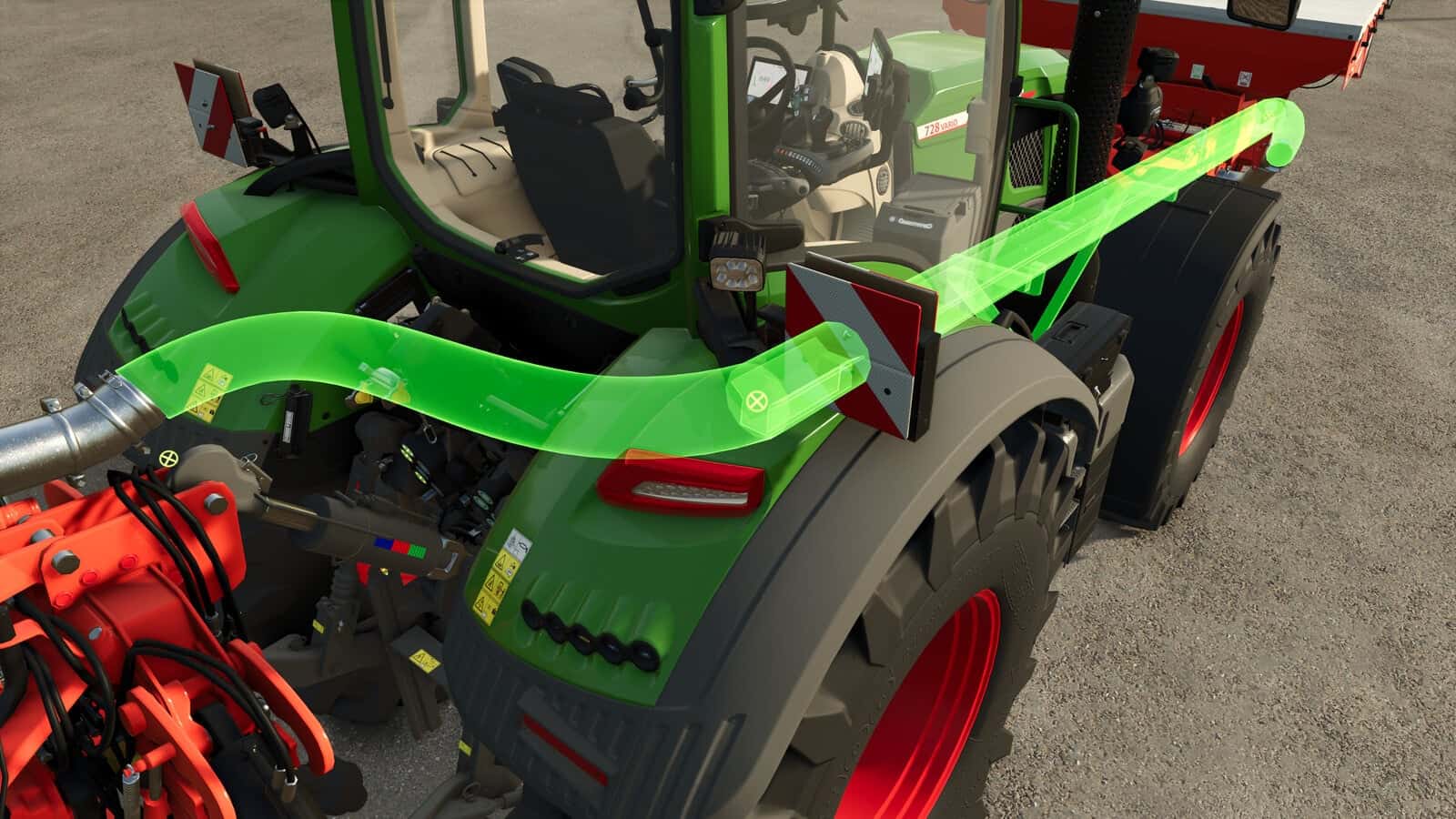
- Added a preview for coupling
ToolConnectorHoses. - Added a realistic brake system. The shop now lets you choose between No brake, Handbrake and Spring brake. The handbrake is operated right at the implement. The spring brake can be released at the implement as long as there is still enough pressure left in the tank.
- The air brake now behaves realistically: the yellow line controls the brake, while the red line releases the spring brake.
- Added a savegame-wide / server-wide setting that decides whether trailers without a set brake can roll away.
- Added wheel chocks: on suitably equipped trailers they can be placed and removed with the K key. A trailer with chocks in place will not roll away.
- Attached implements keep their height after attaching. The lowered state is now synchronized in multiplayer.
YOU NEED: No More Auto Lift