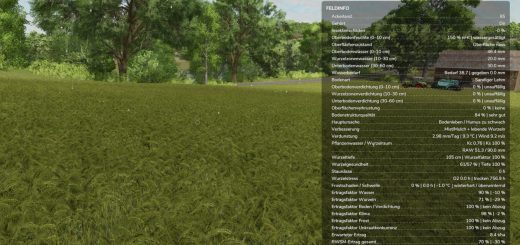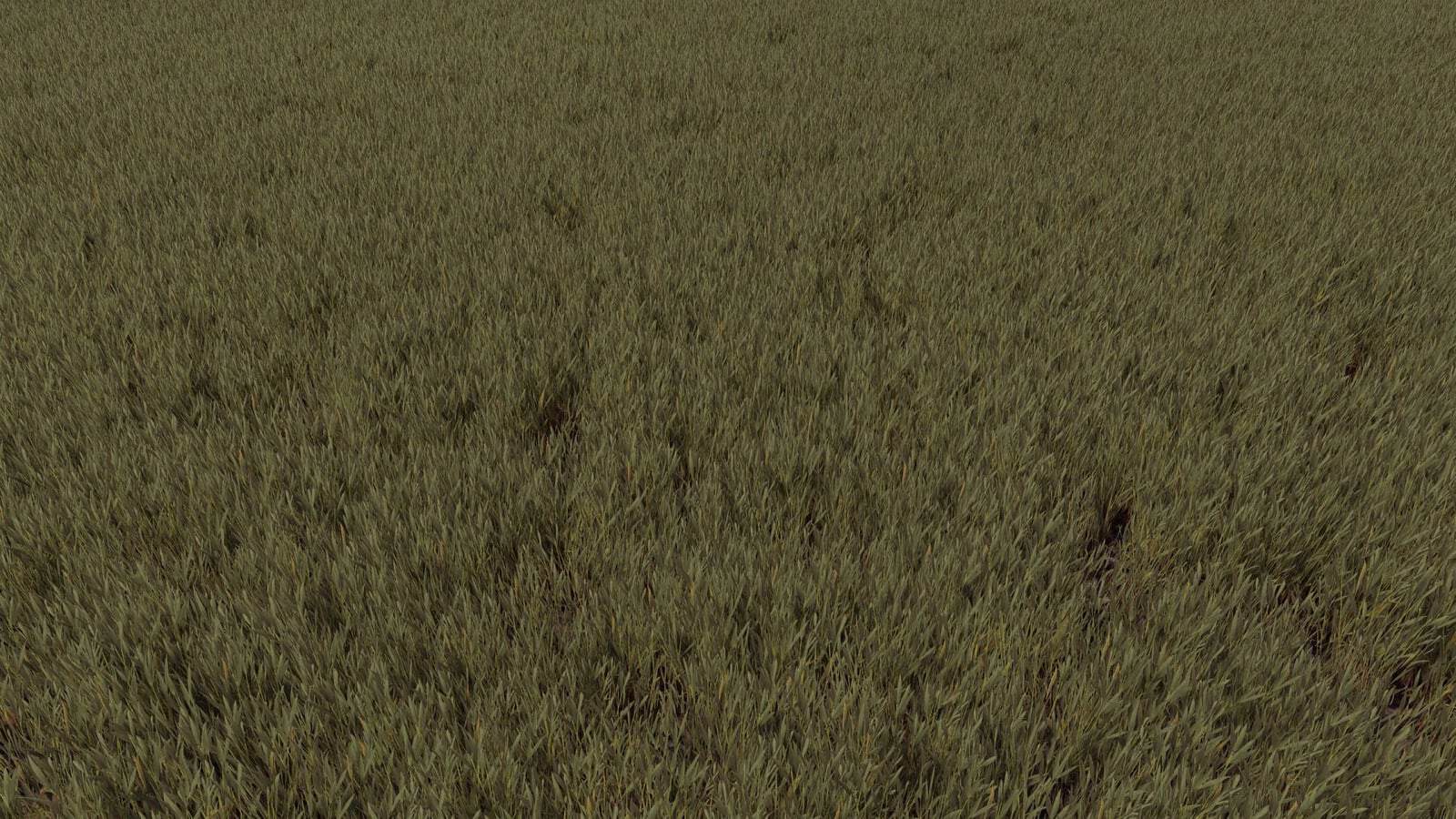
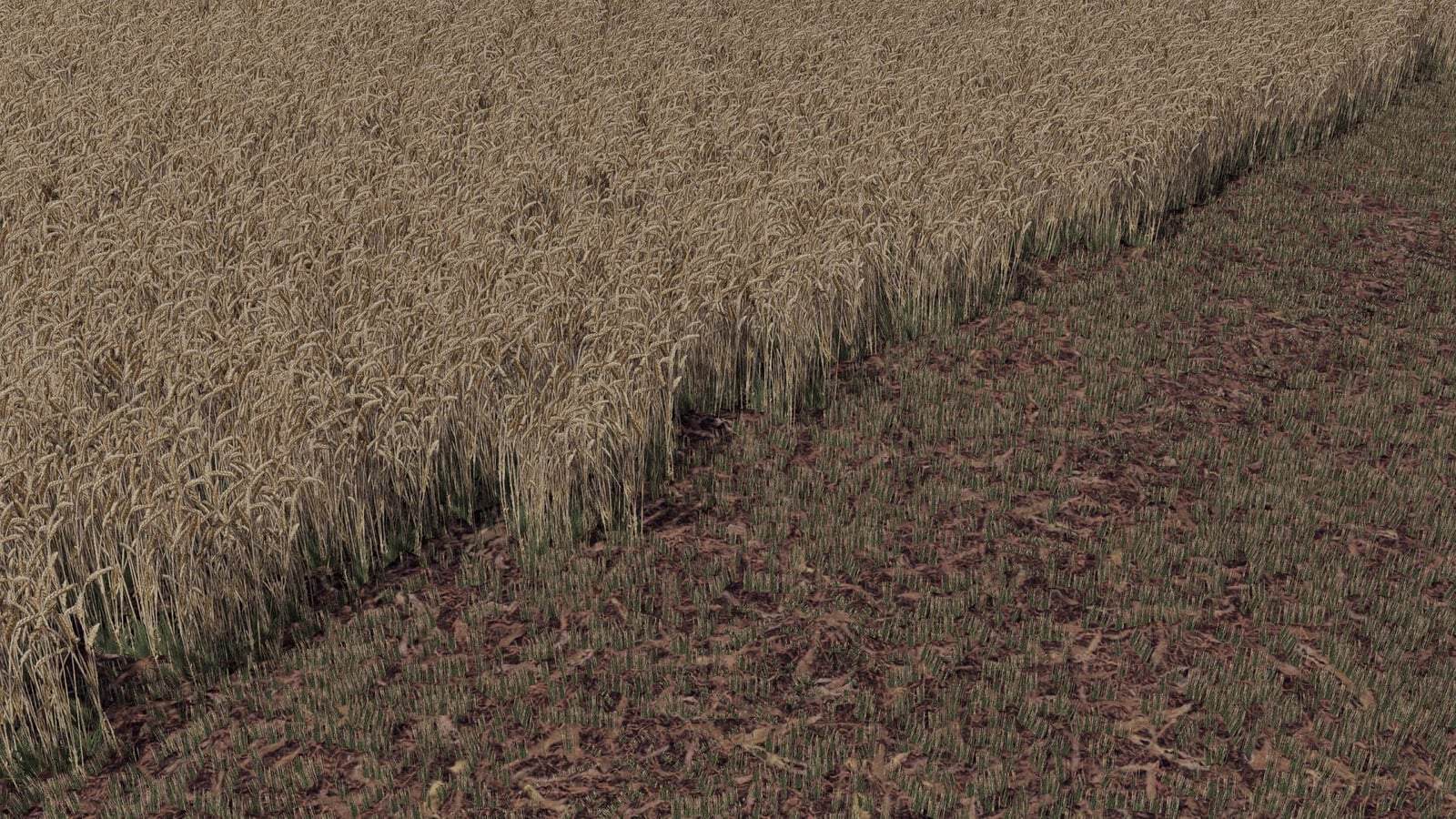
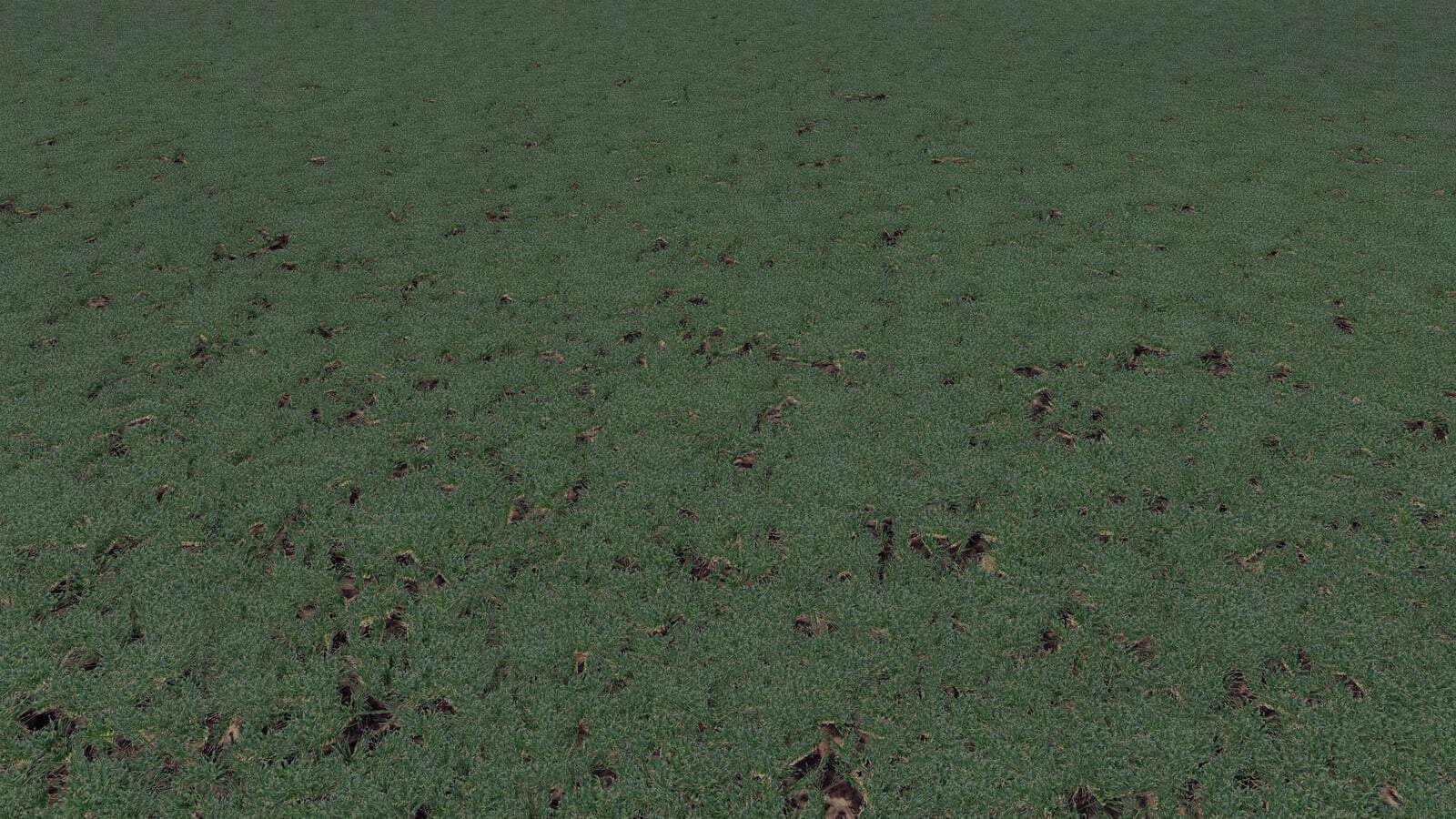
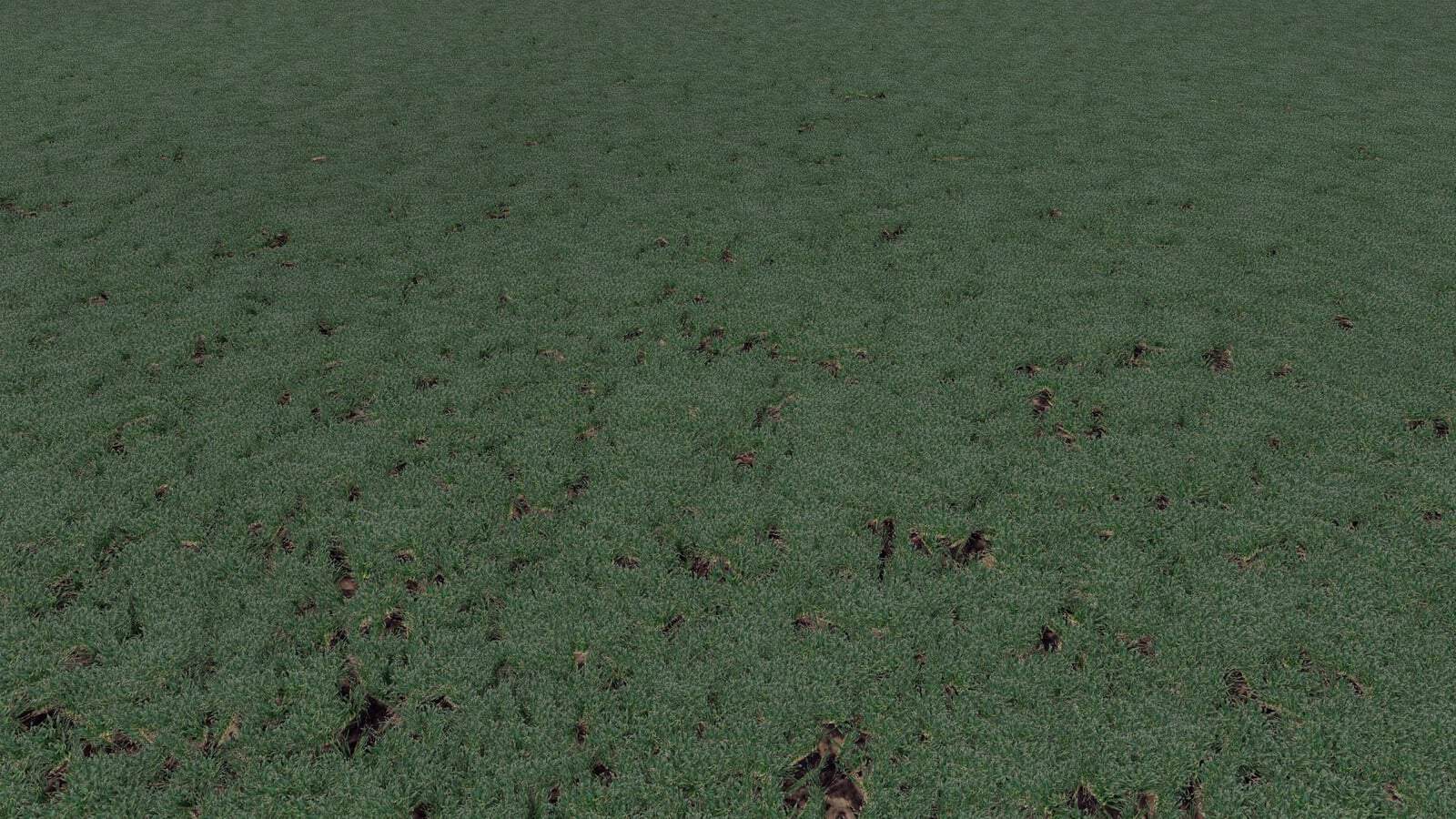
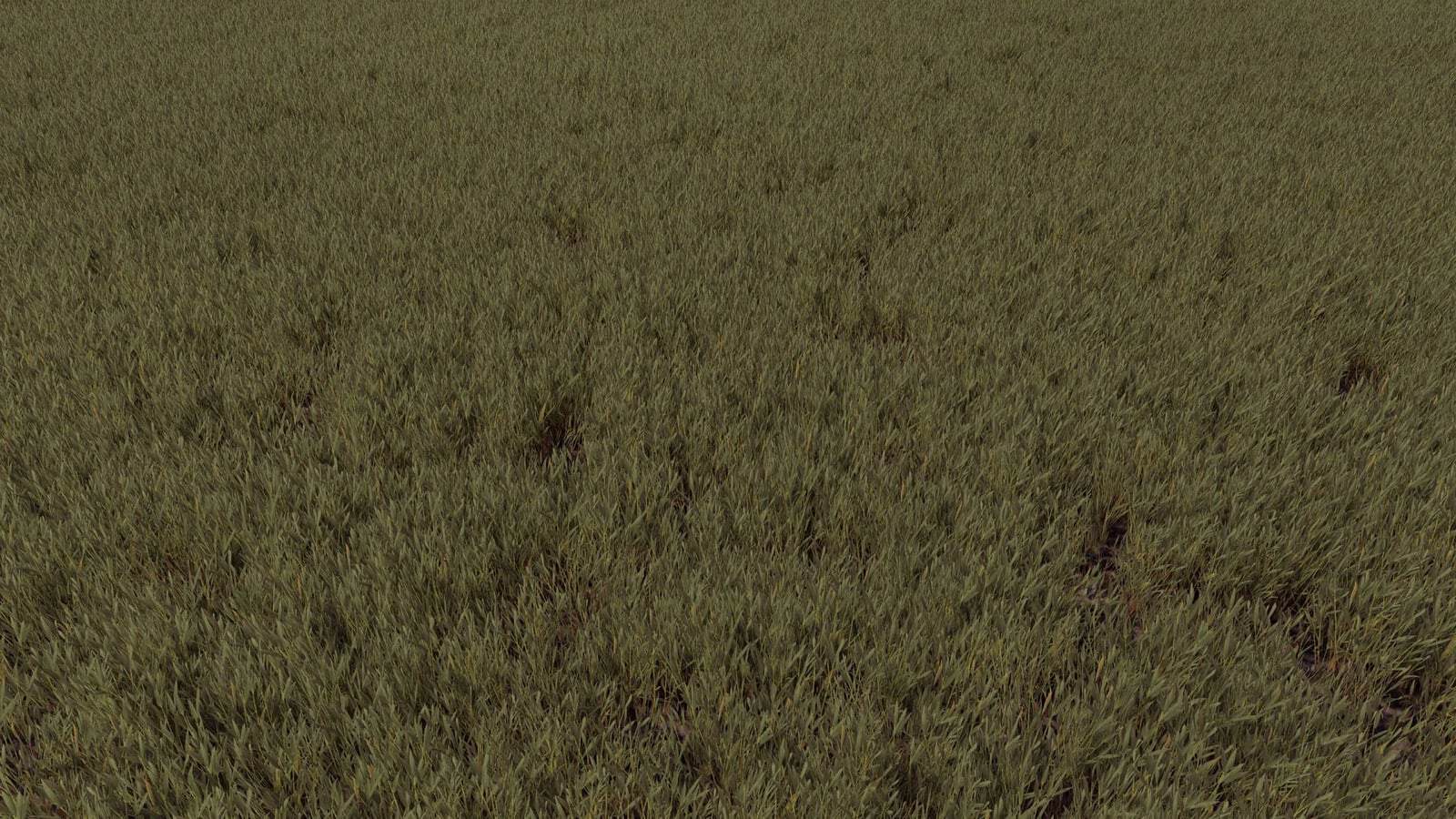
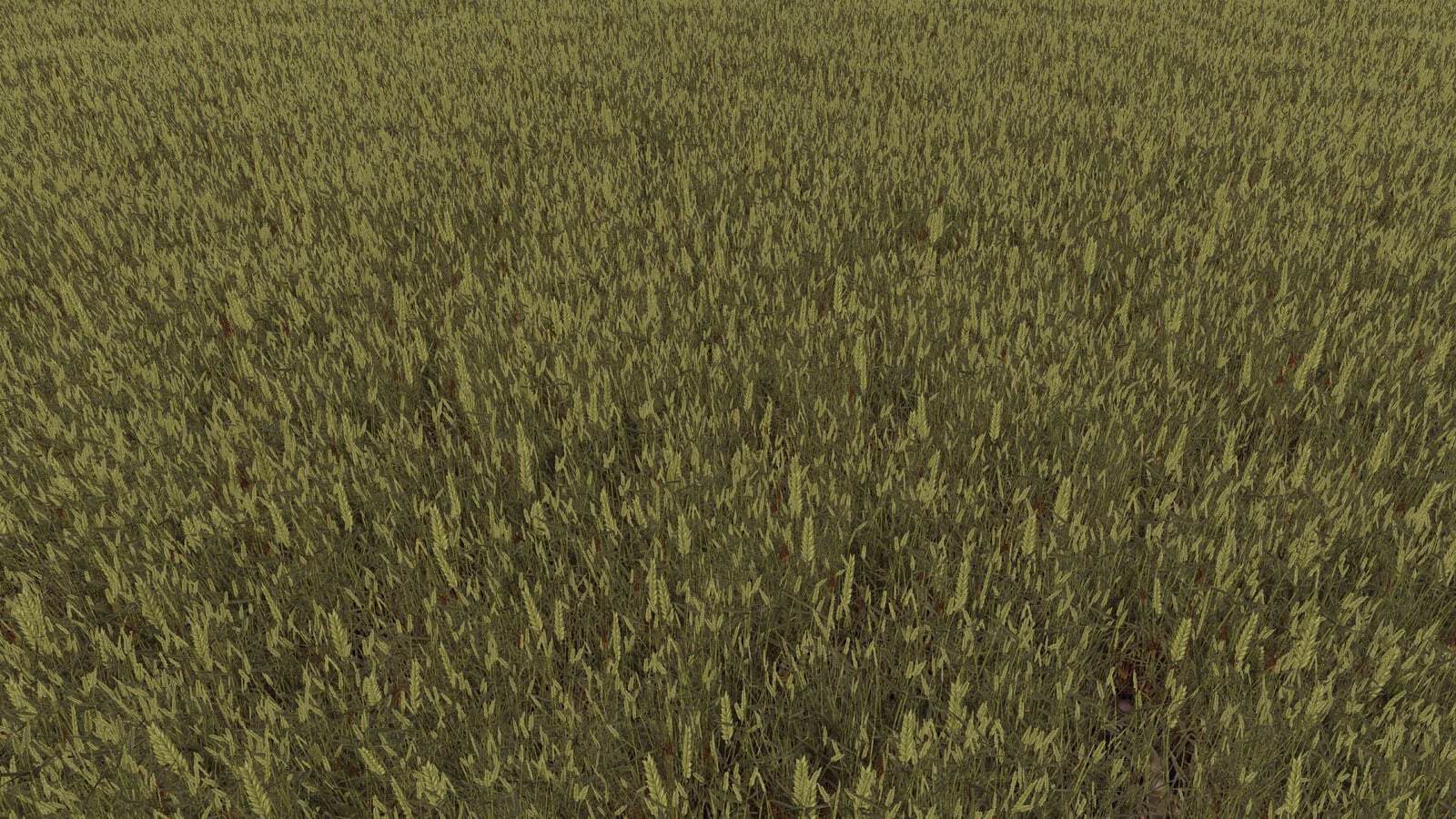
Wheat textures from FS15 (Prefab) V1.0.0.0

FS25 Mods |
Wheat textures from FS15 (Prefab) V1.0.0.0


Wheat FS15.

Features

  • Wheat textures in DDS format
  • I3D and I3D.SHAPES models
  • wheat.xml configuration file
  • Distance textures
  • Multiple wheat growth stages

Installation

  1. Extract the downloaded ZIP archive.
  2. Open the foliage folder.
  3. Copy the wheat files into the appropriate foliage directory of your FS25 map.
  4. Adapt the configuration and materials using GIANTS Editor 10.
  5. Test the textures in-game.

Author: Tyee
Having problems with the mod? Check the comments for possible solutions, and report any new bugs you discover.


Download


Useful Information: How to install FS25 Mods | Farming Simulator 25 FAQ | Farming Simulator 25 News | FS25 System Requirements | Download FS25 Game | Giants Editor FS25 | FS25 Modding Guide | FS25 Cheats | FS25 Guides

Leave a Reply

Your email address will not be published. Required fields are marked *