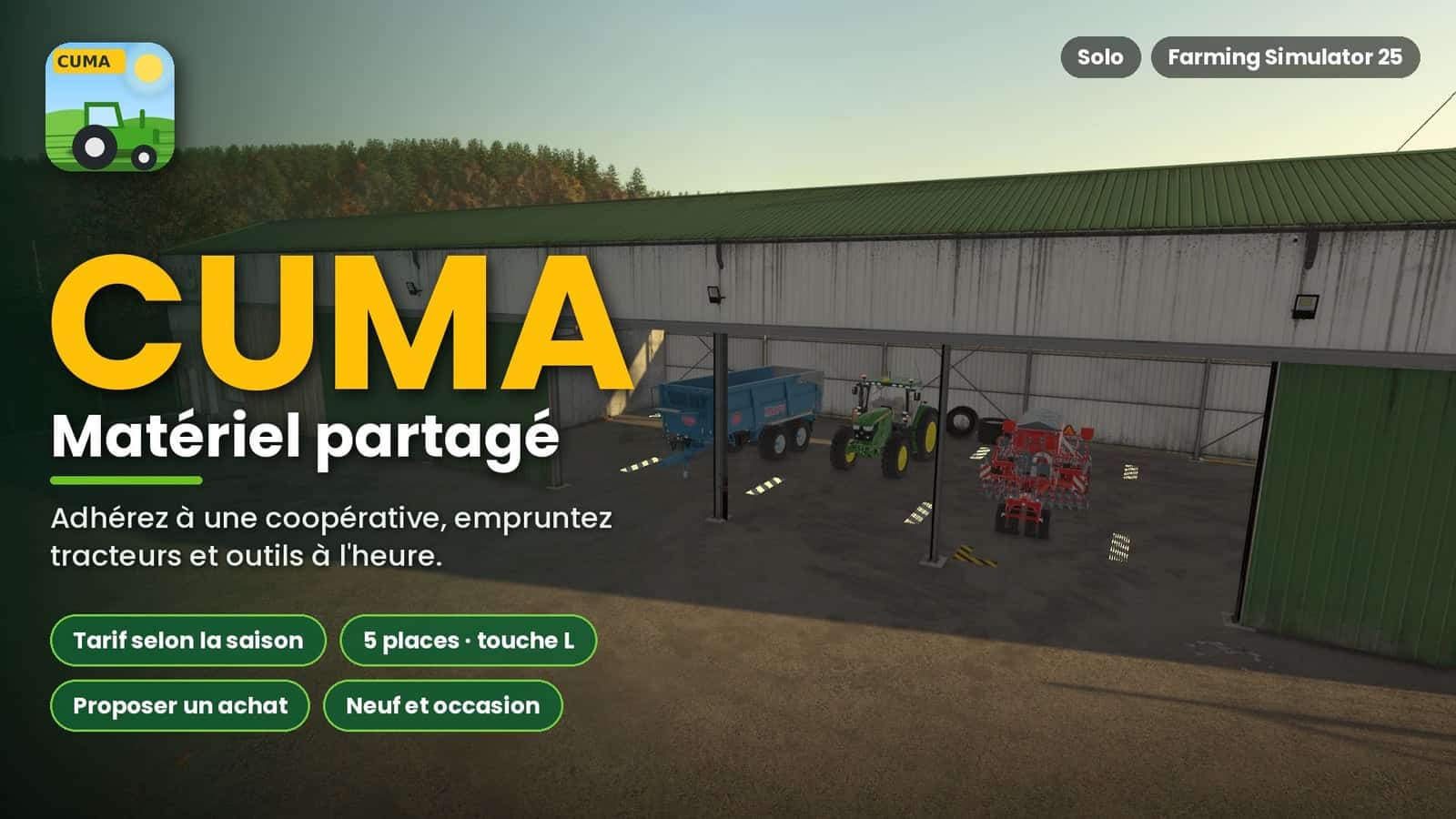
This mod adds CUMA, agricultural equipment cooperatives, to Farming Simulator 25. Players can join a cooperative, pay a membership fee, and borrow tractors, tools, and machines by the hour.
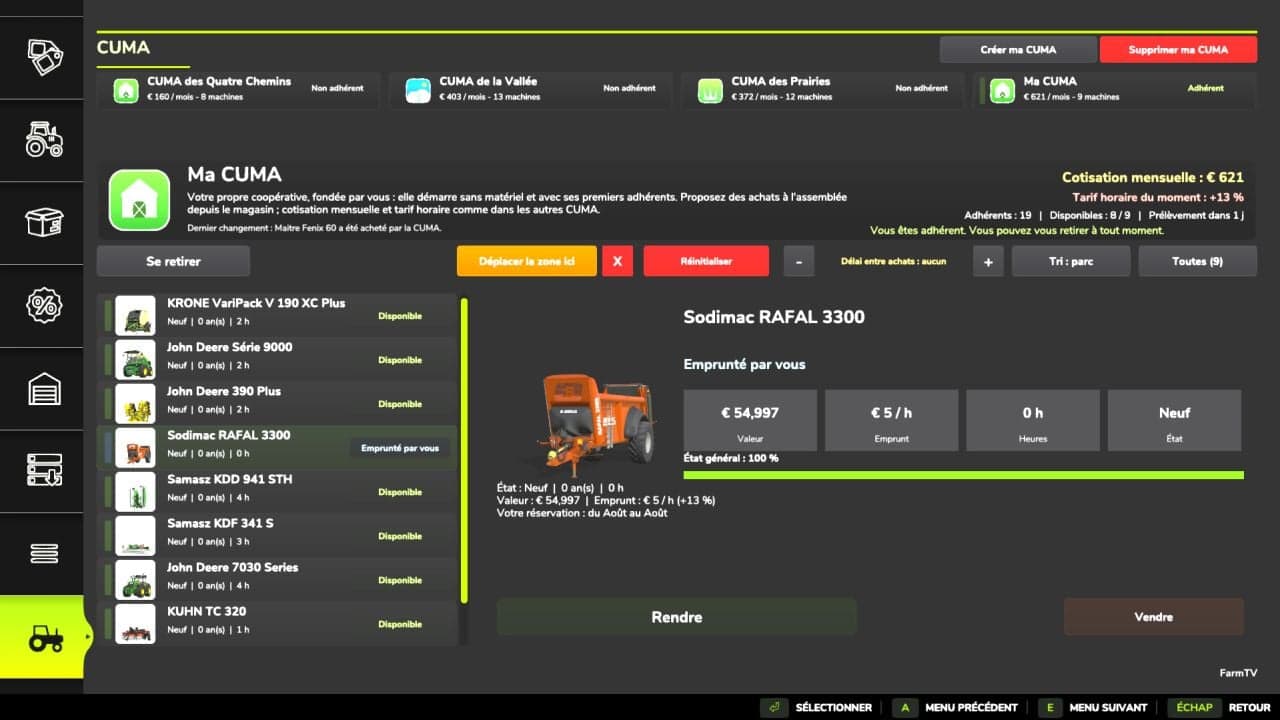
A new CUMA tab appears in the shop menu. The CUMA page shows the cooperatives in the game, the selected cooperative’s description, monthly membership fee, current hourly rate, number of members, and the Leave, Borrow, Move the area here, and Reset buttons. It also displays the entire fleet with its condition, age, hours, value, hourly price, and availability, such as available, being repaired, or borrowed by another member.
Features
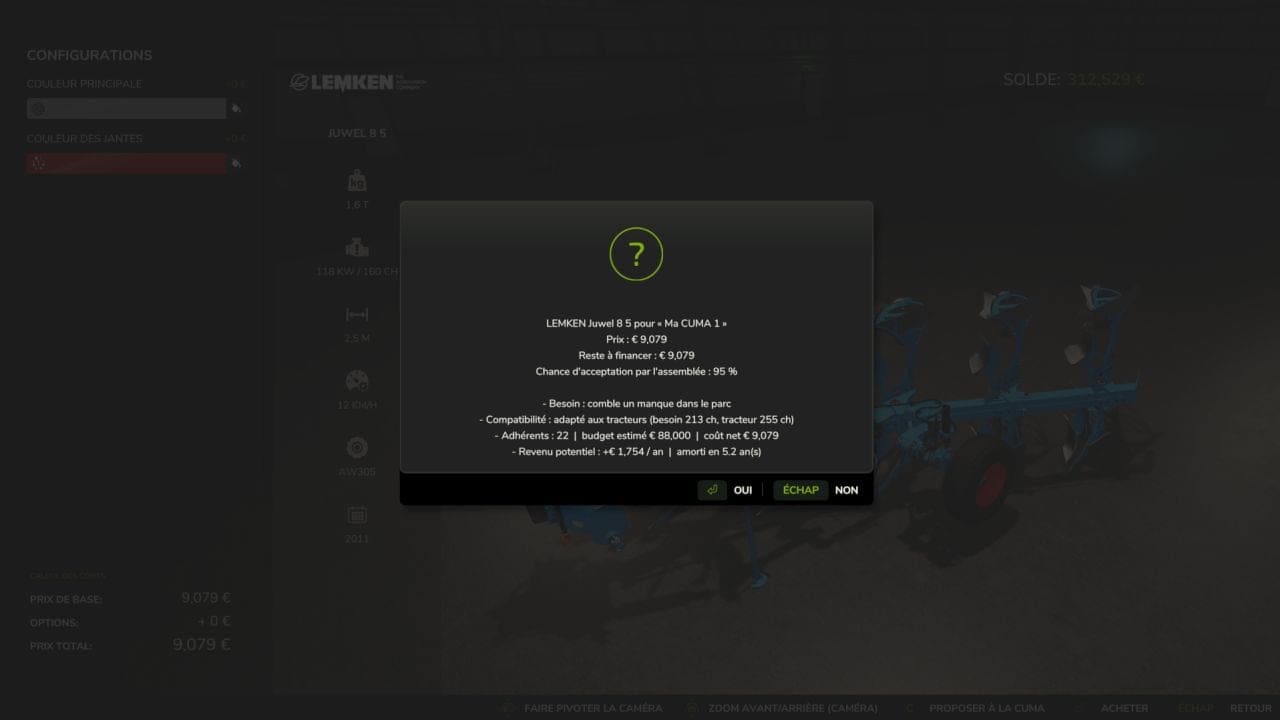
- Suggestions that take the fleet into account. For rotary harrows, the Kredo 3 (165 hp) is suitable for the CUMA’s tractors (95%), while the 330 and 440 hp models are marked Impossible because they are too large for the tractors currently available.
- Membership and rates
- Only one CUMA at a time; leaving is possible after a minimum of 1 year.
- Monthly membership fee based on the value of the fleet; borrowing is charged by the hour.
- The hourly rate follows the in-game season, more expensive during sowing and harvest, cheaper in winter, not how often you borrow equipment.
- Each CUMA displays its number of members, which changes slowly.
- Cooperatives with character
- 2 to 4 CUMAs per game, or more if you create them, each with its own description and equipment to match: a small village without a combine harvester, a valley with a combine harvester and recent equipment, large-scale farming with powerful tractors and a plough, livestock farmers with a telehandler, forks, spreaders, and haymaking equipment.
- The machines are selected from the game’s shop, including mods.
- A realistic fleet
- Age, hours, wear, breakdowns, and repairs; machines are sometimes loaned to other members; the fleet is renewed over time.
- Tools matched to the tractors’ power, with no tool that is too large.
- The delivery area
- Place it from the CUMA page using Move the area here, oriented according to your camera.
- 5 spaces; yellow and black markings.
- Propose a purchase
- Available types: all my machines directly from the shop, new or used, including the game’s used vehicle tab.
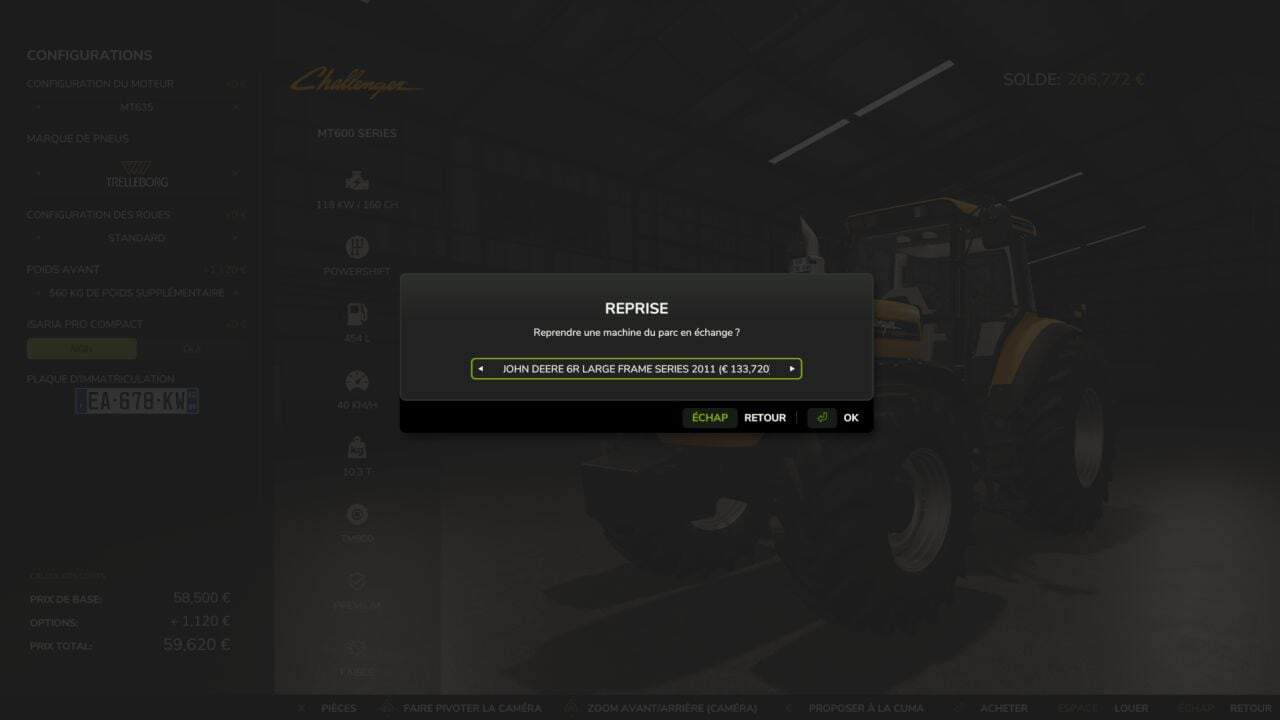
- Trade-in of a machine from the fleet is possible.
- The probability of acceptance depends on the need, compatibility, budget, based on the number of members, and potential income.
Installation and tips
Copy the zip file into the mods folder, activate it in your savegame, then open the shop menu: the CUMA tab is the last one.
Place the delivery area using the “Place the area here” button.
The mod is still evolving, and updates are planned.
Changelog
- V1.0.0.4
- Added an option to disable the calendar
- Fixed a minor bug affecting plows and trailers
- Added a multiplayer voting system for machine approval
- Added a button to the CUMA menu to filter the results
- Added a command to the developer console to
RESETthe mod, except your CUMA
- V1.0.0.3
- Added a button to adjust the delay between purchases
- Fixed several small bugs
- V1.0.0.2
- Interface changes
- Fixed bugs with the mouse wheel
- Increased certain limits
- Fixed several bugs