Wear and tear, overload damage, and maintenance for your grassland equipment in Farming Simulator 25. Grassland Care Plus combines Pickup Plus, Mower Plus, and Swather / Tedder Plus with HMT spare parts and multiplayer synchronization in a beta version.
Features
- From mowing and turning to windrowing and collecting, wear and tear and maintenance are part of the daily routine.
- Overloading causes additional damage.
- Blockages can interrupt work.
- Presses and loading wagons: wear on knives, pickup tines, and roller hold-downs.
- Mowers: wear on blades, drums, and skids.
- Swathers and tedders: wear and tear on tines, tine safety devices or catch brackets, and claw couplings.
Menu and Easy Mode
In the pause menu under General Settings → Grassland Care+ you can adjust the pickup, mower deck, and rake/tedder separately:
- From: The device operates with normal LS25 functions. Grassland HUD, load limiting, wear and maintenance are paused.
- Easy: Blockages are disabled for players and helpers. Existing blockages are cleared when switching between modes. Utilization, wear and tear, and spare parts maintenance remain active.
- To: All grassland functions are active. If a tool becomes clogged while the helper is running, the job will end with a message. After clearing the blockage, you can restart the helper.
The module settings are saved in the game. In multiplayer, the host or server administrator sets them for all players.
Spare Parts and Partial Maintenance
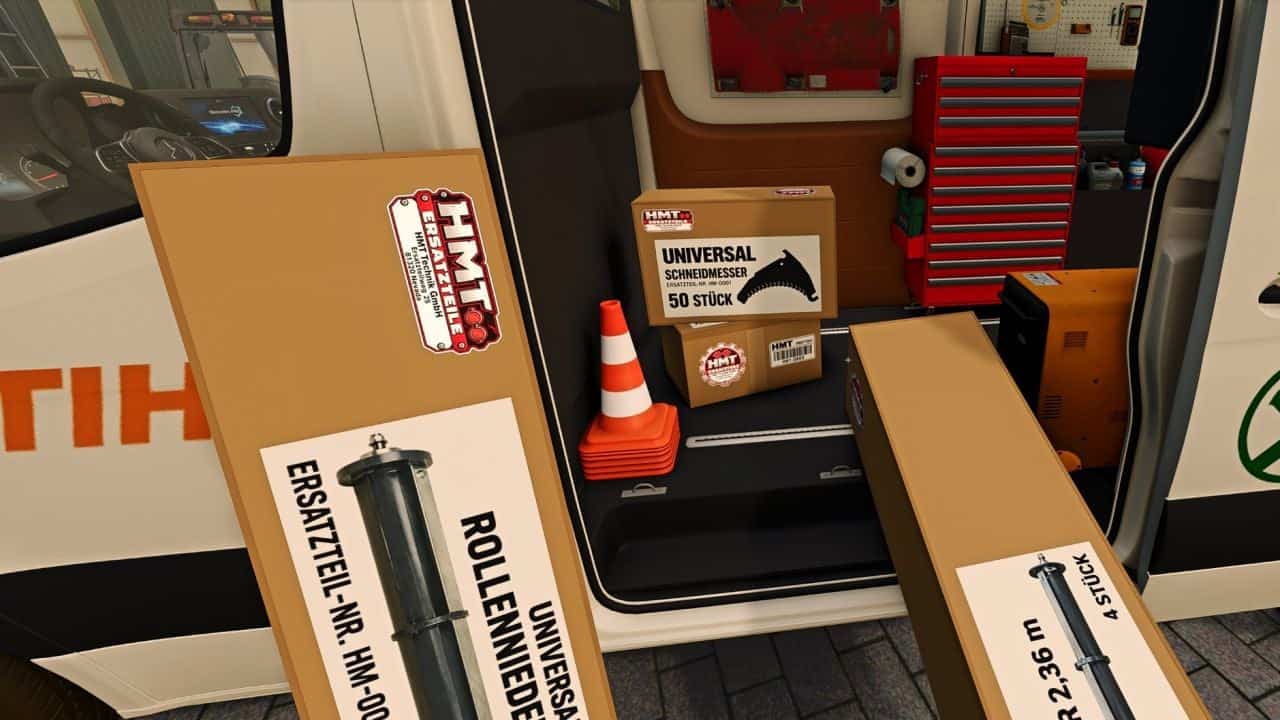
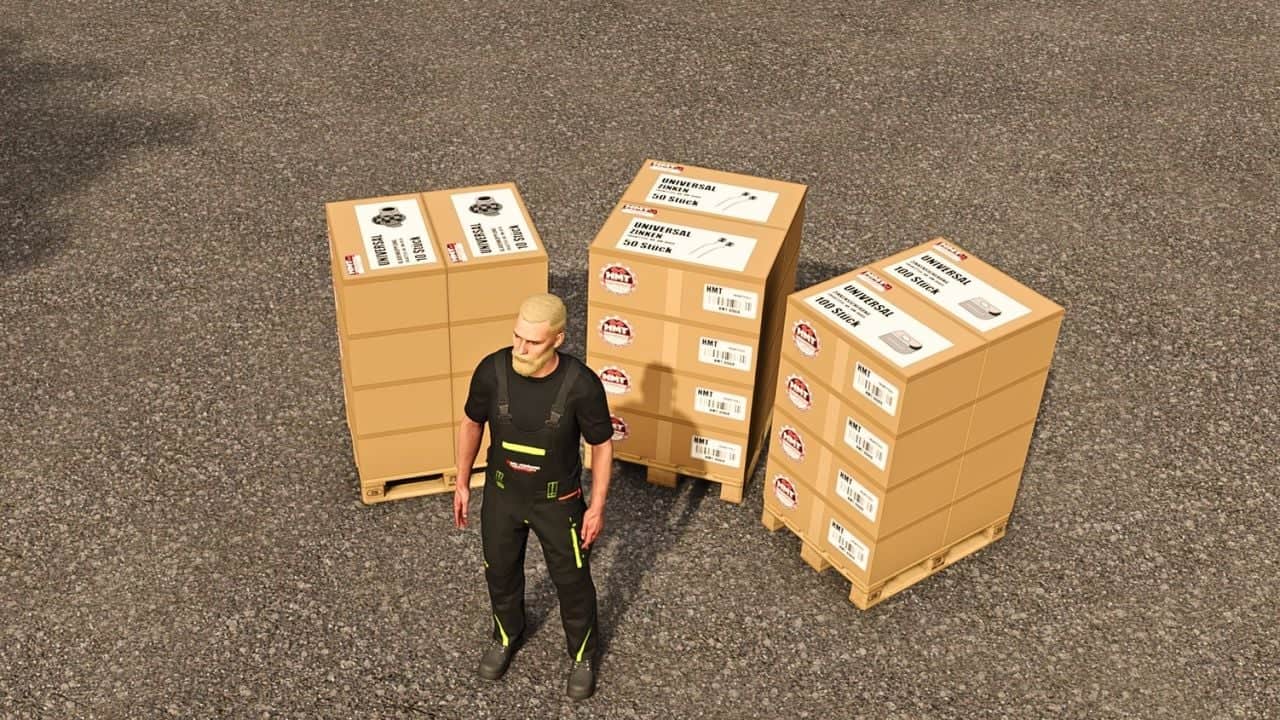
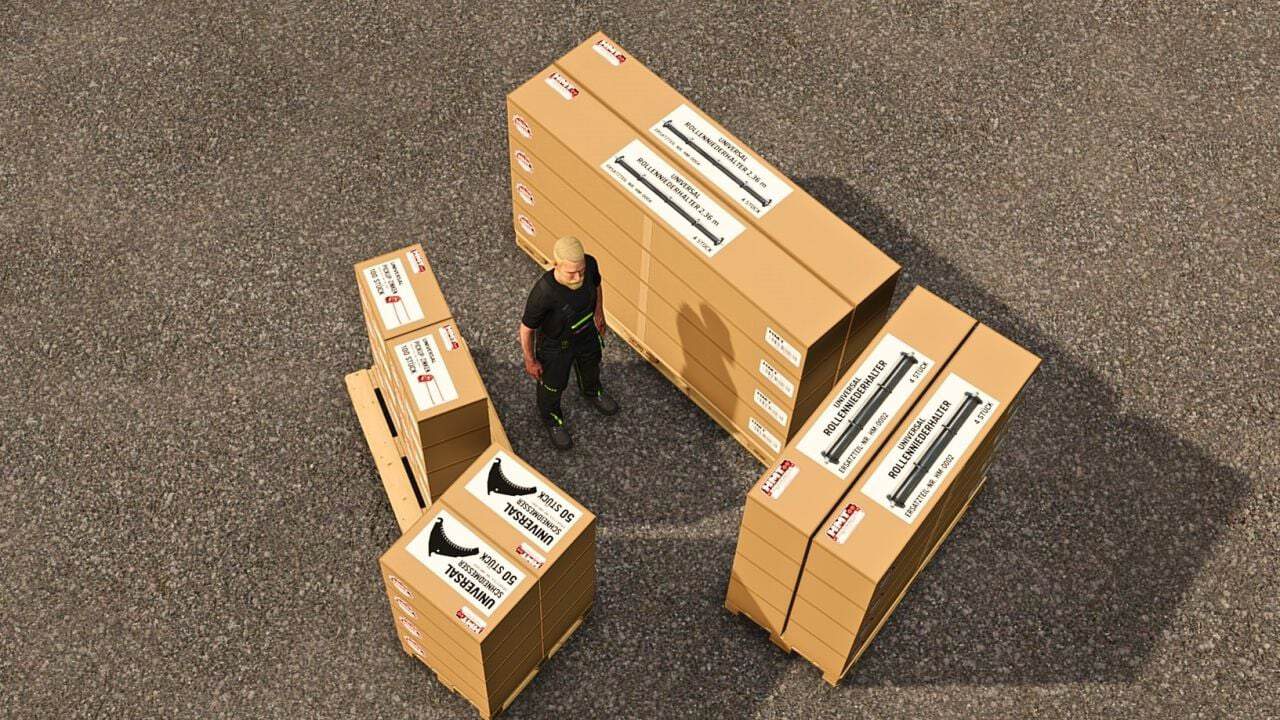
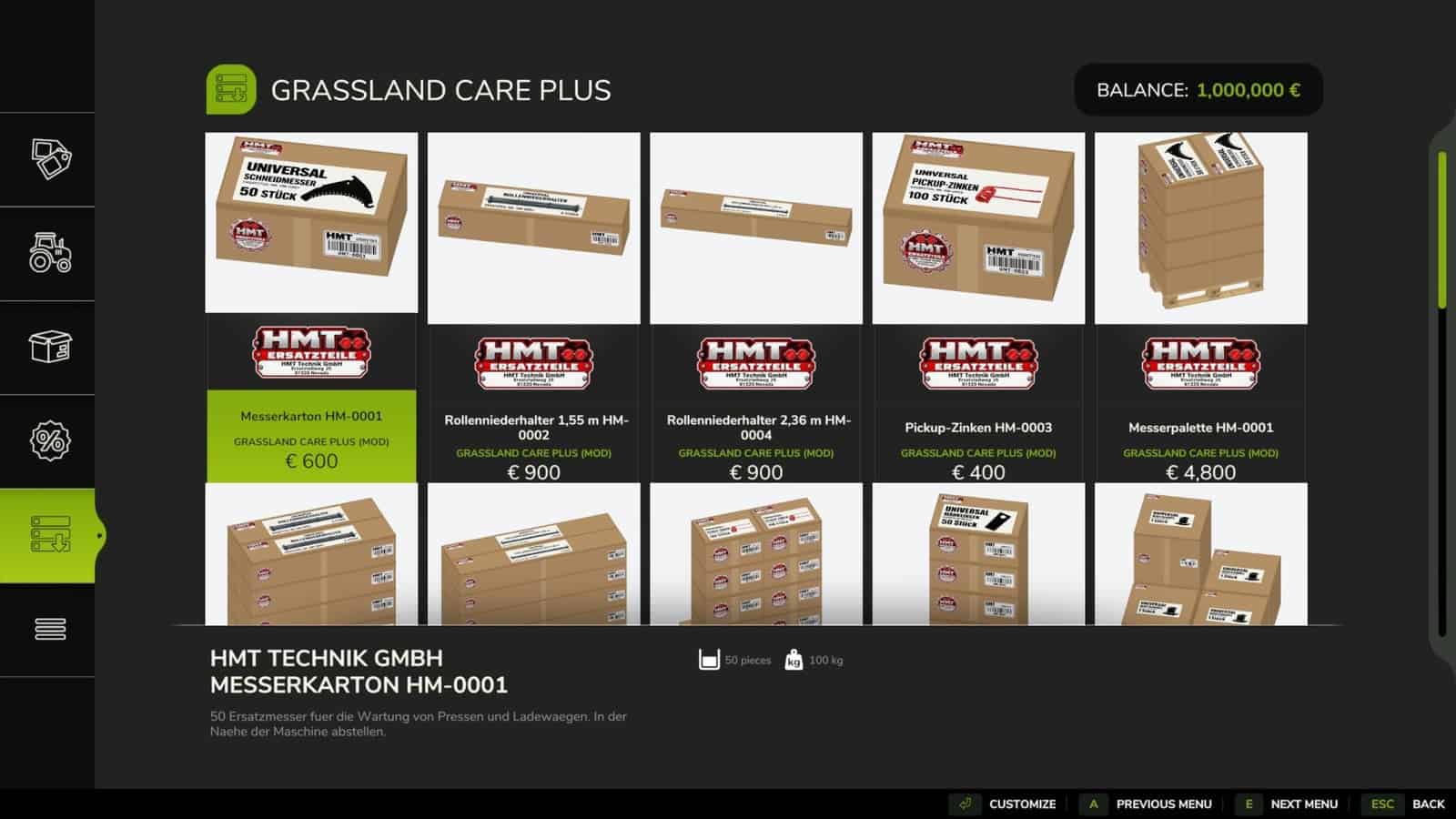
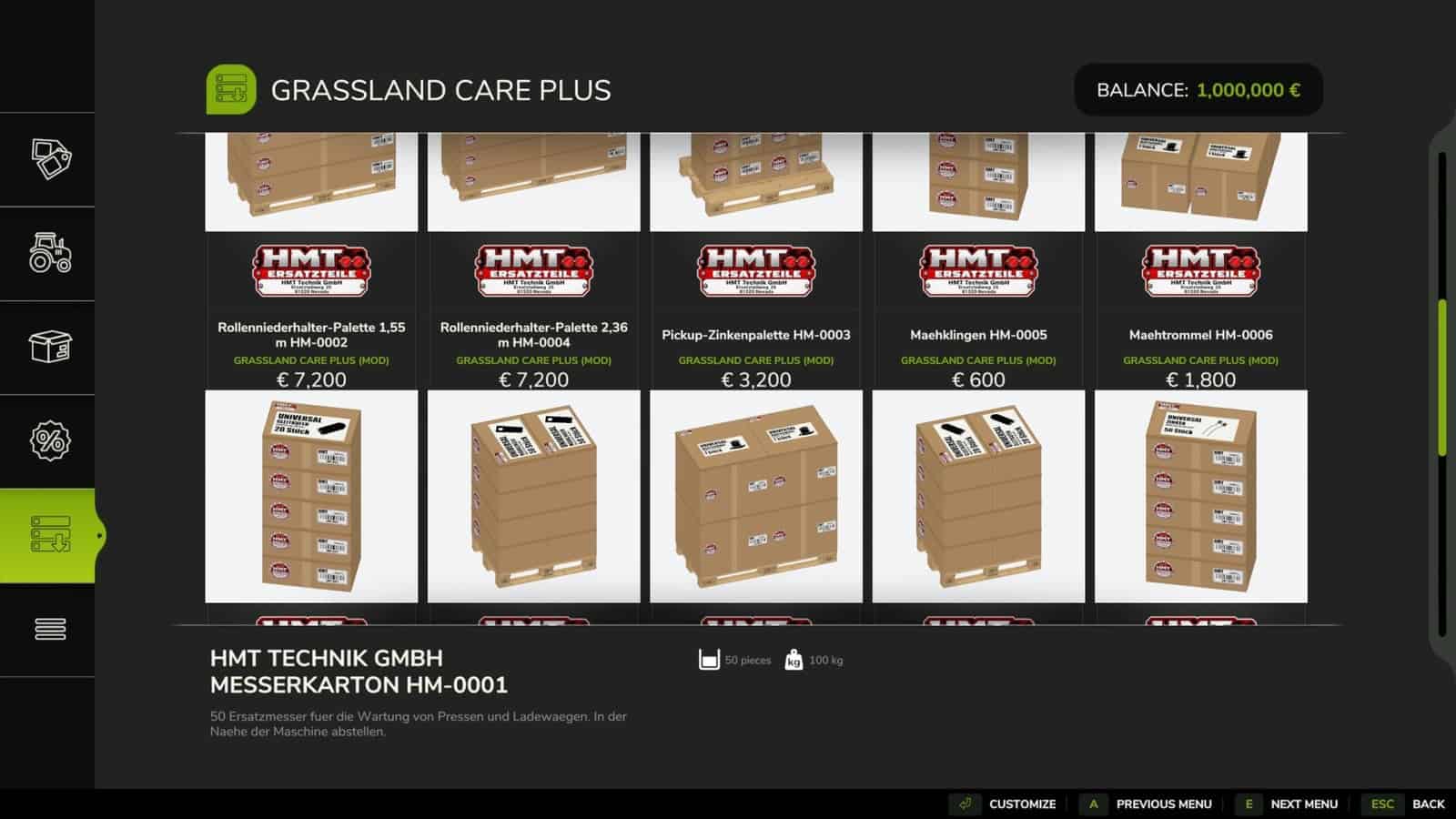
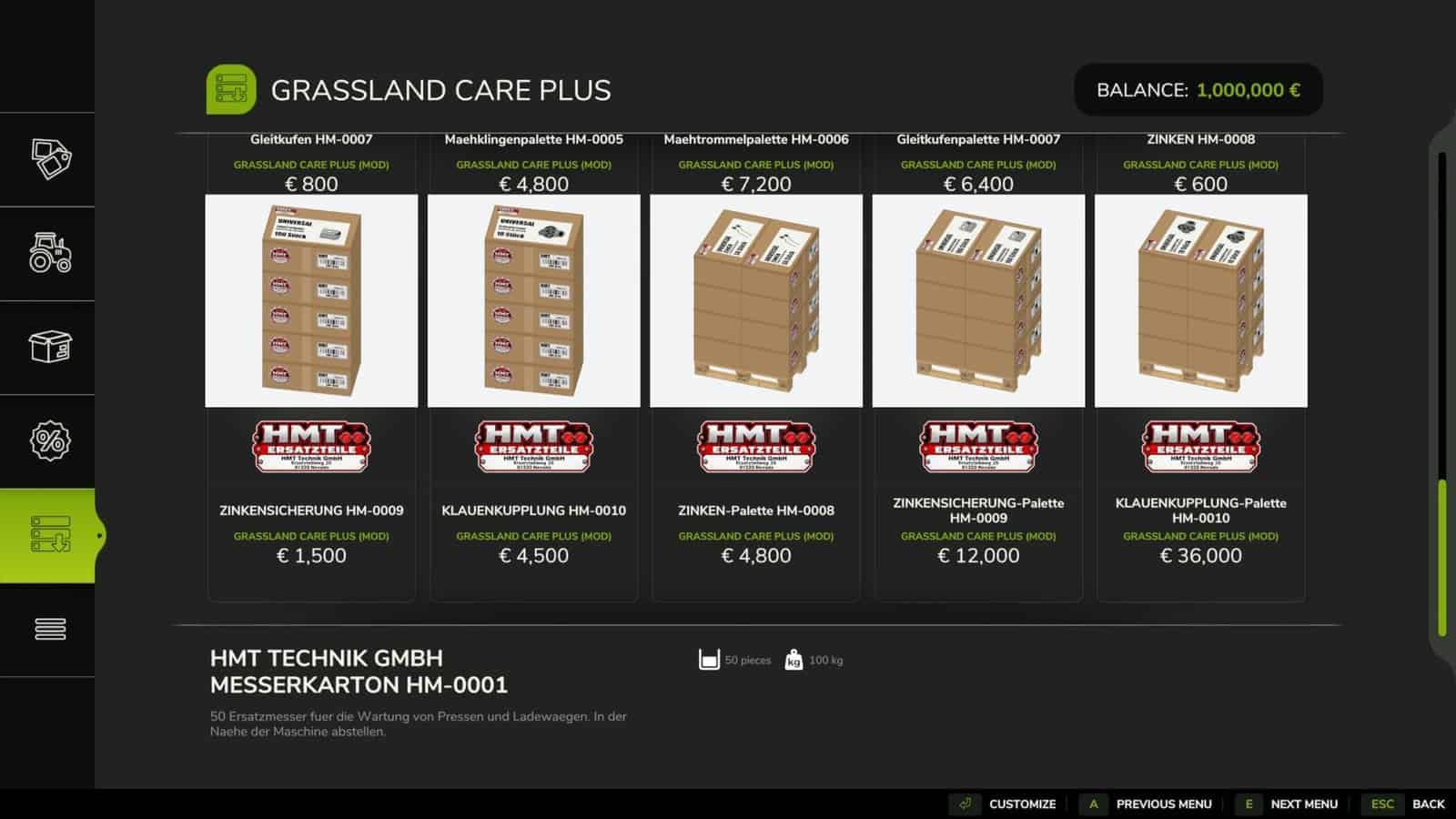
You can find suitable spare parts in the HMT spare parts category of the shop. There are individual boxes with quantity selection and ten pallets of single-type spare parts. Contents and number of boxes are displayed for each item in the shop.
To change parts, you stop, switch off the machine, and have the necessary replacement parts readily available within five meters. Partial maintenance begins with just one suitable replacement part. If ten parts are needed and five are available, five are installed. The final message shows how many parts are still needed for a complete replacement. You do not need any replacement parts to clear a blockage.
HUD and Control
The HUD displays resource utilization and component status. For supported devices, the component requirement is adjusted based on the detected number of components. Without compatible component detection, default values apply. The HUD font size can be set to large or small for each player in the Grassland menu.
- Left Ctrl + left Alt + 3 toggles the HUD on or off.
- Left Ctrl + left Alt + 4 toggles pan mode. Drag the visible HUD while holding down the left mouse button. Pressing it again exits the mode. Camera and zoom inputs are disabled during this time.
- Left Ctrl + left Alt + 5 toggles the HUD size between 50, 25, 20, and 75% of the speedometer width.
- Ctrl + Alt + Caps Lock starts or cancels maintenance, as long as no custom maintenance assignment is saved.
All four actions can be freely assigned under Options → Controls → Grassland Care+. A saved keyboard or controller assignment for maintenance replaces the Caps Lock default.
Multiplayer Beta
For collaborative development, the runtime scripts were reduced from 21 to ten. The goal is a better-coordinated foundation for multiplayer.