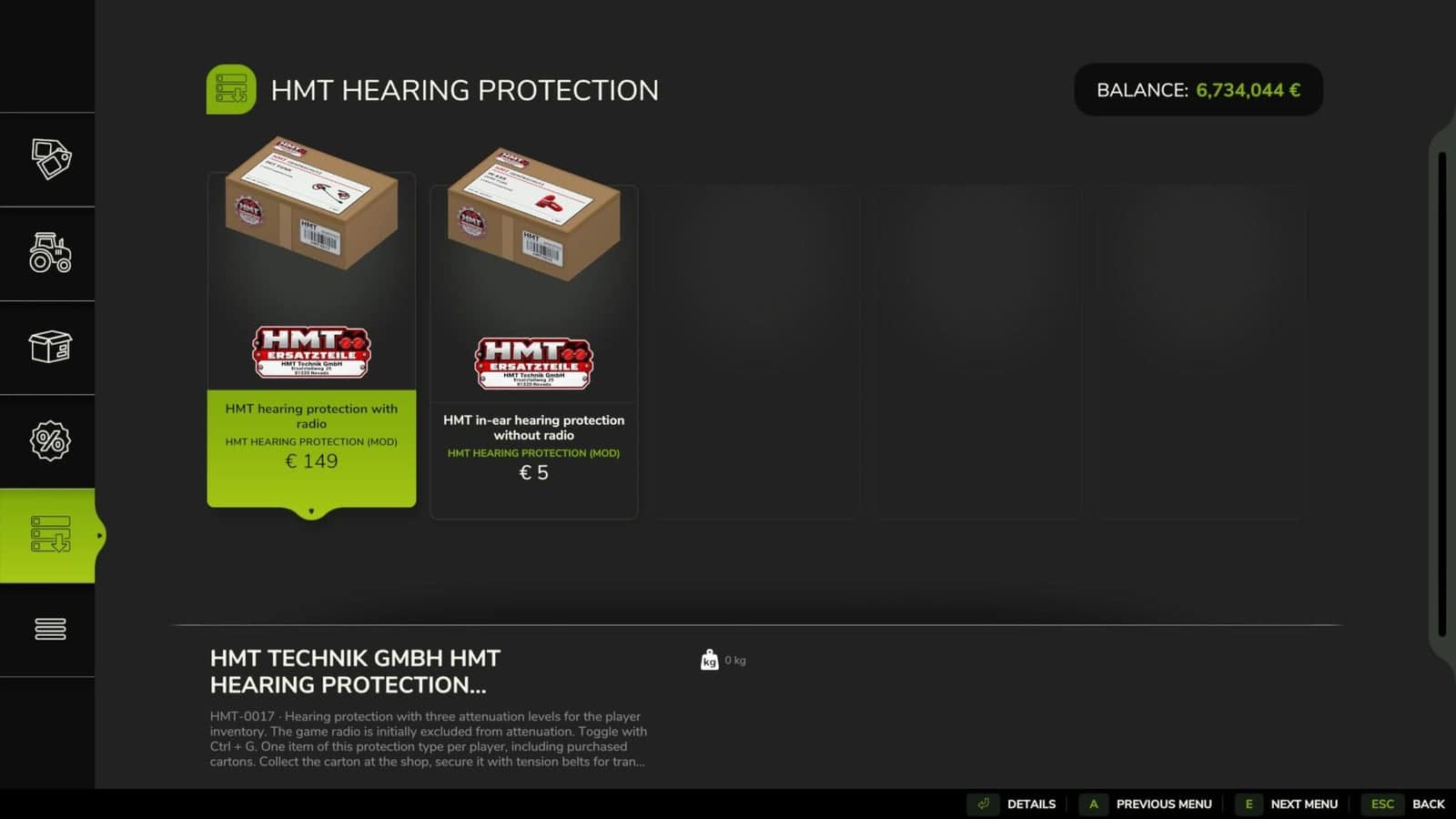
HMT Ear Plugs provide two purchasable hearing protection options with three attenuation levels and switchable radio attenuation without using a menu. Vehicle, environmental, and character sounds can be reduced while multiplayer voice chat remains available at the set volume.
Features
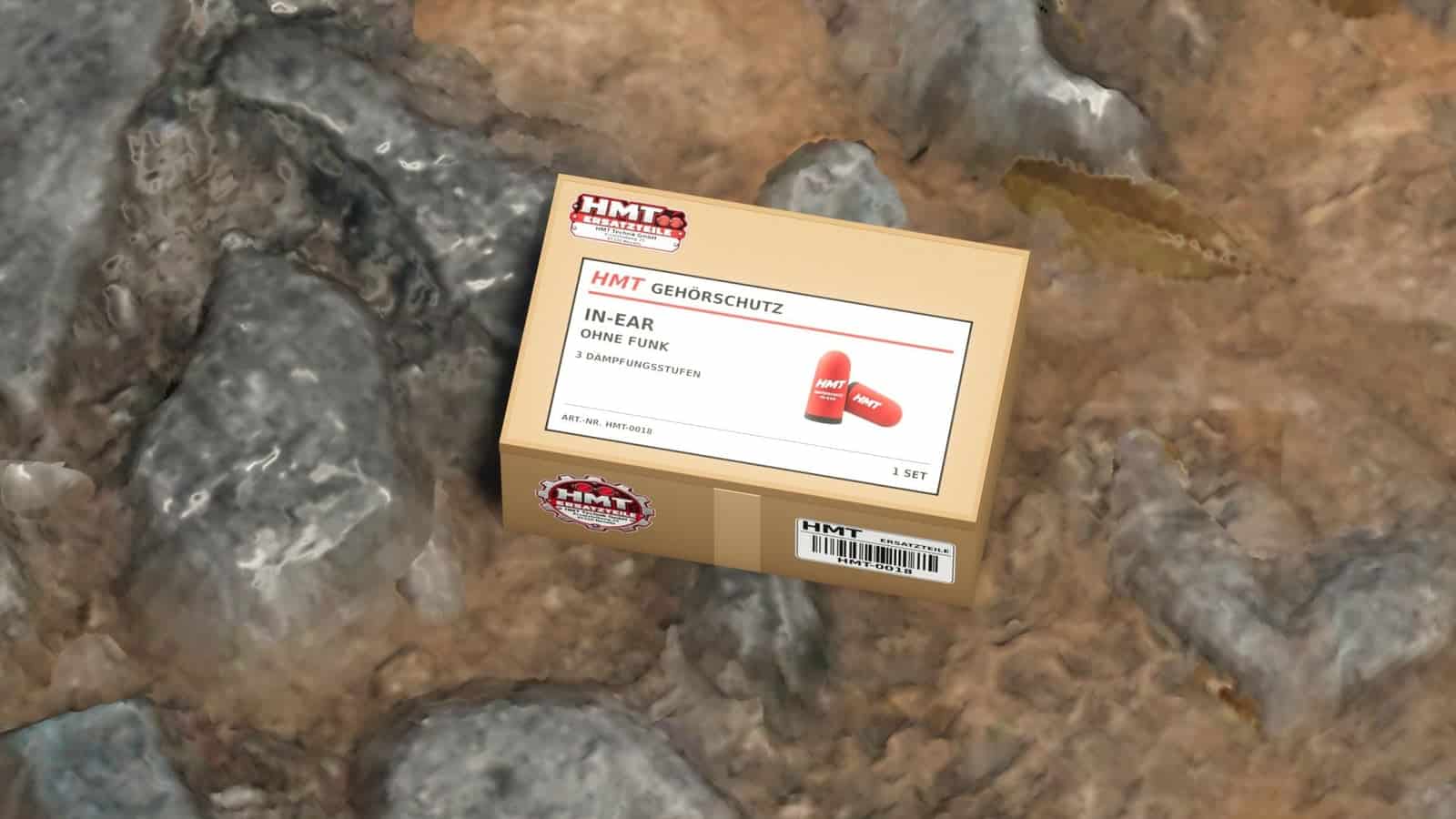
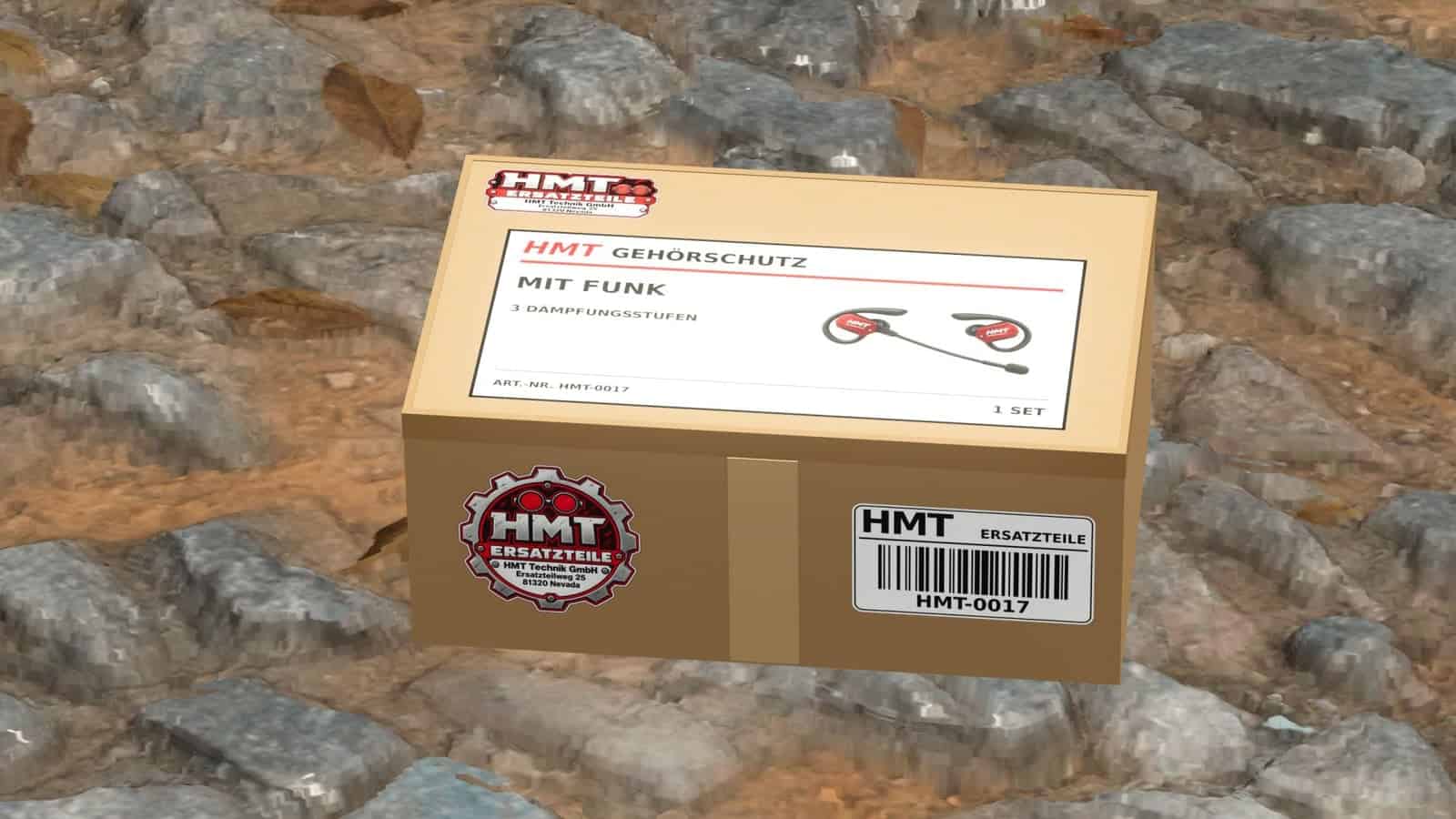
- Two variants: HMT-0017 hearing protection with radio, and HMT-0018 in-ear hearing protection without radio.
- Three attenuation levels: 25%, 50%, and 75%, plus switched off.
- Wireless hearing protection plays the game radio at its set volume by default.
- The in-ear version includes the game radio in its attenuation by default.
- Radio attenuation can be toggled at any time.
- Multiplayer voice chat works at the set voice chat volume in both versions, even while the volume is muted.
- The hearing protection works while driving and using other tools.
- When switching between different types of hearing protection, the selected noise reduction level is retained.
- Each player is allowed one pair of wireless earplugs and one pair of in-ear earplugs. Previously purchased boxes and pending purchases count towards this limit. Once a pair has been sold, it can be purchased again.
- The player’s inventory is saved with the game progress. Each new game session begins with hearing protection switched off.
HMT-0017
- Hearing protection with radio
- Price: €149
HMT-0018
- In-ear hearing protection without radio
- Price: €5
Setup and controls
- Purchase the hearing protection in the shop.
- After purchase, the corresponding small HMT box appears in the shop.
- The box can be carried, loaded, and secured for transport with straps.
- Place your own box down, release any straps, and approach it on foot to within 2.5 meters.
- Press
Xto add the ear protection to your personal player inventory. After successful transfer, the box disappears. - Having the device in your own inventory is sufficient for operation.
X– Take over the inventory of hearing protection on your own, stored cardboard box.^– Switch through 25% → 50% → 75% → Switch off.Left Ctrl + G– Turn radio attenuation on or off.Left Ctrl + left Shift + G– Switch between the purchased variants once both are in the inventory.- The F1 help function displays the active variant, the attenuation level, and the radio selection.
- All buttons can be customized under Options → Controls.
- With developer commands enabled, the
^key can also open the console. - The hearing protection action can be reassigned to a different button.