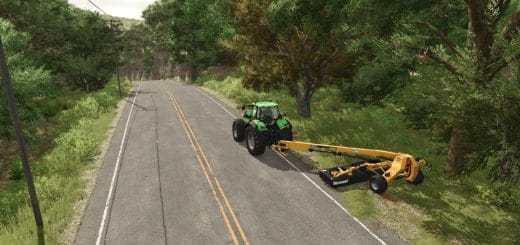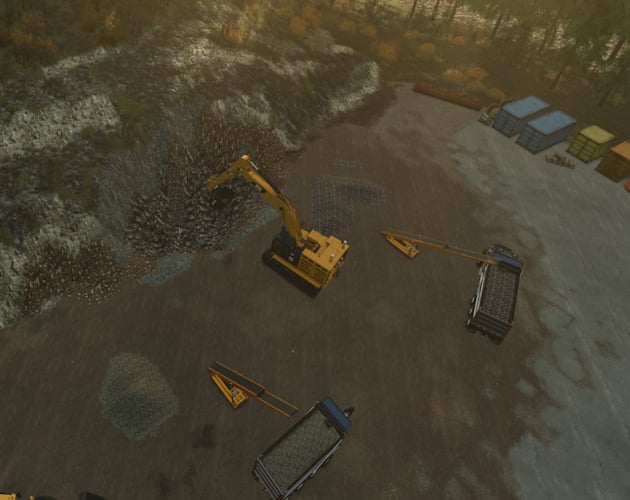
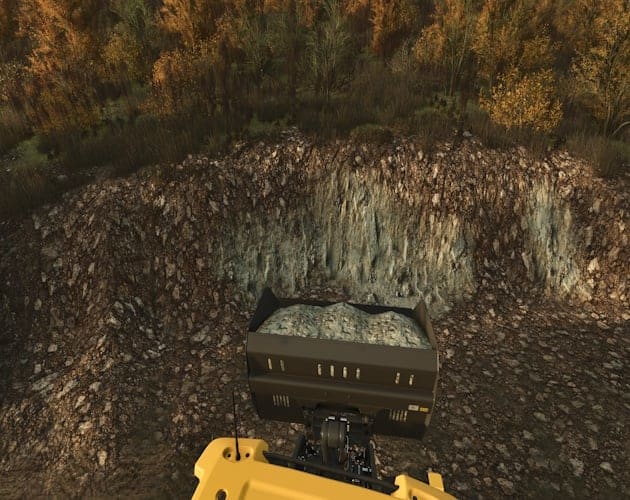
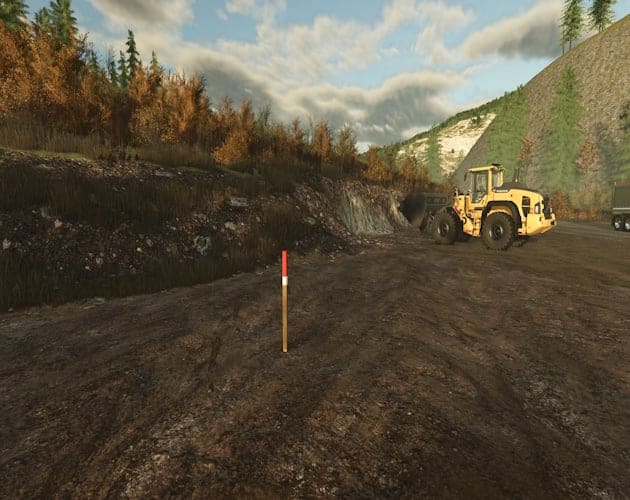
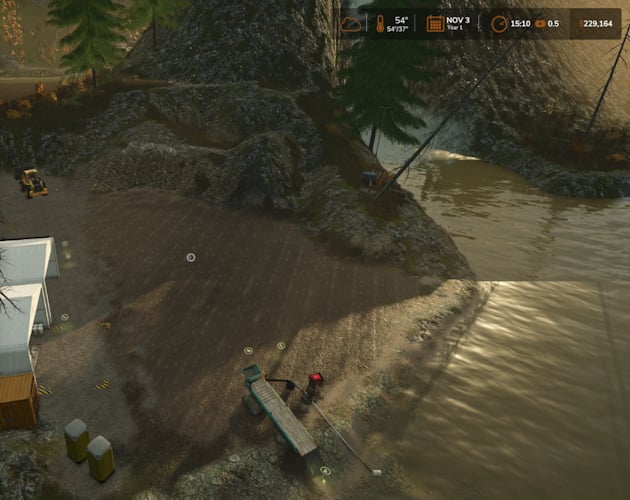
Overburden brings a stake-and-survey mining workflow to TerraFarm. Mark a mine, choose the materials above and below the pay boundary, pay for a survey, and use compatible TerraFarm equipment inside the surveyed area.
Compatible with:
- Local testing used Yukon Back Country. Check each map’s own download page for its materials and requirements.
- Additional Filltypes – by w33zl. An optional source of additional materials for your setup.
- FilltypesTP for All – by Nonnus.
YOU NEED: TerraFarm
- Download the packaged mod from the project’s Releases, rather than the source code ZIP.
- Your equipment must also have a compatible TerraFarm configuration.
- The filltype add-ons are optional when your map already provides the materials you want.
- Follow each creator’s compatibility and installation instructions.
- Maps, TerraFarm and the linked add-ons are separate downloads.
Features
- Stake and survey mining workflow for TerraFarm.
- Choose different overburden and pay materials for each mine.
- Choose an appearance for each material using terrain paint textures available through TerraFarm on the current map.
- A small depth display shows how far remains to the pay layer.
- The working point automatically selects the mine as the digging area.
- Above the surveyed pay boundary, cuts yield the chosen overburden. At or below it, cuts yield the chosen pay material.
- With TerraFarm input ground texturing enabled, newly excavated surface patches use the selected appearances.
- Mine outlines appear on the minimap while inside or within 50 metres of a mine edge.
- Completed mines can be closed to remove the mine record, stakes, minimap outline and TerraFarm polygon, freeing its landscaping area slot.
Requirements
- Farming Simulator 25 on PC; single-player only.
- TerraFarm, installed and enabled. Developed and tested with TerraFarm 1.6.5.0.
- TerraFarm-compatible equipment that accepts your selected materials.
- A map or compatible filltype add-on providing the materials you want to mine.
Specifications
- Survey price: 250 plus 5 per square metre, in your save’s currency.
- Survey duration: 2 plus area/400 active play minutes, rounded up.
- A 1,600 m² mine costs 8,250 and takes 6 active play minutes.
- Mine boundaries require 3-32 stakes.
- Edges must be at least 2 m.
- Minimum area: 36 m².
- TerraFarm has 63 landscaping areas shared with other paths and polygons.
How to Create a Mine
- On foot, walk around the intended boundary in perimeter order. Press
Right Shift + Kat each corner to place a stake. Use at least three stakes.Right Shift + Backspaceremoves the last unpaid stake. - Press
Right Shift + Enterto close the boundary and open Mine Survey. Enter the mine name, choose different overburden and pay materials, then choose an appearance for each. Check the texture previews before ordering. - Review the marked area, price and estimated survey time. Pay & start commissions the survey. Cancel keeps the unpaid stakes for editing.
- Wait for completion. Survey progress pauses with the game and is saved during normal saving; it does not advance while offline. Completion uses the base-game notification system, or Derwen Mobile Phone if available.
- Enter the ready mine with your farm’s compatible TerraFarm equipment. Activate TerraFarm and use its normal mode controls.
Materials and Paint Textures
- Filltypes are the actual materials collected in your bucket: stone, iron, coal, limestone and so on.
- Available choices depend on your map, installed filltype mods, TerraFarm’s enabled material list, and what your equipment can receive.
- Overburden does not add its own filltypes, selling points or processing plants.
- Paint textures control how the exposed terrain looks. The appearance selectors use terrain paint textures available through TerraFarm on your current map.
- Adding a material does not automatically add a matching terrain paint texture.
- For example, iron may be selectable as a material even when there is no Iron ground texture. Choose a suitable available appearance or Use tool texture.
- Appearance does not change the material you collect. The ground can use a rocky dirt texture while the bucket receives stone.
- Automatic matches are suggested when available, and you can choose different appearances in the survey popup.
Working the Mine
- Lower digs toward the mine floor.
- Grade levels toward the terrain height under the vehicle, or the root vehicle for an attached implement. Grade follows that ground reference as you move; it does not lock a permanent bench height.
- Different places can be at different depths, so moving between shallow and deep patches can switch the material.
- Empty the bucket before changing material. A bucket containing stone cannot receive a new iron cut until it is emptied.
- Existing dug ground is not repainted just by loading the save. Narrow or mixed-depth patches can remain unchanged.
- The depth display appears only inside the mine. Depth follows the original local terrain, including hillsides.
- Save normally to keep your stakes, mine settings, survey progress and original terrain reference.
- For discharge Grade, select the mine separately as the TerraFarm discharge area. Filling uses your tool’s actual material and available amount.
Close a Finished Mine and Reuse the Land
- When you are done mining, get out of the vehicle and stand inside that completed mine. With no unpaid stakes in progress, press
Right Shift + Enter. - The help panel shows Close mine. Check the mine name and confirm Close Mine, or Cancel.
- Closing permanently removes the mine record, stakes, minimap outline and TerraFarm polygon, freeing its landscaping area slot. TerraFarm is turned off on equipment assigned to that mine, and those mine assignments are cleared.
- Other mines and existing bucket contents stay intact. The survey fee is not refunded.
- The excavated terrain stays as dug. Use the normal landscaping tools to smooth, reshape or reclaim the site for other uses.
- If you use TerraFarm equipment for that work, reactivate it and choose its normal settings.
- Save the game after closing the mine. Mining the same location as an Overburden mine again requires placing a new boundary and commissioning a new survey.
Default Controls
Right Shift + K– place mine stakeRight Shift + Enter– finish boundary / open survey; inside a completed mine, with no unpaid stakes, open Close MineRight Shift + Backspace– undo the last unpaid stake- Saved or custom controls take precedence. Look for Place mine stake, Finish boundary / close mine and Undo last mine stake in the game’s controls settings.
Current Limits
- Single-player only.
- Crossed or overlapping boundaries are rejected.
- One material is selected per cut; a cut through the seam is not split into two yields. Native brush edges can extend beyond the boundary.
- Very large uneven mines use wider reference sampling. Long minimap edges and narrow or mixed-depth paint patches still need further refinement.
- Completed mines currently have no in-game material/appearance editor or survey-refund option. Close Mine permanently removes a completed mine.
- Other add-ons replacing TerraFarm material or mining-layer behavior may conflict.
Feedback and Updates
Report problems in the comments on this page. Include your Overburden, FS25 and TerraFarm versions; map; equipment; selected materials and appearances; what you did; and what happened. Screenshots and log.txt from the same session help reproduce problems. Report whether it repeats after save/reload.
Successful tests are useful too. Tell me which maps, equipment and materials worked for you. Reports will help guide fixes and future versioned updates.