JS GPS for Farming Simulator 25, version 0.9.9.3.
Installation
- 1. Copy the
FS25_JSGPS.zipfile, without extracting it, to:DocumentsMy GamesFarmingSimulator2025mods - 2. If you have the
FS25_Courseplay.zipmod in the mods folder, remove it. The two mods do not work together. - 3. Open the game and activate JS GPS when loading the save.
Keys
Keys can be changed in Options > Controls.
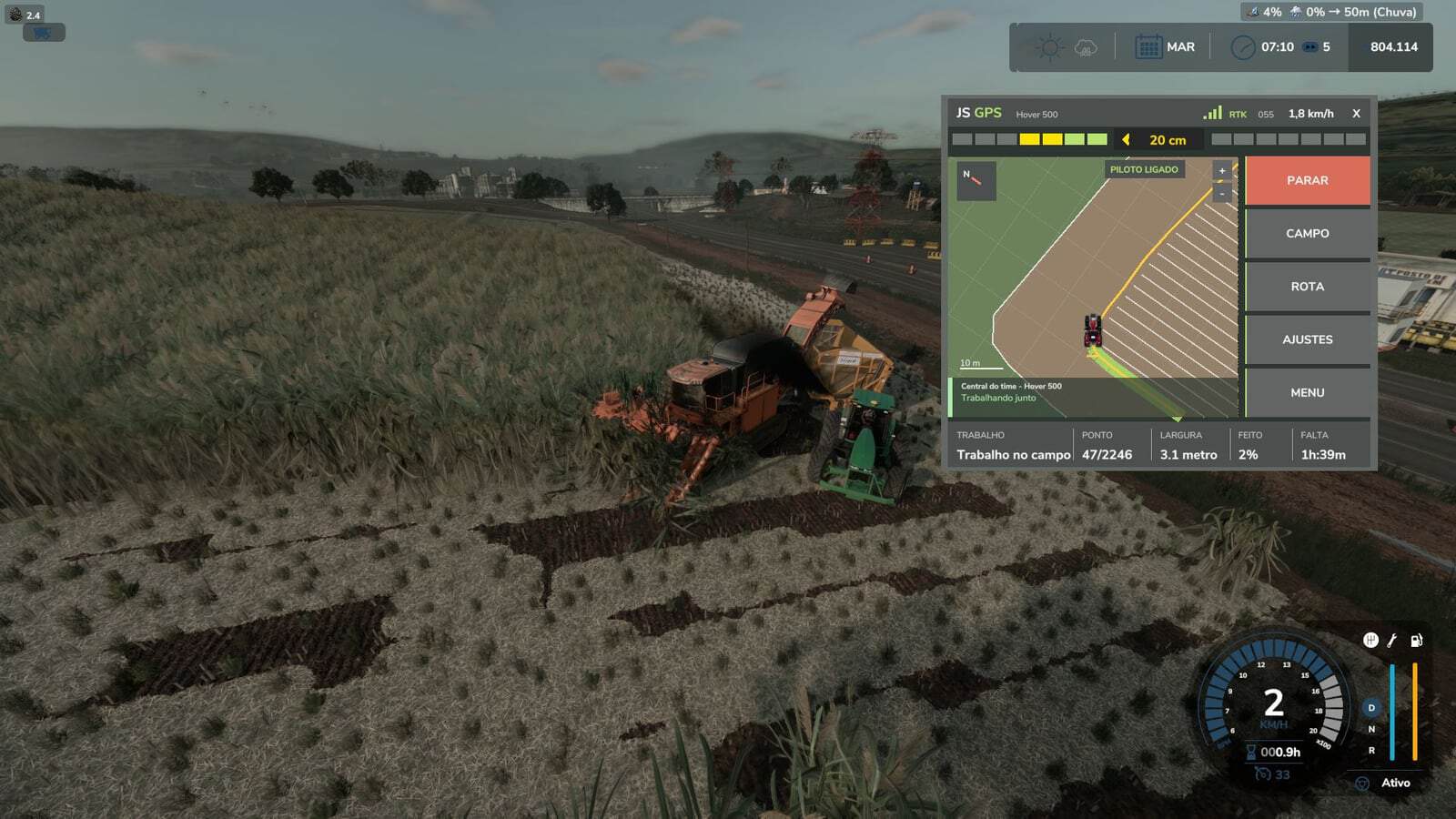
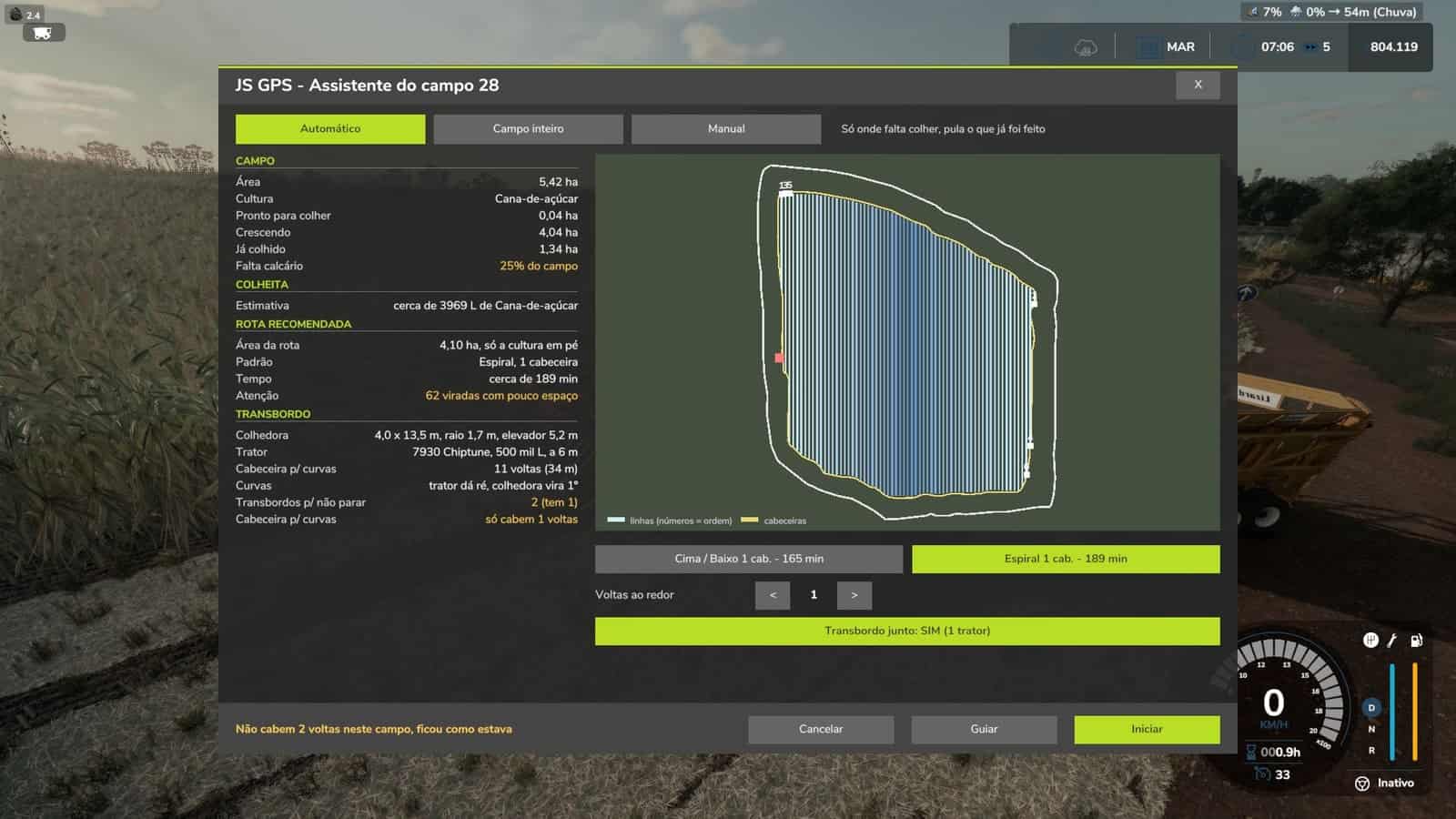
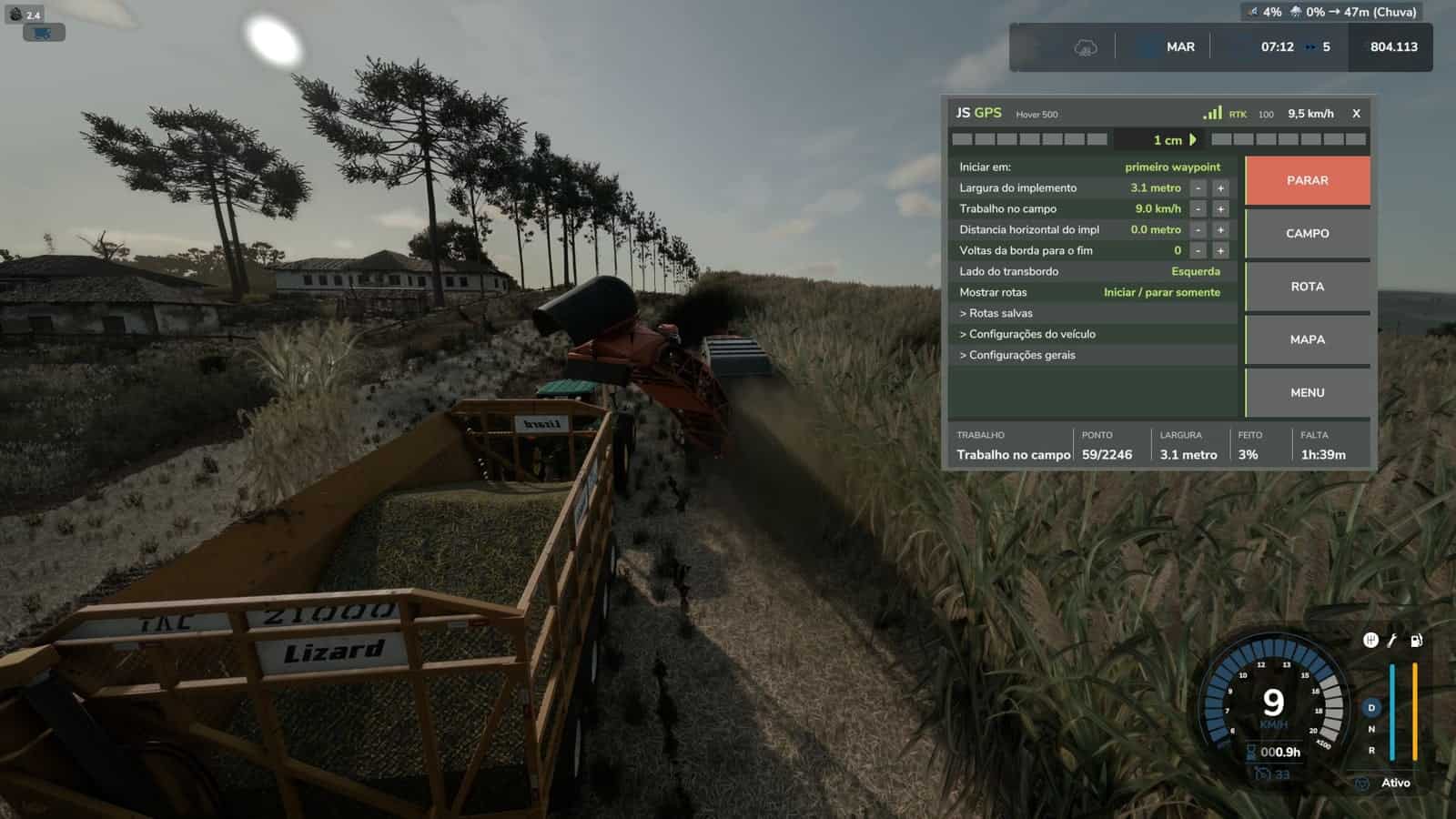
Ctrl+J– Field assistant: scans the field, compares the routes and starts the workCtrl+G– Generate routeCtrl+H– Turn the assistant on / offCtrl+U– GUIDE mode, GPS only steers, you control the speedCtrl+L– Skip rowD / A– One turn inward / outward, with the assistant turned onDelete– Open / close the GPS screenAlt+G– JS GPS menu, settings and route generator- Right mouse button – Show the mouse to click on the GPS screen
Quick Use
- 1. Enter the field with the machine and the attached implement.
- 2. Press
Ctrl+J. Within a few seconds, the field status and route list will appear. - 3. Choose the route, the first one is recommended, and confirm “Start the work now?”.
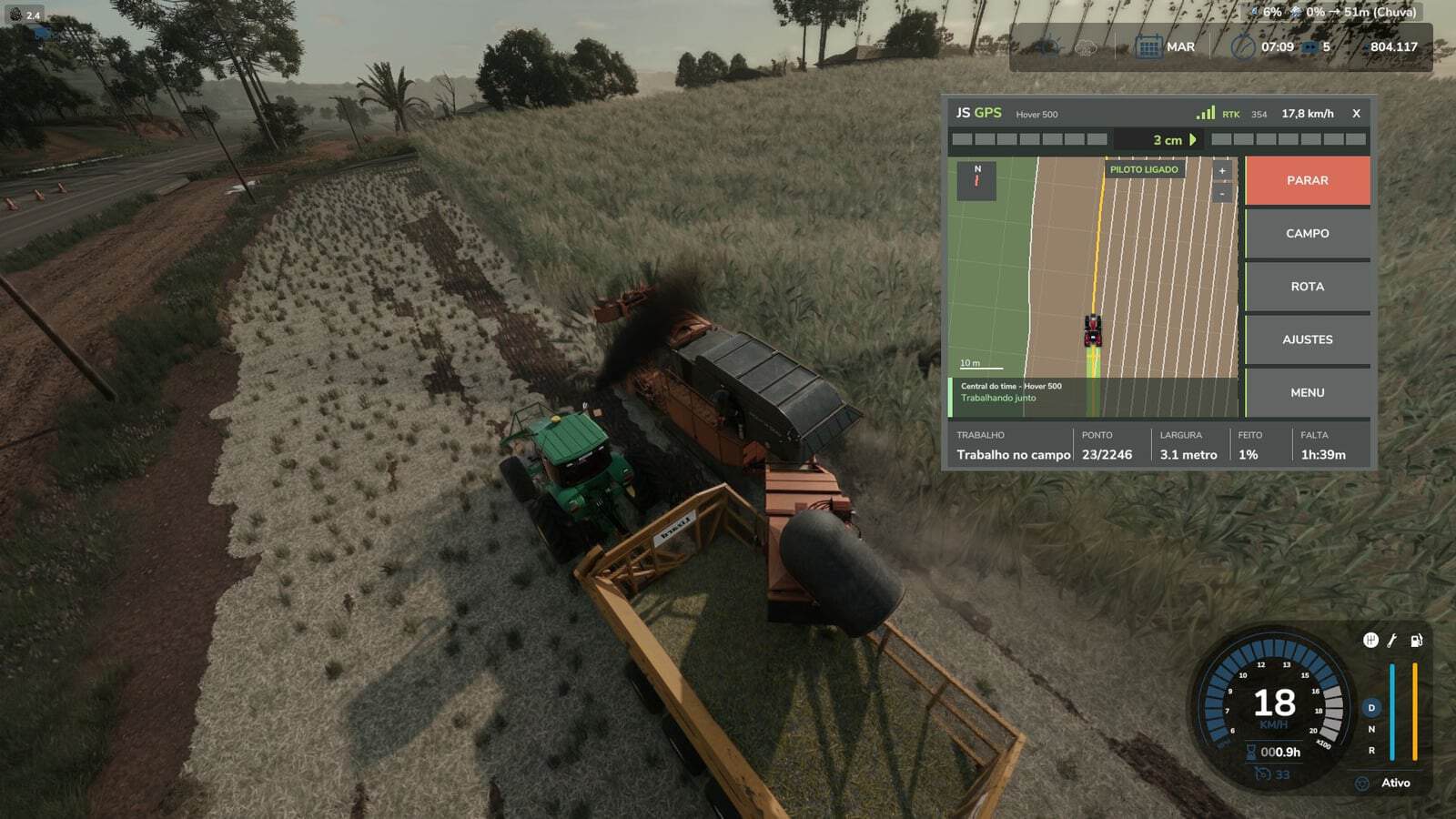
- 4. Done: the assistant works by itself. During harvesting, it continues until the field reaches 100%.
If it stops, due to a full tank, no product, fuel or rain, a message explains the reason.
Press Ctrl+J again to continue only where work is still missing.
Tips
- The width, turning radius and implement size are detected automatically; no configuration is needed.
- If something goes wrong, send the
log.txtfile fromDocumentsMy GamesFarmingSimulator2025.