With Vehicle Insurance, you can insure your vehicles in Farming Simulator 25 and manage damage through a dedicated insurance system.
Features
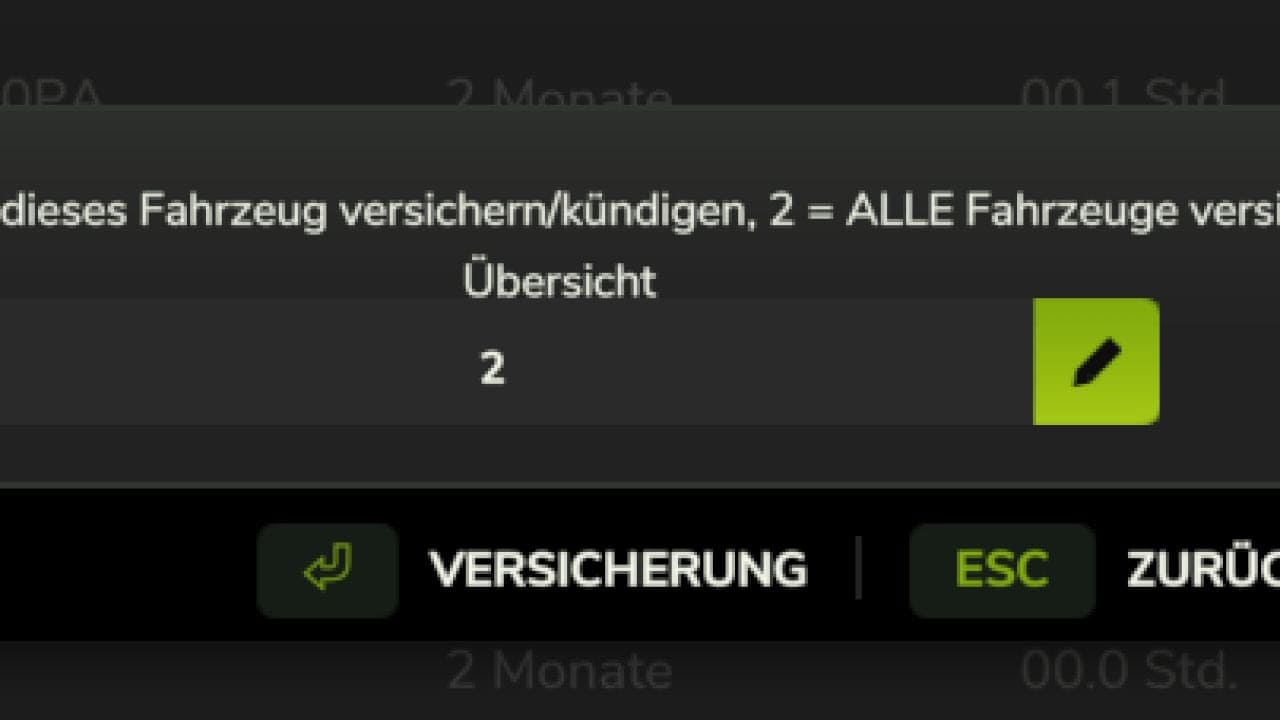
- 🚜 Insure vehicles individually
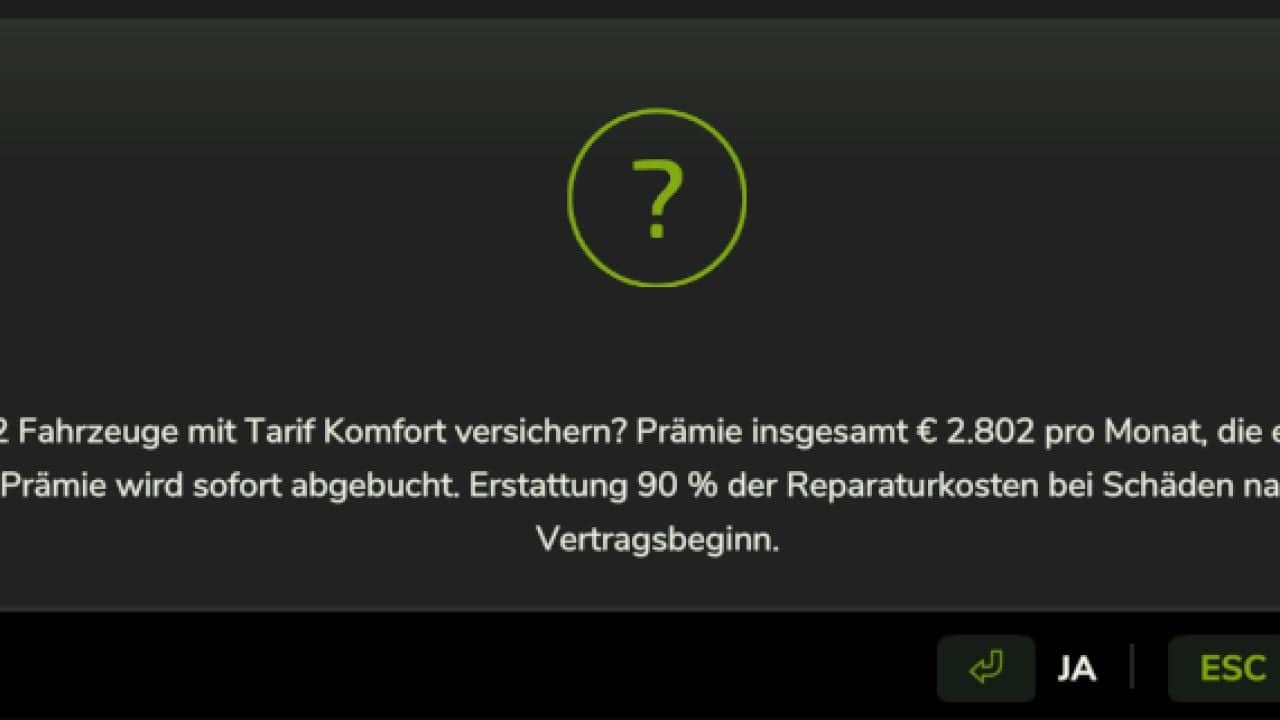
- 🚜 Insure all vehicles at once
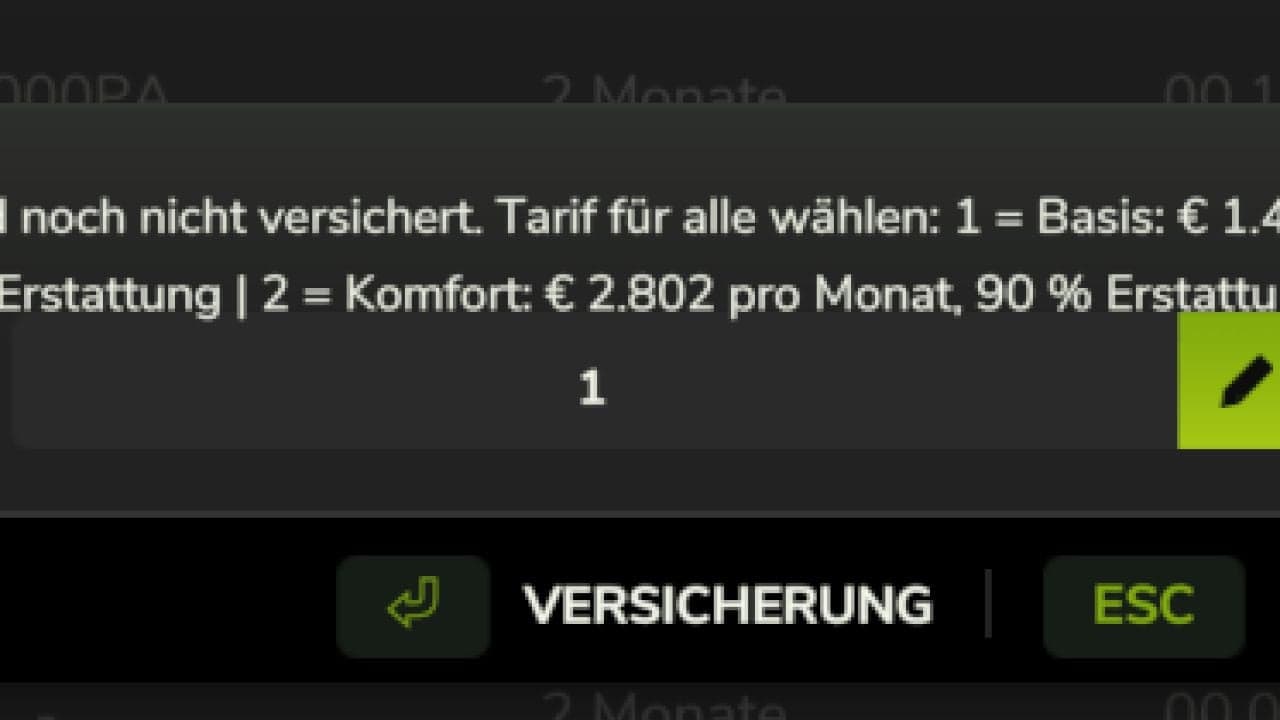
- 💰 Two insurance plans:
- Basic: 0.3% of the vehicle’s current value per month, 60% damage reimbursement
- Comfort: 0.6% of the vehicle’s current value per month, 90% damage reimbursement
- 📅 Monthly insurance premium
- 📉 No-claims discount of up to 30%
- 💥 Damage is reimbursed according to the insurance plan
- 🚫 Existing damage is not insured retroactively
- ❌ Insurance can be cancelled at any time
- ⚠️ If the monthly premium is not paid, the insurance contract ends automatically
- 📋 Overview of all existing insurance contracts
- 🚛 When an insured vehicle is sold, the insurance contract is automatically removed
Damage Menu – F8
Press F8 to open the damage menu for the vehicle currently being driven.
There, the damage can be set directly to a specific percentage. The menu is particularly useful for testing the insurance system and damage reimbursement.
- F8 – Open damage menu
- Set damage as a percentage
- 0% = no damage
- 100% = maximum damage
Note: If the F8 key does not work for you or is already assigned to another function, you can simply change the key binding to another free key in the game settings.
Key Bindings
- Ctrl + I – Insure vehicle / cancel insurance
- Ctrl + J – Open insurance overview
- Ctrl + U – Insure all vehicles
- F8 – Open damage menu
Notes
The mod is currently designed for single-player use.
Changelog
- Version: 5.0