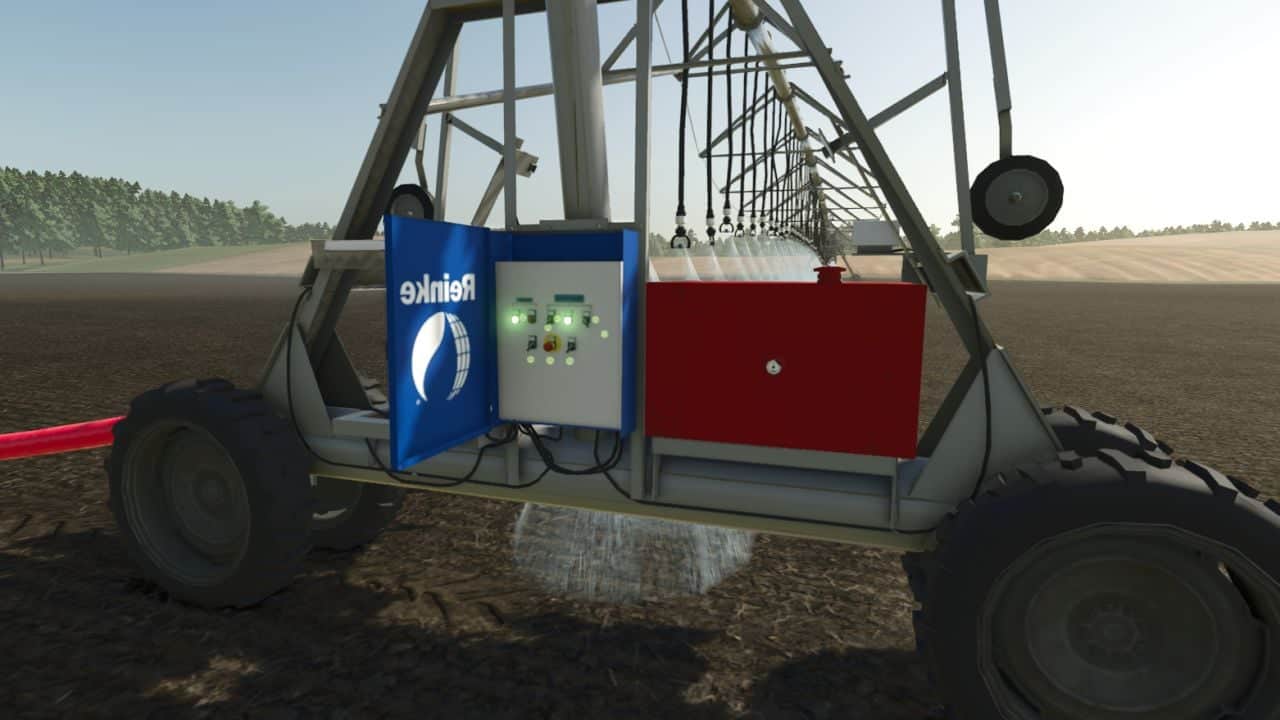
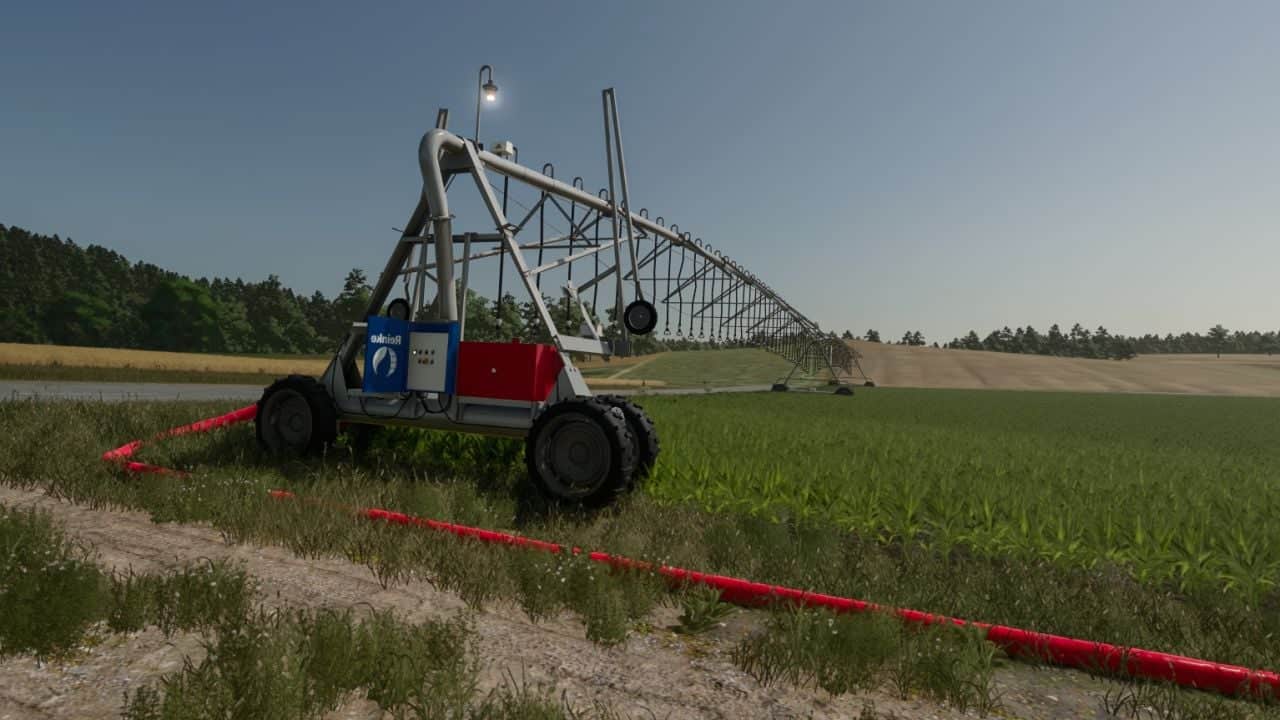
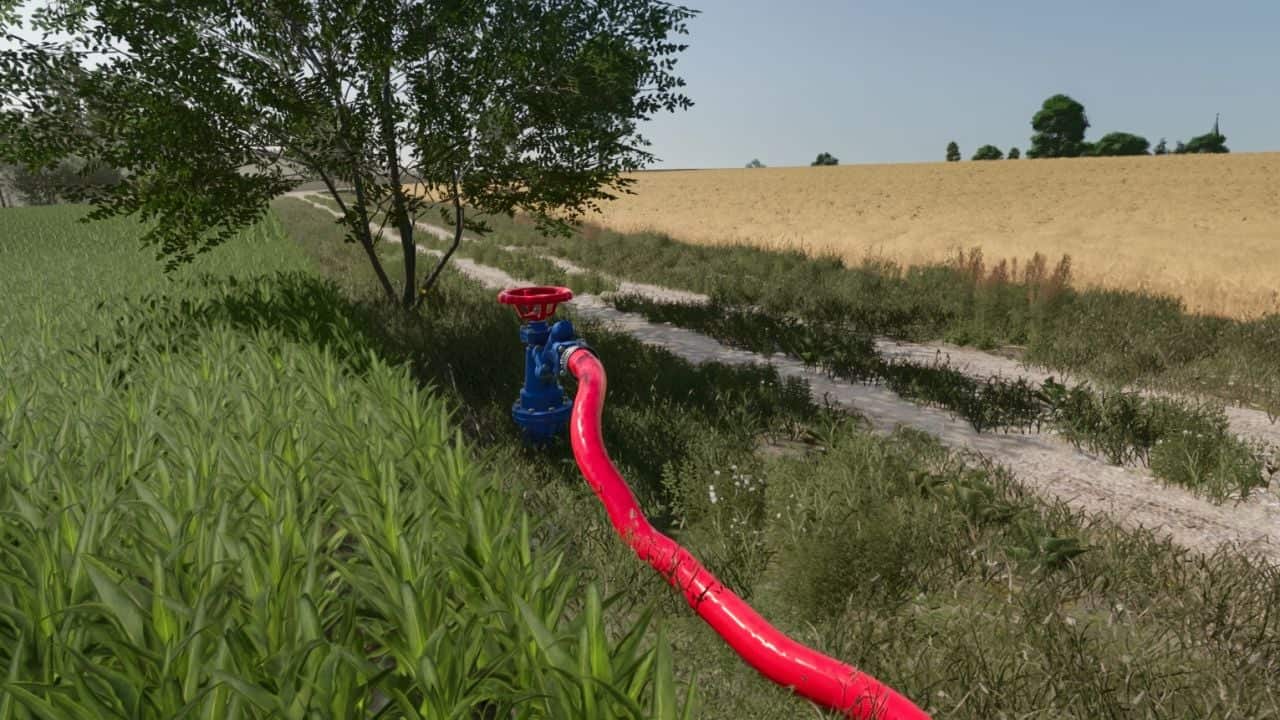
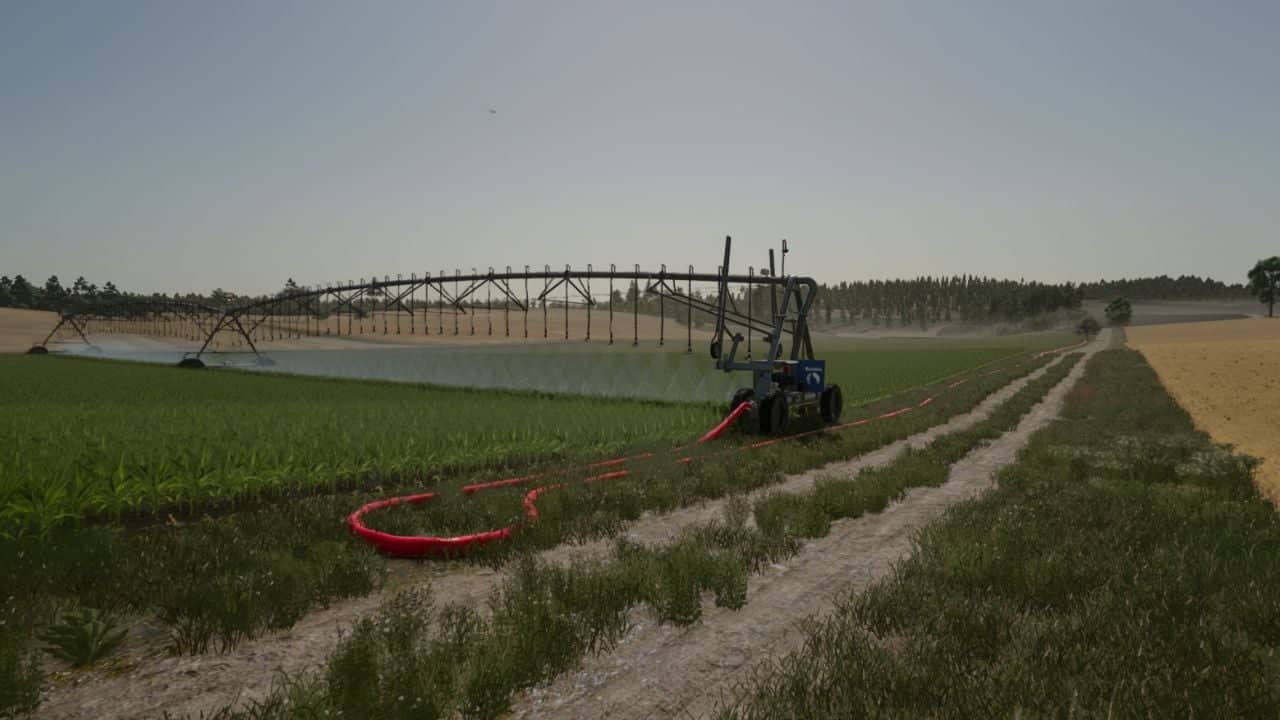
Reinke Linear Irrigation System Pack with Reinke linear move irrigation systems for flat, obstacle-free terrain. The pack includes a Reinke irrigation unit equipped with a control panel, a 228-meter pipe, a 50-meter pipe extension, and a pipe tool.
Features
- Placeable linear irrigation systems are available under the placeables menu.
- Reinke linear systems are designed for flat, obstacle-free terrain. Do not use them on hilly or sloped ground.
- Ensure there are no trees, utility poles, or obstacles in the field that the machine could collide with during operation.
- When placing the main 228-meter pipe and hydrant, expect a short delay of about 6 seconds for it to spawn.
- The game may log a warning for the main pipe and hydrant components, but this is normal and does not affect gameplay.
- If the default 228-meter pipe and hydrant setup is not long enough, extend it using 50-meter pipe add-ons.
- The pipes can be towed using a tractor via the 3-point hitch.
- For handling and connecting pipes, use the Easy Development Control mod with “Super Strength” turned on.
- Connect the pipes to the Reinke by pressing the
Qkey. - A pipe wrench tool is included. Clicking on a single pipe piece with it deletes the entire connected pipe network.
- Pumps and hoses compatibility has been removed. The pack uses only its own piping system and the Reinke irrigation unit equipped with a control panel.
Specifications
- 37 meters (Affordable entry model)
- 75 meters
- 115 meters
- 223 meters
- Main pipe and hydrant: 228 meters
- Pipe extension: 50 meters
Operation & Controls Guide
- Water Valve: Open the water valve using the Interactive Control mod before entering the Reinke.
- Vehicle Switch: Press the
Gkey to switch into vehicle control mode so Interactive Control inputs take effect. - Engine Setting: Make sure Automatic Motor Start is set to No (disabled).
- Power Up: Turn on the Reinke using the Key icon.
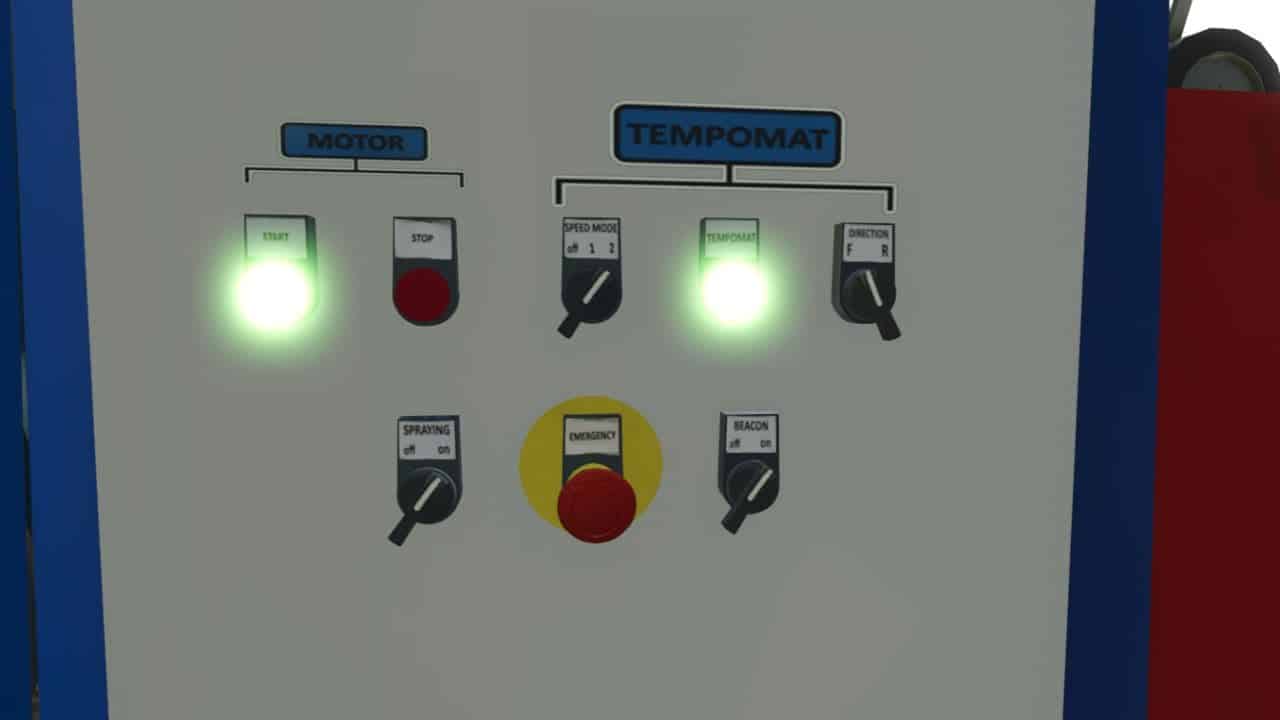
- Interactive Control Panel: Via the panel, you can activate spraying / irrigation, beacon lights, the engine, and the GPS-like alignment corrector.
- The GPS-like alignment corrector aligns the machine straight based on your set angle once cruise control is engaged.
- Stage 1: 1 km/h
- Stage 2: 2 km/h
Stopping Procedure
- Recommended Method: When the Reinke finishes its run, turn off only the engine first. This instantly engages the brakes and holds it securely in place.
- Alternative (Not Recommended): If you turn off the cruise control/GPS before the engine, the machine will roll backward for a short distance. Always shut down the engine first to park it properly.
Compatible with:
Changelog
- V1.1.0.2
– Dual wheels replaced with single wheels; the wheels now look realistic. - V1.0.0.1
– Add emergency button.
– Add forward and reverse mode.
– Add new decals.
– Add front attachment and rear attachment point. - V1.1.0.0
– Pump and hose compatibility has been removed.
– I only use my own piping system and equipment.
– A control panel has been installed on the Reinke irrigation system, specifically the model with 1, 2, 3, and 6 spans; it is located on the right-hand side relative to the direction of travel.
– Realistic prices have been set.
– With the wrench, which is actually a hose tool, a left-click on the pipe allows you to delete the entire connected piping system in a single click.
– The valve must be opened using the Interactive Control to operate the Reinke system; therefore, the Interactive Control is required.
– Another useful feature is “Easy Developer Control”; by enabling this, you can easily drag the pipes around.