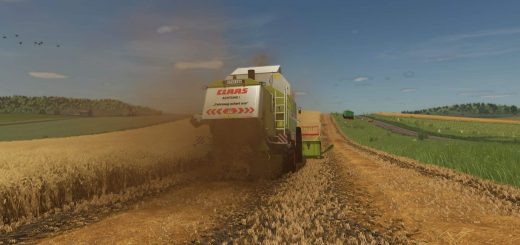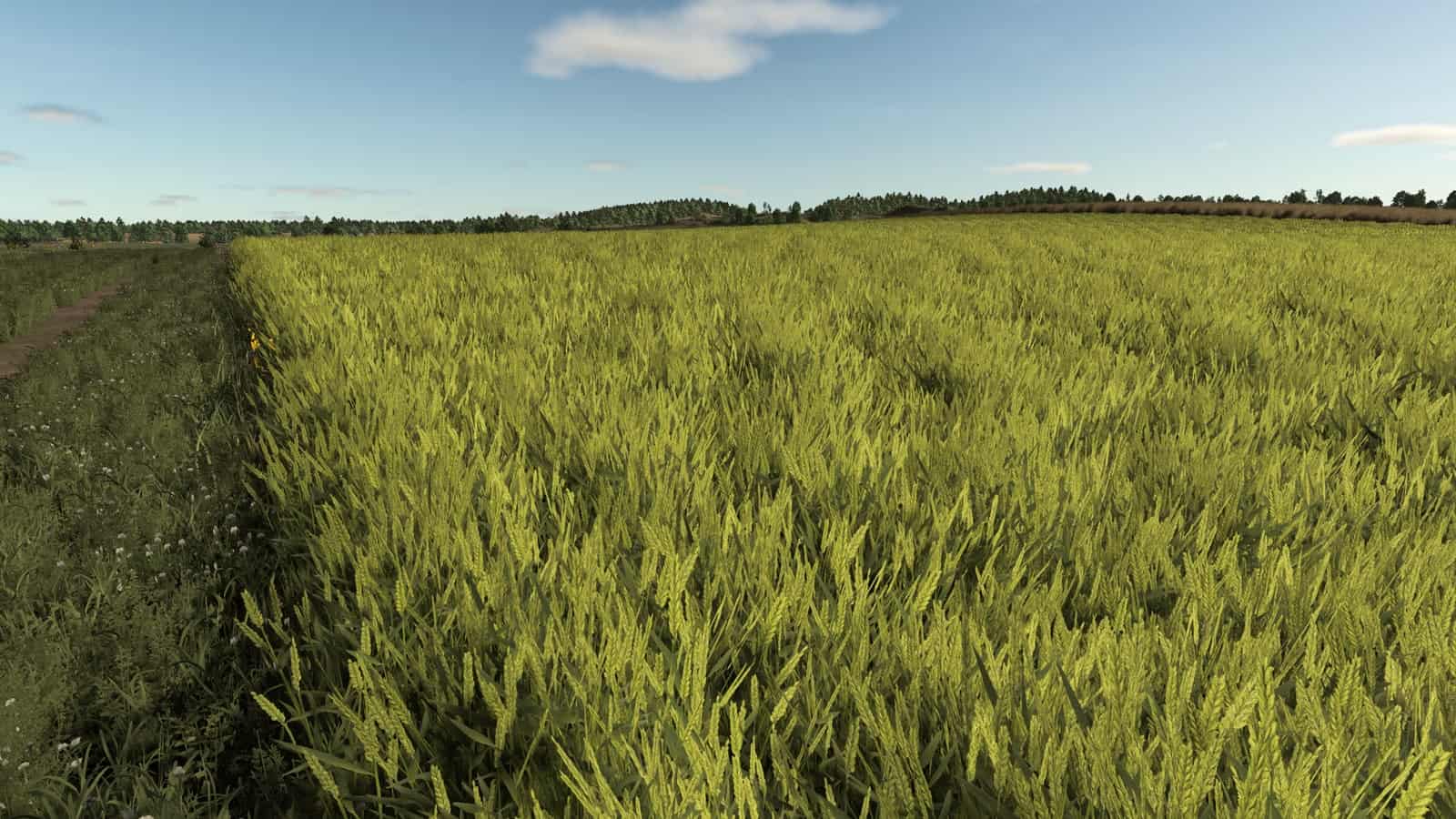
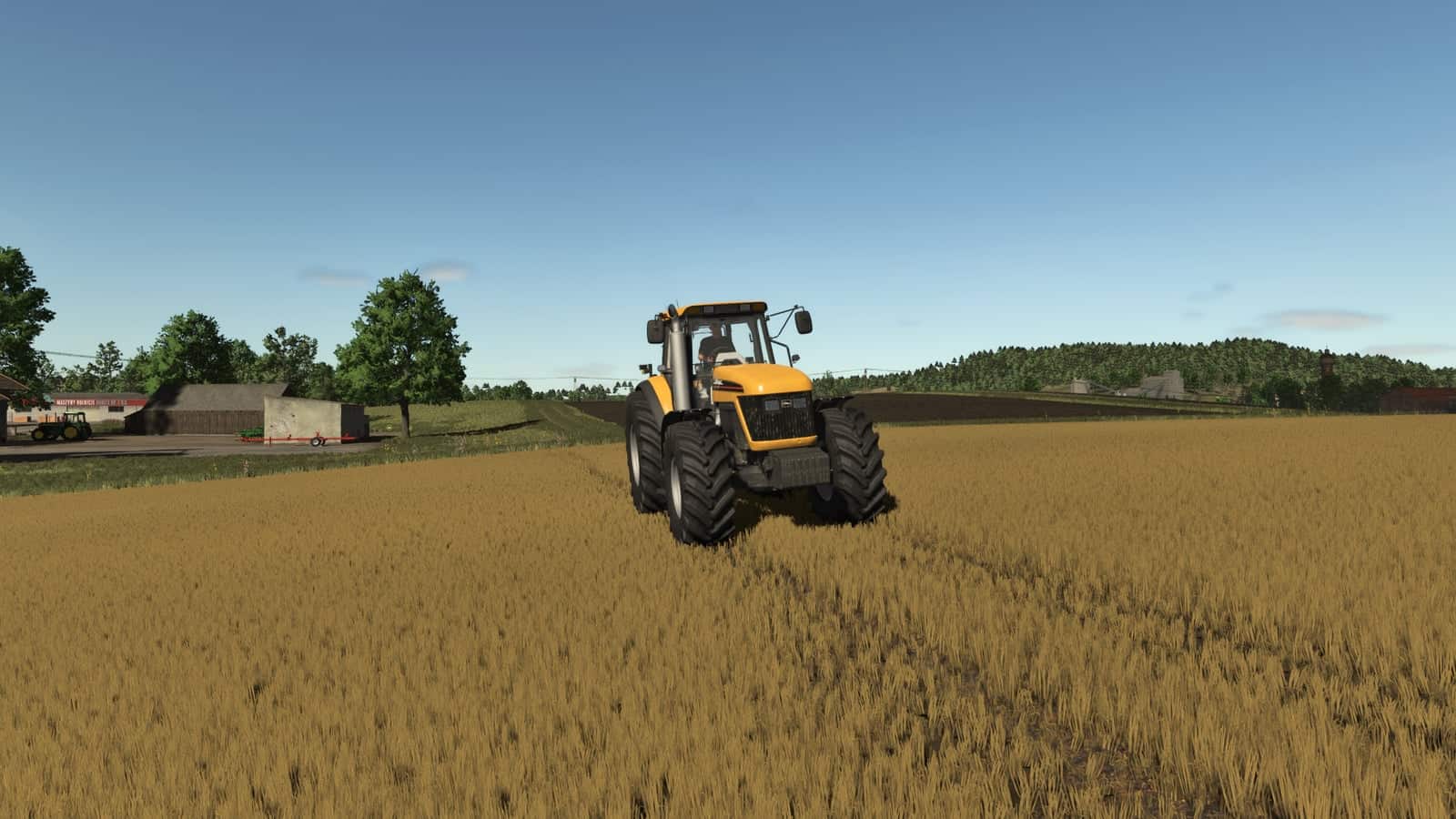
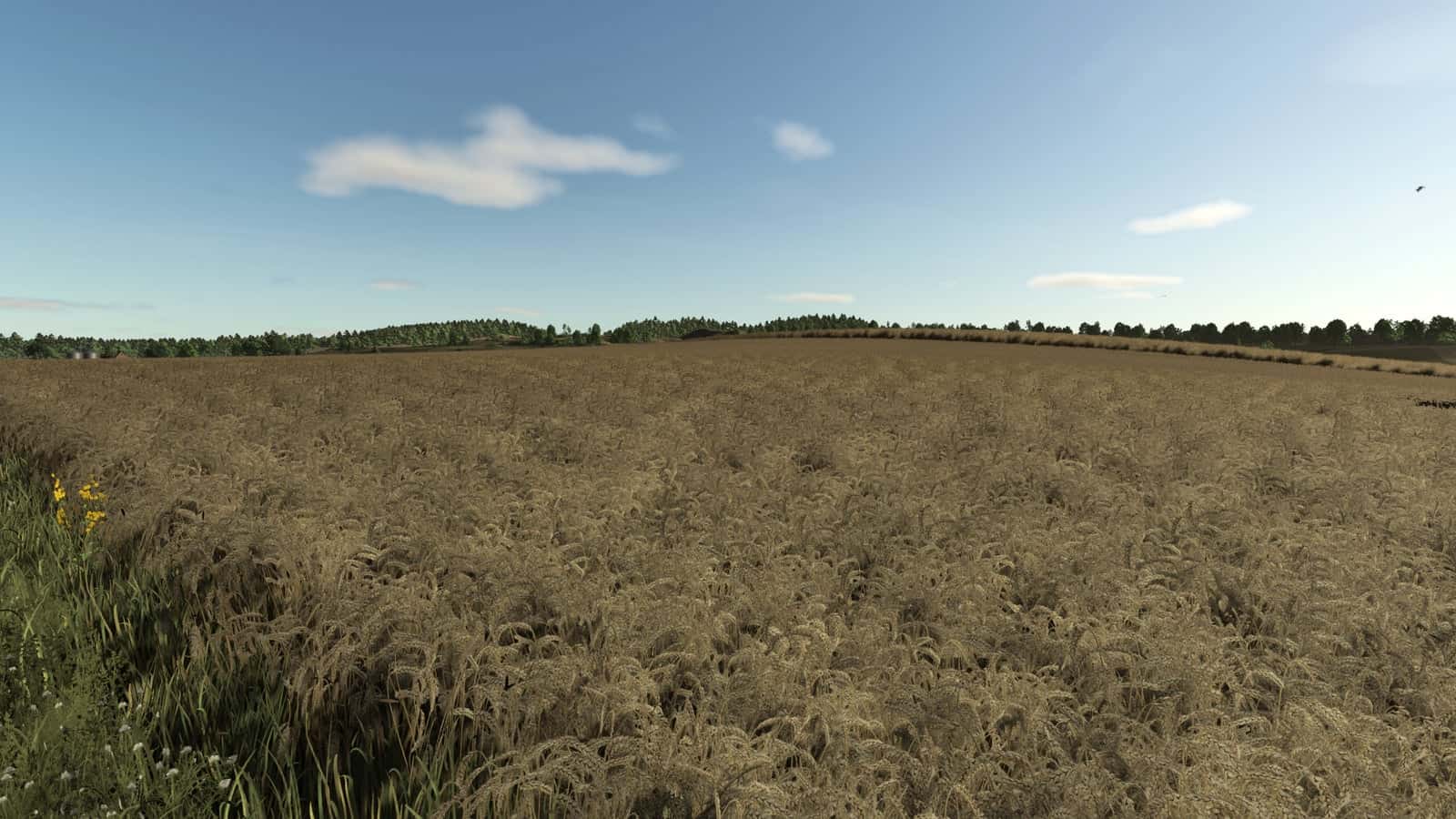
Improved Wheat Textures Second is a Farming Simulator 25 Field & Crop mod that replaces the normal FS25 wheat foliage with a more realistic wheat plant texture set while the mod is enabled.
When a map loads, the mod restores the bundled original wheat files and installs the supplied wheat XML, I3D, shape file, growth-stage textures, LOD, and distance textures. After the mission or game closes normally, it restores the bundled original wheat files.
Features
- Replaces wheat foliage visuals with improved XML, I3D, shape, growth-stage, LOD, and distance texture files while active.
- Restores bundled original wheat files after the mission or game closes normally.
- Supports common local wheat foliage paths so base maps and many mod maps can use the same improved wheat look.
- Multiplayer status: Supported.
How To Install Improved Wheat Textures Second
- Keep
FS25_ImprovedWheatTexturesSecond.zippacked as a ZIP. - Place the ZIP file in
Documents/My Games/FarmingSimulator2025/mods. - Start Farming Simulator 25 and enable the mod in your savegame mod list.
- Load a backup save first.
- Avoid keeping old copies of the same file in the active mods folder.
- For terrain, animal, or vehicle behavior scripts, test on a backup save first.
No separate required-mod list is shown for Improved Wheat Textures Second, so it can be installed by itself and tested with the rest of the active mod folder.
Compatibility Notes
Do not enable FS25_ImprovedWheatTexturesSecond together with Improved Wheat XML or another wheat foliage/XML replacement mod. Use only one wheat foliage replacement mod in the same savegame.
The active gameplay logic is written in Lua, and the game loads it through modDesc.xml.
Testing Notes
Test the mod through the relevant field state or crop stage, then drive, harvest, or reload to confirm the normal FS25 workflow still behaves as expected. Change only one thing at a time and record the map name, game version, mod version, and other active scripts that affect field & crop gameplay.
After the first test, save the game, exit to the menu, reload the save, and repeat the same action once more to check for restore problems, missing XML paths, delayed script errors, and visual changes that only appear after reload.
Changelog
Current public version: v1.0.0.1.
The public file name for this release is FS25_ImprovedWheatTexturesSecond.zip. Keep only one copy in your active Farming Simulator 25 mods folder.