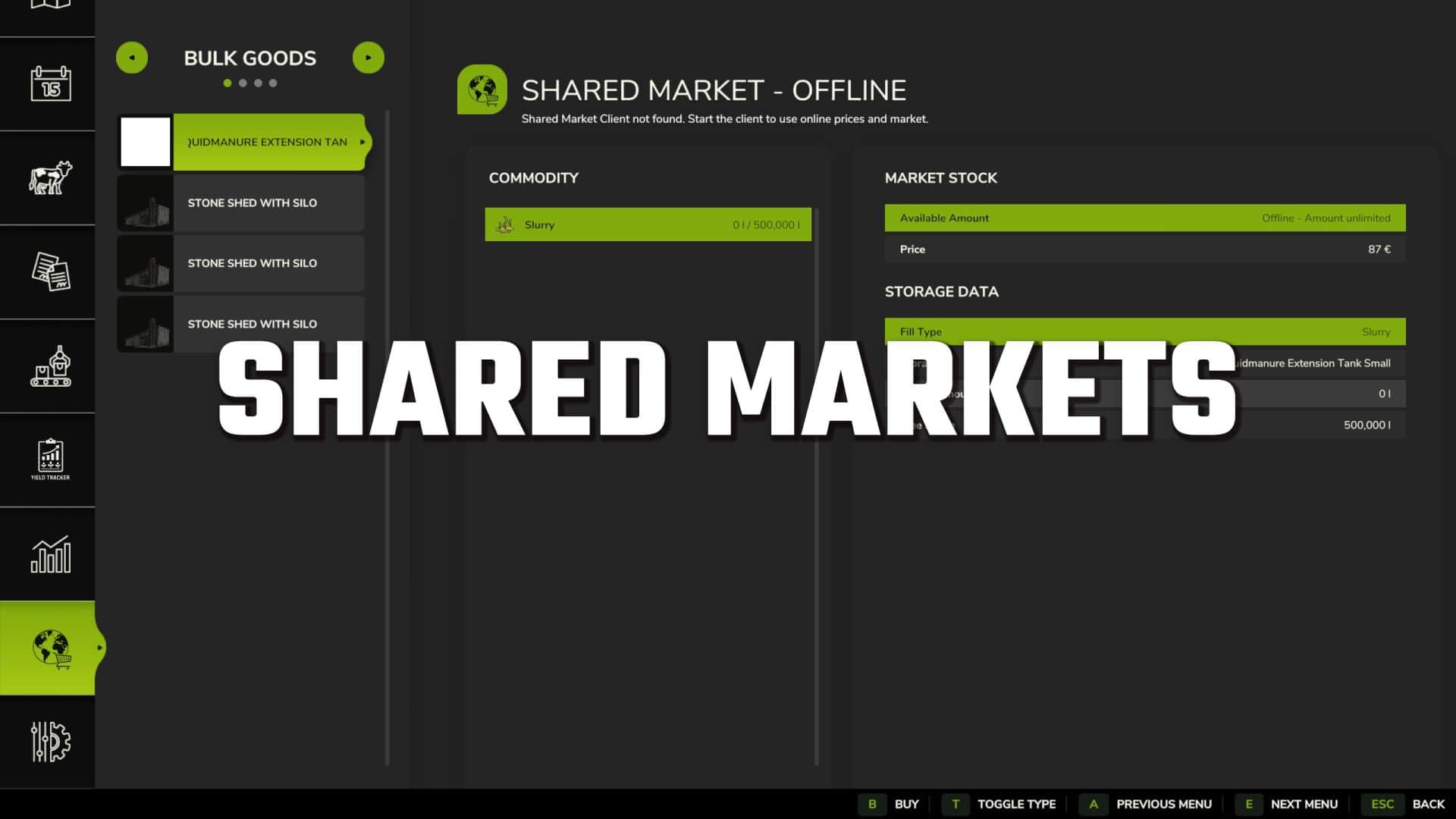
A shared in-game market for buying and selling stored bulk goods, bales and pallets – online with other players or offline as an additional trading platform.
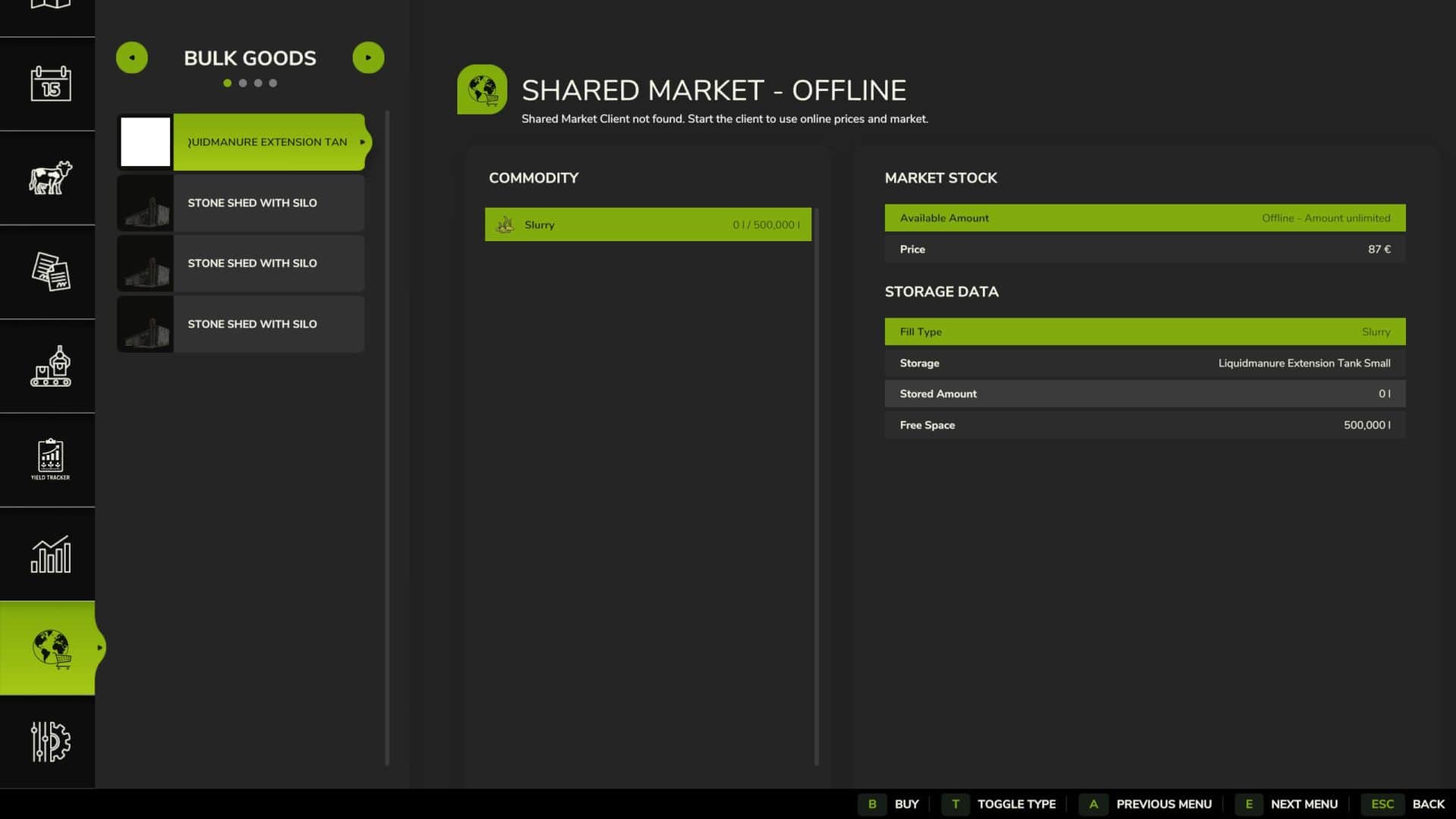
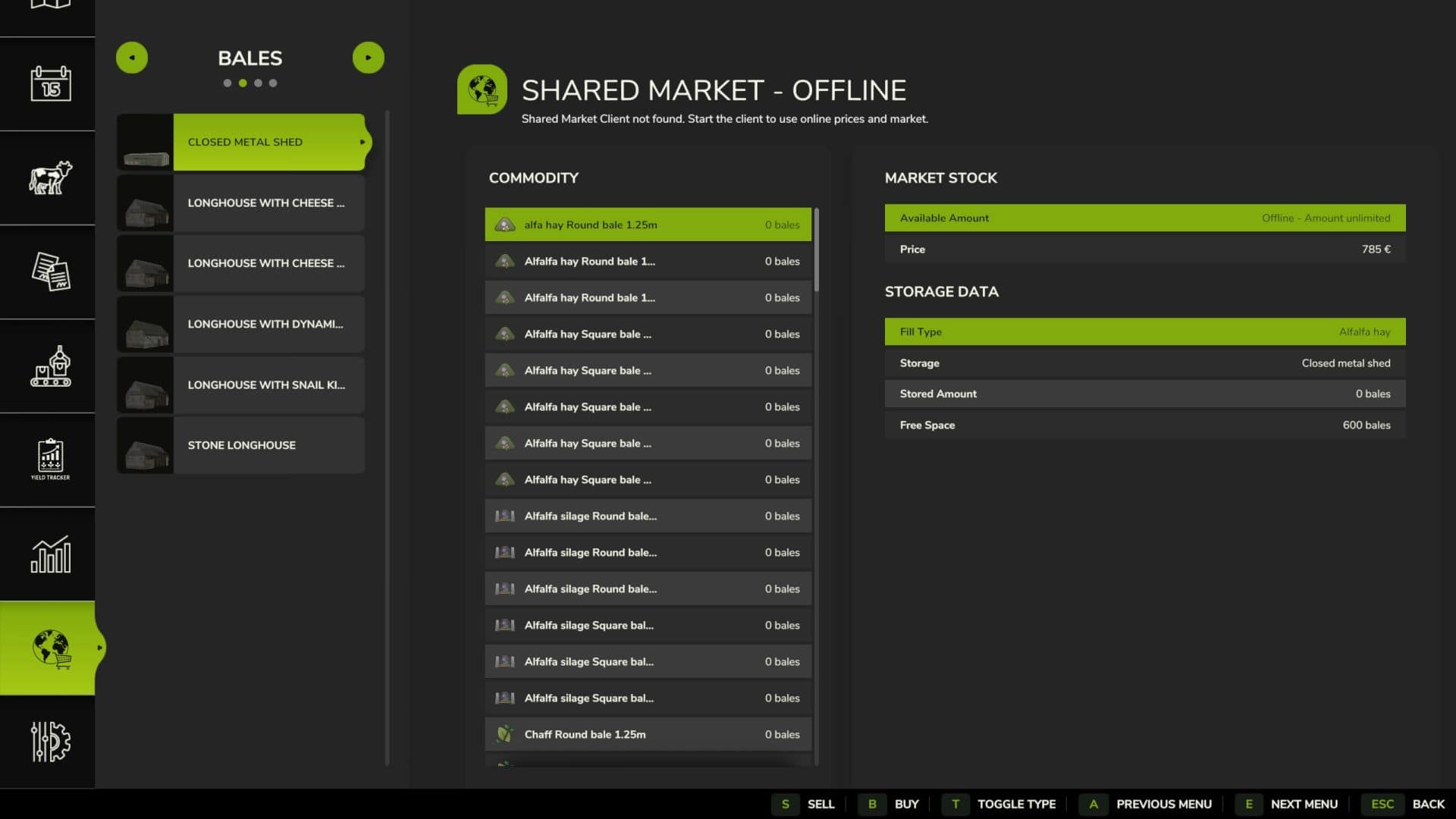
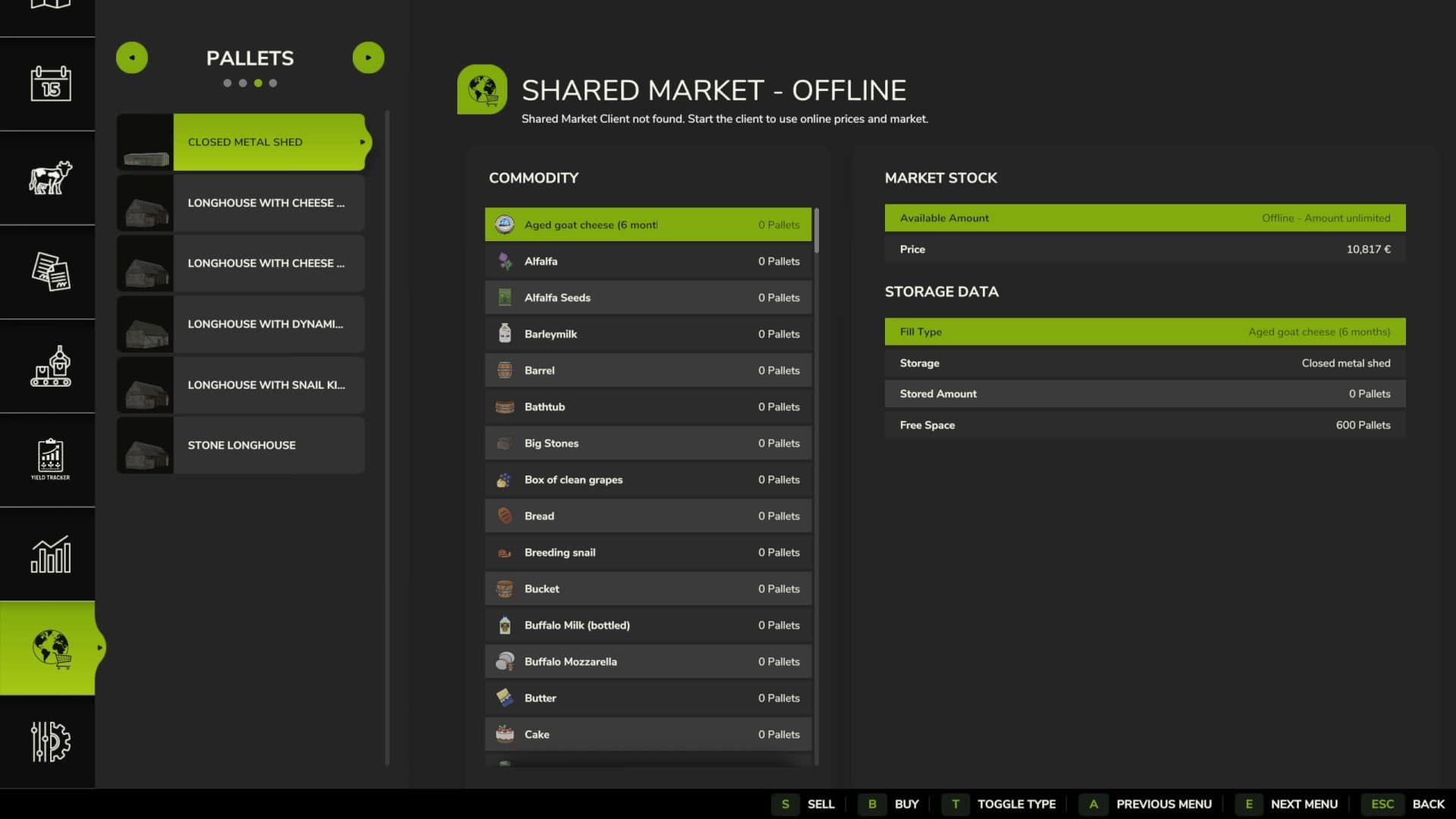
The Shared Market adds a dedicated market page to the game. There you can see current market stocks and prices, as well as your farm’s inventory. Stored goods can be bought or sold directly through the market page.
Supported by:
– Bulk goods
– Bales (fermenting bales must be fully fermented to be sold)
– Pallets
The inventory levels are read from the warehouses that you own.
Market Overview:
– The market page displays all important information at a glance:
– Available goods
– Current market stock
– Buy and sell prices
– Own farm storage
– Stored quantity
– Free storage space
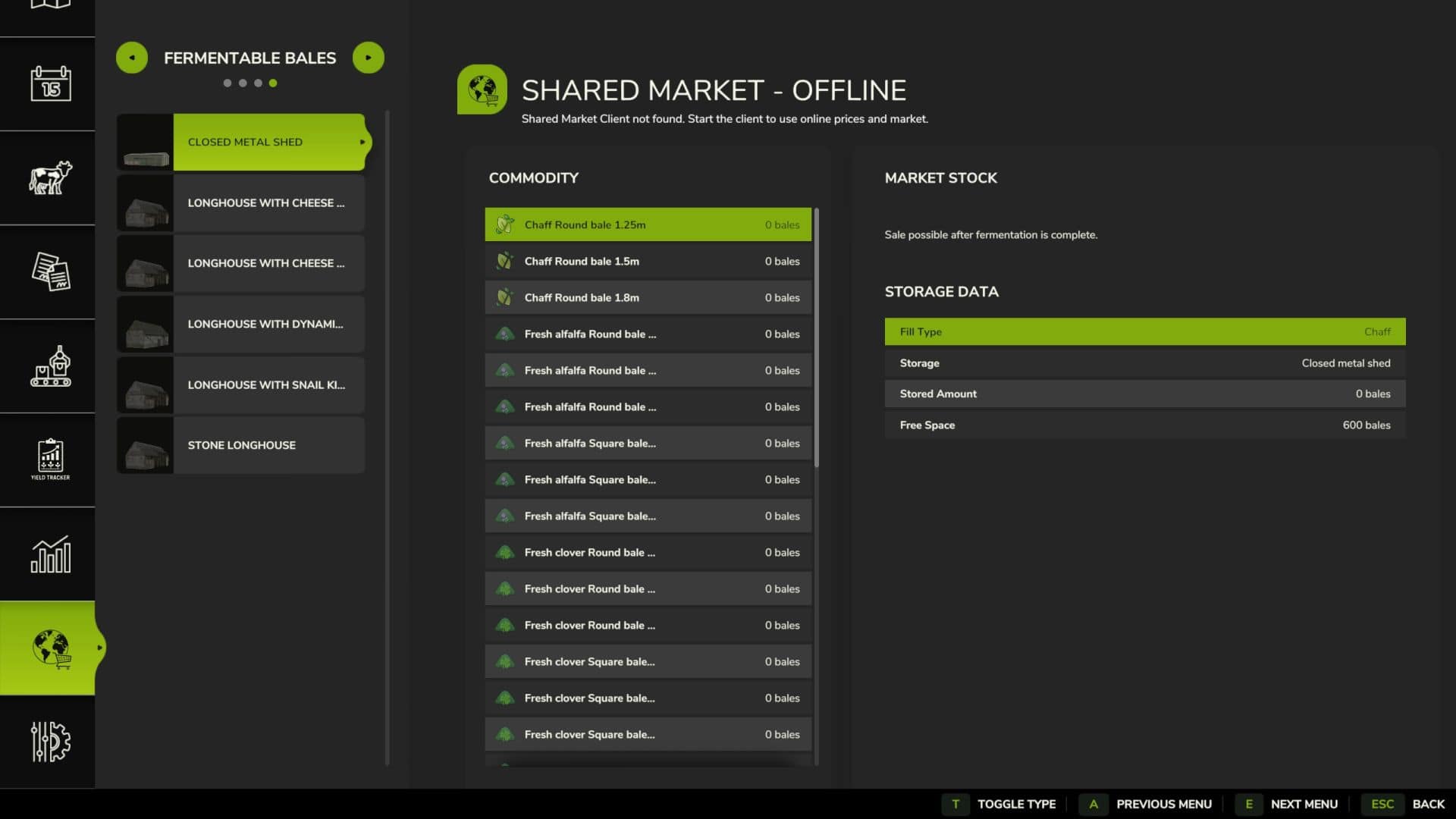
– Fermentation status of bales
– Total amount of a transaction
– Market fee
The type selection allows you to switch between bulk goods, bales, pallets and fermentable bales.
Fermenting bales are displayed with their current fermentation status. Sales are only possible after fermentation is fully complete.
Buying and Selling:
When buying, you select a compatible storage location on your farm and the desired quantity. The goods are then stored directly in the selected storage location.
When a sale is made, the selected quantity is taken from the corresponding farm storage. Income and expenses appear with separate entries in the financial overview.
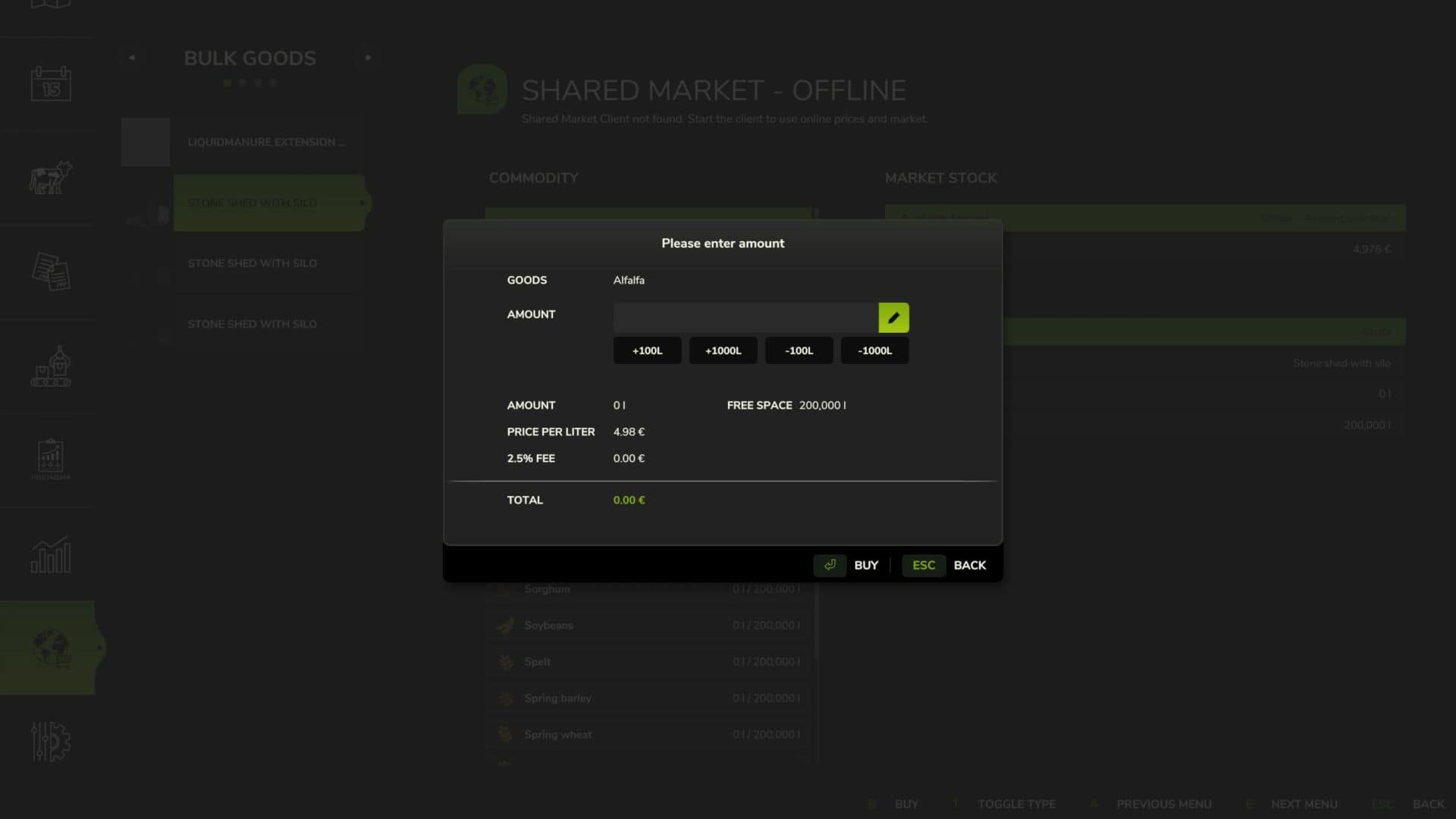
Before completing a transaction, a dialog box displays:
– Selected goods
– Desired quantity
– Price per liter, bale or pallet
– Market fee
– Total amount
– Available market stock
– Free storage space
A market fee of 2.5% applies to transactions.
Online Trading:
For online trading, the Shared Market Client software is also required. This can be downloaded from the BayernGamers homepage. With the client active, you gain access to the shared market inventory and online prices. This allows you to trade goods with players from other servers and game saves. The client must be running and connected to use the online market.
Offline Mode:
The Shared Market can also be used without the Shared Market Client. In this case, it functions as an additional local marketplace for your products. Trading with players on other servers or save games is not possible in offline mode. Online market inventory and prices are also unavailable.
Standard key layout within the marketplace page:
– B: Buy
– S: Sell
– T: Change product type
All buttons can be changed in the game settings.
Beta Information:
This is a beta version. Errors, changes, and interruptions to the online service are possible. Backing up your game progress is recommended before use.
Please submit bug reports with a complete log.txt, map used, game type – singleplayer, multiplayer or dedicated server – and a brief description of the steps taken in the bug tracker or in the forum in the relevant support topic.