Tired of every beacon flashing like it came from the same bargain-bin warning-light catalog?
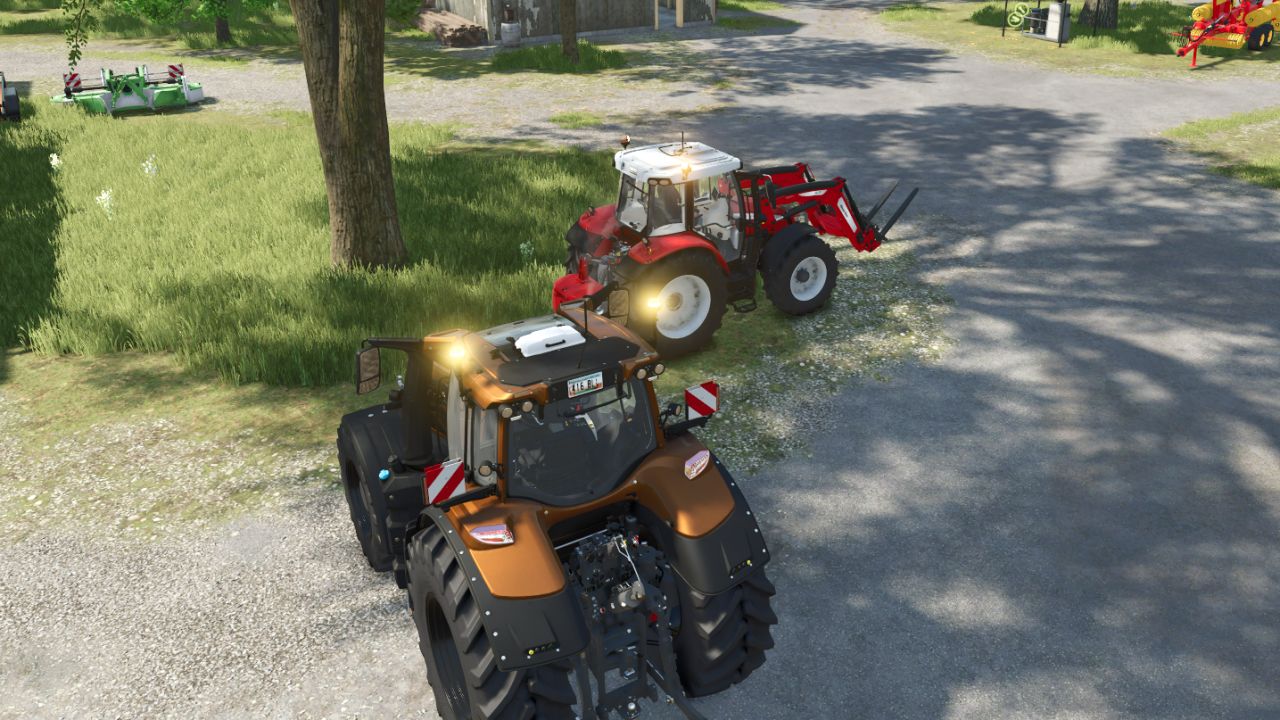
Beacon Patterns gives supported FS25 vehicles more personality by adding selectable LED flash patterns, adjustable beacon speeds, and random rotation for classic rotating beacons. Whether you want professional warning lights or something that looks like your tractor is responding to an emergency, this mod has you covered.
Features
– Multiple flash patterns for supported LED beacons
– Default or randomized behavior for rotating beacons
– Three speed options: 50% Slower, Normal, and 50% Faster
– Separate controls for LED and rotating beacons on vehicles equipped with both
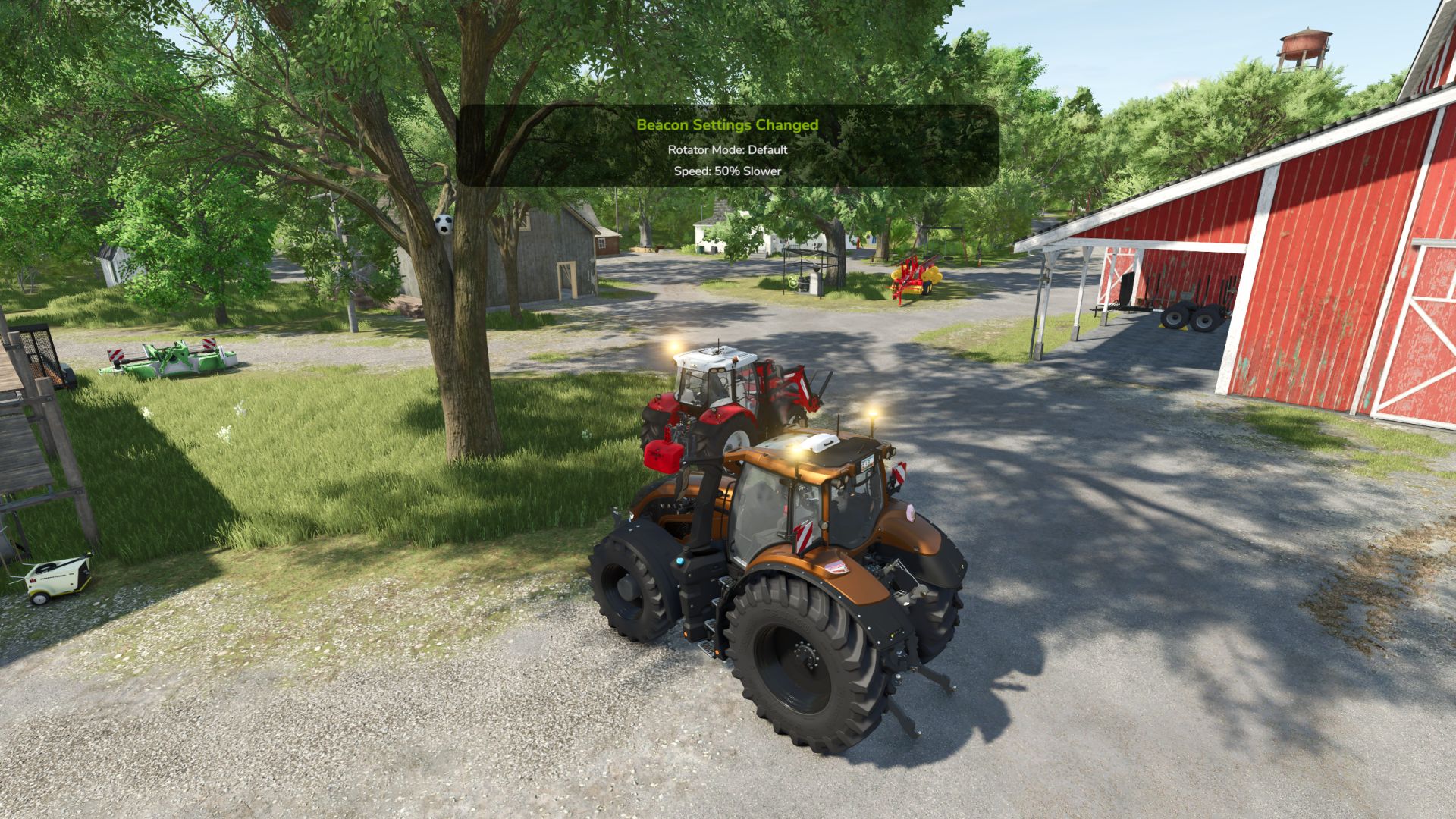
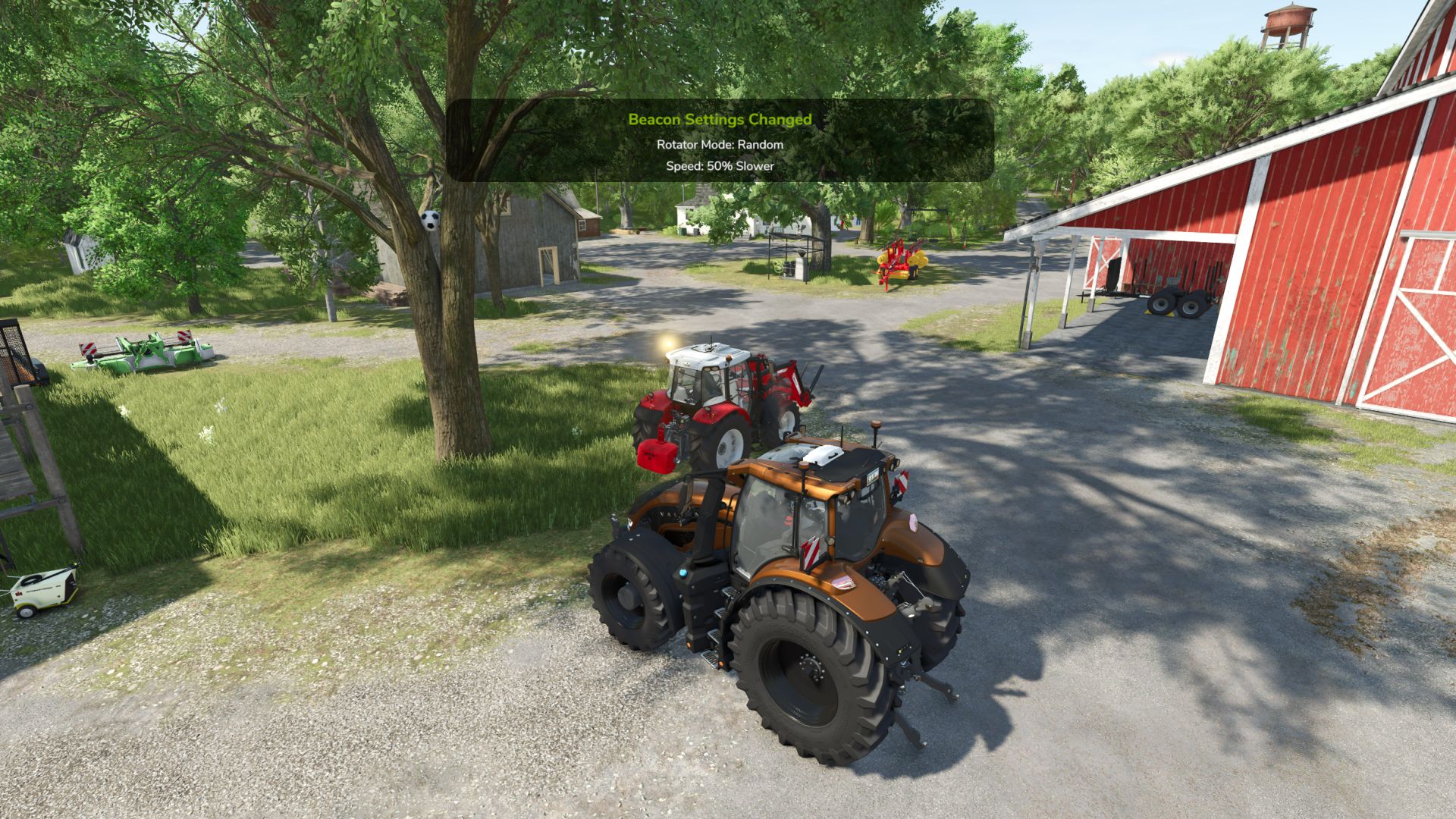
– Vehicle-aware HUD popup showing the selected pattern, rotator mode, and speed
– Settings available through the in-game Settings menu
– Settings save automatically
– Controls can be reassigned in the game’s Controls menu
LED Patterns
– Single Flash / Slow Flash
– Double Flash
– Triple Flash
– Quad Flash
– Rotating / Simulated Rotator
– Pulse / Gentle Pulsing
– Wig-Wag
Rotator Modes
– Default — uses the vehicle’s normal in-game rotation
– Random — gives individual rotating beacons randomized rotation behavior
Default Controls
– Right Ctrl + B — change the LED pattern. On rotator-only vehicles, this switches between Default and Random.
– Right Shift + B — change the rotating-beacon mode separately. Useful for vehicles equipped with both LED and rotating beacons.
– Right Alt + B — change beacon speed
Some custom vehicles may use their own lighting scripts and completely ignore this mod, much like hired workers ignore the obvious route to the field.