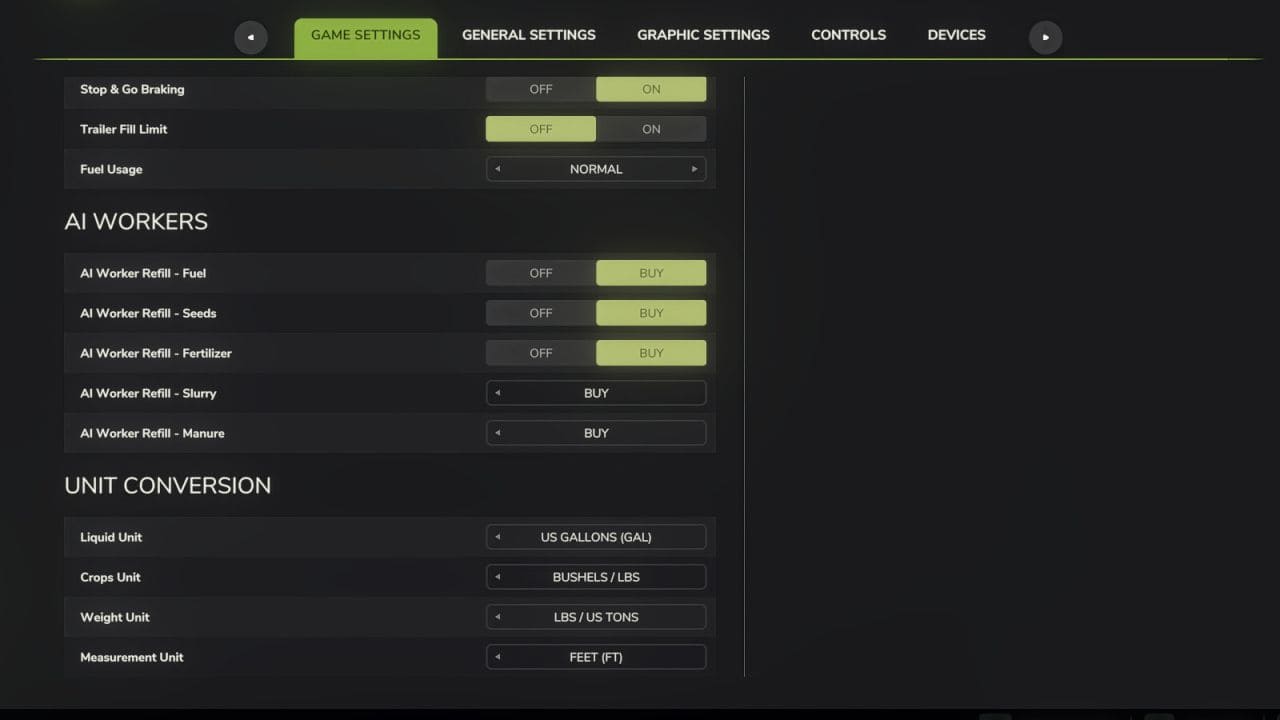
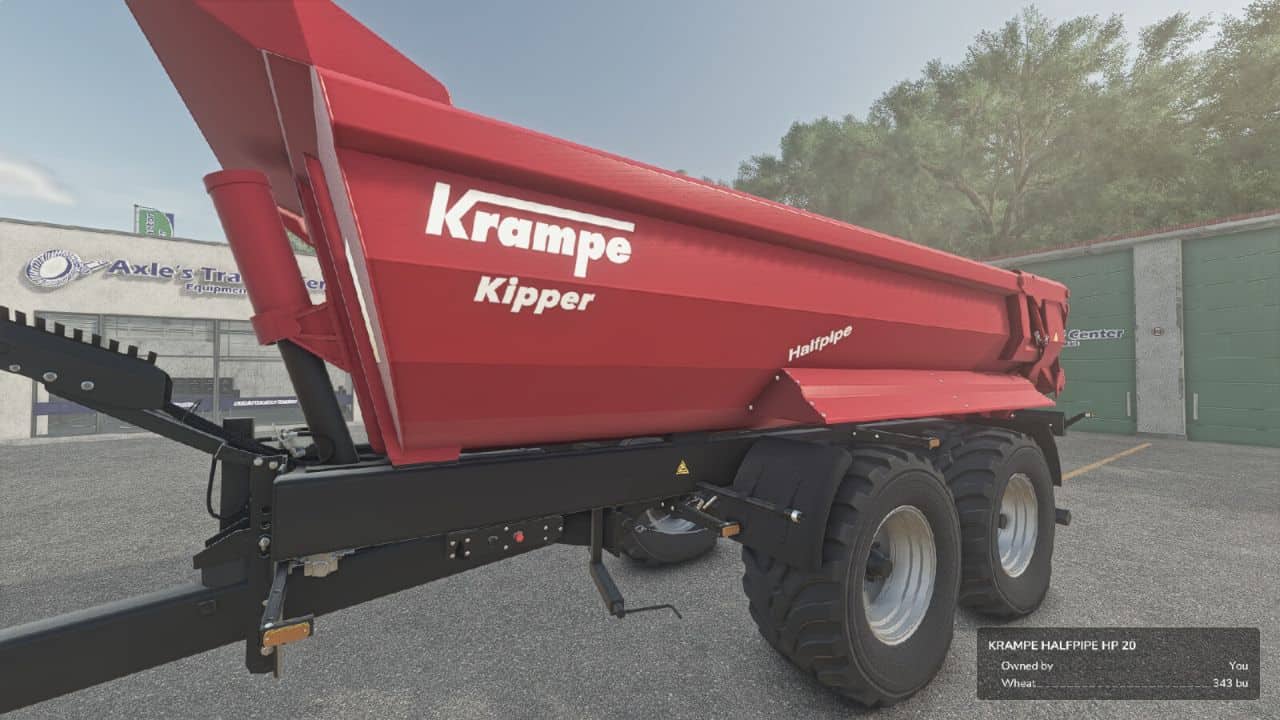
Adds a “Unit Conversion” section to the Game Settings tab in the pause menu.
Choose your preferred units for:
– Liquid: Liters or US Gallons
– Crops: Liters, Bushels (grains) or Lbs (root crops / other solids)
– Weight: Kg / Tonnes or Lbs / US Tons
– Measurement: Meters / Centimeters or Feet
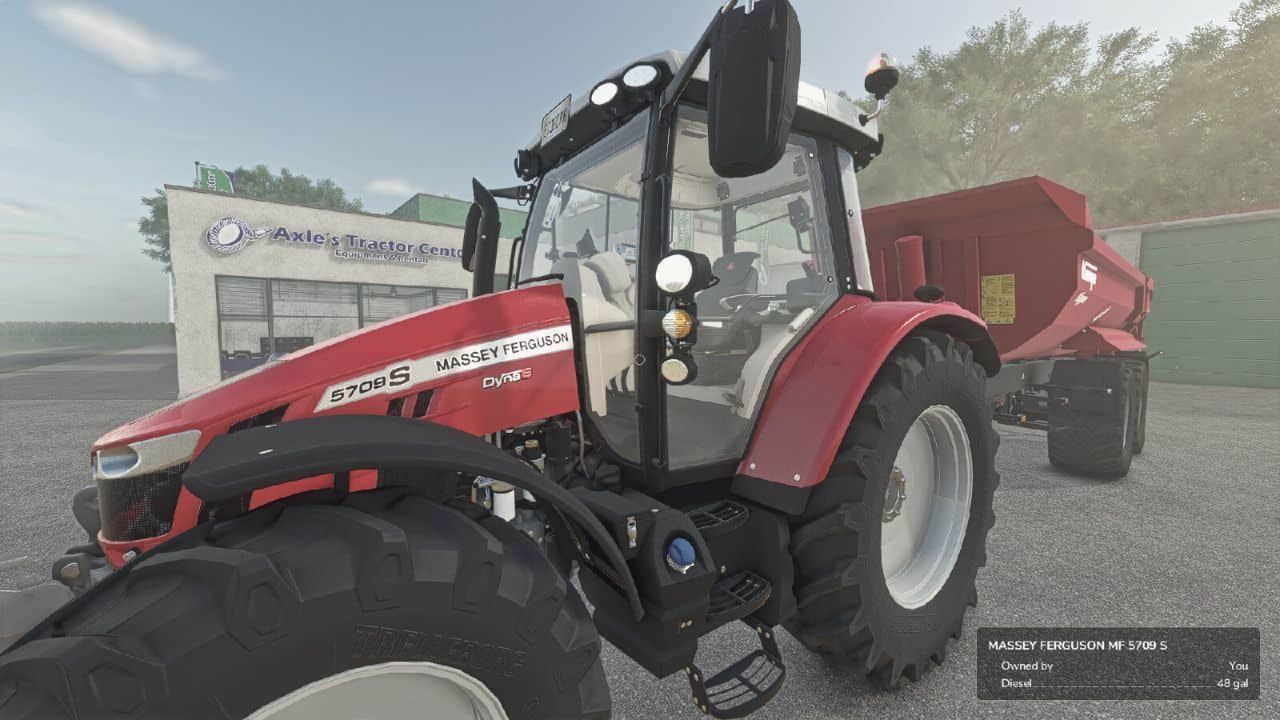
Converts the shop list, vehicle configuration screen (capacity, fuel, methane, working width, bale sizes), in-game HUD fill levels, prices menu storage, and info boxes. Fill types are classified individually: grains show bushels, liquids gallons, dry bulk lbs / US tons, and bales or pallets keep their piece counts.
– Settings are saved per-profile and persist between game sessions.
– Does not affect in-game prices or game mechanics — display only.