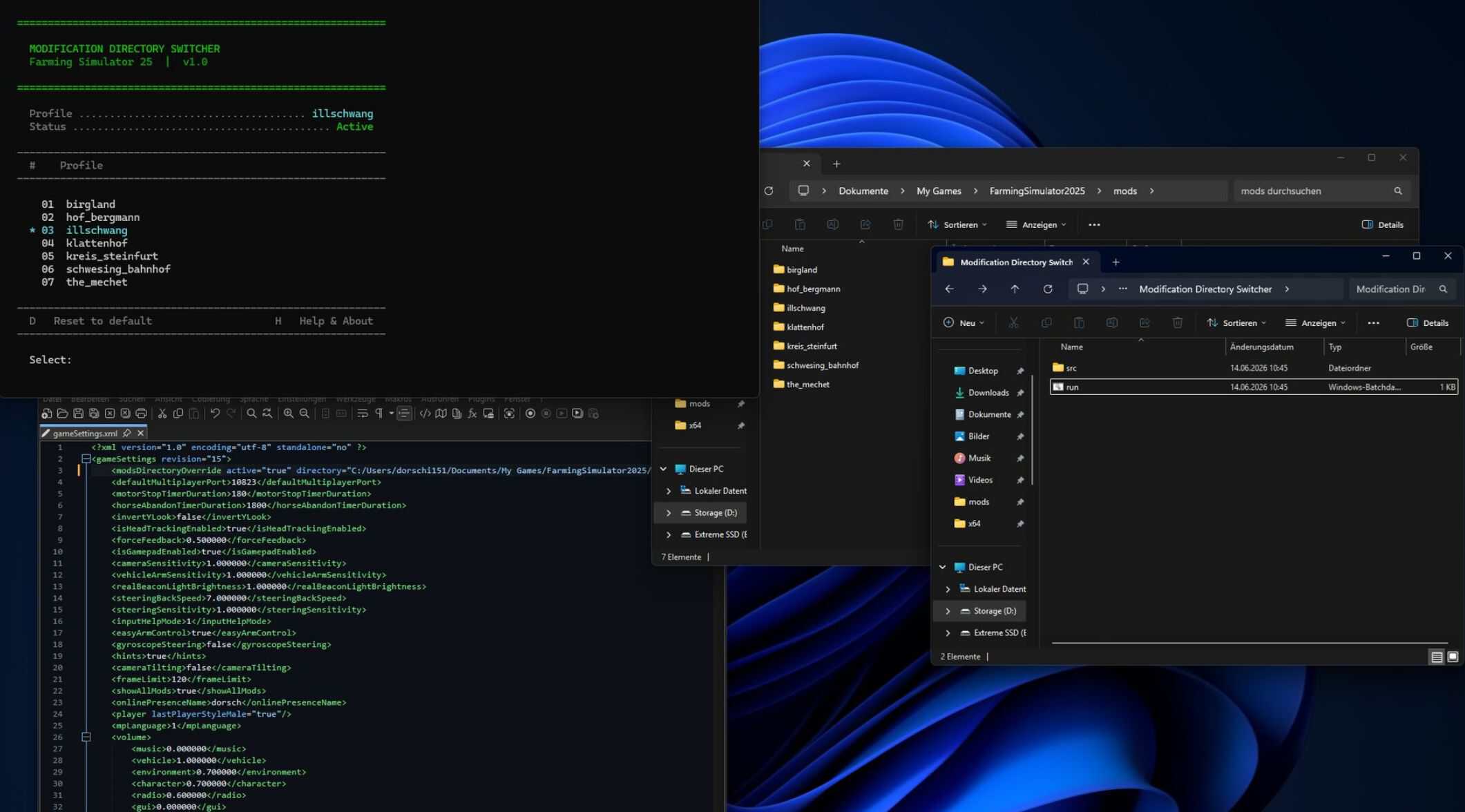
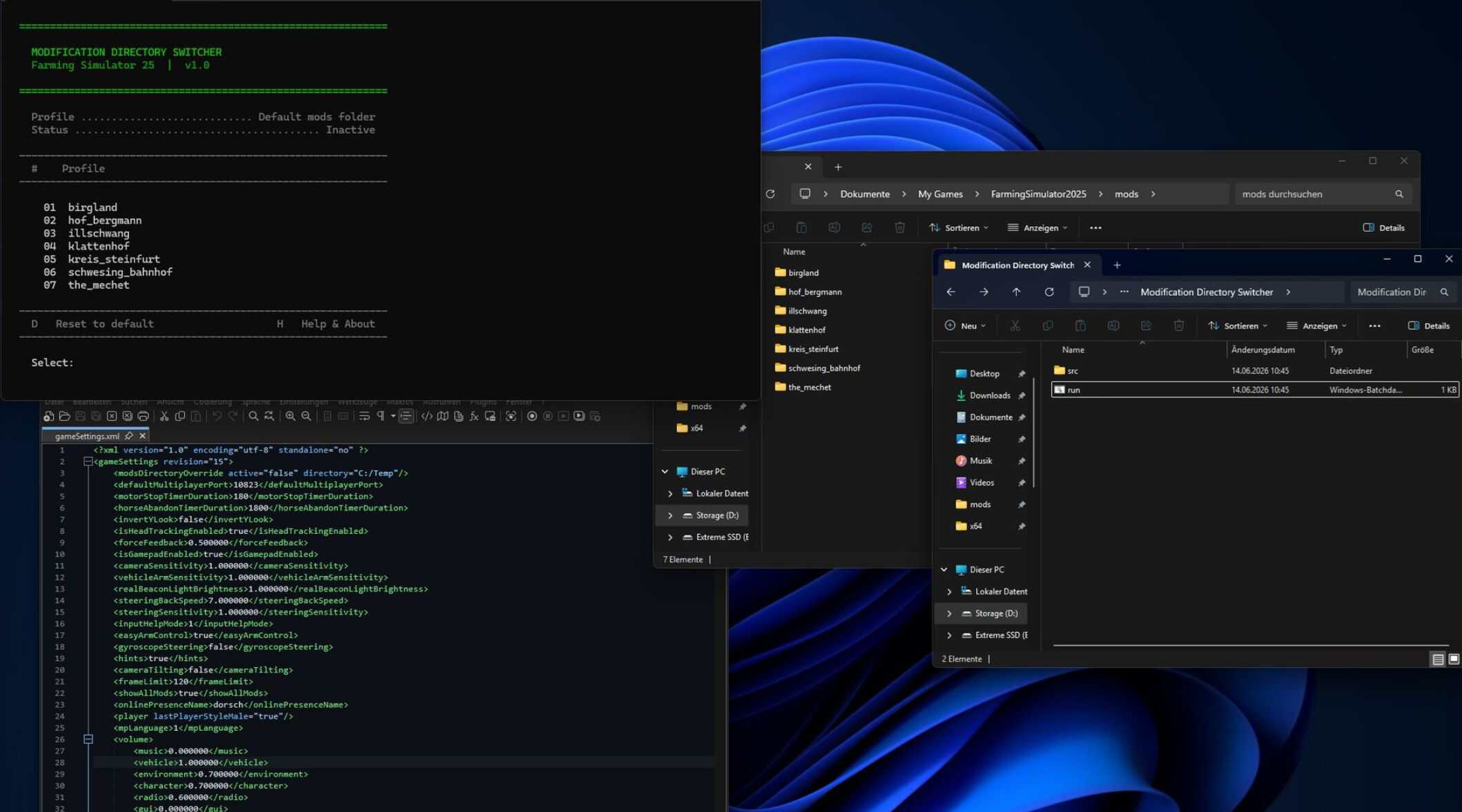

This handy tool simplifies organizing and switching between your mods. Create subfolders within the directory: “DocumentsMy GamesFarmingSimulator2025mods”
Here, you can save different profiles for maps, savegames, or playstyles. The tool automatically updates the mod folder path in “gameSettings.xml” to switch profiles seamlessly.
Important:
– Runs in PowerShell, no installation required.
– Works solely with folder paths; no files are modified.
– The mod path is changed securely to activate only the desired mods.
Security:
– This script is a simple path management tool and contains no malware.
Quick Start:
1. Unzip the archive.
2. Ensure your mod folder is located at “DocumentsMy GamesFarmingSimulator2025mods”.
3. Launch “run.bat”.
4. Follow the menu prompts to switch profiles or reset to default.
Note:
– Farming Simulator 2025 must be closed before using the tool, so changes take effect.
V2.0
– Multilingual interface (German & English)
– First-run setup assistant on initial launch
– Create and manage profiles directly in the tool
– Automatic saving of custom paths
– Profile details with mod list and file sizes
– Overview showing profile and mod counts
– Switch history (last 5 changes)
– Warning if FS25 is still running during switching
– Exit screen on shutdown
– Various bug fixes and stability improvements