



Realistic Shader v1.0

FS25 Mods |
Realistic Shader v1.0

Realistic Shader v1.0

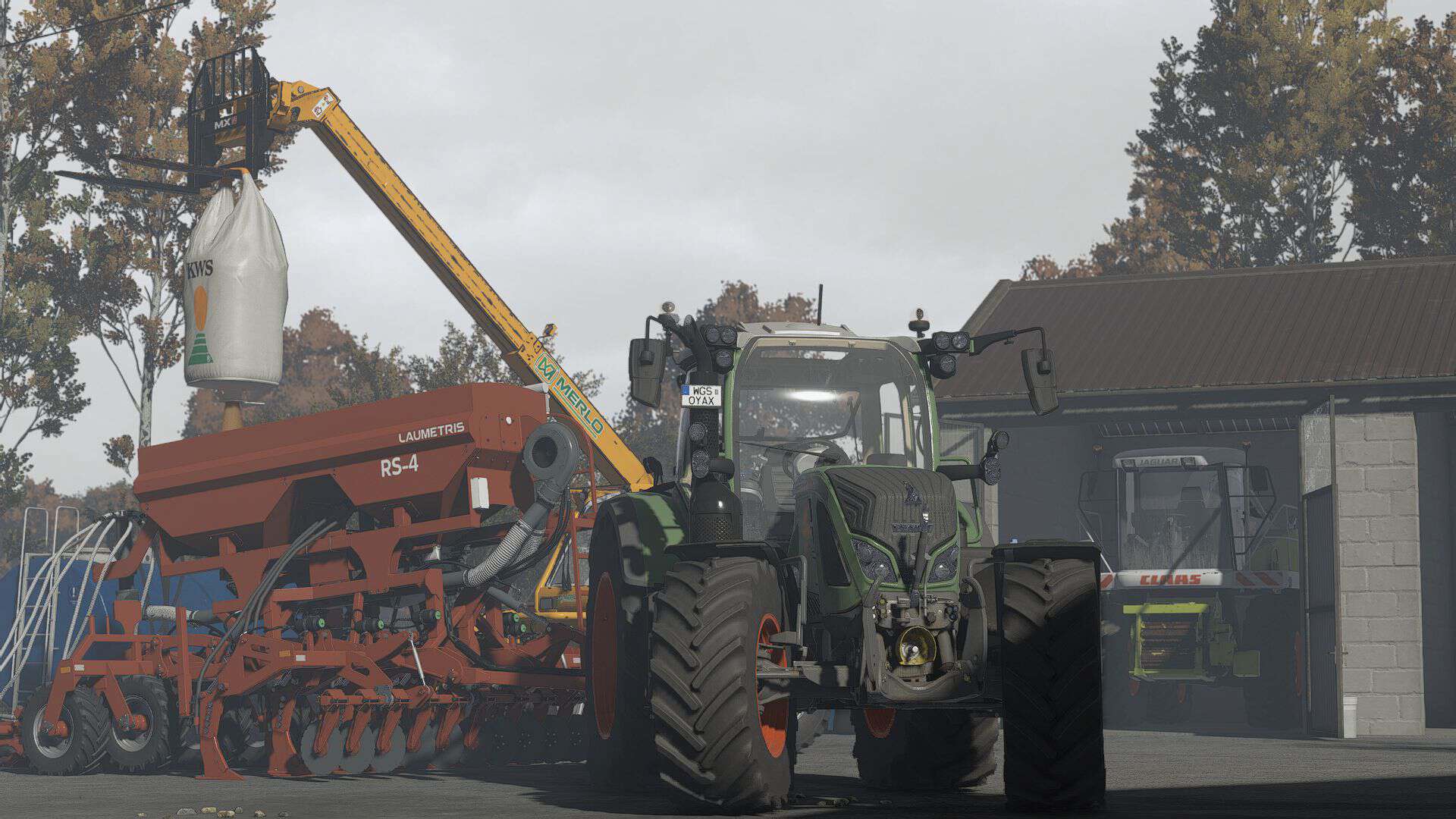
All screenshots were taken directly in-game using this shader preset. MIKI Shader v4 enhances lighting, colors, contrast, and overall visual quality while keeping a realistic look and good performance.

Installation
– Install ReShade 6.3.3
– Select Giants Engine 9.0.0.0 and DirectX 10/11/12
– Copy the included files into your Farming Simulator 25 folder
– Press Home in-game and select MIKI_SHADER_4.ini
– Choose your resolution in the Addons tab

Required:
Additional Game Settings


Author: mihajlomiki
This content was uploaded by our website visitors. If you notice any errors, please let us know.


Useful Information: How to install FS25 Mods | Farming Simulator 25 FAQ | Farming Simulator 25 News | FS25 System Requirements | Download FS25 Game | Giants Editor FS25 | FS25 Modding Guide | FS25 Cheats | FS25 Guides

You may also like...

Leave a Reply

Your email address will not be published. Required fields are marked *