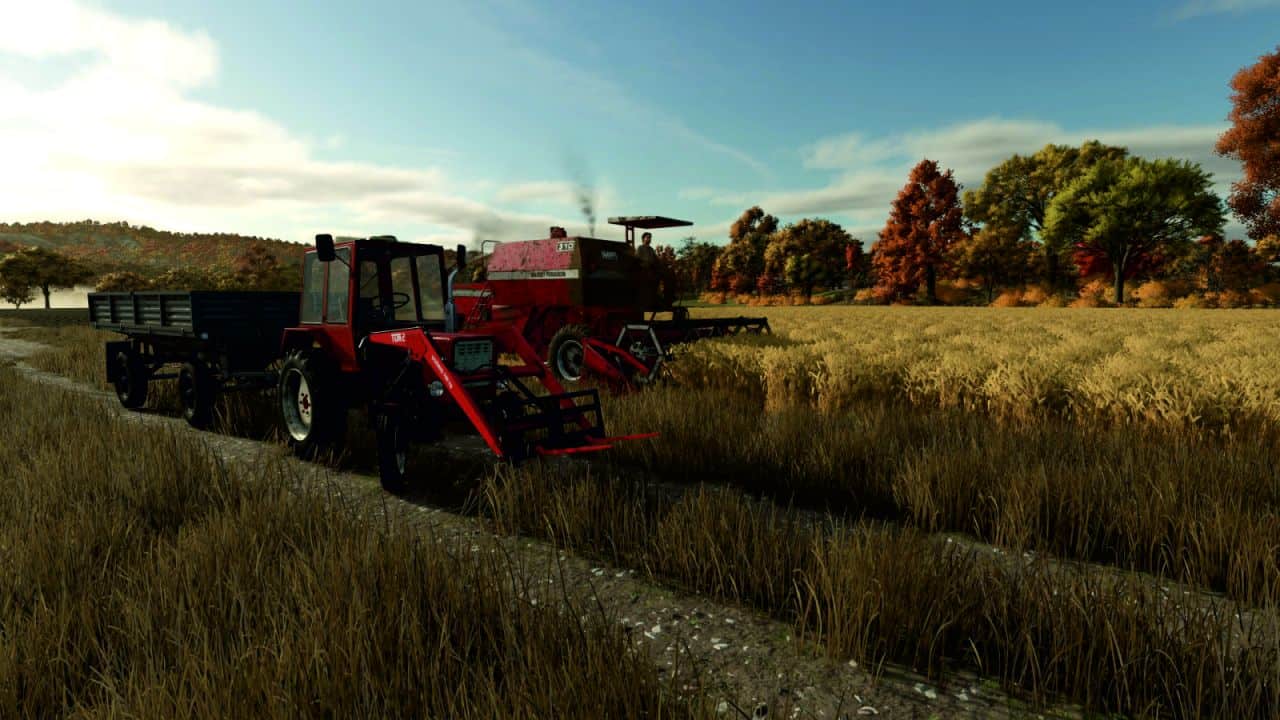
Ever wanted to start your game in the classic year 1985, run a small farm with vintage machines, and then gradually modernize your fleet as the years roll by? This mod lets you do exactly that.
You pick the year your game begins — 1950, 1985, 2000, anything between 1900 and 2050. From that point on, the mod keeps the world in sync with the era:
– The shop only shows machines that actually existed in your current year.
– Contracts offered by NPCs match your era — the game won’t ask you to harvest a field with a 2024 hybrid combine while you are playing in 1975.
– Every January moves the world one year forward — newer models and new types of contracts gradually become available.
– Full control over each machine’s production year
Sometimes a machine in the game has the wrong production year assigned, or none at all. Or you simply want to bend the rules — for example unlock a specific tractor a few years earlier than the default.
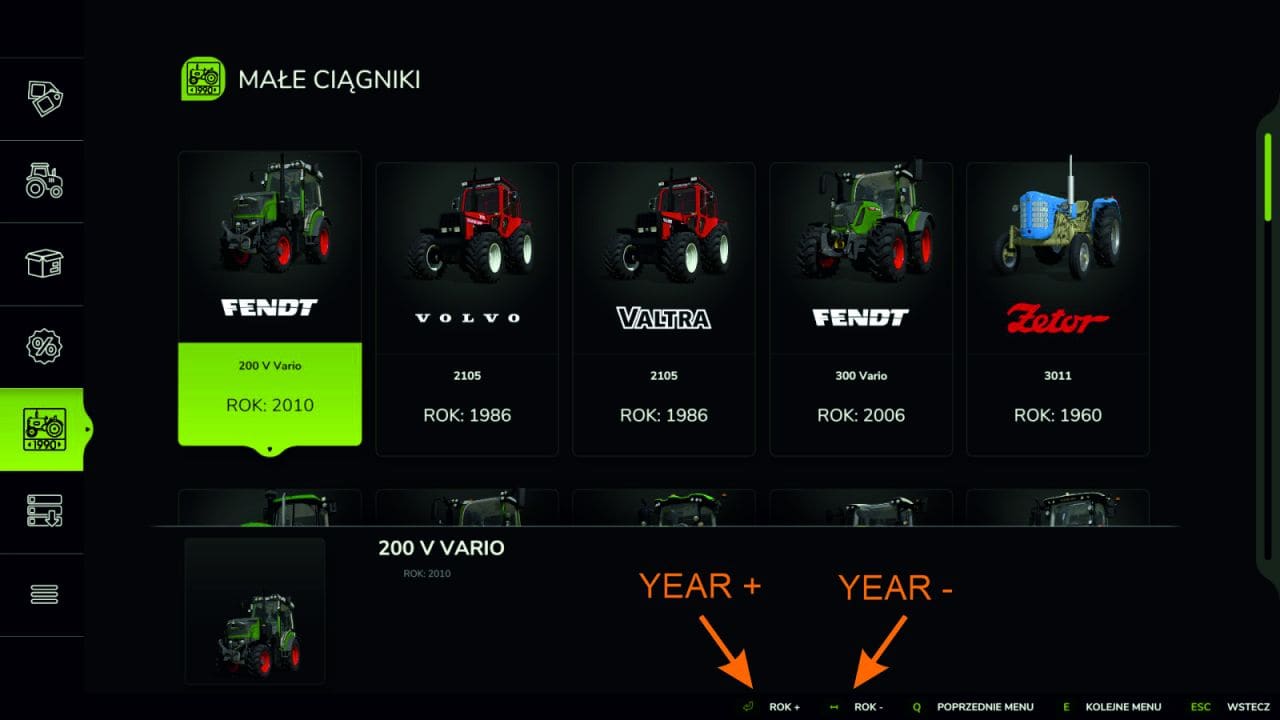
That is why the mod adds a handy menu (accessed from the shop, key P) where you browse every vehicle category and change the production year of any vehicle with a single click. No editing XML files, no game restarts, no modding knowledge required. Click, change, done — the change is immediately visible in the shop and in contracts.
Features:
– Pick a start year (1900-2050). In-game year advances every January.
– Shop shows only vehicles available in the current year.
– Contracts adapt: missions that need equipment unavailable in the current year are either repaired with a year-appropriate replacement, or hidden if no replacement exists (e.g. no cotton harvester in 1985 → no cotton contracts).
– Built-in mod menu (in the shop) lets the admin browse every vehicle category and override the year of any vehicle individually. Useful for filling gaps or pushing things earlier.
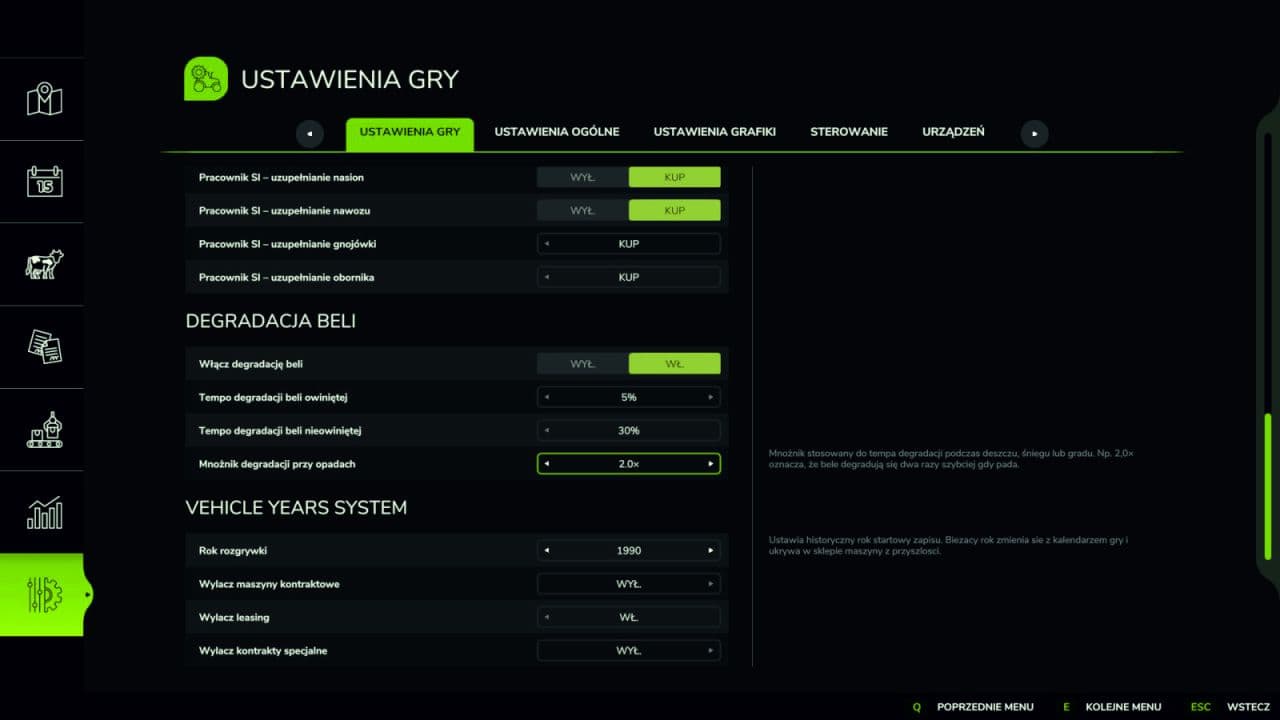
– Optional toggles to disable contract leasing, shop leasing, and special contracts (forestry, deadwood, rock, wood chips).
– Multiplayer aware: only the master user can change settings; overrides are synced to all clients.
Required:
– Vehicle Years