Textures for creating intersections
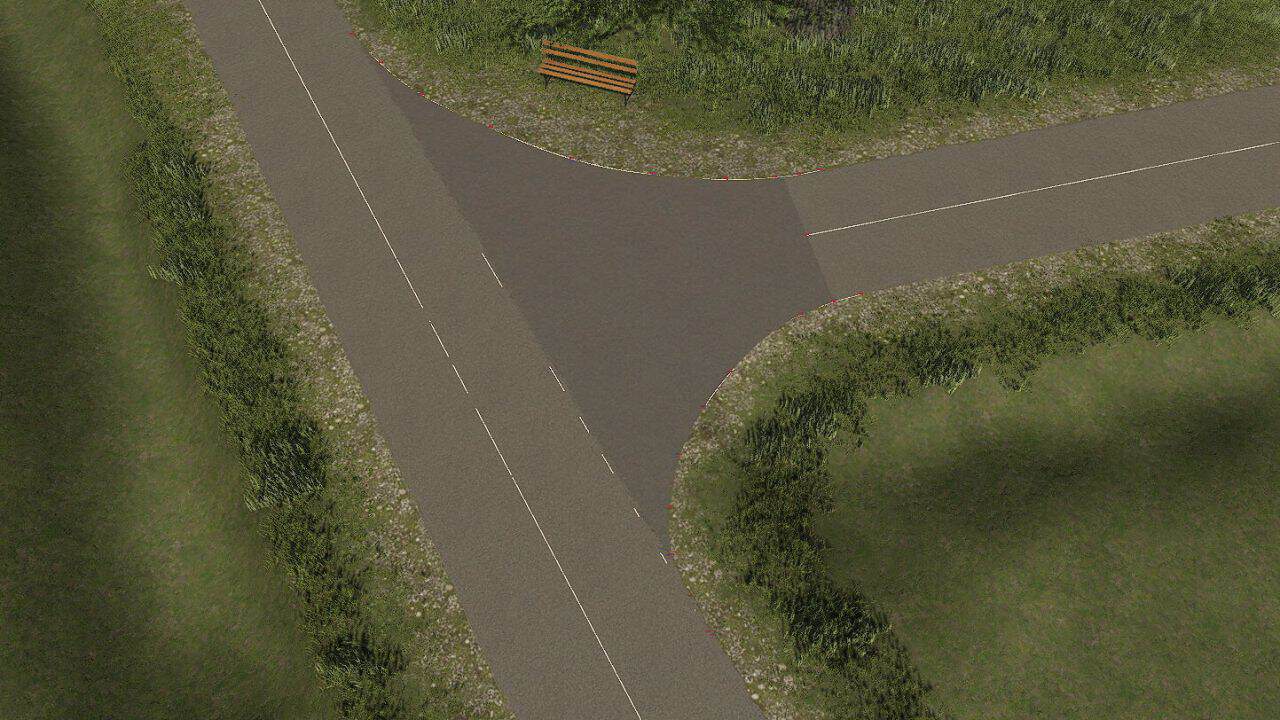
Hey everyone, I’ve noticed that when beginners work with the R5 tool from Raptor5 and want to create and texture free intersections using the “Spline to Intersection” tool, they always have differences in the texture (see image 1).
Changing textures in Paint.net is difficult for some, and many give up at that point;
I also struggled with textures at first.
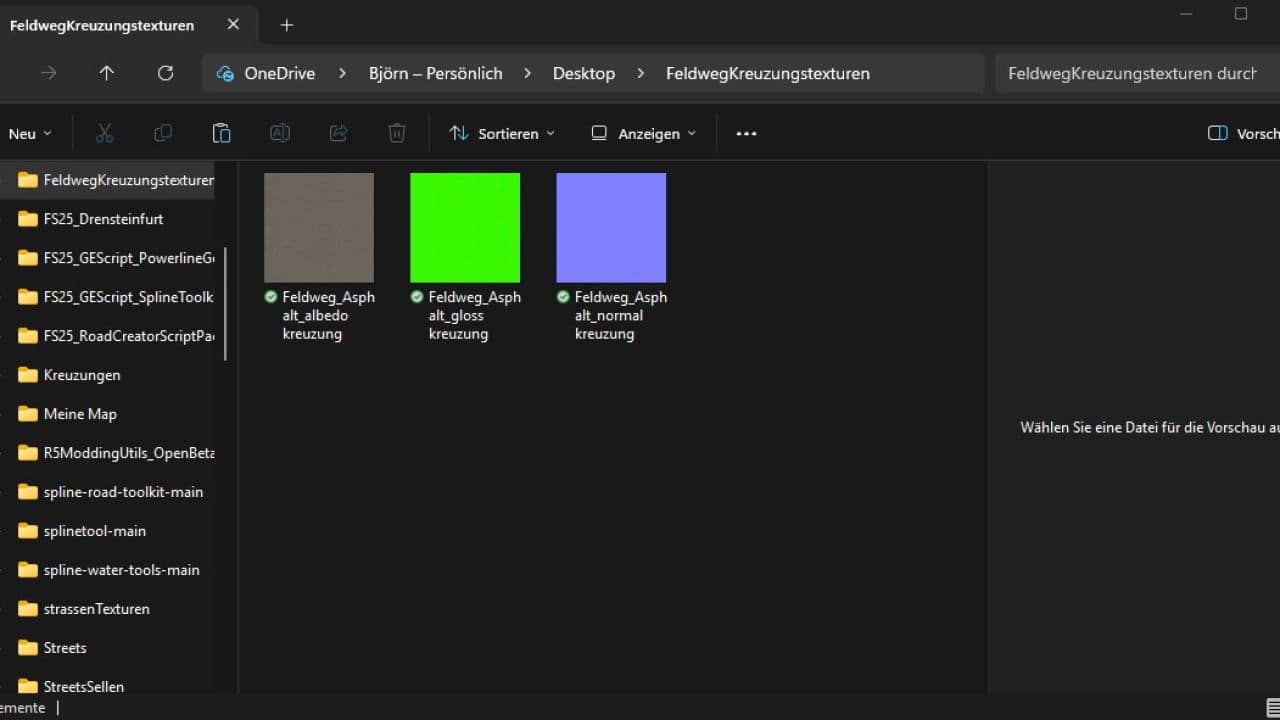
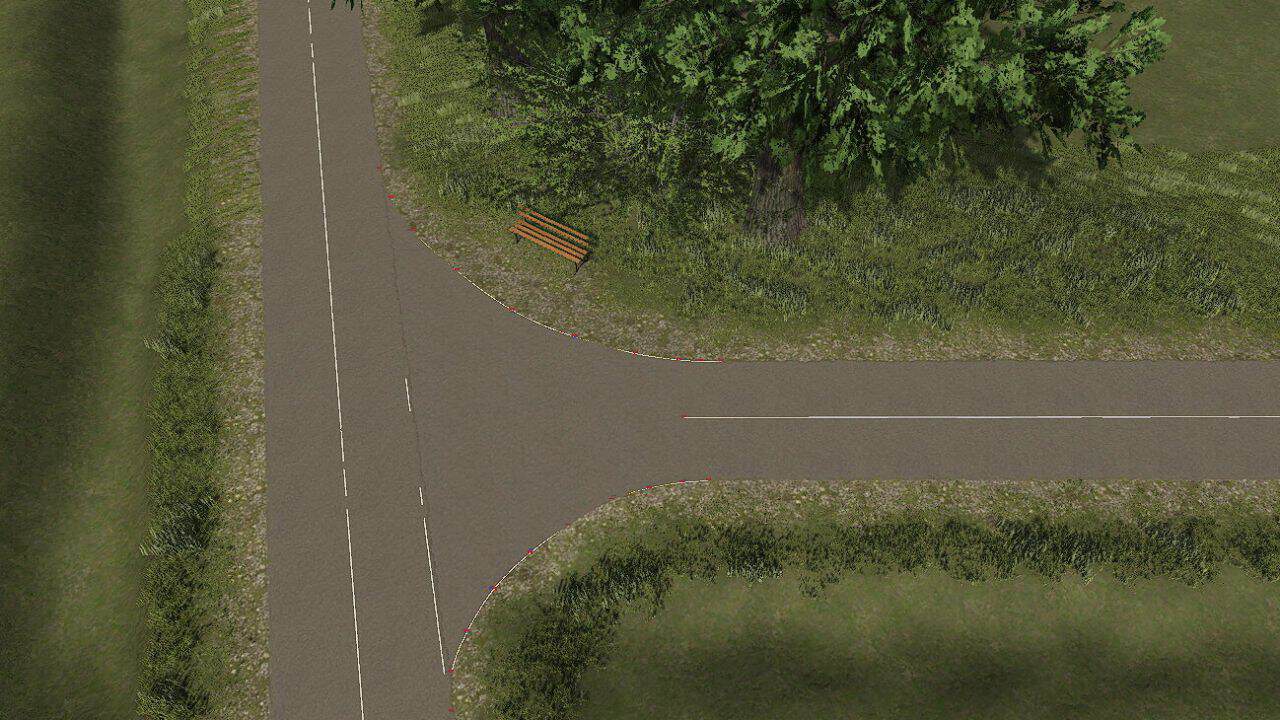
I have now modified the texture files of the R5 tool (field road asphalt) so that you can use them for these free intersections
without any significant differences. (see image 2)
I hope I can offer some support to beginners, since everyone starts small.80
I would like to take this opportunity to thank Raptor5 for their uncomplicated communication and approval process.
PS: You can find installation/map building videos from A to Z on Jogi’s YouTube channel.
He explains the whole system very well, including what to do at open intersections.
If you’re still asking how to use and install them after that, well, a little advice: just stick to gaming.
Required mods:
– Autodrive: T intersection