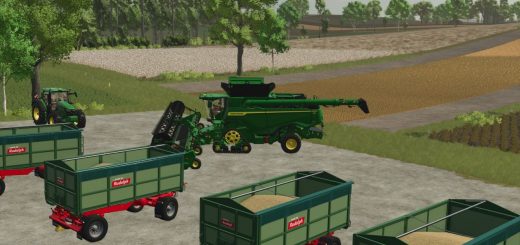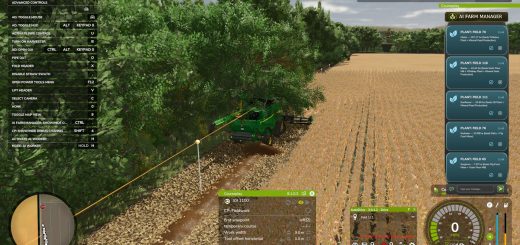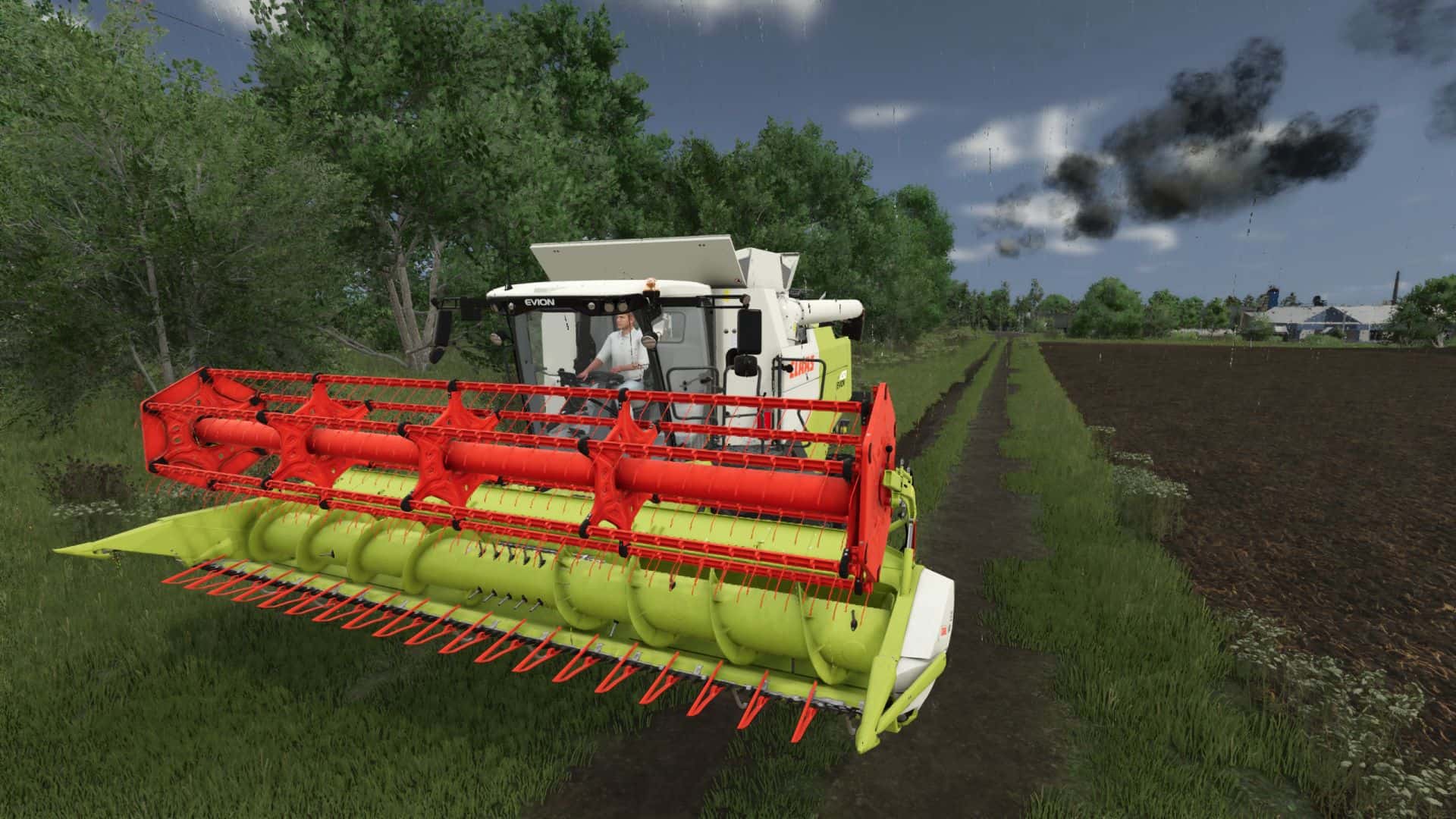
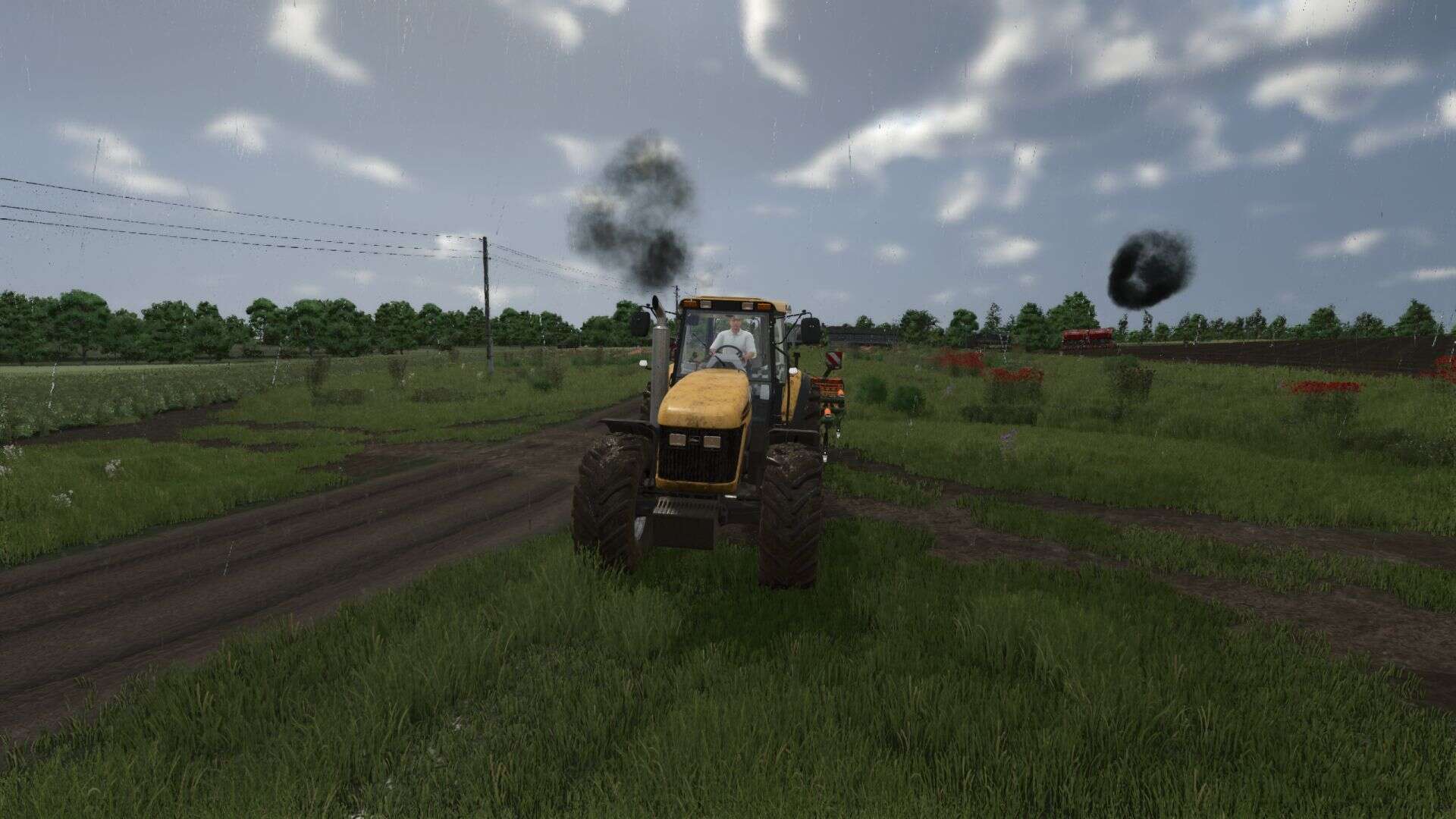
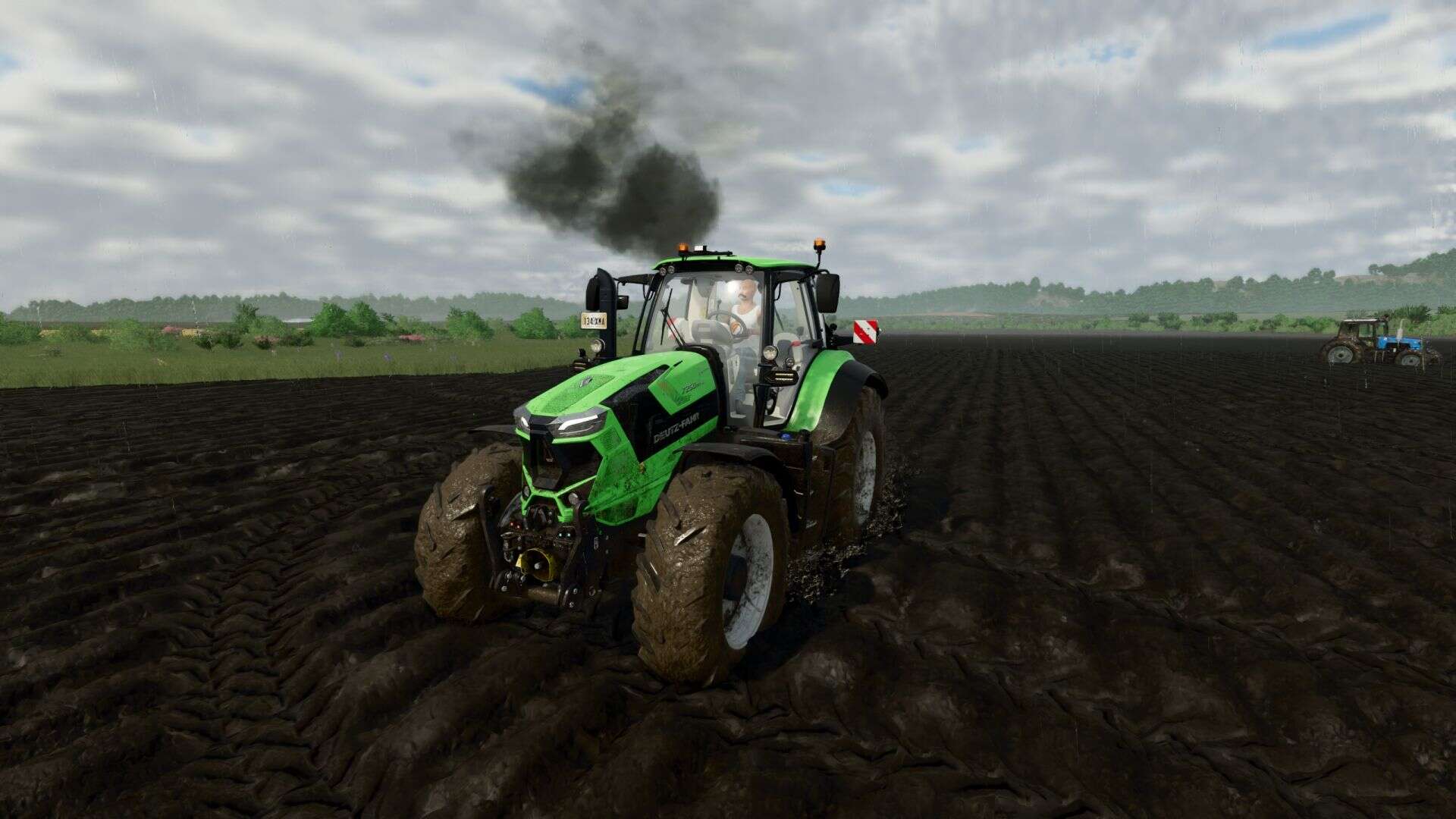
Exhaust Plus is a realistic smoke that completely recycles the standard exhaust of vehicles in Farming Simulator 25.
The mod replaces vanilla smoke with a multi-level particle system that dynamically responds to engine load and speed.
Enabling/deactivating custom smoke on each vehicle – ctrl+left shift+K
Switch preset selection – ctrl+left shift+L
If you have previously installed a mod, change the settings in the controls to the keys you like!
or you can find the file inputBinding.xml in the documents
find something like this in it and delete it (it’s easier to go to the control settings and change the keys)
<actionBinding action=”BMP_EXHAUSTPLUS_VANILLA”>
<binding device=”KB_MOUSE_DEFAULT” input=”KEY_lctrl KEY_lshift KEY_k” axisComponent=”+” neutralInput=”0″ index=”1″/>
</actionBinding>
<actionBinding action=”BMP_EXHAUSTPLUS_PRESET_NEXT”>
<binding device=”KB_MOUSE_DEFAULT” input=”KEY_lctrl KEY_lshift KEY_l” axisComponent=”+” neutralInput=”0″ index=”1″/>
</actionBinding>
V1.0.5.0
– Fixed an error that was in the log when switching presets on the go
– Added new LightSmoke preset
– Fixed a problem where when the Vanilla preset was turned on on a vehicle, it continued to work when the engine was turned off.
– Fixed a problem where if a vehicle had a launcher, a second smoke would come from there.
– Improved Hud line that appears when switching presets or disabling custom smoke