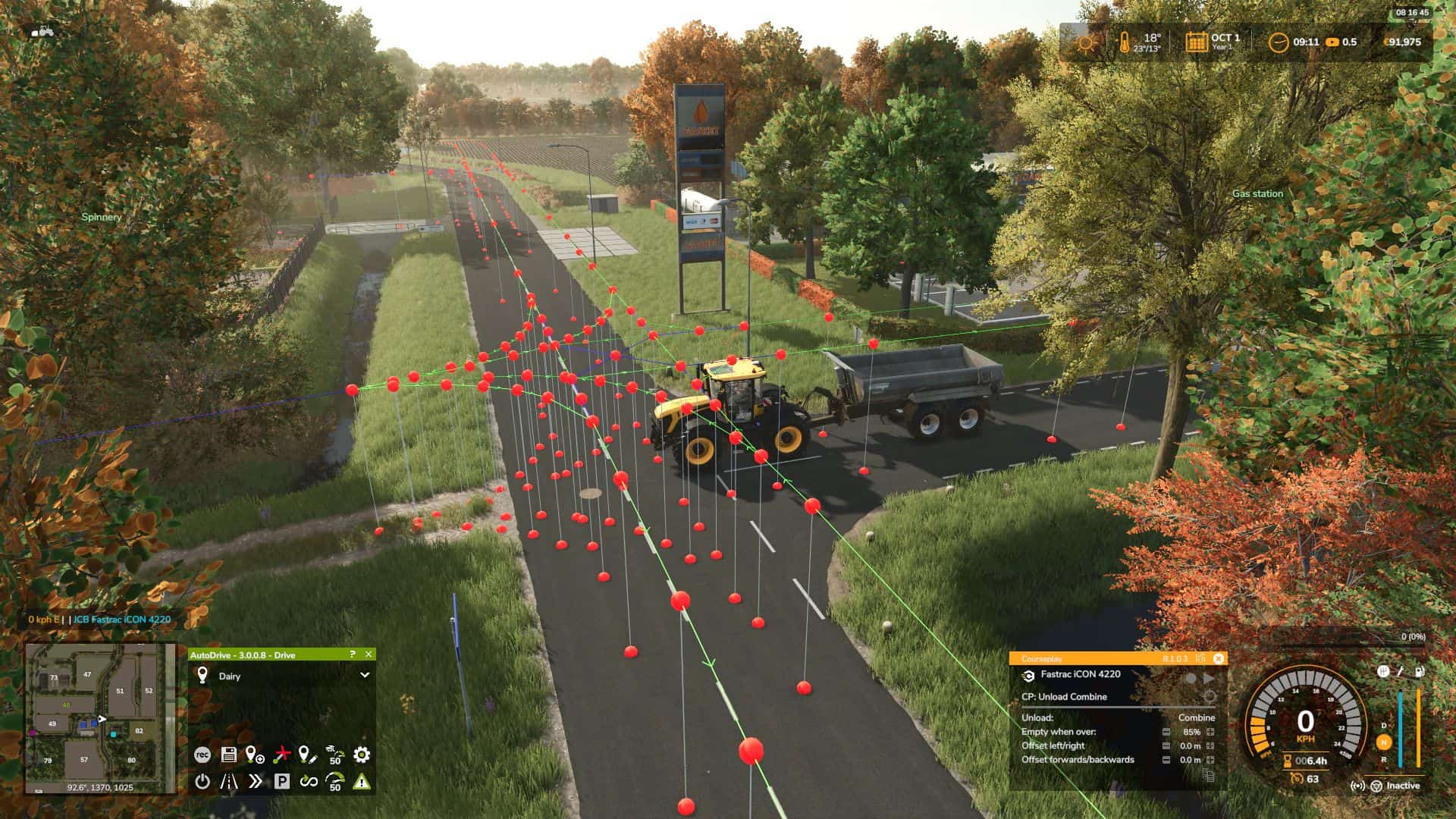
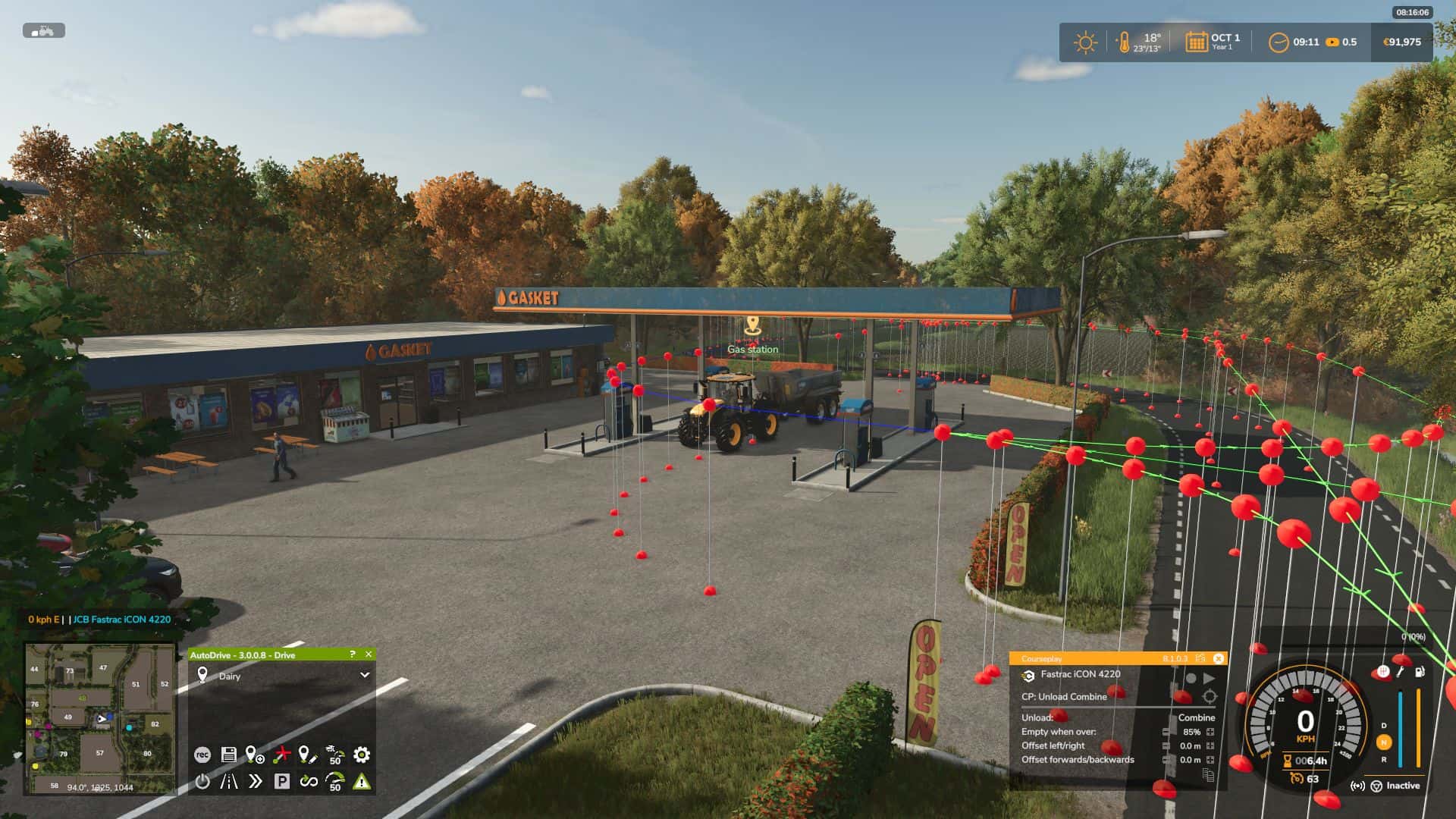
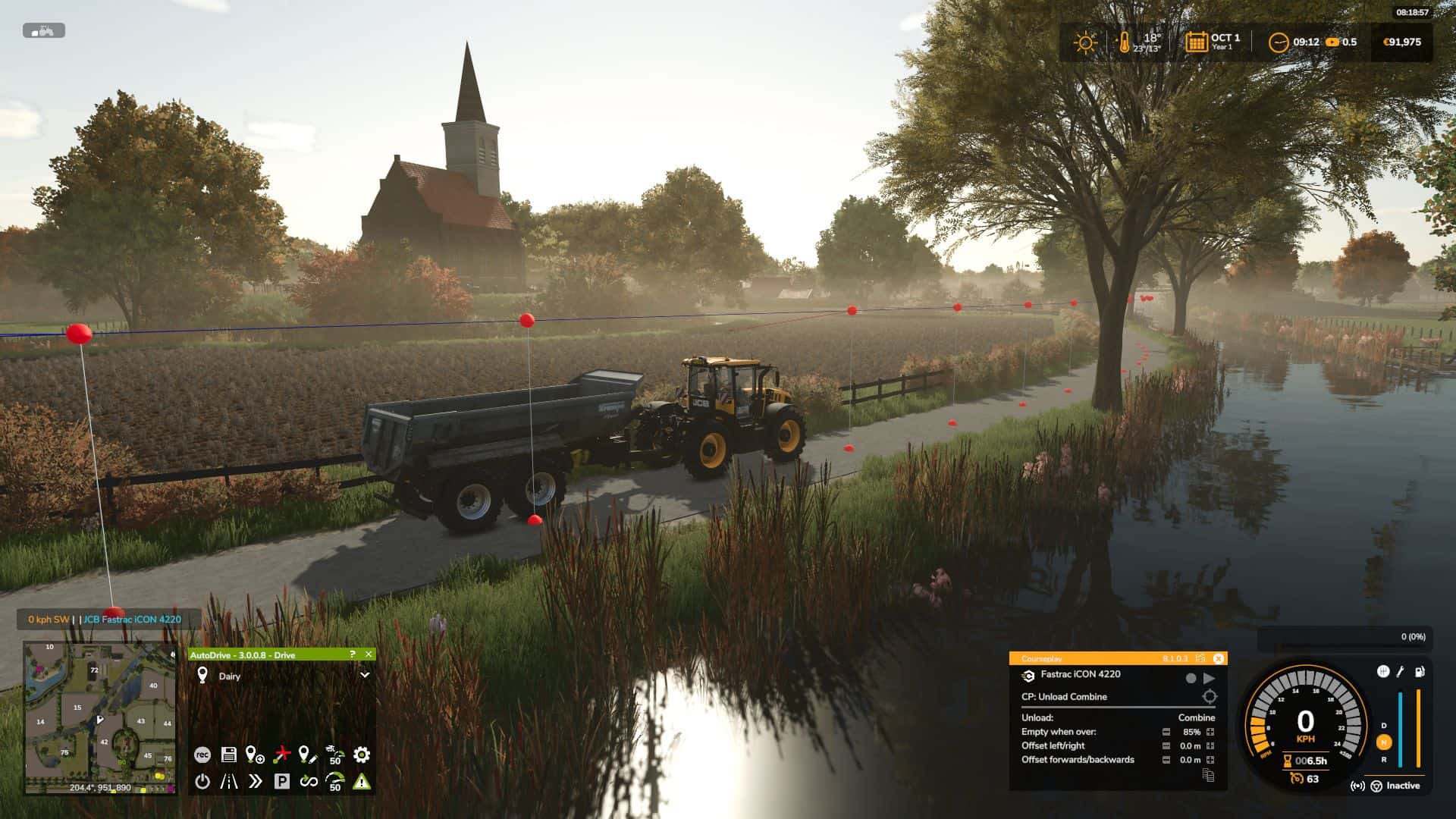
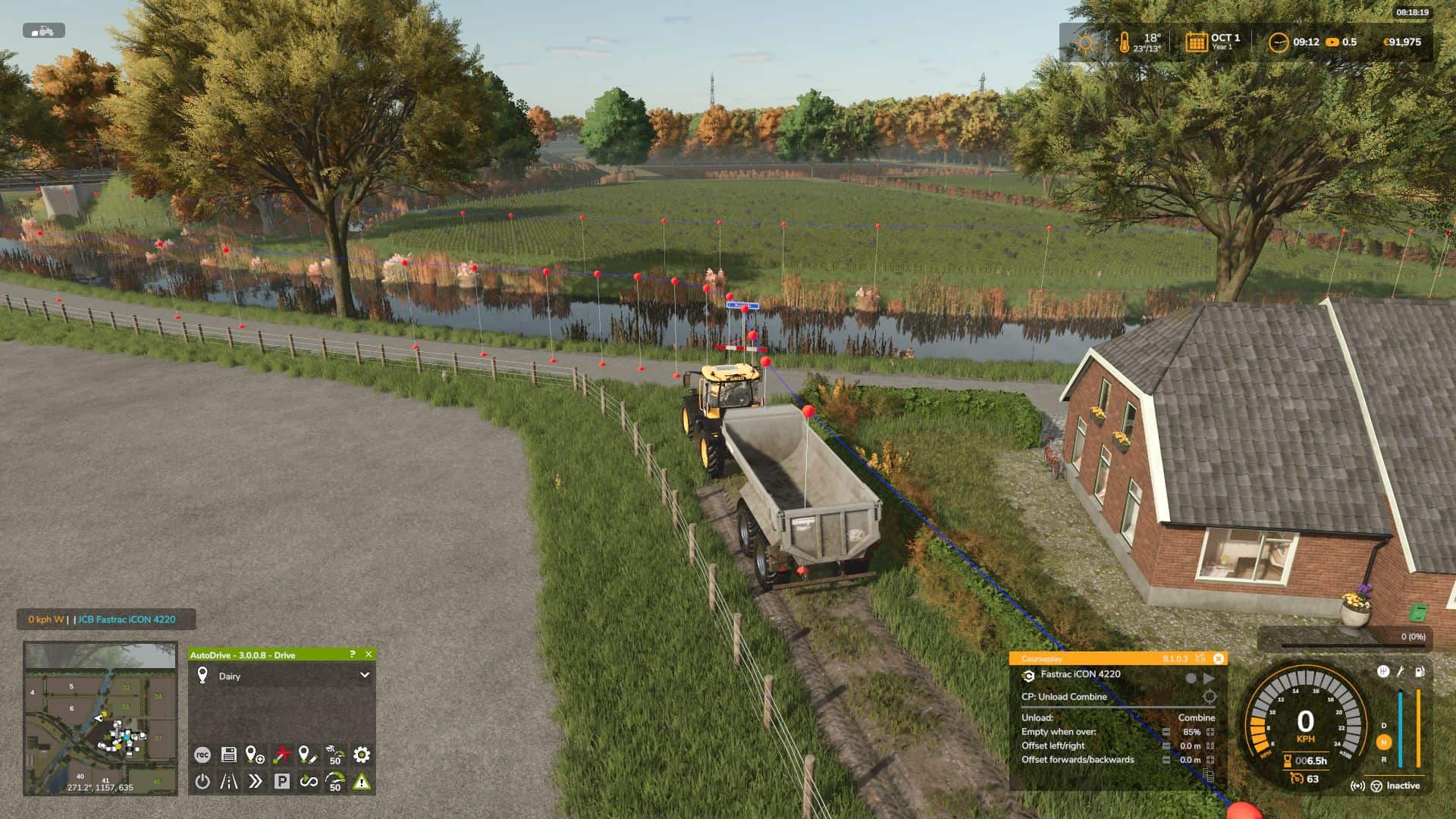
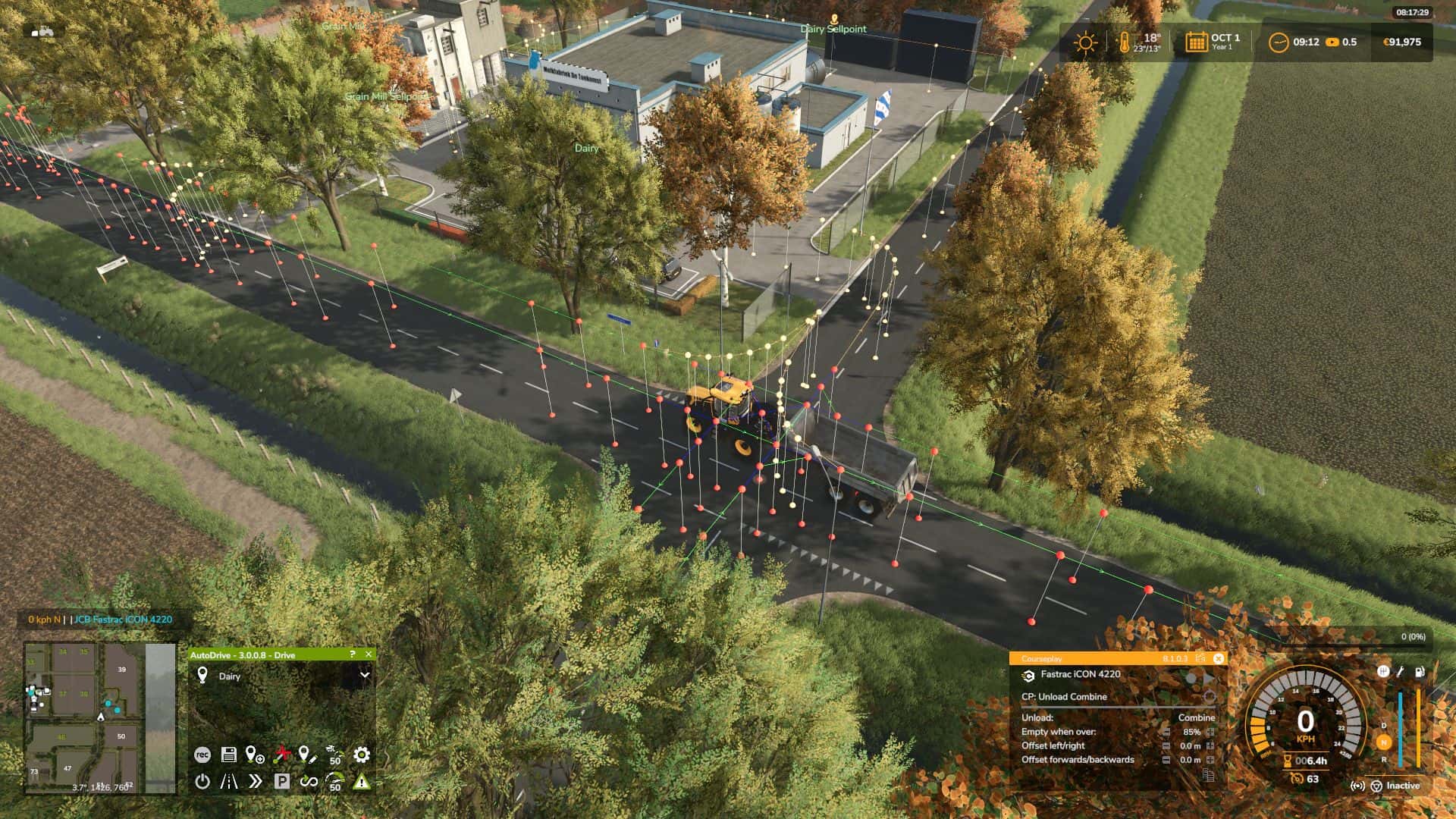
– Here is a simple Autodrive route for the Dutch map De Friese Wouden.
– Waypoints are in English, you can change those into your own language.
– This map is mostly only suitable for small to medium equipment and trailers.
– The route was made with a medium JCB Fasttrack with a halfpipe trailer.
– De route has all the main roads, sideroads and shortcuts.
– Mainroads have left and right side, shortcuts are two-way.
– Traffic ON should not be an issue, but production areas and yards are very tight, some places might need a bit of tweaking.
It is highly recommended to set your cruise speed (in the Autodrive onscreen panel) to a max. of 50km/h and the corner speed (in the Autodrive Menu) to 85%
It only has a few built-in waypoints, you can add your own to your liking.
I did not add fields or farms to the route, it is also best to add those yourself, since most players change their farm anyway. You can then easily connect to the main road.
Installation:
– Have Autodrive installed
– Need to have basic knowledge of Autodrive
– Unzip and put the files in the SAVEGAME folder for this map and overwrite
– If the game ask you “to create an Autodrive route” when you start the game, select NO.
Required:
– Autodrive
– De Friese Wouden